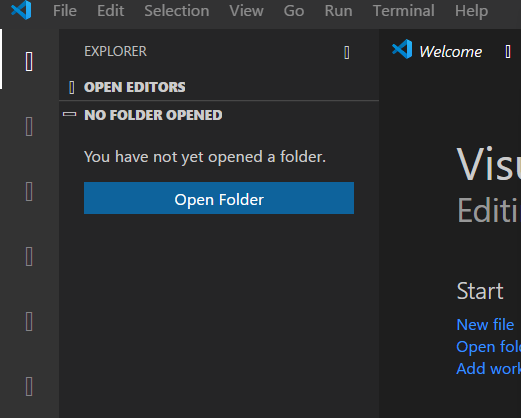
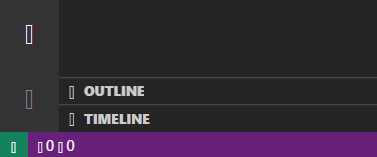
Vscode: All of the vs code icons are missing!
Issue Type: Bug
I have tried with a couple of fresh installs with removing AppData settings as well. But VS Code icons are replaced with some weird symbols like the font is missing or so.
VS Code version: Code 1.47.2 (17299e413d5590b14ab0340ea477cdd86ff13daf, 2020-07-15T18:22:06.216Z)
OS version: Windows_NT x64 10.0.19042
System Info
|Item|Value|
|---|---|
|CPUs|Intel(R) Core(TM) i5-4590 CPU @ 3.30GHz (4 x 3292)|
|GPU Status|2d_canvas: enabled
flash_3d: enabled
flash_stage3d: enabled
flash_stage3d_baseline: enabled
gpu_compositing: enabled
multiple_raster_threads: enabled_on
oop_rasterization: disabled_off
protected_video_decode: unavailable_off
rasterization: enabled
skia_renderer: disabled_off_ok
video_decode: enabled
viz_display_compositor: enabled_on
viz_hit_test_surface_layer: disabled_off_ok
webgl: enabled
webgl2: enabled|
|Load (avg)|undefined|
|Memory (System)|11.94GB (7.07GB free)|
|Process Argv||
|Screen Reader|no|
|VM|0%|
Extensions (3)
Extension|Author (truncated)|Version
---|---|---
python|ms-|2020.7.94776
remote-wsl|ms-|0.44.4
vscode-icons|vsc|10.2.0
(1 theme extensions excluded)
 yasanthachamara
All 12 comments
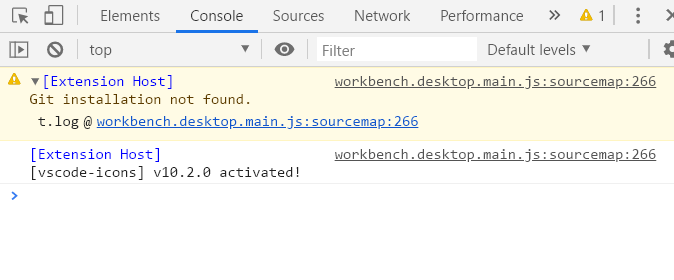
If you run Developer: Toggle Developer Tools, is there any errors in the console?
cc @mjbvz @deepak1556
 joaomoreno
on 23 Jul 2020
joaomoreno
on 23 Jul 2020
Possible duplicate of https://github.com/microsoft/vscode/issues/97564
can you follow the steps mentioned here https://github.com/microsoft/vscode/issues/97564#issuecomment-627292788 to see if svg has correct mime type in your system.
 deepak1556
on 23 Jul 2020
deepak1556
on 23 Jul 2020
Content type is already 'image/svg+xml'

yasanthachamara
on 25 Jul 2020
If you run
Developer: Toggle Developer Tools, is there any errors in the console?cc @mjbvz @deepak1556
I don't see any errors.
yasanthachamara
on 25 Jul 2020
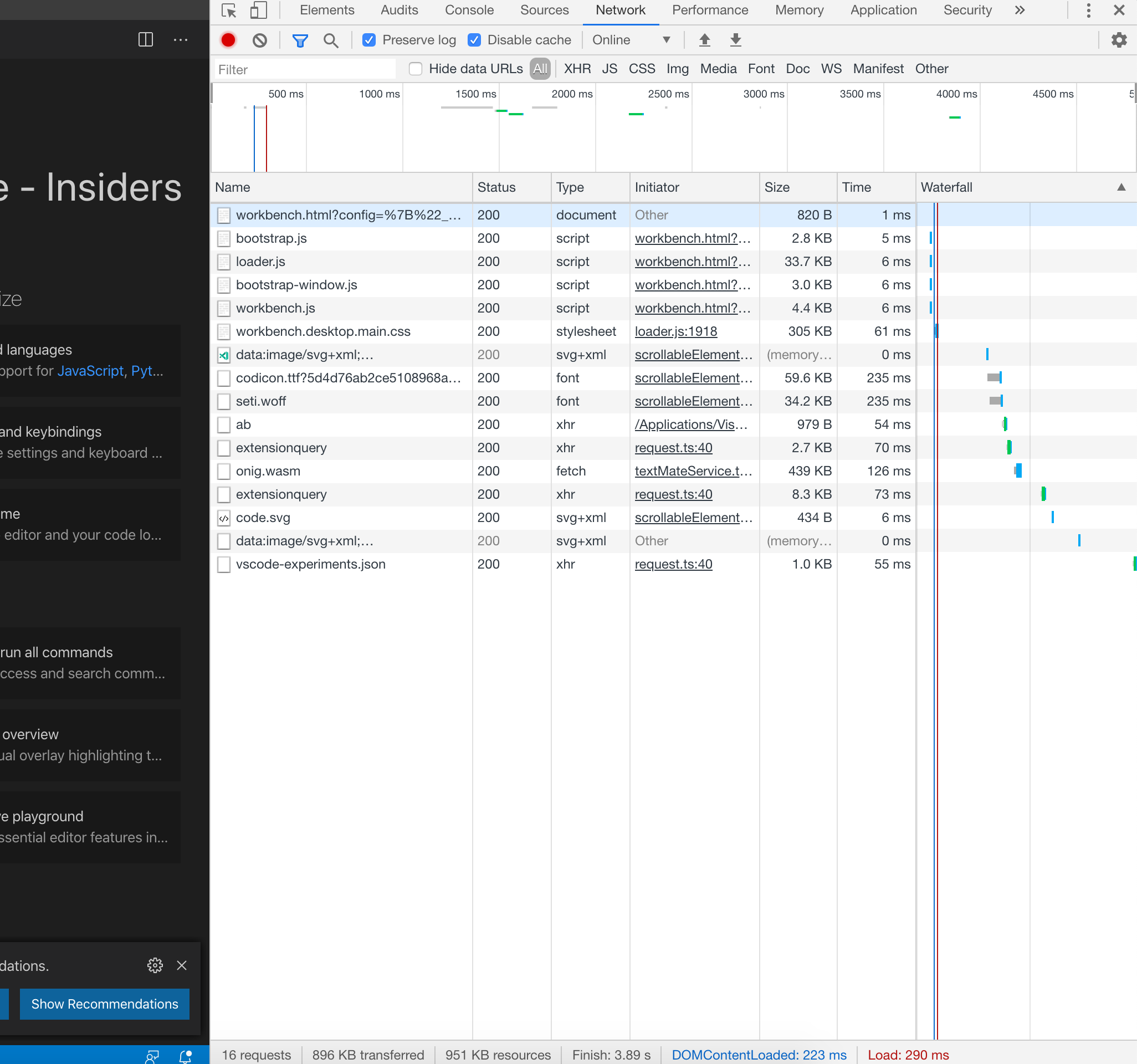
Sorry the delayed response, thanks for the registry output which looks correct. Can you provide the log following
- Toggle developer tools > Network tab
- Click
Disable cacheoption - Reload window
- Export HAR file
deepak1556
on 6 Aug 2020
No worries @deepak1556 . Please find the HAR file attached.
file.zip
yasanthachamara
on 7 Aug 2020
Unfortunately the HAR only contains extension search, did you record with a full reload ? It should be something like the following
deepak1556
on 8 Aug 2020
I have tried again and everything looks like the screenshot you mentioned. Please find the attachment.
file.zip
yasanthachamara
on 8 Aug 2020
okay the issue is with devtools exporting har, apparently its not exporting all the data, sorry about that. Do you see a request for codicon.ttf ? can you attach screenshot of that request if you see it.
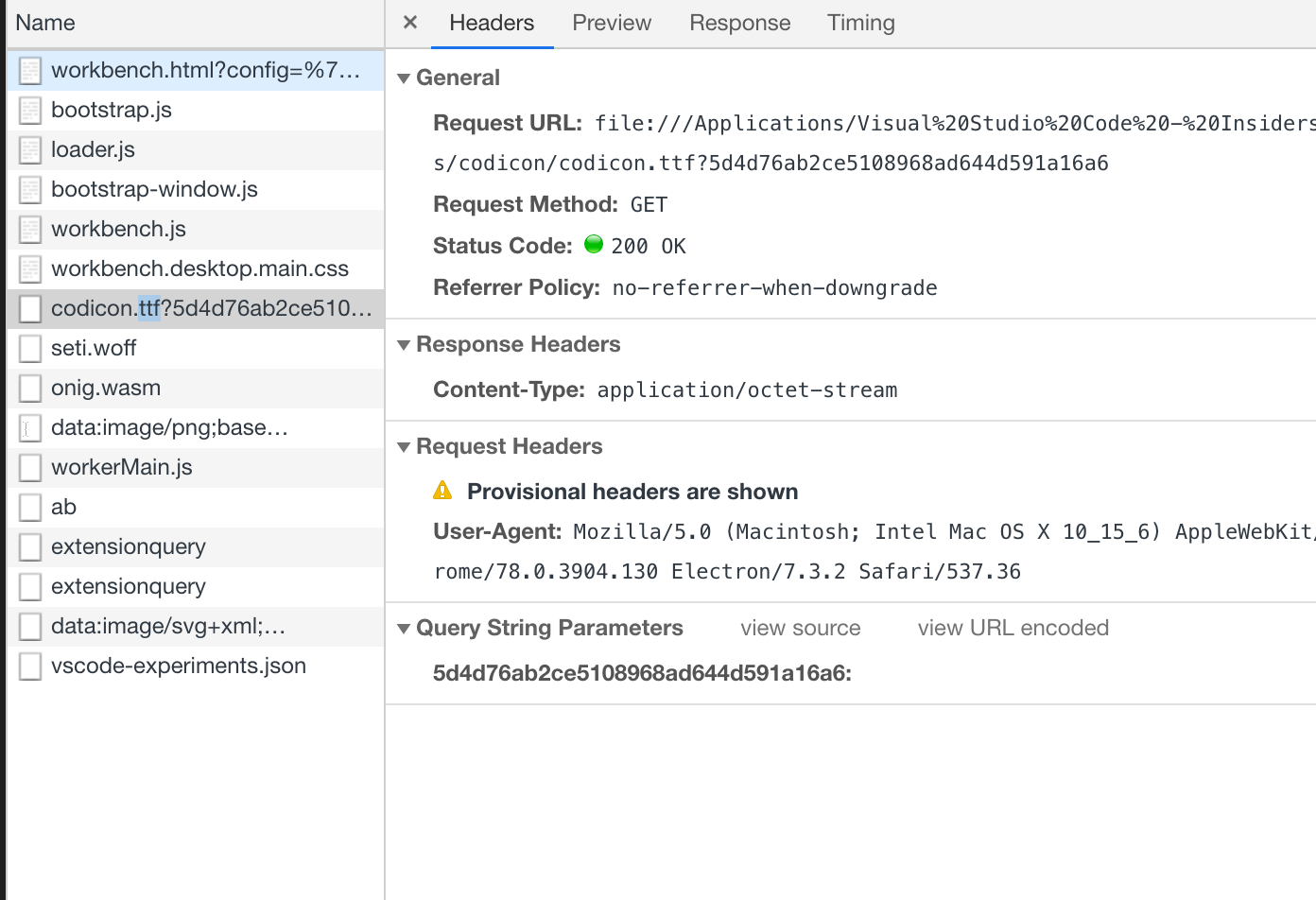
deepak1556
on 8 Aug 2020
Please find the request screenshot attached.
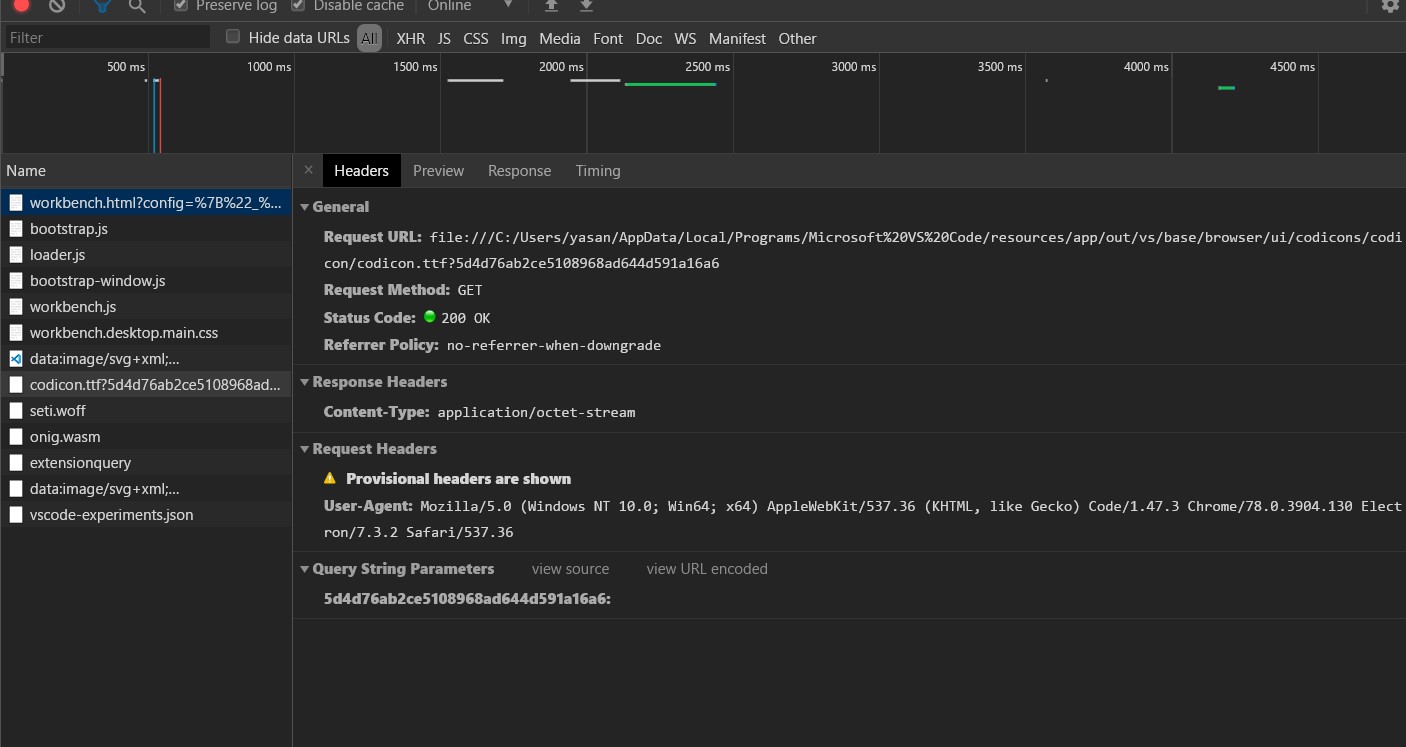
yasanthachamara
on 8 Aug 2020
Hi. Any update on this?
yasanthachamara
on 29 Aug 2020
Hey @joaomoreno, this issue might need further attention.
@yasanthachamara, you can help us out by closing this issue if the problem no longer exists, or adding more information.
 vscode-triage-bot
on 17 Nov 2020
vscode-triage-bot
on 17 Nov 2020
Related issues
 vsccarl
·
3Comments
vsccarl
·
3Comments
 ryan-wong
·
3Comments
ryan-wong
·
3Comments
 VitorLuizC
·
3Comments
VitorLuizC
·
3Comments
 sijad
·
3Comments
sijad
·
3Comments
 sirius1024
·
3Comments
sirius1024
·
3Comments
Most helpful comment
Sorry the delayed response, thanks for the registry output which looks correct. Can you provide the log following
Disable cacheoption