Vscode: Notebook output rendering: wheel/scroll events handling
Issue Type: Feature Request
Currently it's unclear and difficult to handle scrolling events inside an output which is rendered in the webview due to the disadvantage of our current architecture: we listen to wheel event in the webview and scroll the list view in the main thread accordingly. It means if users attempt to scroll in a native scrollable element, the element will be scrolled in the webview, and also trigger the whole editor to scroll.
Events triggered when users scroll on a scrollable element
scroll
wheel
scroll
wheel
scroll
...
scroll events come right after wheel events, usually in a few milliseconds. If users trigger scroll (by mouse wheel or touchpad) on a non-scrollable element, there are only wheel events.
Solution 1
For our scenario, we want to emit wheel events to the main thread, only when there is no scroll event followed right after. This can be archived by delaying the wheel event message to the main thread
let wheelTimeout;
const handleWheel = (event) => {
  wheelTimeout = setTimeout(() => {
     _vscodeAPI.postMessage(event);
     wheelTimeout = undefined;
  }, 20);
}

const handleScroll = (event) => [
  if (wheelTimeout !== undefined) {
    clearTimeout(wheelTimeout);
  }
  ...
}
The catch of this solution is how long should we delay. Usually a scroll event comes after a wheel event in just a few ms but it's not guaranteed.
Solution 2.
Renderers handle the scrolling themselves. For example, a renderer can stop sending wheel event on a scrollable element.
node.addEventListener('wheel', (event) => {
    event.preventDefault();
    event.stopImmediatePropagation();
});
The challenge for renderers is they need to be keep track of any element with overflow: scroll it renders and stop wheel events only when necessary.
VS Code version: Code - Insiders 1.44.0-insider (6cf3dd97465b2f4f666b66758991d720e003b0f4, 2020-03-27T05:28:16.333Z)
OS version: Darwin x64 19.2.0
 rebornix
All 3 comments
cc @jrieken as you mentioned that it would be painful to write a list view in the output.
rebornix
on 28 Mar 2020
I would suggest listening to the wheel event, and triggering a scroll in the notebook if there's no parent element that will scroll. You should be able to tell that with something like
function scrollWillGoToParent(event) {
  for (let node = event.target; node; node = node.parent) {
    if (event.deltaY < 0 && node.scrollTop > 0) {
      return true;
    }

    if (event.deltaY > 0 && node.scrollTop + node.clientHeight < node.scrollHeight) {
      return true;
    }
  }

  return false;
}


const handleWheel = (event) => {
  if (!event.defaultPrevented && !scrollWillGoToParent(event)) {
    scrollNotebook(event);
  }
}
 connor4312
on 28 Mar 2020
connor4312
on 28 Mar 2020
@connor4312 thanks very much, the suggestion is pretty solid.
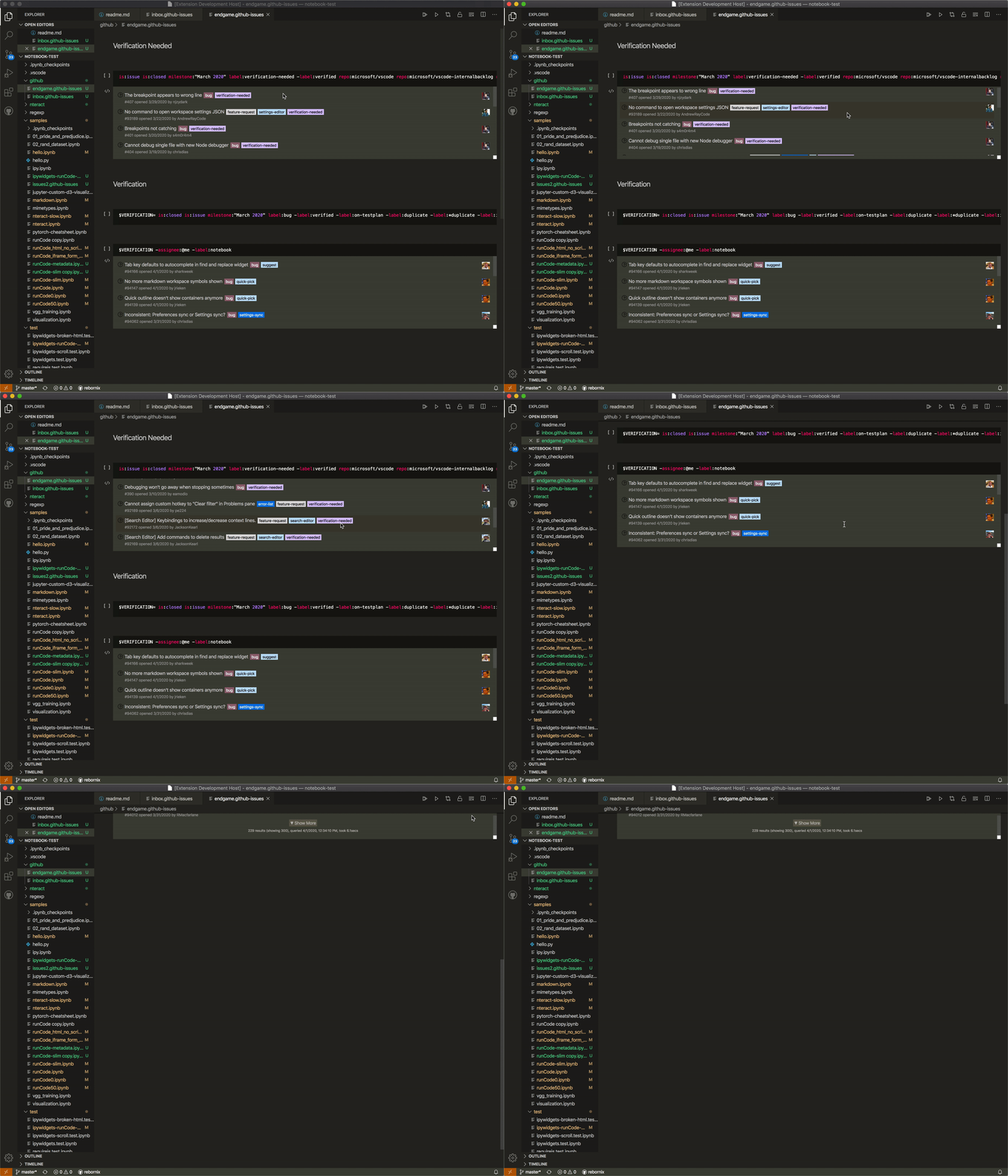
The only update to @connor4312 's snippet above is the scroll should stop at the container of each output container instead of going all the way up to body (potentially). The event listener should also then be registered only in notebook webview other than all webviews.
rebornix
on 1 Apr 2020
Related issues
 VitorLuizC
·
3Comments
VitorLuizC
·
3Comments
 vsccarl
·
3Comments
vsccarl
·
3Comments
 shanalikhan
·
3Comments
shanalikhan
·
3Comments
 biij5698
·
3Comments
biij5698
·
3Comments
 sirius1024
·
3Comments
sirius1024
·
3Comments
Most helpful comment
I would suggest listening to the wheel event, and triggering a scroll in the notebook if there's no parent element that will scroll. You should be able to tell that with something like