Issue Type: Bug
On Mac,using cmd + F trigger search, cursor don't focus on search input, while previous version do.
VS Code version: Code 1.40.0 (86405ea23e3937316009fc27c9361deee66ffbf5, 2019-11-06T17:09:34.601Z)
OS version: Darwin x64 18.6.0
 xiaoshude
All 13 comments
Any news regarding this bug? Its very annoying :-(
 MartinNuc
on 13 Nov 2019
MartinNuc
on 13 Nov 2019
Could you please provide more information, like screenshots, gif to help trouble?
 rebornix
on 13 Nov 2019
rebornix
on 13 Nov 2019
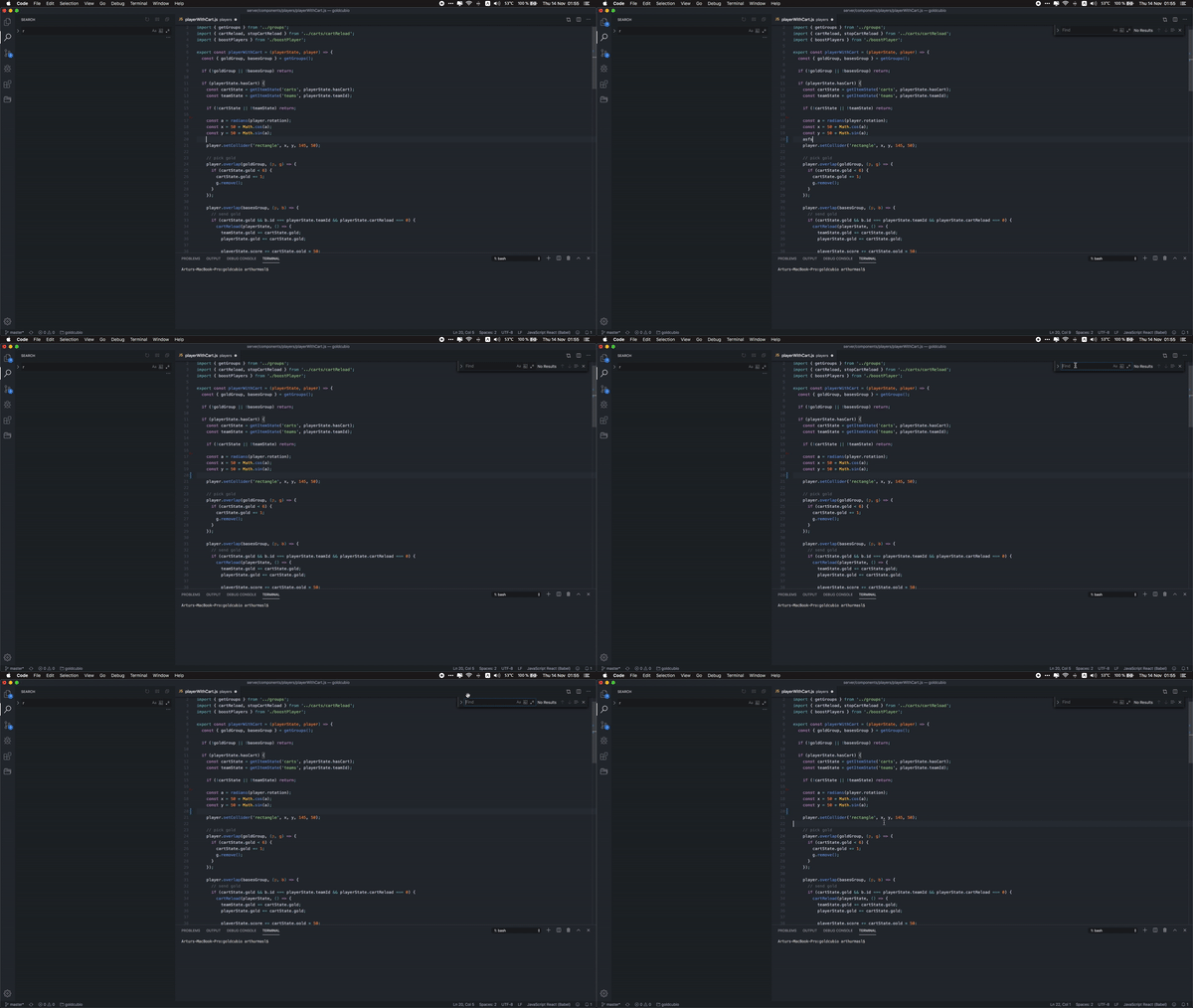
Could you please provide more information, like screenshots, gif to help trouble?
 arthurmasl
on 14 Nov 2019
arthurmasl
on 14 Nov 2019
Same bug here, not breaking but very annoying, anything we can do for fix it till next update?
update.
In my case, i solved the bug resetting "find with selection" keybinding, and voila!
Settings > keyboard shortcuts > search for "find with selection", right click > Reset keybinding

 JsanchezSeyte
on 14 Nov 2019
JsanchezSeyte
on 14 Nov 2019
@JsanchezSeyte confirmed. This actually solved my issue too.
MartinNuc
on 19 Nov 2019
When I reset Find With Selection it defaulted to CMD+E which made it worse for me.
 yordis
on 25 Nov 2019
yordis
on 25 Nov 2019
@rebornix any updates on this?
yordis
on 9 Dec 2019
https://github.com/microsoft/vscode/issues/44093#issuecomment-546157573
..................................................................
yordis
on 15 Apr 2020
Hey @rebornix, this issue might need further attention.
@xiaoshude, you can help us out by closing this issue if the problem no longer exists, or adding more information.
![github-actions[bot] picture](https://avatars2.githubusercontent.com/in/15368?v=4&s=40) github-actions[bot]
on 24 Jul 2020
github-actions[bot]
on 24 Jul 2020
@rebornix @xiaoshude open pull request pending: https://github.com/microsoft/vscode/pull/95314
yordis
on 26 Jul 2020
@yordis are you still seeing this issue in current Insiders? I can't reproduce this issue, sorry.
rebornix
on 31 Jul 2020
@rebornix problem fixed in Insiders version.
Should I close #95314?
yordis
on 1 Aug 2020
Thanks for closing it :)
rebornix
on 4 Aug 2020
Related issues
 trstringer
·
3Comments
trstringer
·
3Comments
 shanalikhan
·
3Comments
shanalikhan
·
3Comments
 DovydasNavickas
·
3Comments
DovydasNavickas
·
3Comments
 omidgolparvar
·
3Comments
omidgolparvar
·
3Comments
 villiv
·
3Comments
villiv
·
3Comments
Most helpful comment
Same bug here, not breaking but very annoying, anything we can do for fix it till next update?
update.
In my case, i solved the bug resetting "find with selection" keybinding, and voila!
Settings > keyboard shortcuts > search for "find with selection", right click > Reset keybinding