Issue Type: Bug
Normally on MacOS, you can toggle between two windows of the same app with ⌘ + ` (Cmd + backtick). I have verified that this works in other apps installed on my machine (eg Chrome). This used to work in VS Code, but has stopped working very recently (within the last few days). I've checked my keyboard mapping, and the only commands involving a backtick use Ctrl (not Cmd). I've also tried this with all extensions disabled.
To reproduce:
- Open VS Code
- Open a second VS Code Window (Cmd + Shift + N)
- Try to toggle using Cmd + Backtick
- I now expect to be in the first window I opened, but I'm not
VS Code version: Code 1.31.0 (7c66f58312b48ed8ca4e387ebd9ffe9605332caa, 2019-02-05T22:32:14.164Z)
OS version: Darwin x64 17.7.0
System Info
|Item|Value|
|---|---|
|CPUs|Intel(R) Core(TM) i7-7700K CPU @ 4.20GHz (8 x 4201)|
|GPU Status|2d_canvas: enabled
checker_imaging: disabled_off
flash_3d: enabled
flash_stage3d: enabled
flash_stage3d_baseline: enabled
gpu_compositing: enabled
multiple_raster_threads: enabled_on
native_gpu_memory_buffers: enabled
rasterization: unavailable_off
surface_synchronization: enabled_on
video_decode: enabled
webgl: enabled
webgl2: enabled|
|Load (avg)|3, 2, 2|
|Memory (System)|16.00GB (1.21GB free)|
|Process Argv||
|Screen Reader|no|
|VM|0%|
Extensions (29)
Extension|Author (truncated)|Version
---|---|---
color-info|bie|0.5.0
path-intellisense|chr|1.4.2
vscode-eslint|dba|1.8.0
javascript-ejs-support|Dig|0.4.1
githistory|don|0.4.6
gitlens|eam|9.5.0
tslint|eg2|1.0.42
vsc-material-theme|Equ|2.6.3
auto-close-tag|for|0.5.6
auto-rename-tag|for|0.0.15
macros|ged|1.2.1
latex-workshop|Jam|5.21.0
intellij-idea-keybindings|k--|0.2.31
wordcounter|kir|1.4.0
rainbow-csv|mec|1.0.0
dotenv|mik|1.0.1
python|ms-|2019.1.0
vscode-jest|Ort|2.9.2
vscode-docker|Pet|0.5.2
livescript|pse|0.1.1
gitlink|qez|0.4.5
ruby|reb|0.21.0
code-settings-sync|Sha|3.2.4
vscode-zipexplorer|sle|0.3.1
autoimport|ste|1.5.3
rewrap|stk|1.9.1
code-spell-checker|str|1.6.10
vscode-todo-highlight|way|1.0.4
markdown-all-in-one|yzh|2.0.1
 alecgibson
All 23 comments
Open for help if someone can investigate.
 bpasero
on 8 Feb 2019
bpasero
on 8 Feb 2019
I just tried to reproduce and I cannot, it still seems to work the same for me.
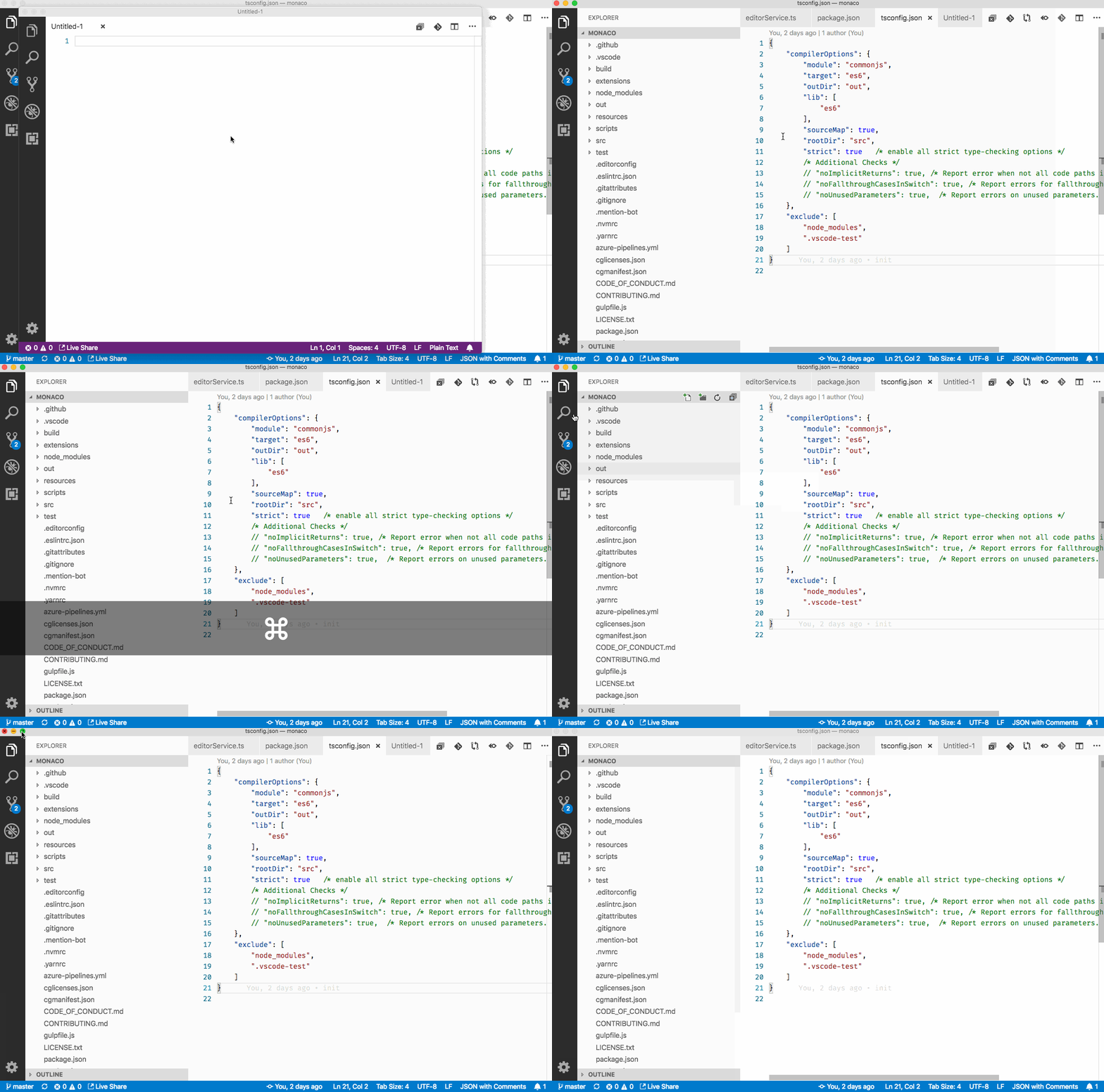
@alecgibson are you on a US keyboard layout?
bpasero
on 9 Feb 2019
Interestingly on my Macbook (as opposed to my Mac), this works fine. Macbook is on Mojave, whereas the Mac is on High Sierra (don't know if that matters).
The Mac (where this doesn't work) is using a USB keyboard on a custom keyboard layout, but I don't see why that would matter. I've sense-checked that the key I'm pressing does indeed produce a backtick (especially because I used that keyboard to write the original bug report).
alecgibson
on 9 Feb 2019
Specs for my Macbook, where this isn't an issue:
VS Code version: Code 1.31.0 (7c66f58312b48ed8ca4e387ebd9ffe9605332caa, 2019-02-05T22:32:14.164Z)
OS version: Darwin x64 18.2.0
System Info
|Item|Value|
|---|---|
|CPUs|Intel(R) Core(TM) i7-7567U CPU @ 3.50GHz (4 x 3500)|
|GPU Status|2d_canvas: enabled
checker_imaging: disabled_off
flash_3d: enabled
flash_stage3d: enabled
flash_stage3d_baseline: enabled
gpu_compositing: enabled
multiple_raster_threads: enabled_on
native_gpu_memory_buffers: enabled
rasterization: enabled
surface_synchronization: enabled_on
video_decode: enabled
webgl: enabled
webgl2: enabled|
|Load (avg)|2, 2, 3|
|Memory (System)|16.00GB (4.61GB free)|
|Process Argv||
|Screen Reader|no|
|VM|0%|
Extensions (29)
Extension|Author (truncated)|Version
---|---|---
color-info|bie|0.5.0
path-intellisense|chr|1.4.2
vscode-eslint|dba|1.8.0
javascript-ejs-support|Dig|0.4.1
githistory|don|0.4.6
gitlens|eam|9.5.0
tslint|eg2|1.0.42
vsc-material-theme|Equ|2.6.3
auto-close-tag|for|0.5.6
auto-rename-tag|for|0.0.15
macros|ged|1.2.1
latex-workshop|Jam|5.21.0
intellij-idea-keybindings|k--|0.2.31
wordcounter|kir|1.4.0
rainbow-csv|mec|1.0.0
dotenv|mik|1.0.1
python|ms-|2019.1.0
vscode-jest|Ort|2.9.2
vscode-docker|Pet|0.5.2
livescript|pse|0.1.1
gitlink|qez|0.4.5
ruby|reb|0.21.0
code-settings-sync|Sha|3.2.4
vscode-zipexplorer|sle|0.3.1
autoimport|ste|1.5.3
rewrap|stk|1.9.1
code-spell-checker|str|1.6.10
vscode-todo-highlight|way|1.0.4
markdown-all-in-one|yzh|2.0.1
alecgibson
on 9 Feb 2019
Weird, thanks for testing. I am not sure what this is, adding Alex.
bpasero
on 9 Feb 2019
Great. Thanks. Also of note: my VS Code uses the settings sync plugin to keep my config synced across both my machines, so in theory it shouldn't be anything config- or extension-related.
alecgibson
on 9 Feb 2019
Hmm, found a similar bug with a (very) old version of Firefox: https://bugzilla.mozilla.org/show_bug.cgi?id=417466
Looks like it could actually be layout-related. I'm away from my desktop for the weekend; I'll try mucking about with key mappings a bit on Monday unless someone figures it out in the meantime.
alecgibson
on 9 Feb 2019
I have the same issue on my macbook pro when using a custom keyboard layout.
When I go back to a system-provided layout, Cmd ` correctly cycles through windows.
 cebamps
on 11 Feb 2019
cebamps
on 11 Feb 2019
When you type this keybinding in the keybindings editor to search for it, is there a command associated maybe?
bpasero
on 11 Feb 2019
My Macbook Pro works just fine with both a custom keyboard layout, and a British layout.
alecgibson
on 11 Feb 2019
@bpasero No command associated. As a temporary workaround I can bind Cmd-backtick to workbench.action.switchWindow, and that is recognized just fine.
cebamps
on 11 Feb 2019
I am also seeing this issue.
I have just tried with a different system provided keyboard layout and it worked but not on my usual system provided layout.
I usually have my Mac set to "British - PC" where the cmd + ` does not work.
I have just tried the "British" layout and cmd + ` does work.
 tobycurl
on 11 Feb 2019
tobycurl
on 11 Feb 2019
Okay, I confirm what @tobycurl found:
- "British - PC" layout doesn't work
- "British" layout does work
- (also, "US" layout works)
"British - PC" is what I normally use.
alecgibson
on 11 Feb 2019
I am also experiencing this issue, no more cycling through VS Code windows.
For me I noticed the issue about a week or so ago. It started after upgrading to VS Code 1.31 on my Macbook Pro running Mojave.
I've tried changing the "input sources" on the Mac to British, British - PC and US without any luck. Downloading and running the v1.30 fixes the issue, so for me this issue seems isolated to v1.31.
- Macbook Pro Retina 15" mid 2015, running macOS Mojave
- Norwegian keyboard layout
- English US system language
Registering the shortcut as a special VSCode command works in both 1.30 and 1.31, they are being triggered when trying to cycle window, and prevents the window from being cycled. When removing the special command the v1.30 will default to letting macOS do window cycling while on v1.31 nothing happens at all.
 jarlefosen
on 17 Feb 2019
jarlefosen
on 17 Feb 2019
We are building exploration builds that use a much newer version of our UI framework (Electron version 4.0.x). I wonder if this issue reproduces with one of these builds, could you try? Download:
bpasero
on 18 Feb 2019
@bpasero I've tried the macOS app you've provided, but ~this seems to act even worse~ it still doesn't work:
- "British - PC": duplicates the current tab into a split pane
- "British": ~does nothing~ works
- "US": ~does nothing~ works
Edit: Sorry, had a brain burp and forgot the keyboard layouts would move the backtick key. This time I validated I had the right key by typing with it, and then used Cmd + ` to check behaviour. Findings are basically the same as for the version built on Electron 3, but with slightly weirder behaviour on the "British - PC" layout.
alecgibson
on 18 Feb 2019
I tried it with Norwegian keyboard layout as reported earlier, same issue in the exploration build.
 bruun
on 18 Feb 2019
bruun
on 18 Feb 2019
Not sure if it helps but I'm having the same problem with the osx slack app.
 clarkie
on 5 Mar 2019
clarkie
on 5 Mar 2019
@clarkie how do you get multiple windows in Slack to test this?
tobycurl
on 7 Mar 2019
@tobycurl If you open up a new "post". In fact I think that's the only way to get a new window open 😄
clarkie
on 7 Mar 2019
@clarkie thanks! (Managed to find it eventually!) It does seem to show the same issue on “British - PC” but works on “British”.
tobycurl
on 7 Mar 2019
Do we need to raise an issue on Electron, then? I'm not that familiar with Electron; is anyone able to put together a set of reproducible steps for raising an issue there?
alecgibson
on 7 Mar 2019
Okay. I did a little bit of digging. This is definitely an Electron issue - I put together a minimal working example. Raised an issue on Electron: https://github.com/electron/electron/issues/17287
I guess we can probably close this here.
alecgibson
on 8 Mar 2019
Related issues
 philipgiuliani
·
3Comments
philipgiuliani
·
3Comments
 lukehoban
·
3Comments
lukehoban
·
3Comments
 trstringer
·
3Comments
trstringer
·
3Comments
 sijad
·
3Comments
sijad
·
3Comments
 omidgolparvar
·
3Comments
omidgolparvar
·
3Comments
Most helpful comment
Okay. I did a little bit of digging. This is definitely an Electron issue - I put together a minimal working example. Raised an issue on Electron: https://github.com/electron/electron/issues/17287
I guess we can probably close this here.