Vscode: Welcome: Improve "keyboard tips" visual presentation
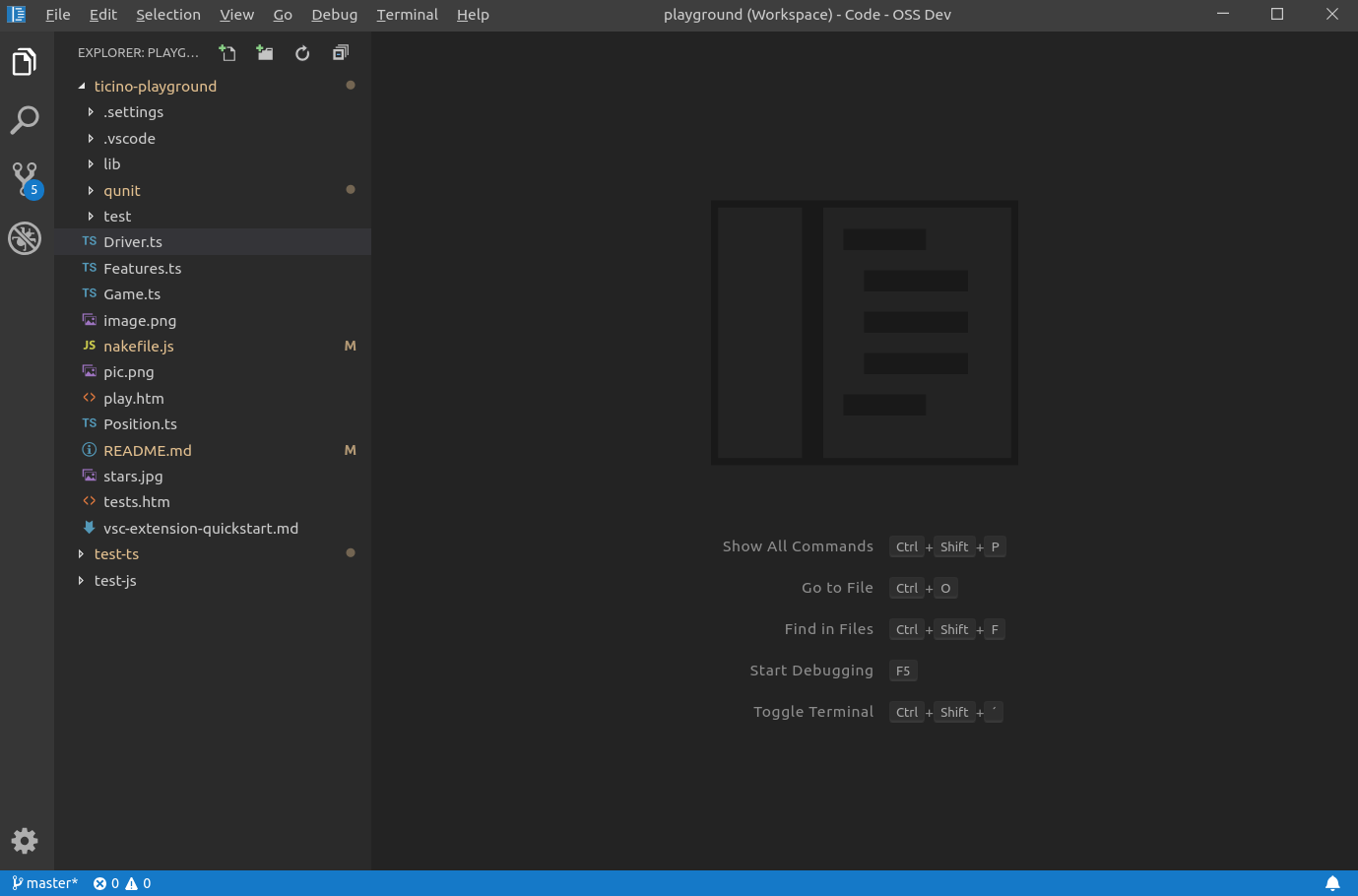
I find our display of keybinding tips not looking very modern:
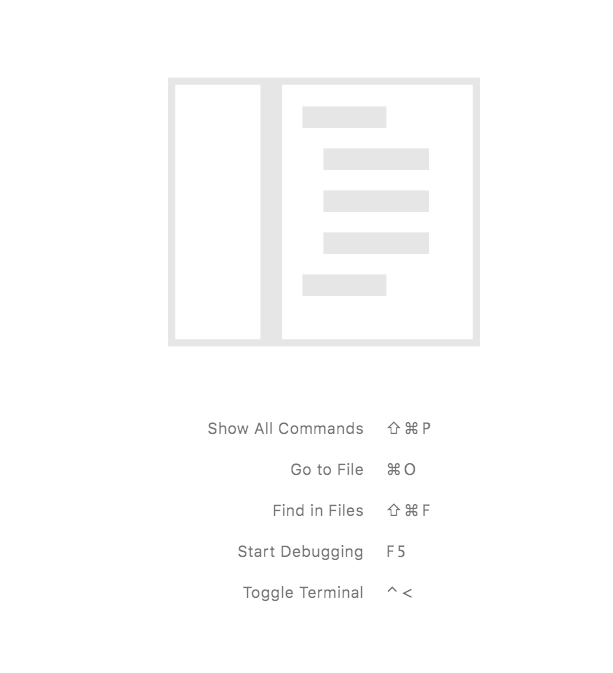
Since we have a menu for all these things, I suggest we remove the "tips" section entirely.
This is how cool it looks without it:
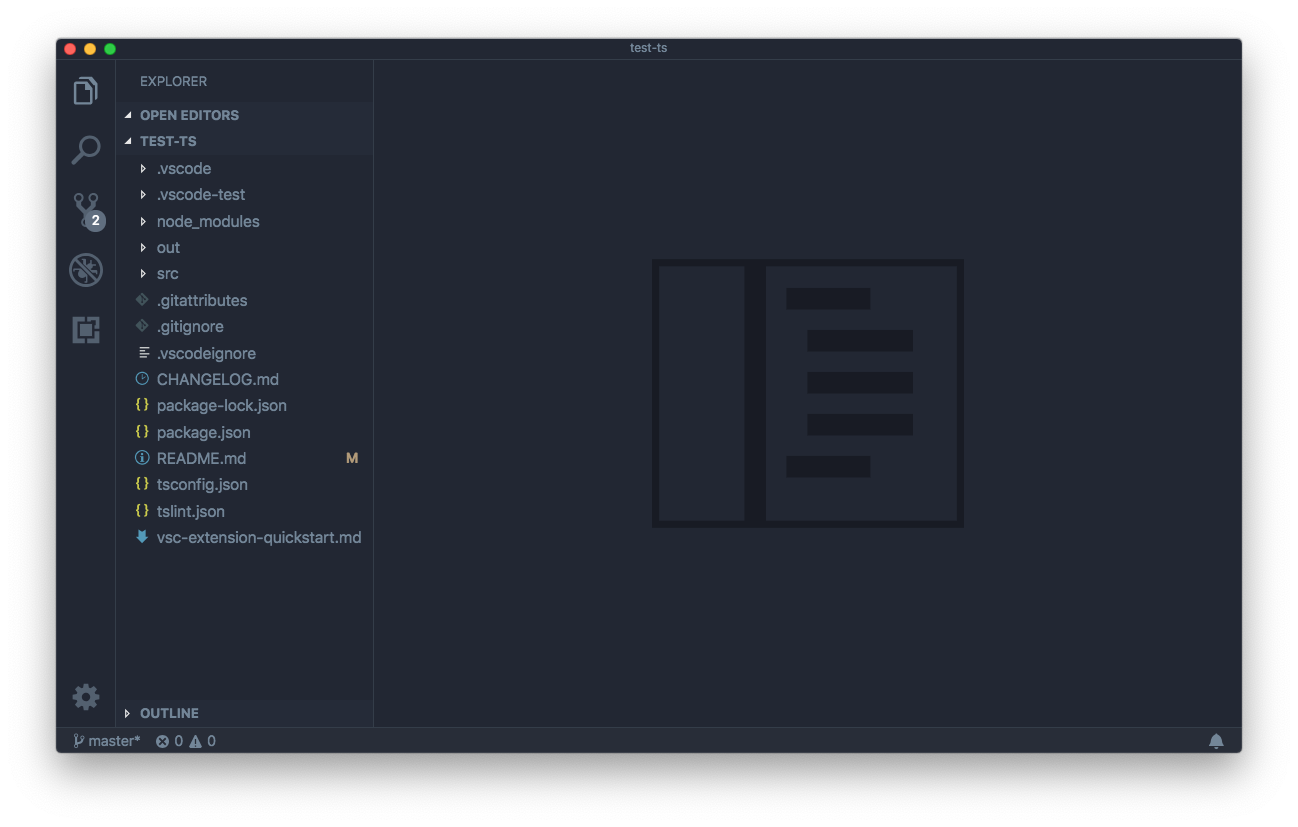
@Microsoft/vscode thoughts?
 bpasero
All 21 comments
It’s safe to say that no one on the vscode team needs these tips. They were added for new users, so do we think that this information is now just as easily discoverable in other manners by new users? The menus? The welcome screen?
Having an overview of essential functions is still helpful in my view but I don’t have numbers to say how often new users see these tips today
 mjbvz
on 12 Dec 2018
mjbvz
on 12 Dec 2018
@isidorn added this a while back...
"workbench.tips.enabled": false
 chrisdias
on 12 Dec 2018
chrisdias
on 12 Dec 2018
Did we add these before we did work to add many more things to the menu?
Maybe the problem it was solving is "I am looking at a blank screen, what now" but maybe the menu helps with that.
 roblourens
on 12 Dec 2018
roblourens
on 12 Dec 2018
I think the problem this was meant to solve was another way in addition to the welcome screen to teach users about features, that's why command palette is first as it's arguably the most important keybinding. @roblourens the terminal menu was still "Tasks" when this was added
 Tyriar
on 13 Dec 2018
Tyriar
on 13 Dec 2018
The menus are great, but isn't there still value in a short list of shortcuts? How long does it take to discover the command palette (or any of these) with vs. without these hints?
 chrmarti
on 13 Dec 2018
chrmarti
on 13 Dec 2018
Exactly for this reason I have created this issue couple of years ago https://github.com/Microsoft/vscode/issues/12617
And I have also discussed this with @misolori
My point is:
- If we decide to keep this, let make it a bit more interactive. After a user presses some of those shortcuts it is safe to show something else
- My preference is not to show this at all. It is hurting the minimalstic feel of vscode. If the only conern is discoverabalitiy of the command pallete, I would just make it that the click on that empty area also open the command pallete
 isidorn
on 13 Dec 2018
isidorn
on 13 Dec 2018
I like the idea of clicking on the empty area to open the command palette. My only concern with that is that we should also find a way to let the user know how to open the command palette again somehow.
 alexr00
on 13 Dec 2018
alexr00
on 13 Dec 2018
- I don't like the idea of making it interactive. Would it have multiple colors to indicate which parts are clickable? Would the mouse cursor change to a hand when over a clickable area?
- Clicking on the empty area is not discoverable. (Did you know that double-clicking it opens a new Untitled document?)
chrmarti
on 13 Dec 2018
@chrmarti some hover feedback would help to make it discoverable
Yeah I know that double click opens a new untitled document, same as double click on empty title area. But yes it is not that discoverable.
isidorn
on 13 Dec 2018
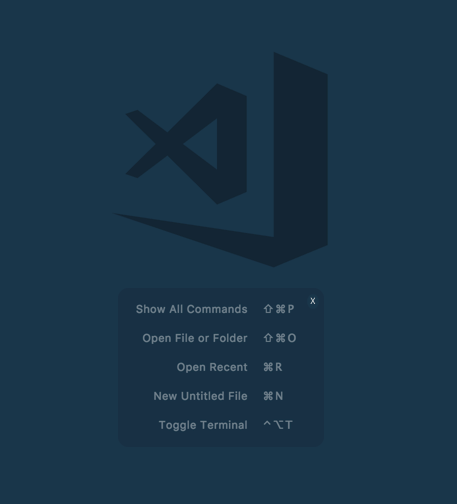
How about this - its there by default but when you hover over it you have the opportunity to close it or interact with it. Hover shows some sort of background box with an "X" in the upper right corner.
chrisdias
on 13 Dec 2018
I think the main issues with the shortcuts are:
1) They're not useful once you've learned how to use them
2) They add visual noise/clutter to an empty page
What if we we only show a single shortcut at a time (maybe they cycle through after 10s like Atom), and once the user has used that shortcut after a certain threshold (i.e. 5x) then we don't show that shortcut again? Eventually once the user has gone through all of the major shortcuts we don't show any additional shortcuts.
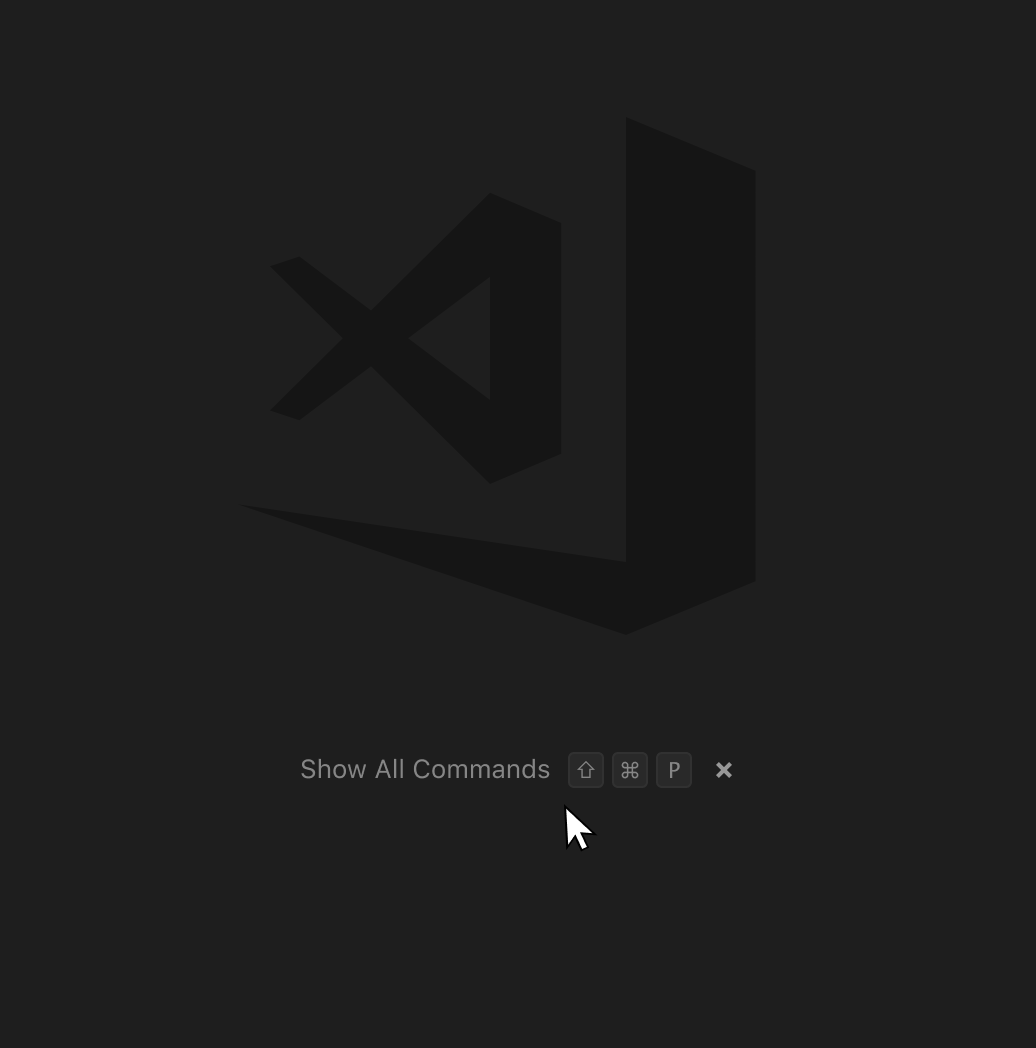
I also like @chrisdias' idea of adding a close button on hover that would trigger "workbench.tips.enabled": false.
 misolori
on 14 Dec 2018
misolori
on 14 Dec 2018
@misolori I really like that, both the presentation and the fact that we cycle through a longer list of keybindings. Not sure we need the close button to dismiss, might be a bit weird, especially since there is no easy way to figure out how to get it back.
bpasero
on 14 Dec 2018
I wouldn't make it cycle through, that seems to make users wait for what's next or the one they forgot the shortcut for.
I also wouldn't make it interactive because that will add visual clutter rather than remove it. (Which was the original aim here, right?)
Maybe we should indeed disable it, we already have the Welcome page to help users get up and running. We should make sure that the 5 features it points out are still easy to discover (e.g., debug has it's own main menu entry now, no need to point that out still).
chrmarti
on 14 Dec 2018
@chrmarti I would not cycle through during the session, only maybe after a restart. it should not draw attention by being animated or so.
bpasero
on 14 Dec 2018
@chrisdias' proposal makes the most sense to me. It leaves the solution for original problem (I'm brand newt the tool and inadvertently end up with no editor) in place while making @isidorn setting discoverable.
 kieferrm
on 9 Jan 2019
kieferrm
on 9 Jan 2019
@kieferrm @misolori we could still update the looks of the keybindings though from https://github.com/Microsoft/vscode/issues/64901#issuecomment-447220544 to make it look a bit better though?
bpasero
on 10 Jan 2019
@bpasero definitely, we use a similar style in other places (keynindings, quick pick) so they should all be consistent (#56192).
misolori
on 10 Jan 2019
Making it interactive will add visual clutter. Isn't that a concern?
chrmarti
on 10 Jan 2019
@chrmarti you mean showing a close button?
bpasero
on 10 Jan 2019
To summarize our internal discussion we will:
- Update the shortcut visual style to match our other keyboard shortcut styles (address #56192)
- Remove terminal from the list since it's not a core part of the shortcuts shown
- Not add any interaction or close button
- Show all shortcuts (no cycle)
misolori
on 16 Jan 2019
I ran a query how many people have workbench.tips.enabled changed in the last 30 days and the number is below 2000 (not surprisingly).
I pushed a change and it looks like this now:
bpasero
on 17 Jan 2019
Related issues
 ghost
·
234Comments
ghost
·
234Comments
 TurkeyMan
·
411Comments
TurkeyMan
·
411Comments
 Brakkar
·
364Comments
Brakkar
·
364Comments
 lw-schick
·
229Comments
lw-schick
·
229Comments
 filfat
·
246Comments
filfat
·
246Comments
Most helpful comment
I think the main issues with the shortcuts are:
1) They're not useful once you've learned how to use them
2) They add visual noise/clutter to an empty page
What if we we only show a single shortcut at a time (maybe they cycle through after 10s like Atom), and once the user has used that shortcut after a certain threshold (i.e. 5x) then we don't show that shortcut again? Eventually once the user has gone through all of the major shortcuts we don't show any additional shortcuts.
I also like @chrisdias' idea of adding a close button on hover that would trigger
"workbench.tips.enabled": false.