Vscode: Release ver 1.27.2 is not showing Git badge
After upgrading my editor on Mac today, the Git badge is being disappeared now.
Hope this would get fixed soon.
Thanks
RobJS
 alidavid0418
All 8 comments
(Experimental duplicate detection)
Thanks for submitting this issue. Please also check if it is already covered by an existing one, like:
![vscodebot[bot] picture](https://avatars2.githubusercontent.com/in/2406?v=4&s=40) vscodebot[bot]
on 14 Sep 2018
vscodebot[bot]
on 14 Sep 2018
Same thing for me on Windows 10. Upgrade to 1.27.2 shows "There are no active source control providers." in SCM panel.
```
Version: 1.27.2 (system setup)
Commit: f46c4c469d6e6d8c46f268d1553c5dc4b475840f
Date: 2018-09-12T16:17:45.060Z
Electron: 2.0.7
Chrome: 61.0.3163.100
Node.js: 8.9.3
V8: 6.1.534.41
Architecture: x64
 mnlm
on 14 Sep 2018
mnlm
on 14 Sep 2018
Oh, well.
After restarting my computer, vscode seems to work properly again.
@mnlm What do you say? Mind if I close this issue now?
alidavid0418
on 14 Sep 2018
For some reason git.enabled was set to false. Now I'm not sure if the update could have done this or I somehow did this by accident. Weird timing though that the SCM disappeared right after the update.
Anyway... setting git.enabled to true and everything is back to normal.
mnlm
on 14 Sep 2018
I'm afraid it's still occurring for the times. (Of course, I can restart my vscode editor...)
Maybe the next release should consider this issue, I hope.
alidavid0418
on 18 Sep 2018
@robjs827 Can you show me how it looks when the badge doesn't show?
 joaomoreno
on 19 Sep 2018
joaomoreno
on 19 Sep 2018
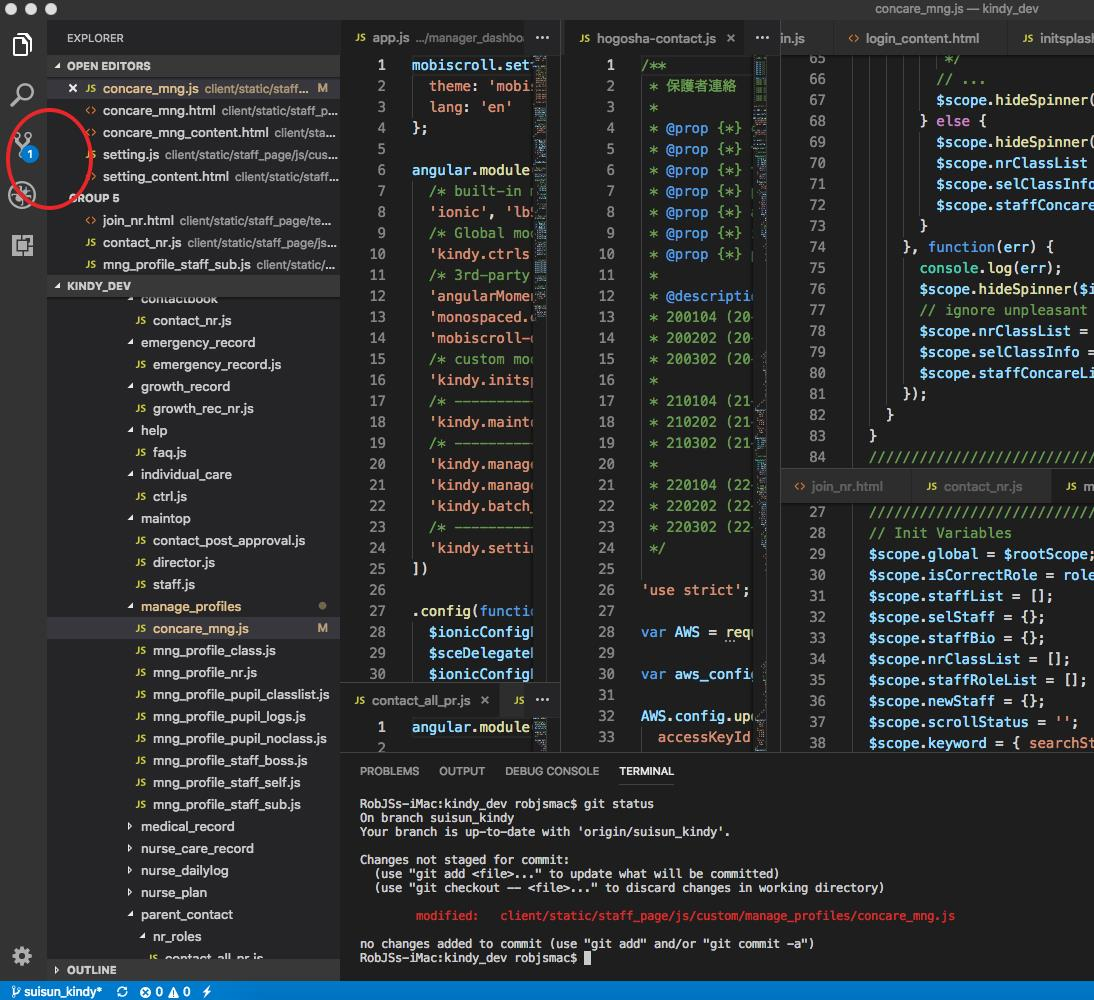
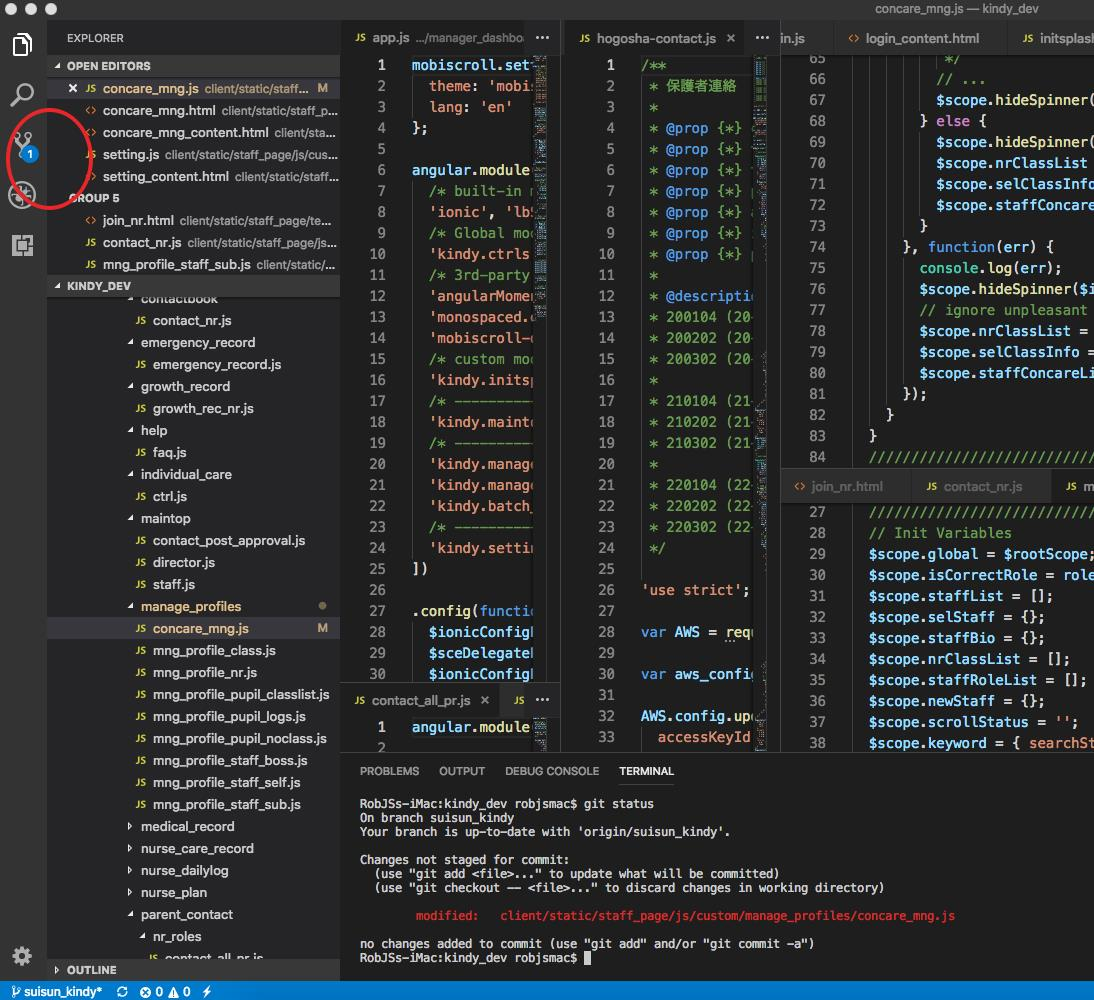
@joaomoreno This snapshot shows the normal (exactly recovered) case after vscode gets restarted.
When it went wrong, I couldn't see the badge on the GIT icon (the red circled part) although there were some changes on git tree. i.e. typing git status shows git changing list in red lines on the terminal.
PS: I'd like to close this issue anyhow hoping that it would get fixed in the next release.
Thanks
alidavid0418
on 20 Sep 2018
I see. So... the Git icon is there... it's just the counter badge that does not show up. Would it show up if you run the Refresh action? This is likely a missing file events issue.
joaomoreno
on 20 Sep 2018
Related issues
 trstringer
·
3Comments
trstringer
·
3Comments
 v-pavanp
·
3Comments
v-pavanp
·
3Comments
 NikosEfthias
·
3Comments
NikosEfthias
·
3Comments
 borekb
·
3Comments
borekb
·
3Comments
 chrisdias
·
3Comments
chrisdias
·
3Comments