Vscode: Auto update import on file moved issue
Issue Type: Bug
After I moved a file in the workplace, the VS code auto update import run with the wrong path result. It's import the module from the global cache path instead of the workplace folder.
Like below:

VS Code version: Code 1.25.0 (0f080e5267e829de46638128001aeb7ca2d6d50e, 2018-07-05T13:02:28.333Z)
OS version: Darwin x64 18.0.0
System Info
|Item|Value|
|---|---|
|CPUs|Intel(R) Core(TM) i7-7700HQ CPU @ 2.80GHz (8 x 2800)|
|GPU Status|2d_canvas: enabled
flash_3d: enabled
flash_stage3d: enabled
flash_stage3d_baseline: enabled
gpu_compositing: enabled
multiple_raster_threads: enabled_on
native_gpu_memory_buffers: enabled
rasterization: enabled
video_decode: enabled
video_encode: enabled
vpx_decode: enabled
webgl: enabled
webgl2: enabled|
|Load (avg)|5, 6, 4|
|Memory (System)|16.00GB (0.08GB free)|
|Process Argv|/Applications/Visual Studio Code.app/Contents/MacOS/Electron|
|Screen Reader|no|
|VM|0%|
Extensions (10)
Extension|Author (truncated)|Version
---|---|---
vscode-docker|Pet|0.0.27
vscode-eslint|dba|1.4.12
gitlens|eam|8.4.1
php-debug|fel|1.12.3
php-intellisense|fel|2.3.3
python|ms-|2018.6.0
team|ms-|1.136.0
debugger-for-chrome|msj|4.7.0
shader|sle|1.1.3
vscode-react-native|vsm|0.6.11
 nmhung1210
All 18 comments
Does this reproduce in the latest VS Code build with all extensions disabled?
 mjbvz
on 9 Jul 2018
mjbvz
on 9 Jul 2018
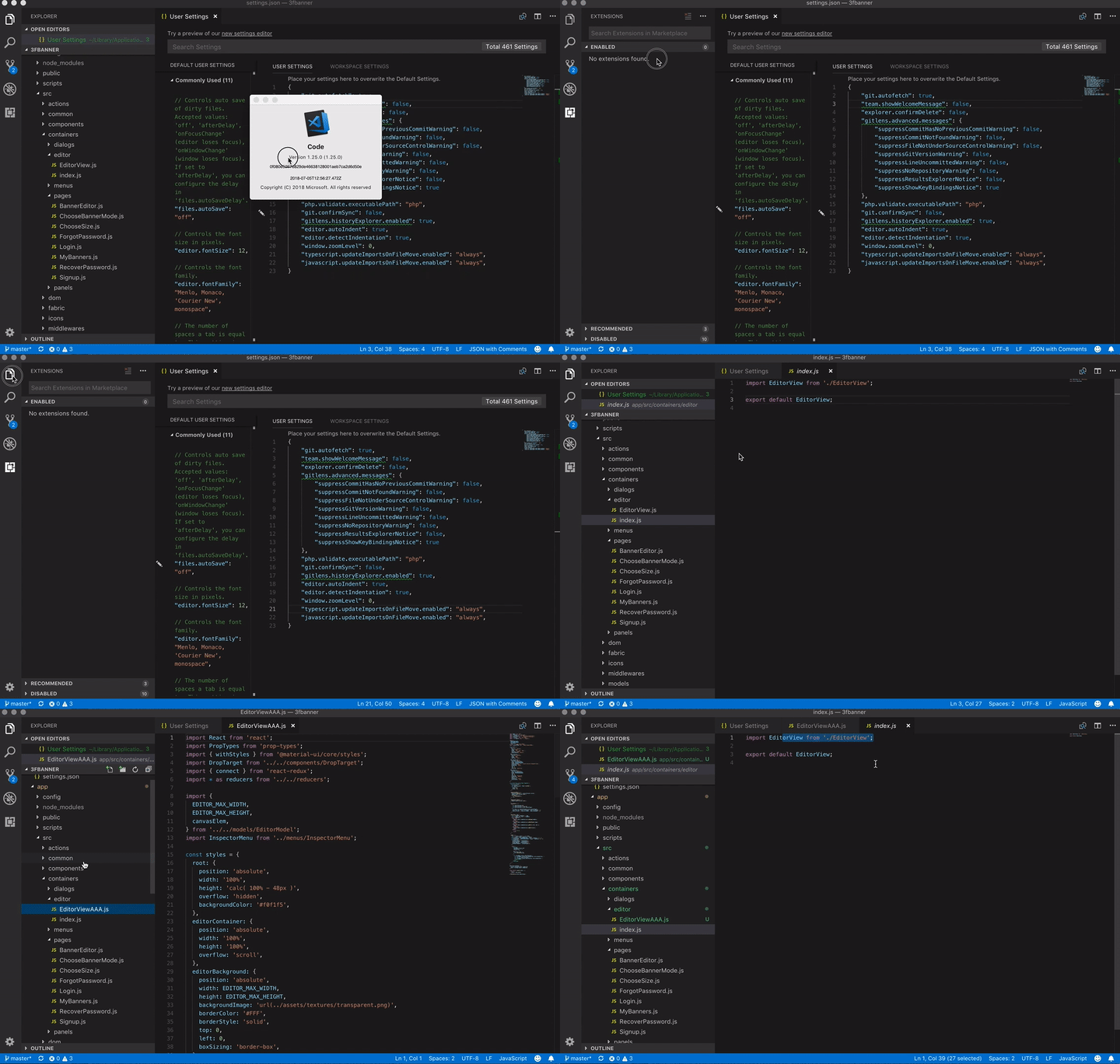
It seems not happen after I re-installed the VS Code and disabled all the extensions. However, It might be because of that feature did not work as intended:
Reproduce steps as below:
nmhung1210
on 9 Jul 2018
This is a serious issue. I was prompted to update imports for a renamed file in a react project, i thought I'd give it a try.
Spent an hour carefully undoing the changes in my uncommitted files, all while vscode and docker freaked out trying to map the hundreds of changes to pathing made to almost every js file in the solution.
 kevbost
on 13 Jul 2018
kevbost
on 13 Jul 2018
having the same issue, moved a file and got 350 files changed where all paths went from being absolute to relative even tho my user settings are set to "typescript.preferences.importModuleSpecifier": "non-relative",
 furier
on 13 Jul 2018
furier
on 13 Jul 2018
Count me in as well. I changed a file extension (.js => .jsx, or something like that) and every file in our production app opened and had the import paths changed.
I've since switched to "javascript.updateImportsOnFileMove.enabled": "prompt", and have yet to receive any prompts. If someone had autosave turned on, good times would definitely be had.
 danielriley06
on 14 Jul 2018
danielriley06
on 14 Jul 2018
I'm having same problem here. I spent 30 minutes undoing changes of almost all files of project.
 viderme
on 16 Jul 2018
viderme
on 16 Jul 2018
I am having the issue on the latest version as well.
 Kamahl19
on 16 Jul 2018
Kamahl19
on 16 Jul 2018
Same issue here on v1.25.1 with --disable-extensions.
After renaming a module directory, the auto-rename caused VSCode to freeze up for a few minutes, then showed unsaved changes to >1000 files. Absolute imports in unrelated files were all converted to relative imports.
Note for anyone else running into this: As long as you've saved changes before the rename, you can click "Close All Editors" and choose "Don't Save" to undo all the auto-renames.
Edit: Couldn't reproduce on latest Insiders
 jordwest
on 17 Jul 2018
jordwest
on 17 Jul 2018
Happened here too. Renamed a folder and all of a sudden I had 300+ files with edits because imports all over my project changed. This set me back about 2 hours of work.
 DBosley
on 18 Jul 2018
DBosley
on 18 Jul 2018
I have the same problem when moving a file, all imports from _any file in the project_ that are pointing to an external library like react are being updated to point to node_modules.
Also, if I do a close all, it asks me to save or drop changes in a file by file basis instead of all or nothing, which I understand is supposed to be an already implemented feature.
Since I use git, the way I handle this is to save all files and then discard changes using the git discard changes. I can't do it all at once because it gives me an error, so I do it in batches of about 100 files a time.
 alebrozzo
on 18 Jul 2018
alebrozzo
on 18 Jul 2018
This is a major issue that needs addressed quickly. I haven't seen it on the insiders build, but I'd prefer to stay on the stable build when possible.
DBosley
on 18 Jul 2018
@mjbvz Could you please give some update here?
A lot of peoples are suffering because of this. Let's save the developer life, please :)
nmhung1210
on 18 Jul 2018
@DBosley I am fairly sure iv had the issue on both stable and insiders
furier
on 18 Jul 2018
This is fixed on insiders builds or if you upgrade your workspace to use TypeScript 3.0
If you still see this issue when using TS 3.0, please open a new issue
mjbvz
on 18 Jul 2018
Using Create React App here. This is still happening. I rename or move one file, and all import paths will change in all files.
 NawarYossef
on 2 Aug 2018
NawarYossef
on 2 Aug 2018
FYI because it's taking more than 2 weeks to solve this (or you have to use a specific build/version just to get VSCode to not be broken), I'm moving to WebStorm. 🤷♂️ c ya
 anthonychung14
on 2 Aug 2018
anthonychung14
on 2 Aug 2018
The same happens to me.
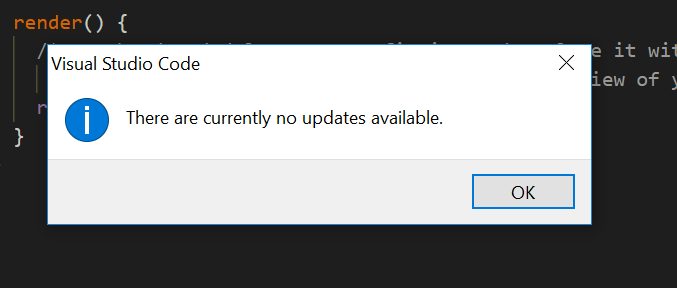
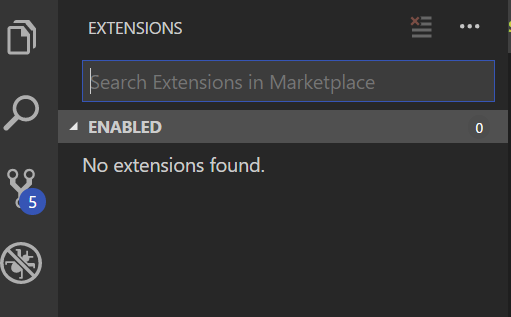
Disable all extensions:
Before rename a file:
import React from "react";
After rename a file:
import React from '../../../Users/[...]node_modules/@types/react';
 doriclaudino
on 2 Aug 2018
doriclaudino
on 2 Aug 2018
Locking this issue to make it clear that is fixed in VSCode insiders which will become VS Code 1.26
mjbvz
on 3 Aug 2018
Related issues
 mrkiley
·
3Comments
mrkiley
·
3Comments
 ryan-wong
·
3Comments
ryan-wong
·
3Comments
 sijad
·
3Comments
sijad
·
3Comments
 villiv
·
3Comments
villiv
·
3Comments
 omidgolparvar
·
3Comments
omidgolparvar
·
3Comments
Most helpful comment
having the same issue, moved a file and got 350 files changed where all paths went from being absolute to relative even tho my user settings are set to
"typescript.preferences.importModuleSpecifier": "non-relative",