Vscode: Cursor jumping around on typing
On 678f87ed45c0f18a76ad19fa9de555e77dea78a8
Steps to Reproduce:
- Enable outline
- Open a json file:
{
    "a": {
        "b": 1,
        "a":
    }
}
- Type a value for
a.ain the json file
Bug
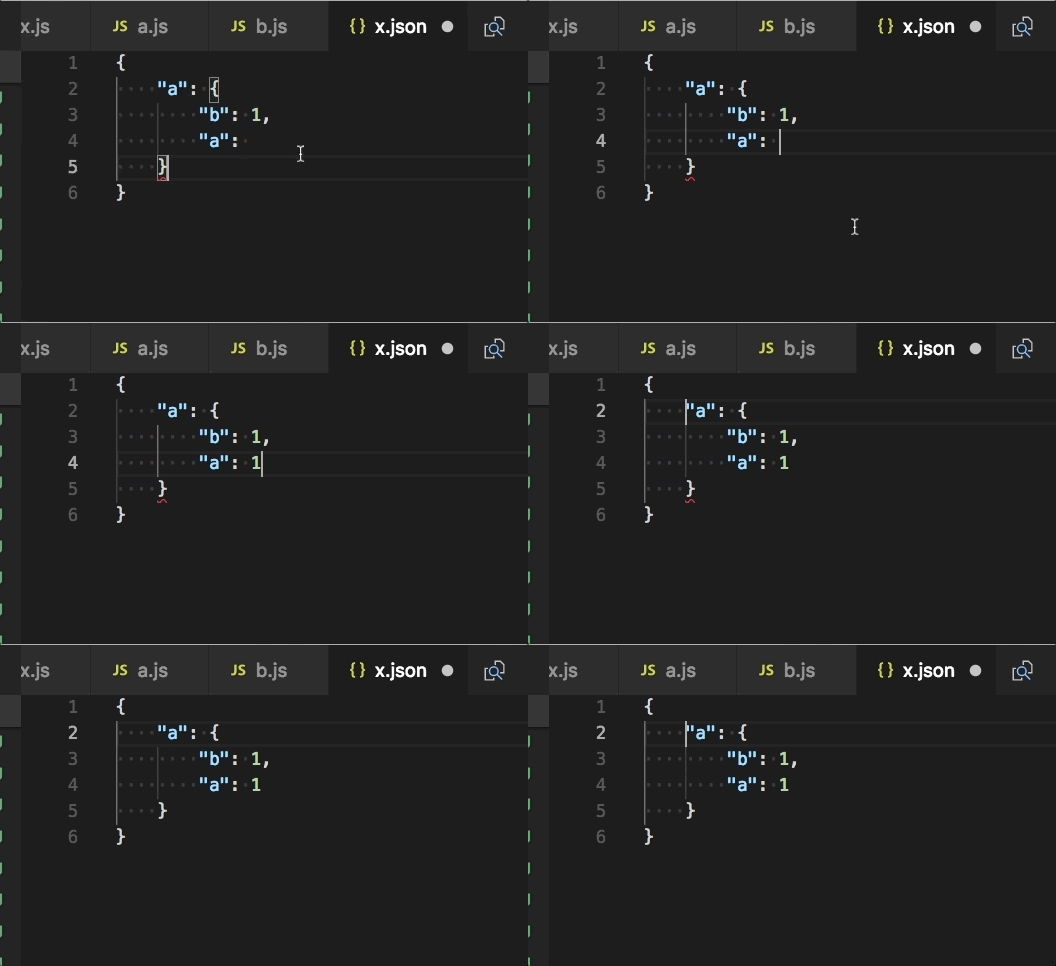
Only seems to repo when outlined is enabled
 mjbvz
mjbvz
All 13 comments
Seems caused by the calls to _revealTreeSelection. Doesn't repo 100% of the time. May require switching back and forth between some files first
mjbvz
on 16 Jun 2018
This is horrible 😅 Was thinking i was being pranked.
Thanks for the workaround.
 krokofant
on 18 Jun 2018
krokofant
on 18 Jun 2018
🙈 happens to me as well, also inside TypeScript files. VSCode Insiders basically not usable right now 😞
Fortunately
Only seems to repo when outlined is enabled
😅
 juristr
on 18 Jun 2018
juristr
on 18 Jun 2018
yeah, I saw that too...
 jrieken
on 18 Jun 2018
jrieken
on 18 Jun 2018
When will this be updated to Vscode Insider Release?
VSCode-Insider it totally unusable right now.
 changavila
on 18 Jun 2018
changavila
on 18 Jun 2018
Yeah, I can push another release for today
jrieken
on 18 Jun 2018
ETA on release?
 c-bandy
on 18 Jun 2018
c-bandy
on 18 Jun 2018
@changavila @jrieken @whimzee Meanwhile you can disable the "outline". that'll fix it for now.
juristr
on 18 Jun 2018
@juristr How do you go about disabling it?
 WoodyWoodsta
on 18 Jun 2018
WoodyWoodsta
on 18 Jun 2018
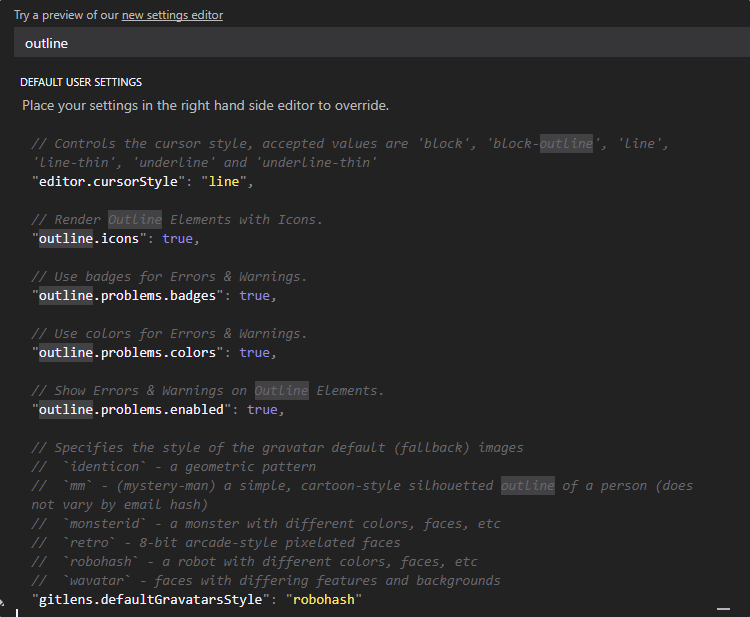
I tried looking for outline in settings @juristr I just couldn't find it.
changavila
on 18 Jun 2018
Keep in mind you can also use the stable version of vscode until this is fixed. Stable is working fine.
c-bandy
on 18 Jun 2018
@WoodyWoodsta just in the vscode file explorer, right-click on the title area and uncheck "outline"
juristr
on 22 Jun 2018
I'm using 1.25.1 (stable) and running into the same issue. It's only started recently though.
Using Windows 10
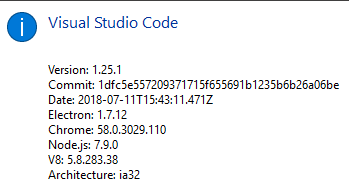
I don't remember enabling any "outline" setting though.
 alasdairhurst
on 27 Jul 2018
alasdairhurst
on 27 Jul 2018
Related issues
 biij5698
·
3Comments
biij5698
·
3Comments
 NikosEfthias
·
3Comments
NikosEfthias
·
3Comments
 philipgiuliani
·
3Comments
philipgiuliani
·
3Comments
 trstringer
·
3Comments
trstringer
·
3Comments
 shanalikhan
·
3Comments
shanalikhan
·
3Comments
Most helpful comment
Yeah, I can push another release for today