Hi, is there an setting or much better menu entry to disable/toggle this annoying "Code Preview Bar" on/off beside the right vertical ScrollBar?
bug
 Moerten
All 5 comments
you want it like this?
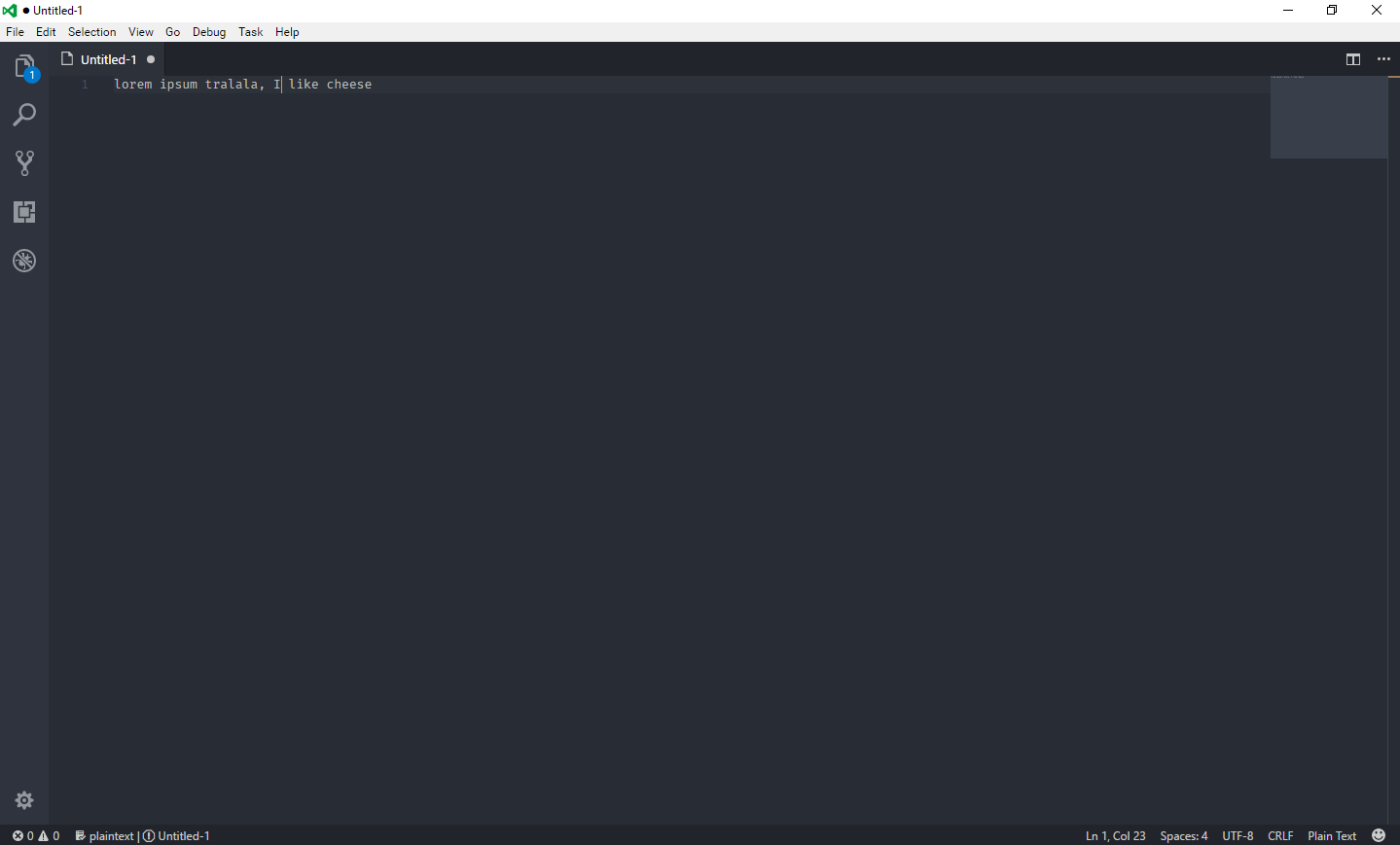
It's Ctrl + B
 jens1o
on 24 Jun 2017
jens1o
on 24 Jun 2017
Are you talking about the minimap?
If so, you can disable it in the preferences, using this command: "editor.minimap.enabled": false,
 fbnlsr
on 24 Jun 2017
fbnlsr
on 24 Jun 2017
👍5
😄1
@fbnlsr
Yes I meant the minimap. Thanks.
Moerten
on 25 Jun 2017
Hello, exist how make will list functions of the .js file?
 romildojpaiter
on 31 Aug 2017
romildojpaiter
on 31 Aug 2017
How can i remove the left side? i mean the line number. thanks.
 justinlazaro-ubidy
on 14 Nov 2017
justinlazaro-ubidy
on 14 Nov 2017
Was this page helpful?
0 / 5 - 0 ratings
Related issues
 mrkiley
·
3Comments
mrkiley
·
3Comments
 sijad
·
3Comments
sijad
·
3Comments
 VitorLuizC
·
3Comments
VitorLuizC
·
3Comments
 v-pavanp
·
3Comments
v-pavanp
·
3Comments
 NikosEfthias
·
3Comments
NikosEfthias
·
3Comments
Most helpful comment
Are you talking about the minimap?
If so, you can disable it in the preferences, using this command:
"editor.minimap.enabled": false,