Vscode: Allow integrated terminal to run as login shell
- VSCode Version: 1.2.0
- OS Version: Ubuntu 16.04
While testing the integrated terminal i realized that my native terminal aliases and custom commands are missing, say i have an alias like alias ll='ls -FGlahp' defined in my .bash_profile which gives me colored folder list with / terminated names for folders, if i try the same in the integrated terminal the output is the following, is it possible to embed the native terminal or config in the integrated one the import to the same config files of the native one?
ll: command not found
Steps to Reproduce:
- In Ubuntu just put a custom alias in the config files of your bash session, most likely
.bash_profileor.bashrc. - Try to use that new custom alias in the VS Code integrated terminal.
 luchillo17
All 17 comments
I've tried to call source ~/.bash_profile and it worked perfectly, maybe if we could configure the source file for the integrated terminal session this would be a finished feature.
luchillo17
on 6 Jun 2016
Ok i've been testing and the difference with native and integrated is the fact that i configured the native to Run as login shell, idk if the integrated one has the config option like the native like this in profile:

luchillo17
on 6 Jun 2016
+1 for startup command feature so you can launch source ~/.bash_profile automaticlly
 gertcuykens
on 7 Jun 2016
gertcuykens
on 7 Jun 2016
Yes currently the terminal runs as a non-login shell, I'll add this to the backlog.
In the meantime, if you don't want differences between login and non-login shells, I recommend moving the .bash_profile contents to your .bashrc and adding the following to your .bash_profile:
# .bash_profile
if [ -r ~/.bashrc ]; then
. ~/.bashrc
fi
 Tyriar
on 7 Jun 2016
Tyriar
on 7 Jun 2016
I already have the source to .bashrc in .bash_profile however i will avoid editing the provided .bashrc by the system, i think i will stick to the native one until we can configure the launch of the integrated terminal.
luchillo17
on 7 Jun 2016
@Luchillo it should be safe to just add their own stuff to the bottom of the default .bashrc file.
Tyriar
on 7 Jun 2016
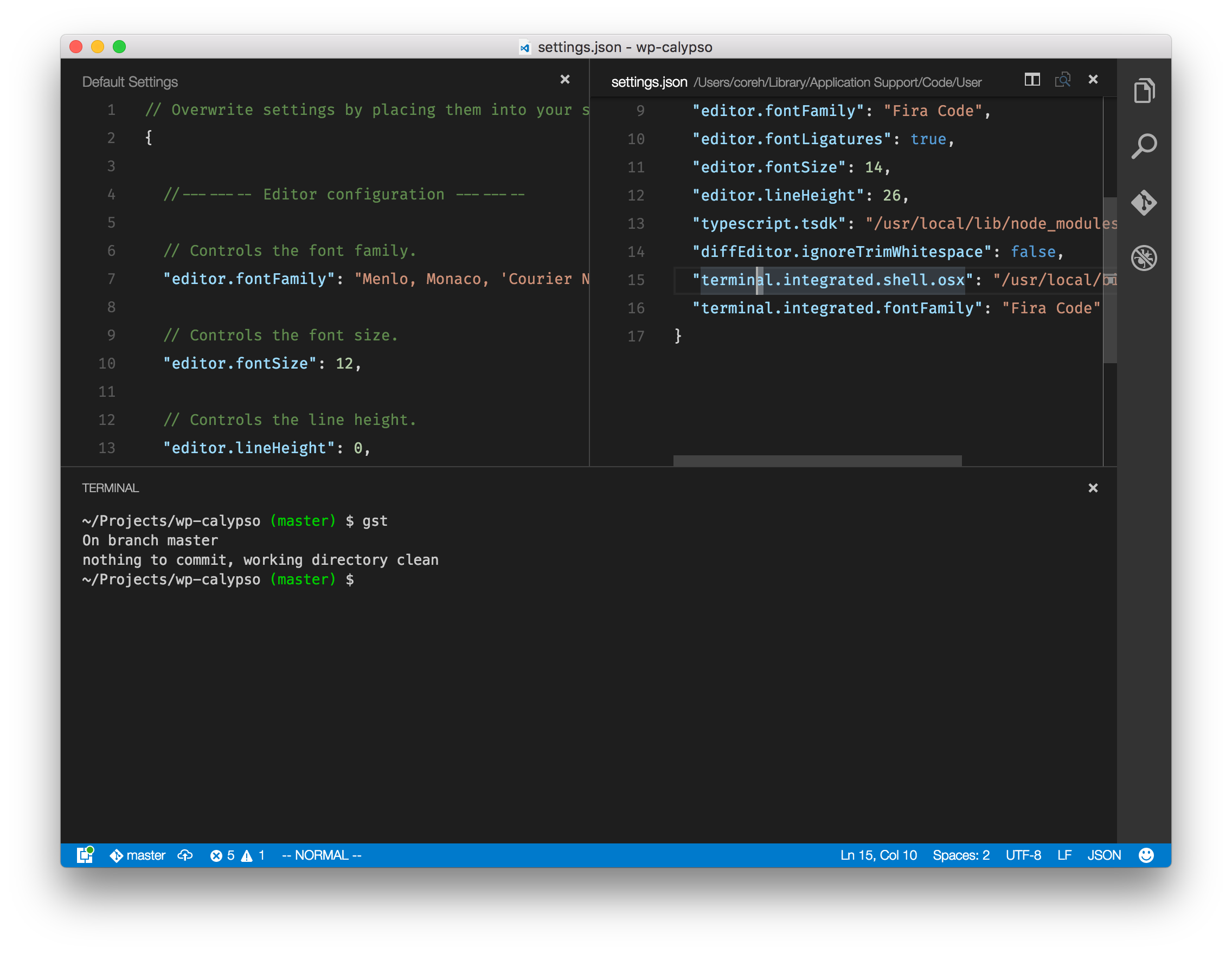
Workaround:
1) Create a file named /usr/local/bin/bash-login (or whatever you'd like to name it) and add the following lines to it (You might need root to create that file depending on your setup):
#!/bin/bash
bash -l
2) Make it executable with chmod +x /usr/local/bin/bash-login.
3) On your VSCode user settings, set:
{
  "terminal.integrated.shell.linux": "/usr/local/bin/bash-login"
}
4) Profit ✨
 coreh
on 7 Jun 2016
coreh
on 7 Jun 2016
@coreh if adding the -l arg is all there is to it then this should make it into the next release in the form of https://github.com/Microsoft/vscode/issues/7266
Tyriar
on 7 Jun 2016
@Tyriar Yes, -l flag, that's all it needs.
Also i won't edit the .bashrc but put all changes in .bash_profile in order to have compatibility with OSX systems, i have my .bash_profile in a repo that saves the changes so that i get similar behaviour in both OSX and Ubuntu, same aliases and OS dependent commands.
luchillo17
on 7 Jun 2016
@coreh Awesome workaround, how didn't i tough about it?
luchillo17
on 7 Jun 2016
Going to close this in favor of https://github.com/Microsoft/vscode/issues/7266 which will allow you to do this in 1.3.0:
{
  "terminal.integrated.shell.linux": "bash",
  "terminal.integrated.shellArgs.linux": [ "-l" ]
}
In the meantime if you want this working on stable you can do the workarounds that myself https://github.com/Microsoft/vscode/issues/7263#issuecomment-224140256 or @coreh https://github.com/Microsoft/vscode/issues/7263#issuecomment-224207986 suiggested.
Tyriar
on 14 Jun 2016
Cool.
luchillo17
on 14 Jun 2016
guys, what about in windows??
Will I be able to do the same with Windows 10 Ubuntu Bash, or Git-Bash?
Anyone can give a tip on creating a .bat file to launch bash as a login shell?
 tiagolo
on 7 Jul 2016
tiagolo
on 7 Jul 2016
@tiagolo not sure it's even a concept on git bash, for Ubuntu Bash it's all about whether the executable accepts command line arguments, not really a question for us.
Tyriar
on 7 Jul 2016
@Tyriar actualy the Git-Bash shell has the same issue with the non-login shell, so after some search I could get away with a batch file like this:
@ECHO OFF
"C:\Program Files\Git\bin\bash.exe" --login -i
Just to help others, to fix the issue on Ubuntu 17.04... try below code
{
    "terminal.integrated.shellArgs.linux": ["--login"]
}
result: basically it formats to /bin/bash --login
 kattak2k
on 9 May 2017
kattak2k
on 9 May 2017
Overriding default settings with the following user settings worked nicely for me on Windows...
{
   // Git Bash
    "terminal.integrated.shell.windows": "C:\\Program Files\\Git\\bin\\bash.exe",
    // start a login shell to pick up aliases from .bash_profile
    "terminal.integrated.shellArgs.windows": ["--login"]
}
 w5m
on 2 Aug 2017
w5m
on 2 Aug 2017
Related issues
 chrisdias
·
3Comments
chrisdias
·
3Comments
 NikosEfthias
·
3Comments
NikosEfthias
·
3Comments
 trstringer
·
3Comments
trstringer
·
3Comments
 v-pavanp
·
3Comments
v-pavanp
·
3Comments
 DovydasNavickas
·
3Comments
DovydasNavickas
·
3Comments
Most helpful comment
Workaround:
1) Create a file named
/usr/local/bin/bash-login(or whatever you'd like to name it) and add the following lines to it (You might need root to create that file depending on your setup):2) Make it executable with
chmod +x /usr/local/bin/bash-login.3) On your VSCode user settings, set:
4) Profit ✨