Vscode-ng-language-service: 0.1.7 High CPU usage and memory usage increasing (windows 10)
Hi,
I'm using the latest 0.1.7 version in my angular project and notice slow vscode performance and Intellisense slowness or even not working.
When I check the Windows Task Manager I see vscode consuming 50% to 60% CPU.
The Angular Language Service OUTPUT window keeps logging the following two errors continuously:
Search path: c:/Code/Git/xms/node_modules/clone
Config file name: c:/Code/Git/xms/tsconfig.json
Angular Language Service: 5.0.0-beta.5
TypeScript: 2.4.2
Error for getTemplateRefrences:
    Error: PopupComponent cannot be used as an entry component.
    at syntaxError (C:\Users\Maarten\.vscode\extensions\Angular.ng-template-0.1.7\server\node_modules\@angular\language-service\bundles\language-service.umd.js:253:17)
    at CompileMetadataResolver._getEntryComponentMetadata (C:\Users\Maarten\.vscode\extensions\Angular.ng-template-0.1.7\server\node_modules\@angular\language-service\bundles\language-service.umd.js:9258:19)
    at C:\Users\Maarten\.vscode\extensions\Angular.ng-template-0.1.7\server\node_modules\@angular\language-service\bundles\language-service.umd.js:8915:53
    at Array.map (native)
    at CompileMetadataResolver.getNgModuleMetadata (C:\Users\Maarten\.vscode\extensions\Angular.ng-template-0.1.7\server\node_modules\@angular\language-service\bundles\language-service.umd.js:8915:18)
    at CompileMetadataResolver.getNgModuleSummary (C:\Users\Maarten\.vscode\extensions\Angular.ng-template-0.1.7\server\node_modules\@angular\language-service\bundles\language-service.umd.js:8773:35)
    at C:\Users\Maarten\.vscode\extensions\Angular.ng-template-0.1.7\server\node_modules\@angular\language-service\bundles\language-service.umd.js:8837:55
    at Array.forEach (native)
    at CompileMetadataResolver.getNgModuleMetadata (C:\Users\Maarten\.vscode\extensions\Angular.ng-template-0.1.7\server\node_modules\@angular\language-service\bundles\language-service.umd.js:8822:49)
    at CompileMetadataResolver.getNgModuleSummary (C:\Users\Maarten\.vscode\extensions\Angular.ng-template-0.1.7\server\node_modules\@angular\language-service\bundles\language-service.umd.js:8773:35)
getTemplateRefrences: 5883ms
SERVER ERROR: Cannot read property 'length' of null
TypeError: Cannot read property 'length' of null
    at Project.updateFileMap (C:\Users\Maarten\.vscode\extensions\Angular.ng-template-0.1.7\server\editorServices.js:797:94)
    at Project.updateGraph (C:\Users\Maarten\.vscode\extensions\Angular.ng-template-0.1.7\server\editorServices.js:815:14)
    at Project.finishGraph (C:\Users\Maarten\.vscode\extensions\Angular.ng-template-0.1.7\server\editorServices.js:807:14)
    at ProjectService.openConfigFile (C:\Users\Maarten\.vscode\extensions\Angular.ng-template-0.1.7\server\editorServices.js:1634:17)
    at ProjectService.openOrUpdateConfiguredProjectForFile (C:\Users\Maarten\.vscode\extensions\Angular.ng-template-0.1.7\server\editorServices.js:1486:41)
    at ProjectService.openClientFile (C:\Users\Maarten\.vscode\extensions\Angular.ng-template-0.1.7\server\editorServices.js:1404:23)
    at C:\Users\Maarten\.vscode\extensions\Angular.ng-template-0.1.7\server\documents.js:135:47
    at TextDocuments.logErrors (C:\Users\Maarten\.vscode\extensions\Angular.ng-template-0.1.7\server\documents.js:235:13)
    at C:\Users\Maarten\.vscode\extensions\Angular.ng-template-0.1.7\server\documents.js:131:74
    at handleNotification (C:\Users\Maarten\.vscode\extensions\Angular.ng-template-0.1.7\server\node_modules\vscode-jsonrpc\lib\main.js:353:21)
[Error - 13:38:00] Notification handler 'textDocument/didOpen' failed with message: Cannot read property 'length' of null
Everytime when the errors are logged, the memory usage of vscode increases. Within a few minutes, my vscode instance consumes more than 2GB memory.
When I disable the extension, the problem doesn't occur.
My project uses the 4.4.2 version of the @angular/* packages. I updated my local "@angular/language-service" version to the mentioned "^5.0.0-beta.5" version and TypeScript to version "2.4.2". No luck either. The errors keep occurring.
Any help is appreciated.
Kind regards,
Maarten
 mdocter
All 13 comments
The same happens for me on Windows 10. On Ubuntu it's ok
 felixpis
on 24 Oct 2017
felixpis
on 24 Oct 2017
I have this problem on Windows 10 also.
Somehow this line returns null, which is weird.
We should be able to do const sourceFiles = this.program.getSourceFiles() || []; to make sure it's always an array. I can put together a PR if this is a good enough of a fix.
 zimme
on 28 Nov 2017
zimme
on 28 Nov 2017
Can someone produce a project that reproduces this issue and supply a link to the a repository for it that I can clone?
 chuckjaz
on 30 Dec 2017
chuckjaz
on 30 Dec 2017
It's not something special. I've create ionic framework project from template, started working and that's happened
felixpis
on 3 Jan 2018
I understand that it is easy but given that I have 60+ bugs to look at in this repository as well as 100+ in angular/angular, it would help if I just had to clone a repository.
Almost every bug reported is simple for the reporter to reproduce and usually involves some simple steps that I can easily do myself but when I try to reproduce it I can't because some critical step is missing which is obvious to the reporter but not to me. This is why we ask for a plunker in angular/angular and I ask for a repository here.
A repository that reproduces the issue avoids all the "oh I forgot to tell you, you also need to do x" issues. This allows the steps to be as simple as clone X, "npm install" start VS Code in the directory, try to do Y in file Z.
chuckjaz
on 3 Jan 2018
@chuckjaz this is still a big issue, I've uninstalled the plugin completely (tried 1.0.6 as well with no luck). you can find my repro repo here: https://github.com/cmeyertons/174_vscode_ng_language_service_repro
This is just a git pull of the Angular Tour of Heroes tutorial so it should be pretty standard (maybe i didn't need a separate repo)
Steps to reproduce:
- open repo &
npm i - go to
heroes.component.tsand line 71 - wait for typescript to initialize and hover over
this.selectedhero.id - erase
.idand save the file, retype.id, hover and it will briefly (~1s) show a loading indicator. On larger projects this indicator can take from 5-10 s. w/o the extension, there is no loading indicator on hover. - rinse & repeat step 4 and watch VS code's memory climb (mine went from 250 -> 500 MB pretty quickly)
I did this on VS code 1.24.1 w/ all extensions disabled except Angular Language Service (0.1.9).
 cmeyertons
on 10 Jul 2018
cmeyertons
on 10 Jul 2018
This extension is practically unusable on our computers, whats the status on it? Is it dead?
 jpike88
on 25 Feb 2019
jpike88
on 25 Feb 2019
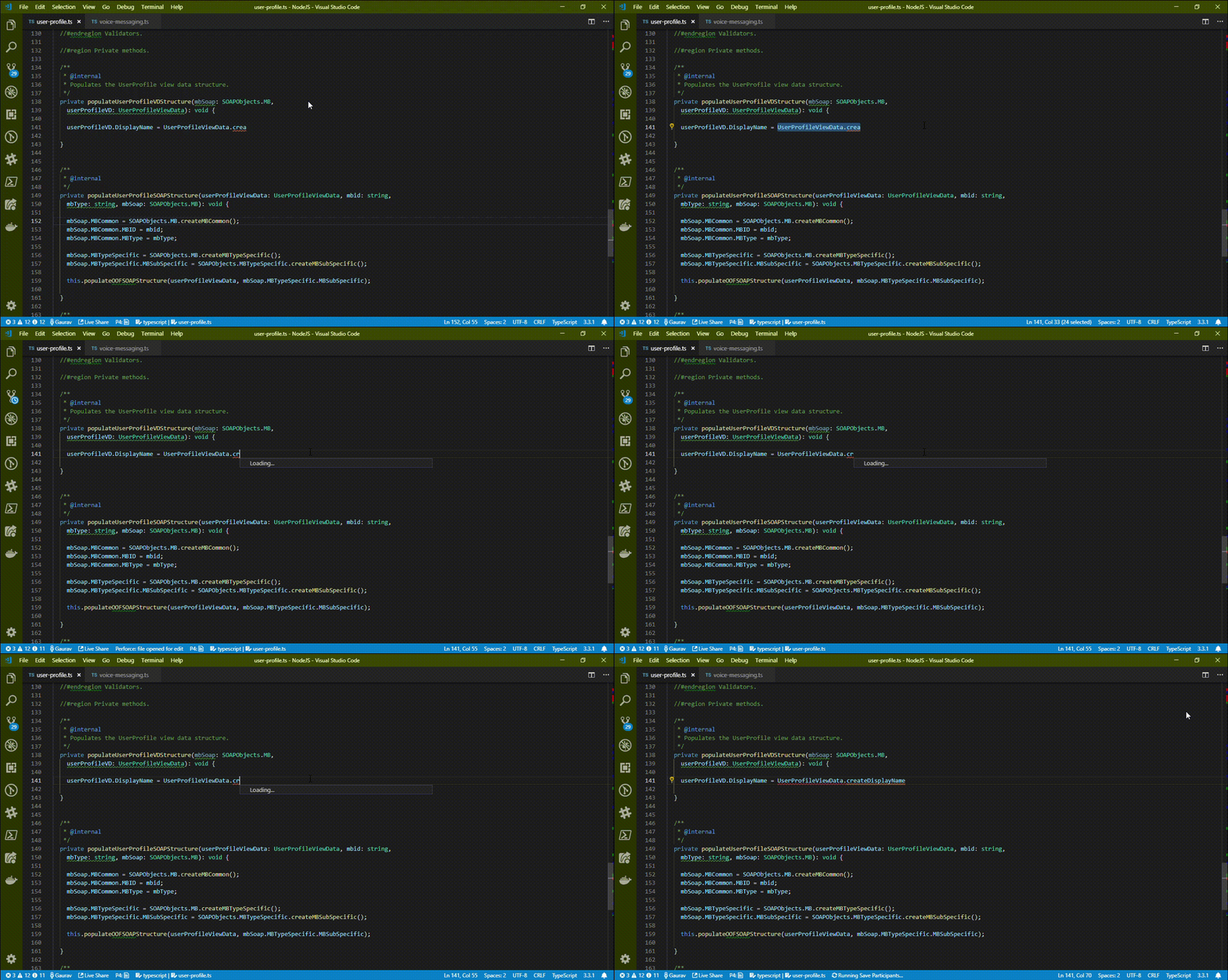
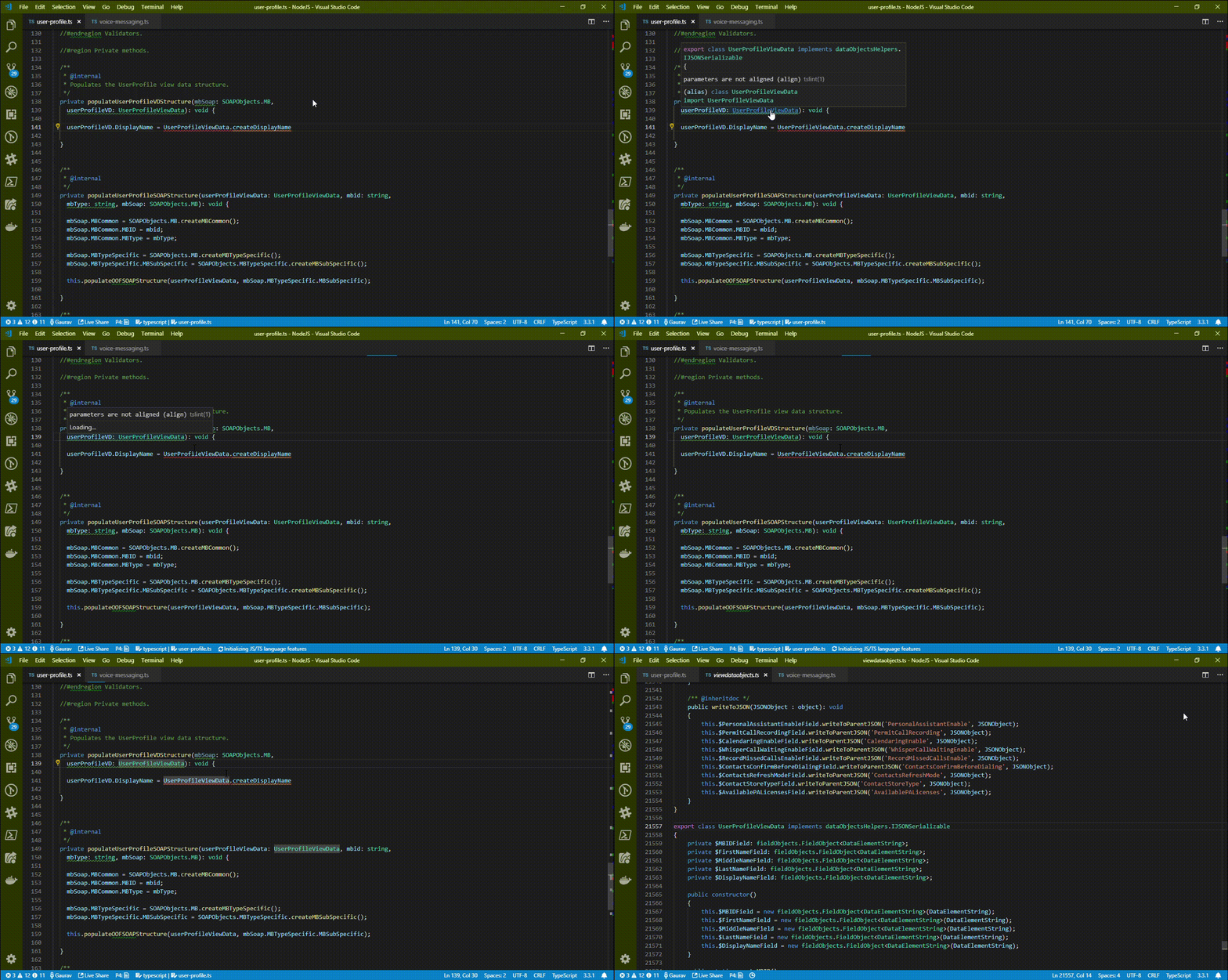
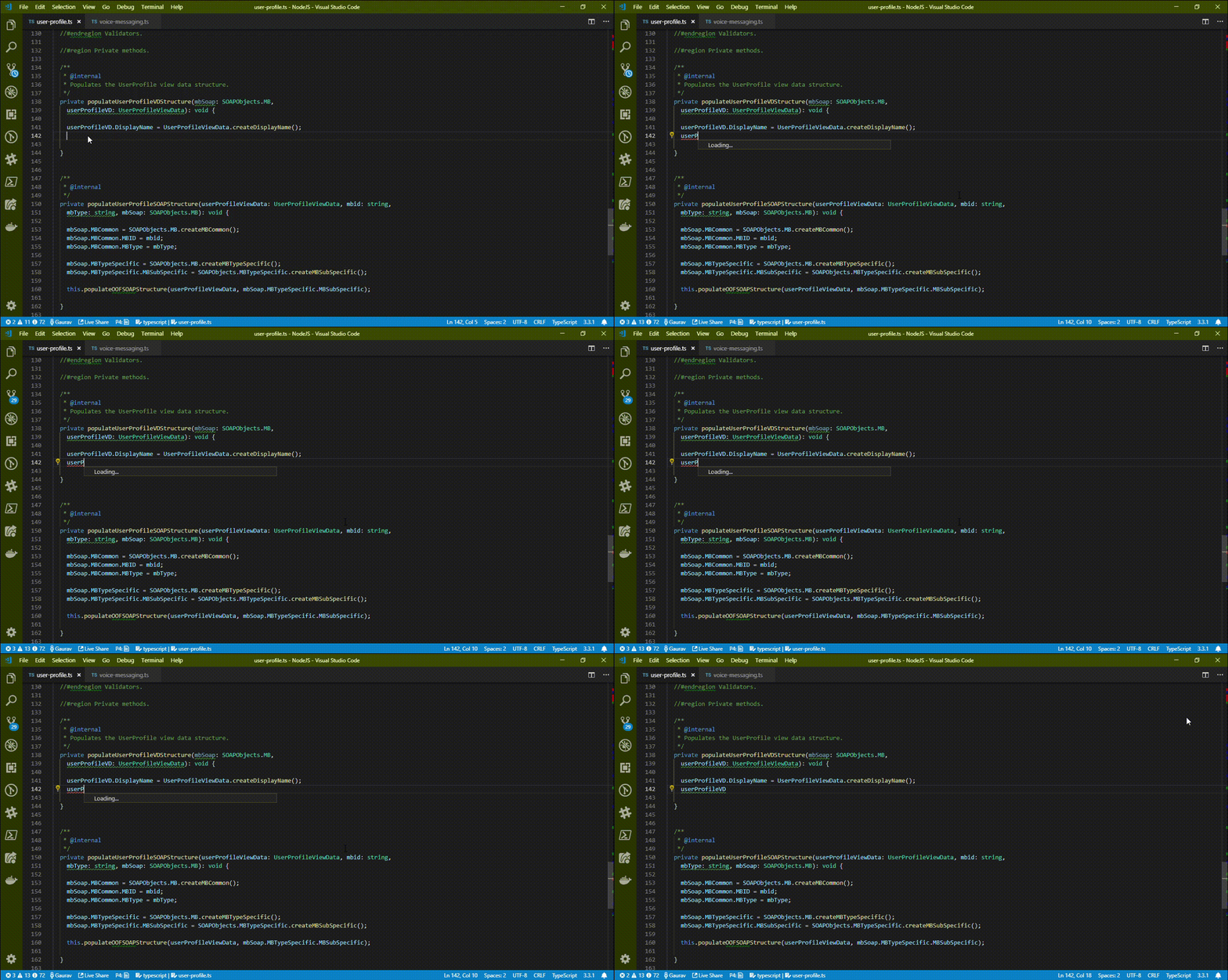
Terribly slow.
Please find the attached gif.
 gauravmahto
on 1 Mar 2019
gauravmahto
on 1 Mar 2019
If I uninstall the plugin, everything works fine.
gauravmahto
on 1 Mar 2019
I'm on v0.1.11 on Windows 10, and when this extension is enabled I fluctuate wildly between 20-50% memory usage cause issues while I work, and when it's disabled I hover around 7-20% and everything is snappy. On my Mac I don't have any issues.
Doesn't seem like this issue has much visibility since it's been open since 2017.
 mtpultz
on 29 Mar 2019
mtpultz
on 29 Mar 2019
@chuckjaz, this is a very simple Angular project: ng2-file-upload. Without npm install, VS Code open the project easy (on Ubuntu 16.04). But after npm install and reopen VS Code I see that this process usage 100% CPU:
/usr/share/code/code /home/myuser/.vscode/extensions/angular.ng-template-0.1.11/server/server.js --node-ipc --clientProcessId=15902
 KostyaTretyak
on 4 Apr 2019
KostyaTretyak
on 4 Apr 2019
This is similar to https://github.com/angular/vscode-ng-language-service/issues/336
Will track this issue there.
 kyliau
on 12 Nov 2019
kyliau
on 12 Nov 2019
This issue has been automatically locked due to inactivity.
Please file a new issue if you are encountering a similar or related problem.
Read more about our automatic conversation locking policy.
_This action has been performed automatically by a bot._
![angular-automatic-lock-bot[bot] picture](https://avatars.githubusercontent.com/in/40213?v=4&s=40) angular-automatic-lock-bot[bot]
on 17 Feb 2020
angular-automatic-lock-bot[bot]
on 17 Feb 2020
Related issues
 crisz
·
5Comments
crisz
·
5Comments
 Liero
·
3Comments
Liero
·
3Comments
 frederikschubert
·
3Comments
frederikschubert
·
3Comments
 alusev
·
5Comments
alusev
·
5Comments
 linocatucci
·
5Comments
linocatucci
·
5Comments
Most helpful comment
I understand that it is easy but given that I have 60+ bugs to look at in this repository as well as 100+ in angular/angular, it would help if I just had to clone a repository.
Almost every bug reported is simple for the reporter to reproduce and usually involves some simple steps that I can easily do myself but when I try to reproduce it I can't because some critical step is missing which is obvious to the reporter but not to me. This is why we ask for a plunker in angular/angular and I ask for a repository here.
A repository that reproduces the issue avoids all the "oh I forgot to tell you, you also need to do x" issues. This allows the steps to be as simple as clone X, "npm install" start VS Code in the directory, try to do Y in file Z.