Vscode-mssql: [Feature Request] Results pane opening behavior
When you execute a query, the results window opens to the right of the SQL editor (by default). This is controlled by the "Open Side By Side" setting under Workbench > Editor Management. This is a global setting. It controls how all side-by-side editors are opened. I find the default behavior of opening to the right to be preferable for most file types, but for SQL, the results are more readable if they open down, instead of right.
It would be nice to have a mssql-vscode specific setting to control the default placement of the results window.
Steps to Reproduce:
- Open SQL text in the editor.
- Execute it.
- Results appear to the right.
 jfcarr
All 8 comments
Currently a show stopper for me.
Every tools I know which execute SQL queries display theresult at the bottom !
Best, the result should be displayed in the log window, not in a new tab.
 SP-SuperPoney
on 27 Jun 2020
SP-SuperPoney
on 27 Jun 2020
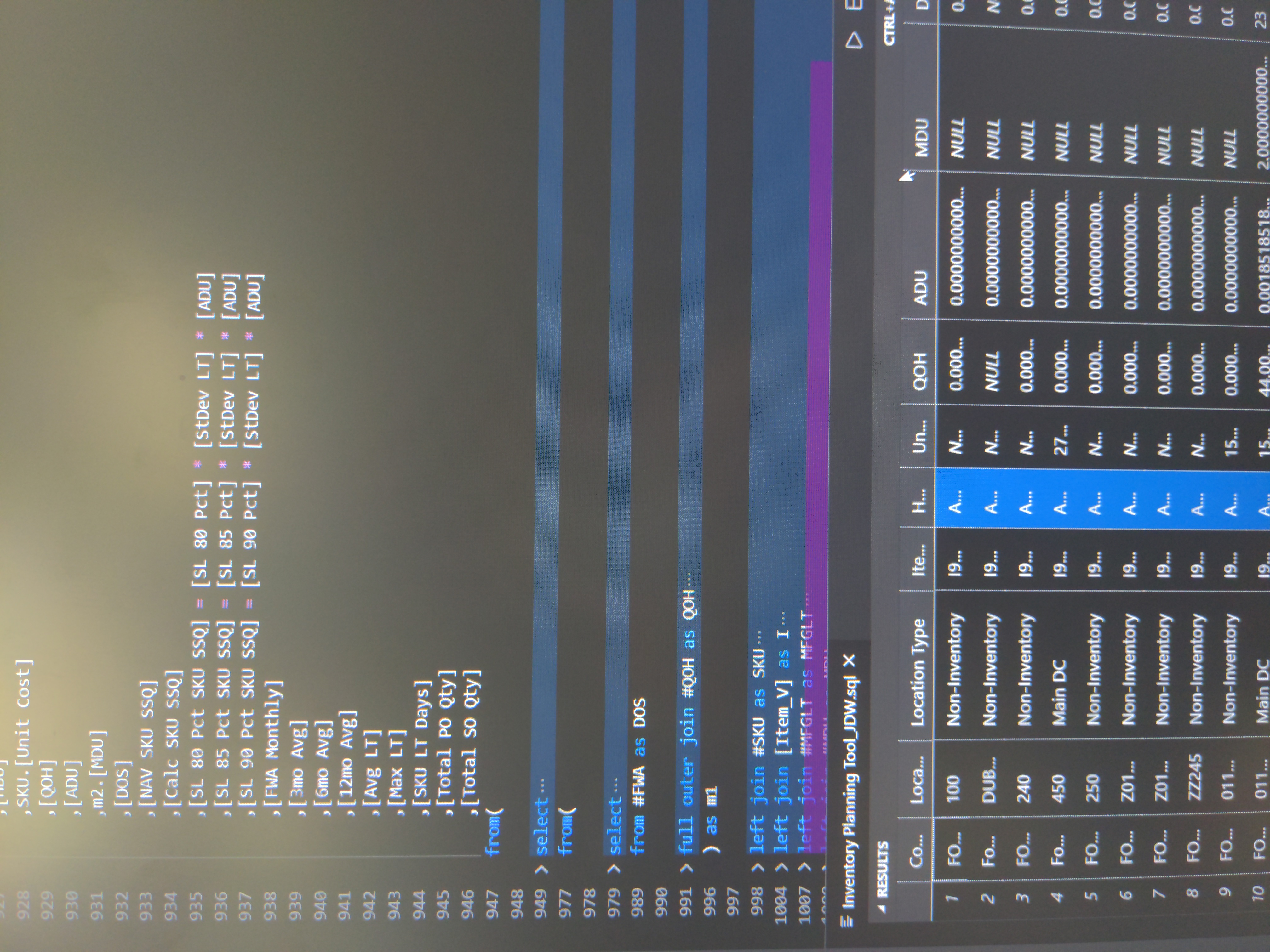
Unless I am misunderstanding you guys, you can do this. View > Editor Layout > Split Down. I agree... I run one monitor vertically so opening to the side would be a no-go for me as well. Once I saved a workspace with this option it always opens like this 100%, I haven't had to mess with it since I installed mssql.
 systematical
on 4 Aug 2020
systematical
on 4 Aug 2020
I don't think the OP wants every pane to split down, just the MSSQL one.
Horizonal split isn't too bad for low column count queries but here's an example of 16 columns , VSCode (MSSQL Extension) vs SSMS


 simon-curtis
on 6 Aug 2020
simon-curtis
on 6 Aug 2020
I don't the OP wants every pane to split down, just the MSSQL one.
Horizonal split isn't too bad for low column count queries but here's an example of 16 columns , VSCode (MSSQL Extension) vs SSMS
All of my results do show up vertically just like SSMS. I updated my comment with a picture of what mine looks like. I think VS Code can already do what they are asking for (unless I'm not getting what they are asking).
systematical
on 6 Aug 2020
@systematical that's fine for when you are using the MSSQL extension. But we don't want this to be the default behaviour for the whole IDE
simon-curtis
on 6 Aug 2020
Alright that makes sense, and I agree with you guys in that case. I do also use it for Python and it puts the output at the bottom as well so I guess I haven't seen it put results anywhere other than vertically and on the bottom after I changed that setting.
systematical
on 7 Aug 2020
I looked into this issue and looks like it's upstream. VSCode doesn't give extensions the ability to split the editor in it's own way, and we need to follow the VSCode setting for it.
 abist
on 7 Oct 2020
abist
on 7 Oct 2020
Any update on this?
 Matthew-Hiebing
on 12 May 2021
Matthew-Hiebing
on 12 May 2021
Related issues
 haydnlj
·
7Comments
haydnlj
·
7Comments
 tqhuy1811
·
4Comments
tqhuy1811
·
4Comments
 BenWildeman
·
7Comments
BenWildeman
·
7Comments
 henksandoval
·
6Comments
henksandoval
·
6Comments
 julielerman
·
5Comments
julielerman
·
5Comments
Most helpful comment
Currently a show stopper for me.
Every tools I know which execute SQL queries display theresult at the bottom !
Best, the result should be displayed in the log window, not in a new tab.