Vscode-jupyter: Jupyter notebook cell code folding and output view expanding request
Feature: Notebook Editor, Interactive Window, Python Editor cells
Description
This feature request is similar to microsoft/vscode-python#10503. I hope vscode jupyter notebook may allow the code cell to be folded as in .py code editor in VScode, and fold the output panel as in Jupyterlab (this is done when a user clicks left margin of the cell). It would be great if it adds an option to show code line number within the cell, but maybe it is not crucial.

On the other hand, output panel is forced to be viewed through scrolling if it is too big. I hoping that there's an option (possibly by right-click) to expand the output so that users can view the whole output handy.

Also a minor fix:
Please replace file icon on the tab to Jupyter icon.
(Edit : I'm currently using vscode-icons package from vscode teams. The icon disappears when it renders .ipynb)

Microsoft Data Science for VS Code Engineering Team: @rchiodo, @IanMatthewHuff, @DavidKutu, @DonJayamanne, @greazer
 matthewgson
All 6 comments
Thanks for the feedback @matthewgson . We'll discuss this on our next triage.
 DavidKutu
on 23 Mar 2020
DavidKutu
on 23 Mar 2020
Along with Code Folding can we have scroll for large number of rows i.e. Output Folding.
If required I can create a new issue for the same, if it doesn't fit here.
Ex - When pd.options.display.max_rows = None is enabled, there is large number of rows as output printed. The rows should be inside a bound box and a separate scroll for them would be helpful.
Current behavior:
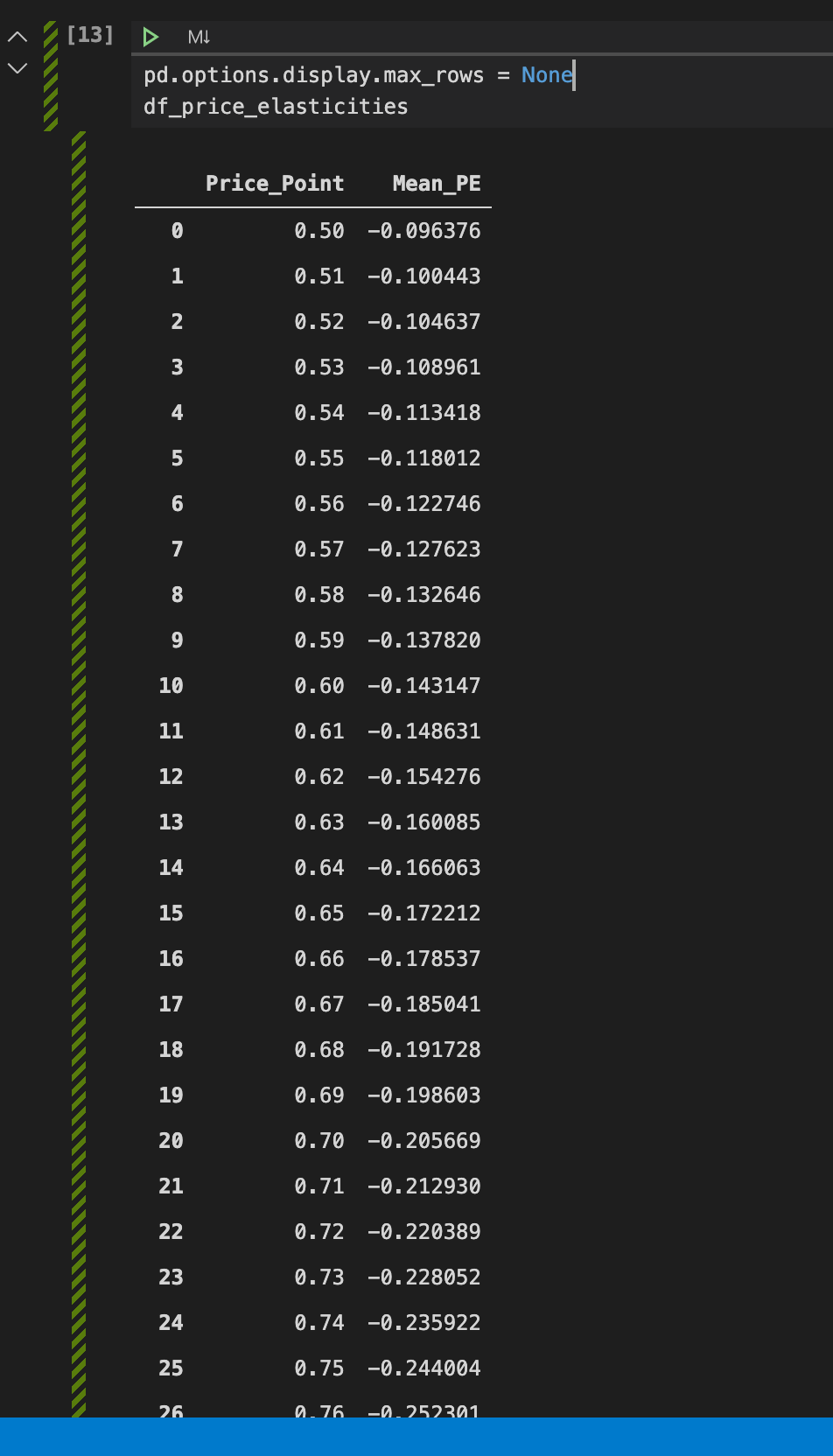
Desired behavior - All output inside a box/window with separate scroll

 deepaksood619
on 12 Apr 2020
deepaksood619
on 12 Apr 2020
@deepaksood619 this feature theoretically already exists (see vscode settings Data Science: Enable Scrolling For Cel Outputs and Data Science: Max Output Size but it doesn't seem to be working. See also https://github.com/microsoft/vscode-python/issues/8010 which claims it is fixed.
 dusty-phillips
on 15 May 2020
dusty-phillips
on 15 May 2020
'VSCode Great Icons' has a .ipynb icon for the explorer. The ico they are using is https://jupyter.org/favicon.ico. But for some reason it doesn't work in the editor tab.
 3rock618
on 19 Jun 2020
3rock618
on 19 Jun 2020
Hi, any new developments on the expandable outputs issue? IMO that is one of the most useful features of Jupyter Notebooks/ Jupyter Lab, especially when showing plots.
 williamcaicedo
on 3 Aug 2020
williamcaicedo
on 3 Aug 2020
Hey everyone, this feature is available on our revamped notebooks preview. You can try it out here: https://devblogs.microsoft.com/python/notebooks-are-getting-revamped/
DavidKutu
on 3 Aug 2020
Related issues
 jediyoda36
·
4Comments
jediyoda36
·
4Comments
 janosh
·
4Comments
janosh
·
4Comments
 schatt89
·
4Comments
schatt89
·
4Comments
 TheOrangeJuice
·
4Comments
TheOrangeJuice
·
4Comments
 allefeld
·
4Comments
allefeld
·
4Comments
Most helpful comment
Along with Code Folding can we have scroll for large number of rows i.e. Output Folding.
If required I can create a new issue for the same, if it doesn't fit here.
Ex - When
pd.options.display.max_rows = Noneis enabled, there is large number of rows as output printed. The rows should be inside a bound box and a separate scroll for them would be helpful.Current behavior:

Desired behavior - All output inside a box/window with separate scroll
