Vscode-jupyter: Interactive Output does not wrap lines (anymore?)
Just evaluate a long line (python or markdown). I am pretty sure that the interactive output could wrap lines, and that it doesn't anymore.
 louisabraham
All 9 comments
Jupyter wraps by default for text output.
 rchiodo
on 31 Jan 2019
rchiodo
on 31 Jan 2019
I believe we broke this when we started handling < in text output. The css should be changed to word-wrap.
rchiodo
on 31 Jan 2019
version: 2019.1.0
Have the same issue and it happens when there is long dataframe or big size of plots.

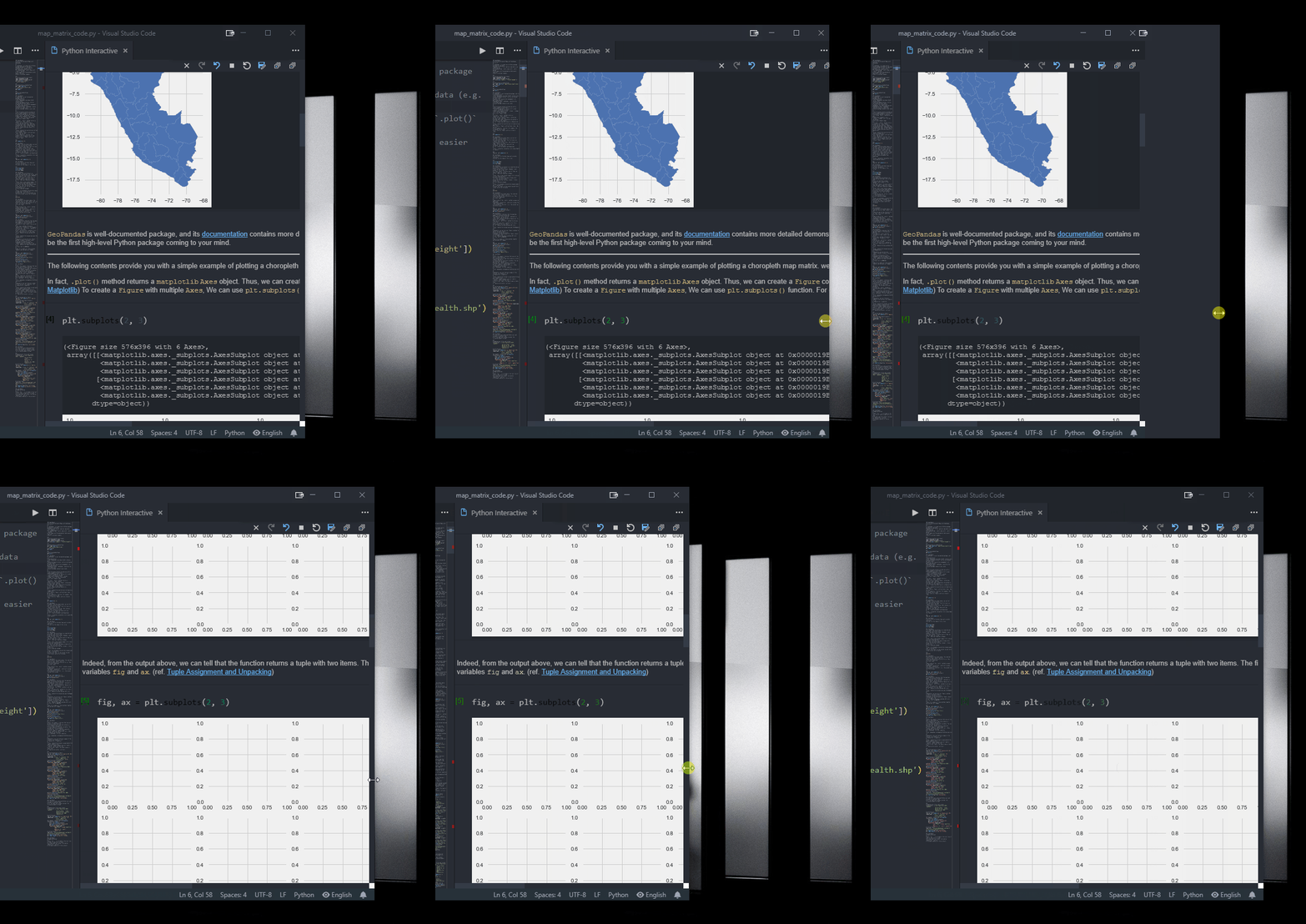
@rchiodo Btw, have you guys implemented microsoft/vscode-python#4009
Large plots will be automatically fitted on your screen and fully toggle it when you double click it, like Jupyter lab.
I feel like it works sometimes but stop working from time to time, but I have found any pattern of the issue. Are those two issue somehow related?
 StevenLi-DS
on 2 Feb 2019
StevenLi-DS
on 2 Feb 2019
@rchiodo Ok, It seems like it indeed happens when you have a dataframe with many columns. Maybe give it a sperate scroll bar then? I remember this was implemented in the insider build last time right?
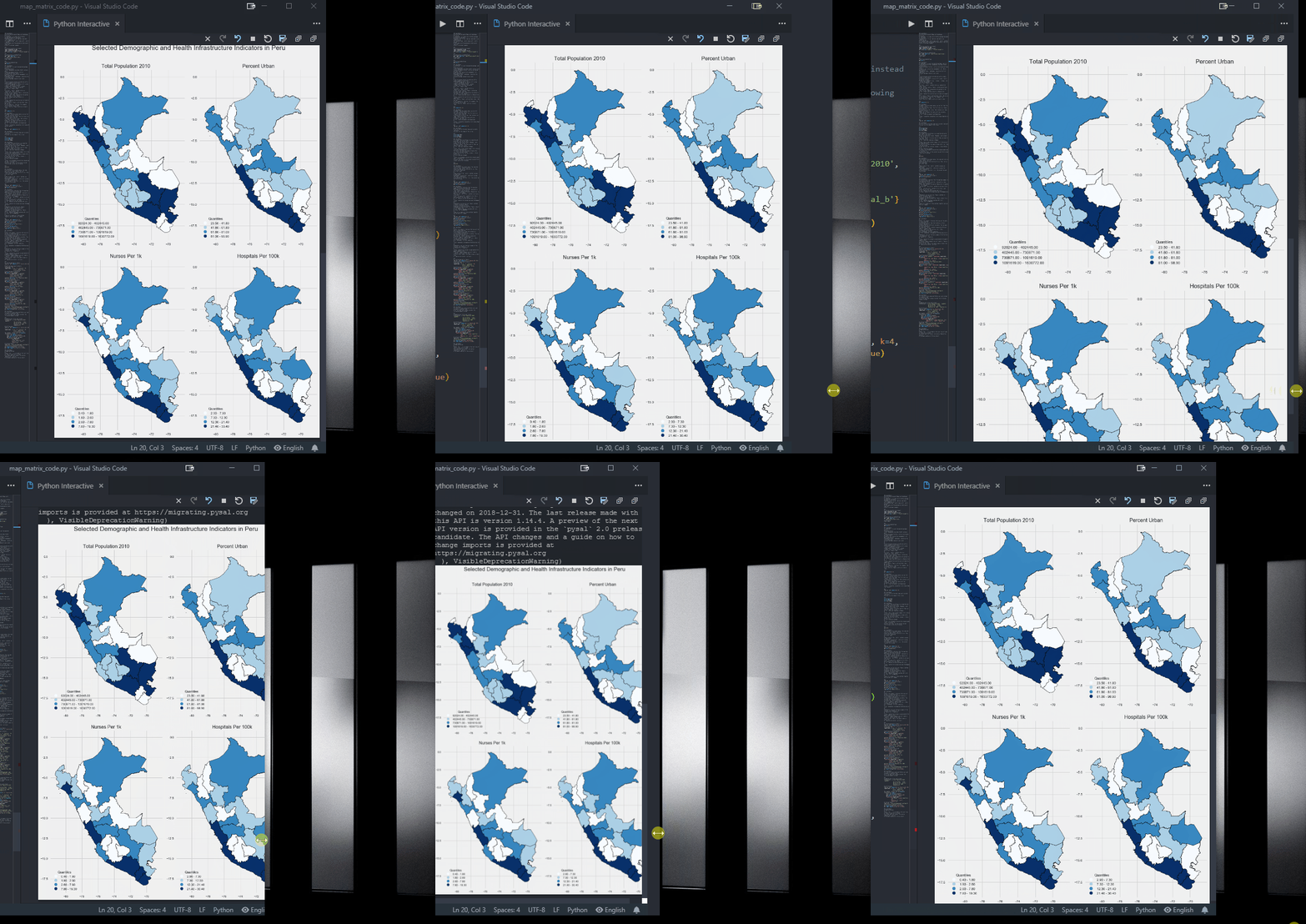
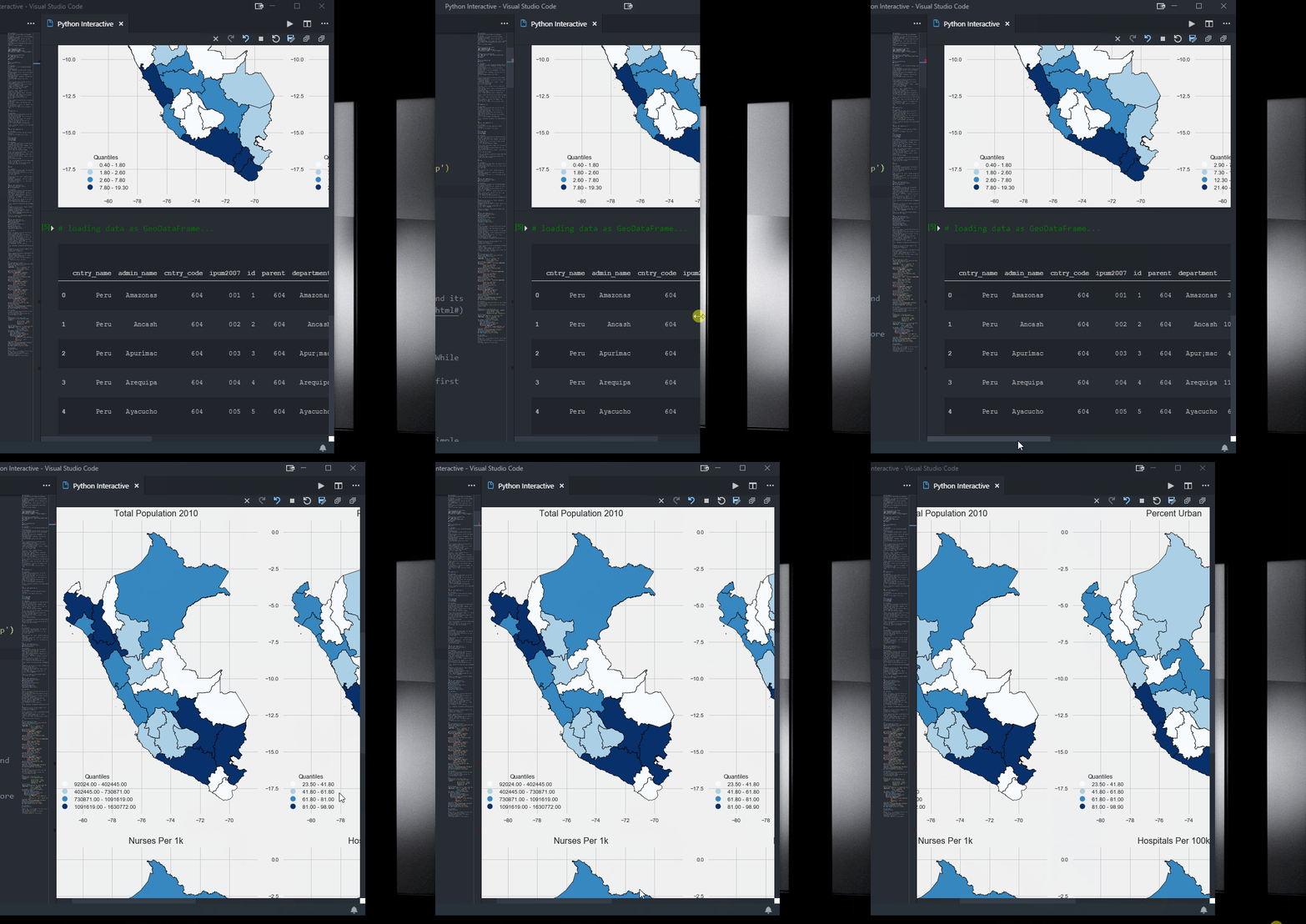
StevenLi-DS
on 2 Feb 2019
@stevencollinscn out of curiosity, what software did you use for the screen capture?
louisabraham
on 2 Feb 2019
@louisabraham
https://www.snipaste.com/
https://www.screentogif.com/
StevenLi-DS
on 2 Feb 2019
@rchiodo Lol... sorry.. I didn't realize that I've already reported this.
I think what you're really asking for is a way to dynamically size plots no matter what else is on the screen?
I think this might be a better way to put it.
StevenLi-DS
on 6 May 2019
StevenLi-DS
on 7 Jun 2019
I'm not 100% sure, but I think this bug still exists. I believe what's being asked for overall is that cells contain their own horizontal scroll-bars when the cell can't fit horizontally on the page.
 greazer
on 8 Aug 2019
greazer
on 8 Aug 2019
Related issues
 AlbertDeFusco
·
4Comments
AlbertDeFusco
·
4Comments
 n-a-sz
·
3Comments
rchiodo
·
3Comments
n-a-sz
·
3Comments
rchiodo
·
3Comments
 janosh
·
4Comments
rchiodo
·
3Comments
janosh
·
4Comments
rchiodo
·
3Comments
Most helpful comment
@louisabraham
https://www.snipaste.com/
https://www.screentogif.com/