Vscode-jupyter: Cannot copy outputs from Python Interactive anymore
Bug: Notebook Editor, Interactive Window, Editor cells
Steps to cause the bug to occur
print() anything in the Python Interactive window
try to copy the printed content
paste in anywhere
the content being pasted is not what was copied
Actual behavior
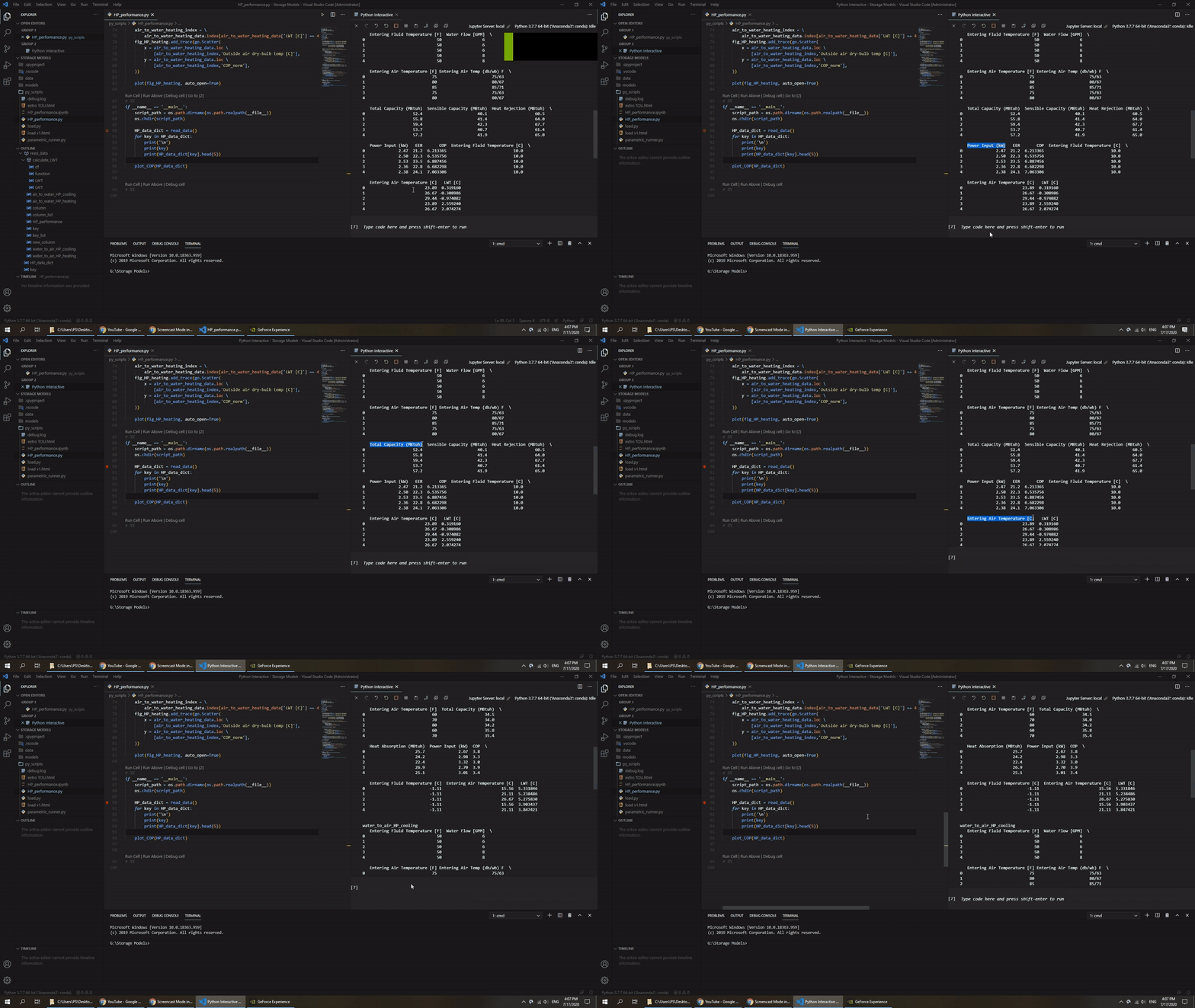
Expected behavior
Copy and paste in the Python Interactive window was working before.
Your Jupyter and/or Python environment
_Please provide as much info as you readily know_
- Jupyter server running: Local
- Extension version: 20YY.MM.#####-xxx
- VS Code version: 1.47.2
- Setting python.jediEnabled: false
- Setting python.languageServer: Microsoft
- Python and/or Anaconda version: python 3.7.7 / conda 4.8.3
- OS: Windows 64-bit
- Virtual environment: conda
Developer Tools Console Output
TMScopeRegistry.ts:45 Overwriting grammar scope name to file mapping for scope source.yaml.
Old grammar file: file:///c%3A/Users/PS/AppData/Local/Programs/Microsoft%20VS%20Code/resources/app/extensions/yaml/syntaxes/yaml.tmLanguage.json.
New grammar file: file:///c%3A/Users/PS/.vscode/extensions/redhat.vscode-yaml-0.9.1/syntaxes/yaml.tmLanguage.json
register @ TMScopeRegistry.ts:45
s @ TMGrammarFactory.ts:73
_getOrCreateGrammarFactory @ abstractTextMateService.ts:246
2console.ts:137 [Extension Host] (node:15400) [DEP0005] DeprecationWarning: Buffer() is deprecated due to security and usability issues. Please use the Buffer.alloc(), Buffer.allocUnsafe(), or Buffer.from() methods instead.
t.log @ console.ts:137
$logExtensionHostMessage @ mainThreadConsole.ts:39
_doInvokeHandler @ rpcProtocol.ts:402
_invokeHandler @ rpcProtocol.ts:387
_receiveRequest @ rpcProtocol.ts:303
_receiveOneMessage @ rpcProtocol.ts:230
(anonymous) @ rpcProtocol.ts:105
fire @ event.ts:587
fire @ ipc.net.ts:453
_receiveMessage @ ipc.net.ts:733
(anonymous) @ ipc.net.ts:592
fire @ event.ts:587
acceptChunk @ ipc.net.ts:239
(anonymous) @ ipc.net.ts:200
t @ ipc.net.ts:28
emit @ events.js:203
addChunk @ _stream_readable.js:295
readableAddChunk @ _stream_readable.js:276
Readable.push @ _stream_readable.js:210
onStreamRead @ internal/stream_base_commons.js:166
console.ts:137 [Extension Host] Git installation not found.
t.log @ console.ts:137
$logExtensionHostMessage @ mainThreadConsole.ts:39
_doInvokeHandler @ rpcProtocol.ts:402
_invokeHandler @ rpcProtocol.ts:387
_receiveRequest @ rpcProtocol.ts:303
_receiveOneMessage @ rpcProtocol.ts:230
(anonymous) @ rpcProtocol.ts:105
fire @ event.ts:587
fire @ ipc.net.ts:453
_receiveMessage @ ipc.net.ts:733
(anonymous) @ ipc.net.ts:592
fire @ event.ts:587
acceptChunk @ ipc.net.ts:239
(anonymous) @ ipc.net.ts:200
t @ ipc.net.ts:28
emit @ events.js:203
addChunk @ _stream_readable.js:295
readableAddChunk @ _stream_readable.js:276
Readable.push @ _stream_readable.js:210
onStreamRead @ internal/stream_base_commons.js:166
console.ts:137 [Extension Host] Starting WebSocket: RAW/api/kernels/d3e2e79d-4be6-458c-8a73-66aeb4cb70c0
console.ts:137 [Extension Host] Kernel: connected (d3e2e79d-4be6-458c-8a73-66aeb4cb70c0)
console.ts:137 [Extension Host] Kernel: starting (d3e2e79d-4be6-458c-8a73-66aeb4cb70c0)
webviewElement.ts:160 [Embedded Page] Starting WebSocket: BOGUS_PVSC/api/kernels/d3e2e79d-4be6-458c-8a73-66aeb4cb70c0
webviewElement.ts:160 [Embedded Page] Kernel: connected (d3e2e79d-4be6-458c-8a73-66aeb4cb70c0)
webviewElement.ts:160 [Embedded Page] Could not create web worker(s). Falling back to loading web worker code in main thread, which might cause UI freezes. Please see https://github.com/Microsoft/monaco-editor#faq
webviewElement.ts:160 [Embedded Page] Failed to construct 'Worker': Script at 'vscode-webview-resource://636b643c-7bf1-44d4-9abf-d320eae6e817/file///g%3A/Storage%20Models/py_scripts/editor.worker.js' cannot be accessed from origin 'vscode-webview://636b643c-7bf1-44d4-9abf-d320eae6e817'.
console.ts:137 [Extension Host] Starting WebSocket: RAW/api/kernels/b2228a49-f29f-4a53-bd48-12d394ca8be6
console.ts:137 [Extension Host] Kernel: connected (b2228a49-f29f-4a53-bd48-12d394ca8be6)
Microsoft Data Science for VS Code Engineering Team: @rchiodo, @IanMatthewHuff, @DavidKutu, @DonJayamanne, @greazer, @joyceerhl
 nevr1106
All 9 comments
Now I figured out how this issue works.
If I put the cursor in the editor window, the printed content in the interactive window cannot be copied.
If I put the cursor anywhere else, the printed content in the interactive window can be copied correctly. But once I paste the content to the interactive command box, it will also show up in the terminal as well.

nevr1106
on 18 Jul 2020
I have run into exactly this behaviour.
In most cases, I am unable to copy cell output from Python Interactive.
However, depending on where I deliberately put my cursor before I attempt the copy, it might work.
The desired behavior is of course that if I select something in the Python Interactive, it means my focus and cursor is really there, so copy should copy!
 cpbotha
on 18 Jul 2020
cpbotha
on 18 Jul 2020
I am also experiencing this issue.
 InvisOn
on 21 Jul 2020
InvisOn
on 21 Jul 2020
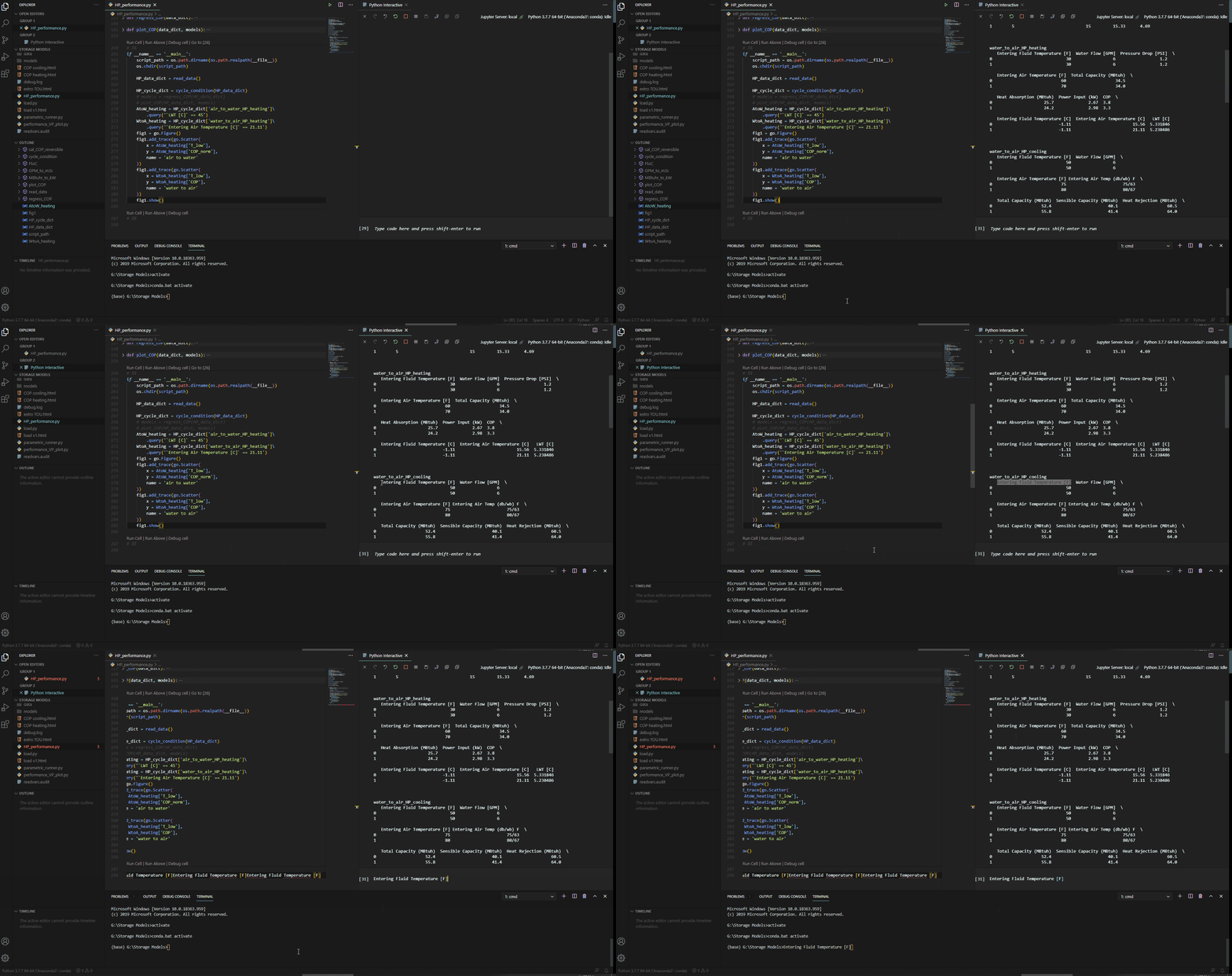
As an immediate bypass solution: click the terminal once so that the cursor shows up there. Then copy & paste from interactive window will work as normal.
Like this:
nevr1106
on 21 Jul 2020
As an immediate bypass solution: click the terminal once so that the cursor shows up there. Then copy & paste from interactive window will work as normal.
This works for me. Terminal here meaning the integrated shell terminal in VS code that you can bring up with ctrl+`, not the terminal of the Python interactive tab.
InvisOn
on 21 Jul 2020
microsoft/vscode-jupyter#767 may be related, as it also describes failed copy from integrated terminal output.
 JPIvan
on 22 Jul 2020
JPIvan
on 22 Jul 2020
Dupe of microsoft/vscode-jupyter#767
 greazer
on 23 Jul 2020
greazer
on 23 Jul 2020
Having similar issues with copy-paste.
For me, the only time, copy from the Python Interactive window works OK, is when the cursor previously was in the Terminal window.
Try these steps, to reproduce a strange behavior:
Open a python script and run some cells, to have some printout in the Python Interactive window. Also open a new text window, to copy text into from the Python Interactive window.
Click in the python script, somewhere in the middle of a text line, then click into the Python Interactive window. Select some text and "copy" with Ctrl+C.
Paste into the (empty) new text editor, to see what was copied. Surprisingly the text pasted is from the position in the python script, where the cursor was, before you clicked into the Python Interactive window to copy from.
Looks like, the user selects some text in the Python Interactive window, but the copied text actually is taken from the python scripts window (text buffer). Might be some mixing up of text cursors in the 2 windows?
 csaba-f-kiss
on 6 Aug 2020
csaba-f-kiss
on 6 Aug 2020
a solution for me: open an editor (like sublime), then drag the selected text to it
 dostov
on 13 Aug 2020
dostov
on 13 Aug 2020
Related issues
 TheOrangeJuice
·
4Comments
TheOrangeJuice
·
4Comments
 schatt89
·
4Comments
schatt89
·
4Comments
 janosh
·
4Comments
janosh
·
4Comments
 qdlmcfresh
·
3Comments
qdlmcfresh
·
3Comments
 SimonCrios
·
3Comments
SimonCrios
·
3Comments
Most helpful comment
As an immediate bypass solution: click the terminal once so that the cursor shows up there. Then copy & paste from interactive window will work as normal.

Like this: