Vscode-gitlens: Gitlens icon disappears from sidebar in version 11.0.1
GitLens Version:
11.0.1Git Version:
git version 2.28.0VSCode Version:
1.51.1 x64OS Version:
macOS Catalina 10.15.7
Steps to Reproduce:
- Update to newest version of Gitlens.
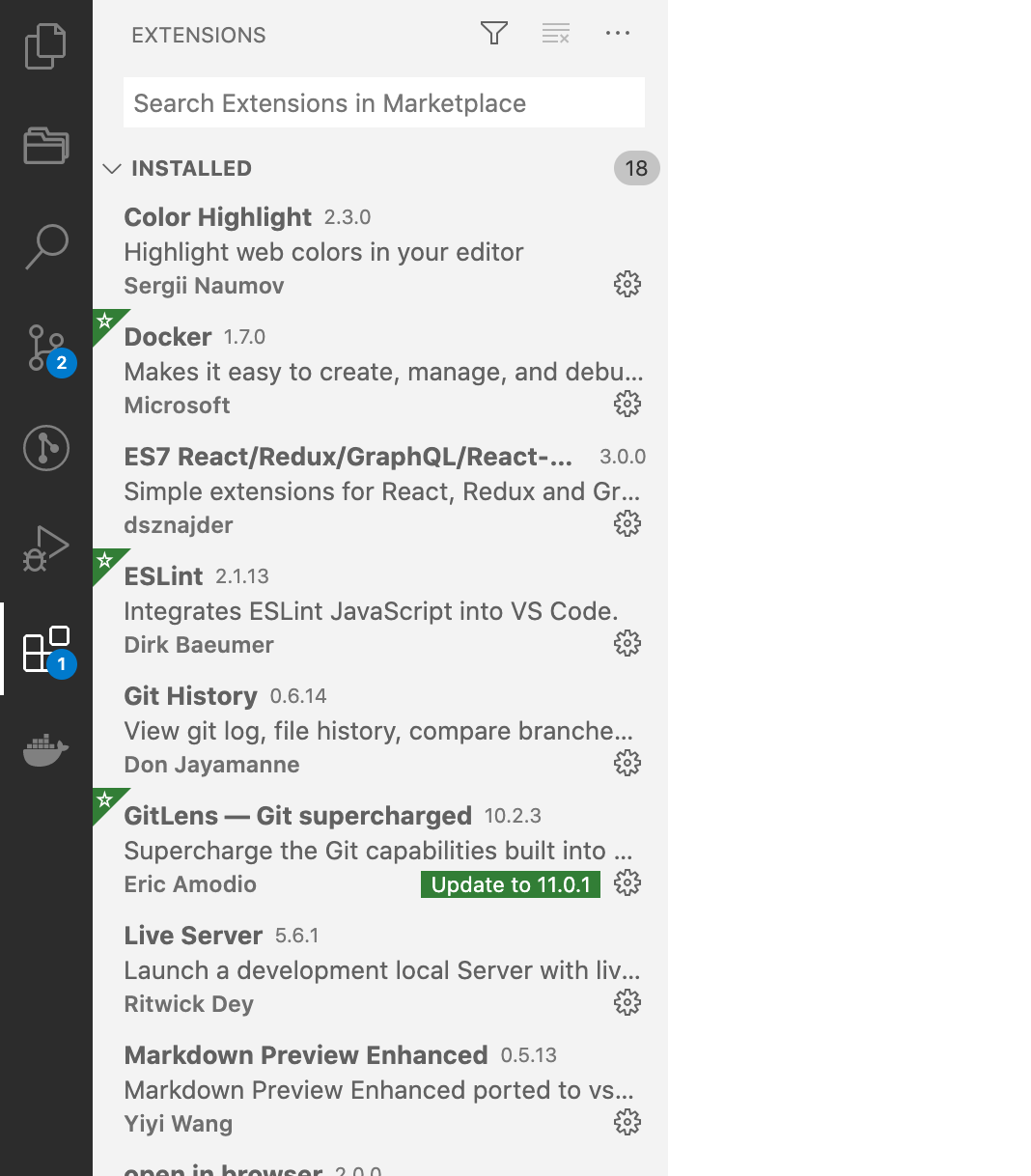
The icon disappears from the sidebar.
Before:
After:
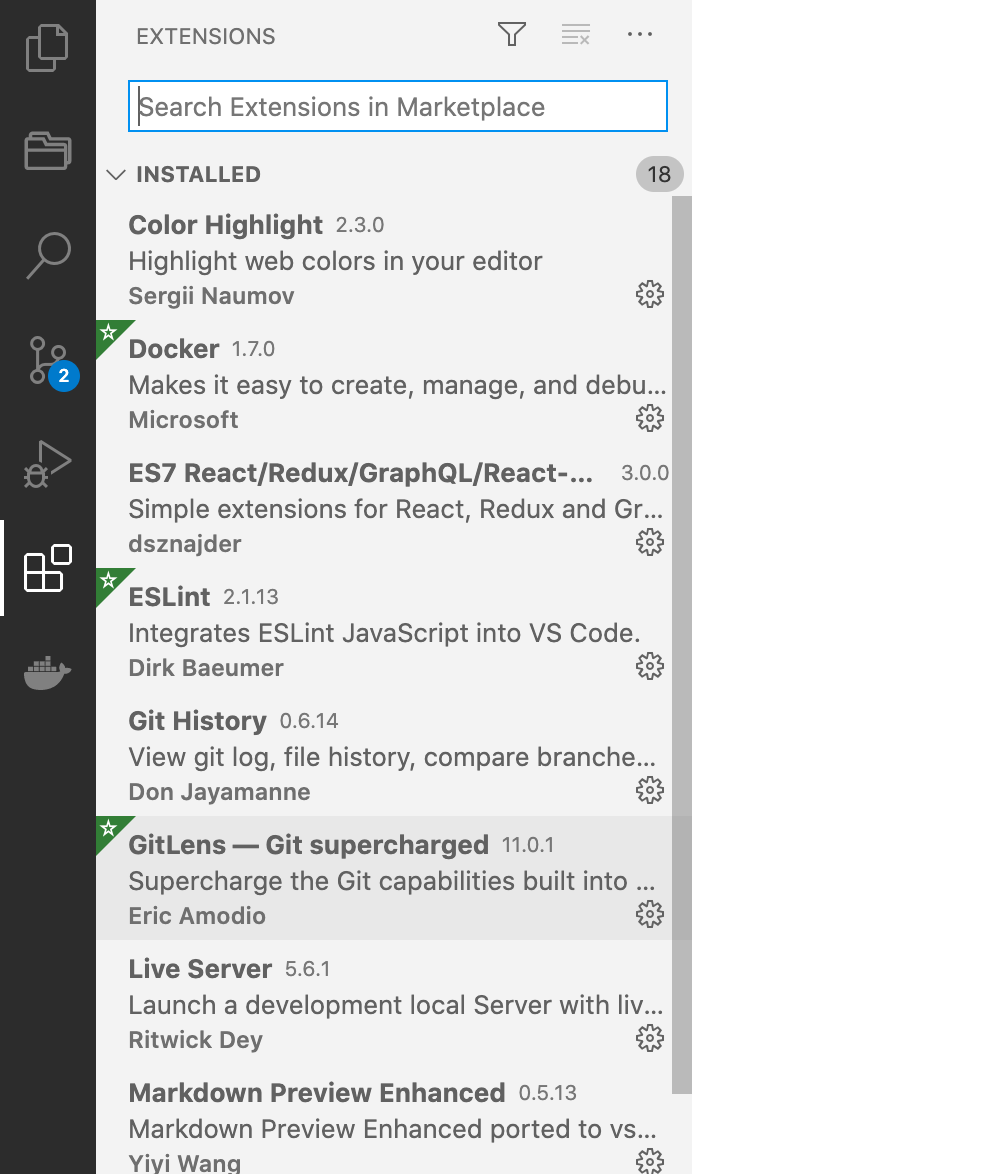
I'm having to downgrade to 10.2.3 for it to reappear.
 abryant710
All 9 comments
Same.
 vostokwork
on 16 Nov 2020
vostokwork
on 16 Nov 2020
same to me
 UntilGone
on 16 Nov 2020
UntilGone
on 16 Nov 2020
Same on Windows 10
 2garryn
on 16 Nov 2020
2garryn
on 16 Nov 2020
1

2
3
vostokwork
on 16 Nov 2020
1
2
3
you saved me! when i find the icon disappeared ,i feeled so sad that i just wanted to say fuck.but now,the only word i want to say is :thank you!thank you!!thank you!!!
 FE-wuhao
on 17 Nov 2020
FE-wuhao
on 17 Nov 2020
It's Simple,
Open your VS code editor.
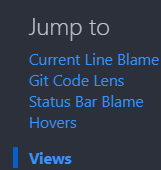
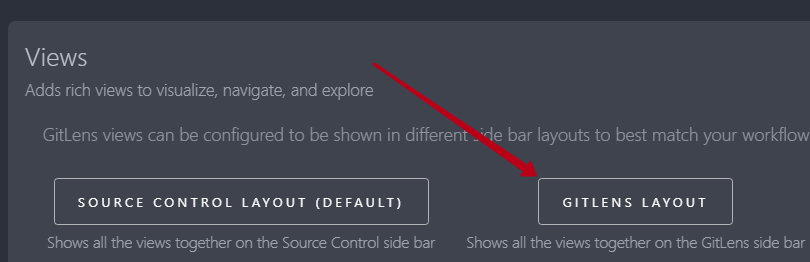
Click 'CTRL + SHIFT + P' to open the command palette > Type 'gitlense' > Click 'Gitlens: Set Views Layout' > Select 'Gitlens Layout'.
That's it, you're all good to go!!
 mmkvdev
on 18 Nov 2020
mmkvdev
on 18 Nov 2020
@mmkvdev @vostokwork that has not fixed the issue for me. I have had to downgrade to 10.2.3 again.
abryant710
on 18 Nov 2020
OK. Sorry, this is fixed from the advice above from @mmkvdev @vostokwork, you just need to make sure you have a workspace open that is using git for the icon to appear. Thanks!
abryant710
on 18 Nov 2020
Thanks!
 LeachZhou
on 24 Nov 2020
LeachZhou
on 24 Nov 2020
Related issues
 lindskogen
·
20Comments
lindskogen
·
20Comments
 catexis
·
21Comments
catexis
·
21Comments
 rajesh996
·
29Comments
rajesh996
·
29Comments
 jletey
·
39Comments
jletey
·
39Comments
 appinteractive
·
36Comments
appinteractive
·
36Comments
Most helpful comment
1
2
3