Vscode-cpptools: With non-EN display languages: Unable to create 'launch.json' file inside the '.vscode' folder (Cannot read property 'name' of undefined).
Type: Debugger
Describe the bug
- OS and Version: Win 10
- VS Code Version: 1.39.2
- C/C++ Extension Version: 0.26.0
- Other extensions you installed (and if the issue persists after disabling them): no other extensions installed
Following Get Started with C++ and Mingw-w64 and stopped at "Configure debug settings" because of an error message "Unable to create 'launch.json' file inside the '.vscode' folder (Cannot read property 'name' of undefined).".
To Reproduce
Steps to reproduce the behavior:
- From the Command Palette, type "launch" and then choose Debug: Open launch.json. Next, choose the GDB/LLDB environment.
- Get an error mesage "Unable to create 'launch.json' file inside the '.vscode' folder (Cannot read property 'name' of undefined)."
Additional context
I have installed VS Code few minutes ago from "system setup". It is still "fresh" without any extensions, except "C/C++ for Visual Studio Code"
 koutoftimer
All 17 comments
Same problem, and v0.25.1 works well.
 sky3141
on 20 Oct 2019
sky3141
on 20 Oct 2019
Same Problem
 AsceticBoy
on 21 Oct 2019
AsceticBoy
on 21 Oct 2019
Same problem for me!
 md-software
on 21 Oct 2019
md-software
on 21 Oct 2019
same problem for me
 ebubekirtrkr
on 21 Oct 2019
ebubekirtrkr
on 21 Oct 2019
We're having problems reproing this bug. Can someone use Help->Toggle Developer Tools and provide the call stack of the undefined reference? You have a mingw compiler installed, right?
 sean-mcmanus
on 21 Oct 2019
sean-mcmanus
on 21 Oct 2019
@sean-mcmanus
console.ts_137.log and notificationsAlerts.ts_38.log appears in Developer Tools console. I think you are looking for this
notificationsAlerts.ts:38 Error: Unable to create 'launch.json' file inside the '.vscode' folder (Cannot read property 'name' of undefined).
    at fileService.readFile.then.then.e (debugConfigurationManager.ts:583)
    at process._tickCallback (internal/process/next_tick.js:68)
onDidNotificationChange @ notificationsAlerts.ts:38
_register.model.onDidNotificationChange.e @ notificationsAlerts.ts:26
Same problem for me
 migue99angel
on 22 Oct 2019
migue99angel
on 22 Oct 2019
Same problem for me
 billchenchina
on 22 Oct 2019
billchenchina
on 22 Oct 2019
We got a repro after changing the display language (investigating a fix).
sean-mcmanus
on 23 Oct 2019
Using "Configure Display Language" to switch to "en" is a workaround, but we found the cause of the bug and should have a fix soon (the release might not be till Thursday though due to other fixes we're working on).
UPDATE: PR at https://github.com/microsoft/vscode-cpptools/pull/4480 .
sean-mcmanus
on 23 Oct 2019
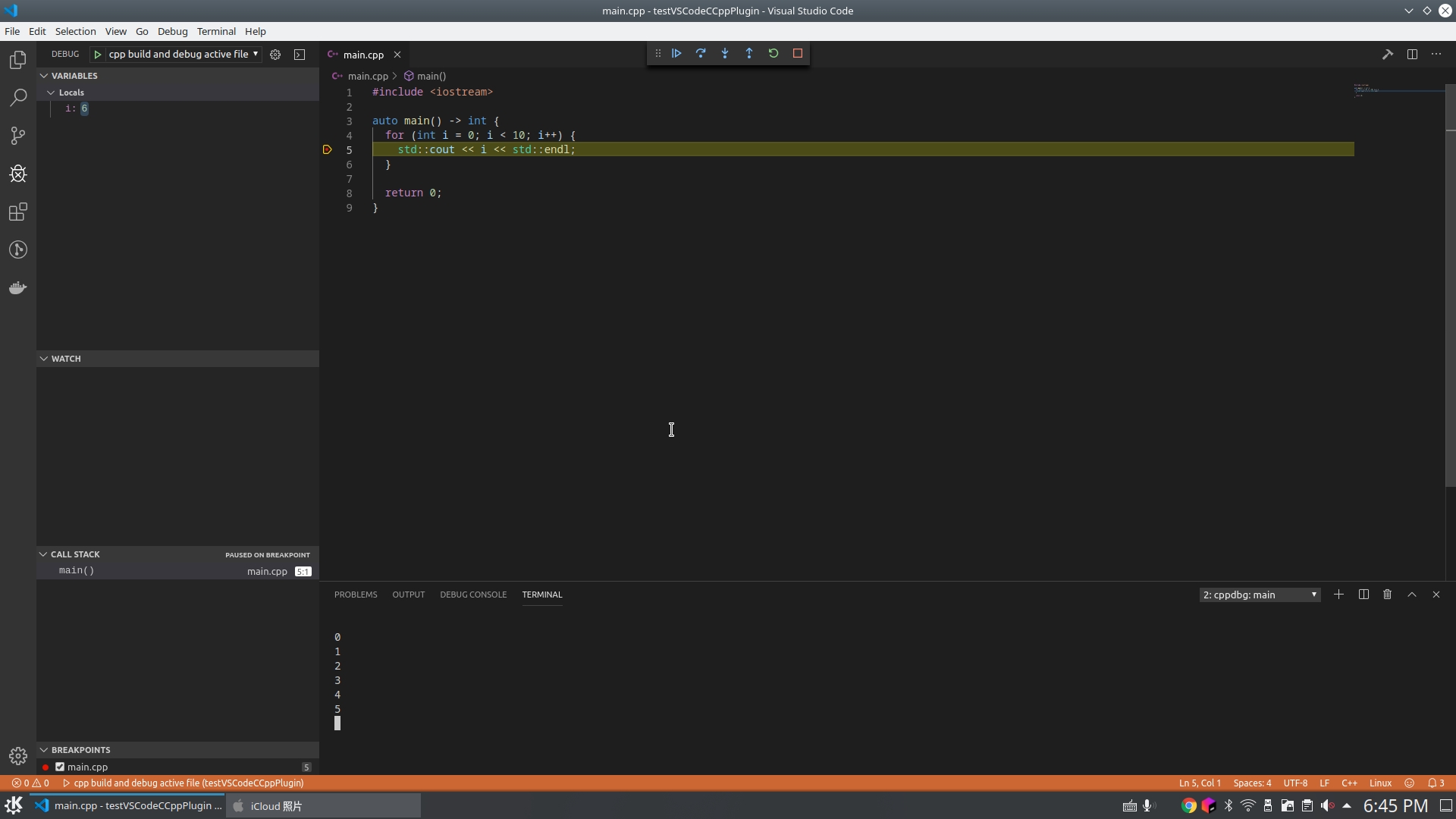
I didn't reproduce this on Ubuntu 19.10.

 chfanghr
on 23 Oct 2019
chfanghr
on 23 Oct 2019
have same problem on ububtu 18.1
 xdubx
on 24 Oct 2019
xdubx
on 24 Oct 2019
I installed VSCode today which came in English by default. Still had this problem though. Setting the language to en again as described by sean-mcmanus fixed the problem for me.
Using "Configure Display Language" to switch to "en" is a workaround, but we found the cause of the bug and should have a fix soon (the release might not be till Thursday though due to other fixes we're working on).
UPDATE: PR at #4480 .
 sevi1603
on 25 Oct 2019
sevi1603
on 25 Oct 2019
Hi @sevi1603 . I suspect the issue with detecting the current language should be addressed by https://github.com/microsoft/vscode-cpptools/pull/4474 , which will also be in the next release.
 Colengms
on 25 Oct 2019
Colengms
on 25 Oct 2019
Fixed in 0.26.1
 michelleangela
on 28 Oct 2019
michelleangela
on 28 Oct 2019
I still have the issue in version: 0.26.1
please look to the lower right. I use win10 German, but with en settings in VSC

 DAVIDSystems
on 9 Nov 2019
DAVIDSystems
on 9 Nov 2019
@DAVIDSystems This is bug https://github.com/microsoft/vscode-cpptools/issues/4526 . It will be fixed when our pending 0.26.2-insiders ships (soon). You should also be able to workaround the issue via using Configure Display Language to set it to English (our extension is using German, incorrectly, if the language hasn't been set...we might open another bug on that).
sean-mcmanus
on 11 Nov 2019
Related issues
 chrisckc
·
3Comments
chrisckc
·
3Comments
 BDZNH
·
3Comments
BDZNH
·
3Comments
 arl
·
3Comments
arl
·
3Comments
 igorPhelype
·
3Comments
igorPhelype
·
3Comments
 lutianqi
·
3Comments
lutianqi
·
3Comments
Most helpful comment
Using "Configure Display Language" to switch to "en" is a workaround, but we found the cause of the bug and should have a fix soon (the release might not be till Thursday though due to other fixes we're working on).
UPDATE: PR at https://github.com/microsoft/vscode-cpptools/pull/4480 .