Vscode-cpptools: Formatting failed!
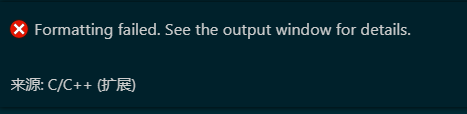
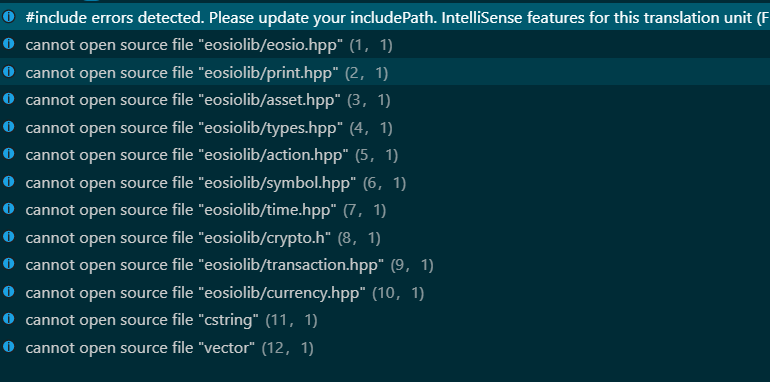
i think should ignore the head .hpp
 boy-good
All 19 comments
What does the C/C++ Output window say? What is the error message or number?
 sean-mcmanus
on 7 Jan 2019
sean-mcmanus
on 7 Jan 2019
C / C ++输出窗口说什么?什么是错误消息或号码?
like picture two,because cannot open the head file for hpp make Formatting failed.
boy-good
on 8 Jan 2019
The picture 2 is not the Output window it is the Problems window. The "cannot open source file" message are due to not being able to find the files via the includePath and is unrelated to the formatting failure.
sean-mcmanus
on 8 Jan 2019
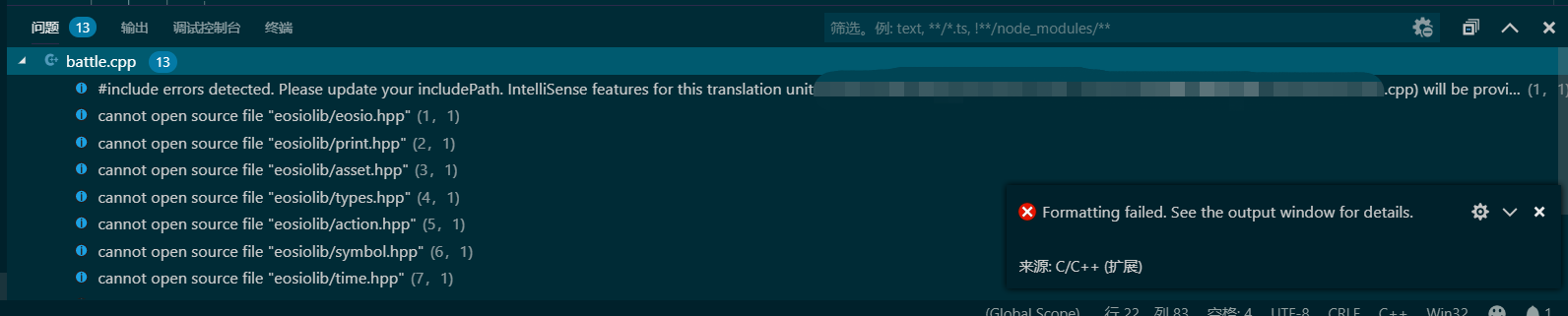
only the problems window has info. @sean-mcmanus
boy-good
on 8 Jan 2019
The error info should be at
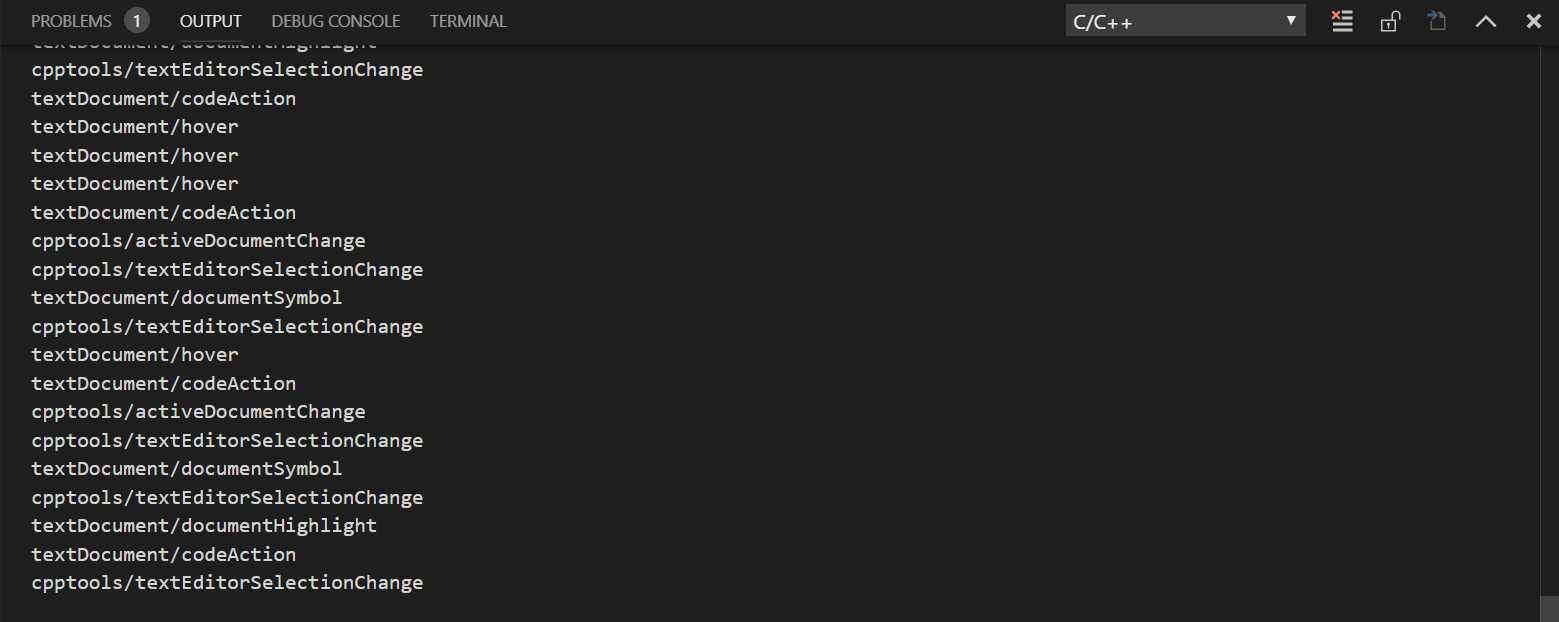
You may need to change your loggingLevel setting: (see https://github.com/Microsoft/vscode-cpptools/blob/master/Documentation/LanguageServer/Enabling%20logging.md ).
sean-mcmanus
on 8 Jan 2019

ok i find the error log like this
boy-good
on 8 Jan 2019
It's the clang-format.exe. Does that file exist? Are you able to run it via the command line?
sean-mcmanus
on 8 Jan 2019
I suspect the UTF-8 characters > 1 byte in the path is causing the command line to fail.
sean-mcmanus
on 8 Jan 2019


i install clang-format again but warning me this. dont you know how to setting? thanks very much
boy-good
on 8 Jan 2019
Our extension provides a different implementation of clang-format and we auto-install the clang-format 6.0 binary so you don't need to install that other clang-format extension unless it has a feature that our support doesn't provide. You can download the clang-format binary yourself at http://releases.llvm.org/download.html#7.0.1 . If you want to use the clang-format extension instead, you should set the C_Cpp.formatting setting to Disabled (otherwise, both extensions will be registered as providing formatting, so I'm not sure which will actually get used).
sean-mcmanus
on 8 Jan 2019
I suspect the UTF-8 characters > 1 byte in the path is causing the command line to fail.
right. the utf-8 causing clang-format.exe formatting failed.
boy-good
on 8 Jan 2019
thank you very much.
boy-good
on 8 Jan 2019
I tried using UTF-8 characters > 1 byte in the path and zh-cn locale, but for some reason I'm not able to reproduce the bug. Are you able to workaround the failure somehow?
sean-mcmanus
on 8 Jan 2019
I change my filename to workaround the failure. Now my filename without UTF-8 and it can be formatted.
boy-good
on 8 Jan 2019
This probblem has been bothering me for a long time. I have found that the cpp file can not be formatted if the name of one of its parent folders ends with "Chinese character+digit", like "中文123". If not, the cpp file can be formatted. The name of the cpp file has no influence.
Not long ago I found a solution: I insert an underline "_" between the Chinese character and the digit of the name of the folders to separate them, writing "中文_123", and the cpp file can be formatted. Using "-" or space doesn't work. Using English letters works, but there must be no spaces after Chinese characters.
 x7890
on 20 Apr 2019
x7890
on 20 Apr 2019
I suspect the UTF-8 characters > 1 byte in the path is causing the command line to fail.
Really want to say thx to you! This really works out for my problem. Well I have to say the problems that Chinese characters in a path cause really bother me, which enforces me (a Chinese windows user) to master English well...(or I have to thank microsoft for my progress in English? lol)
 Lotherxuan
on 21 Sep 2019
Lotherxuan
on 21 Sep 2019
@Lotherxuan We've recently started work on improving our "world readiness", with support for translated strings and non-English compilers coming soon.
But I'm still not able to repro this bug. Does anyone know what other special requirement is needed other than having Chinese characters in the the folder name? @Jasdriel Are you able to repro this?
sean-mcmanus
on 25 Sep 2019
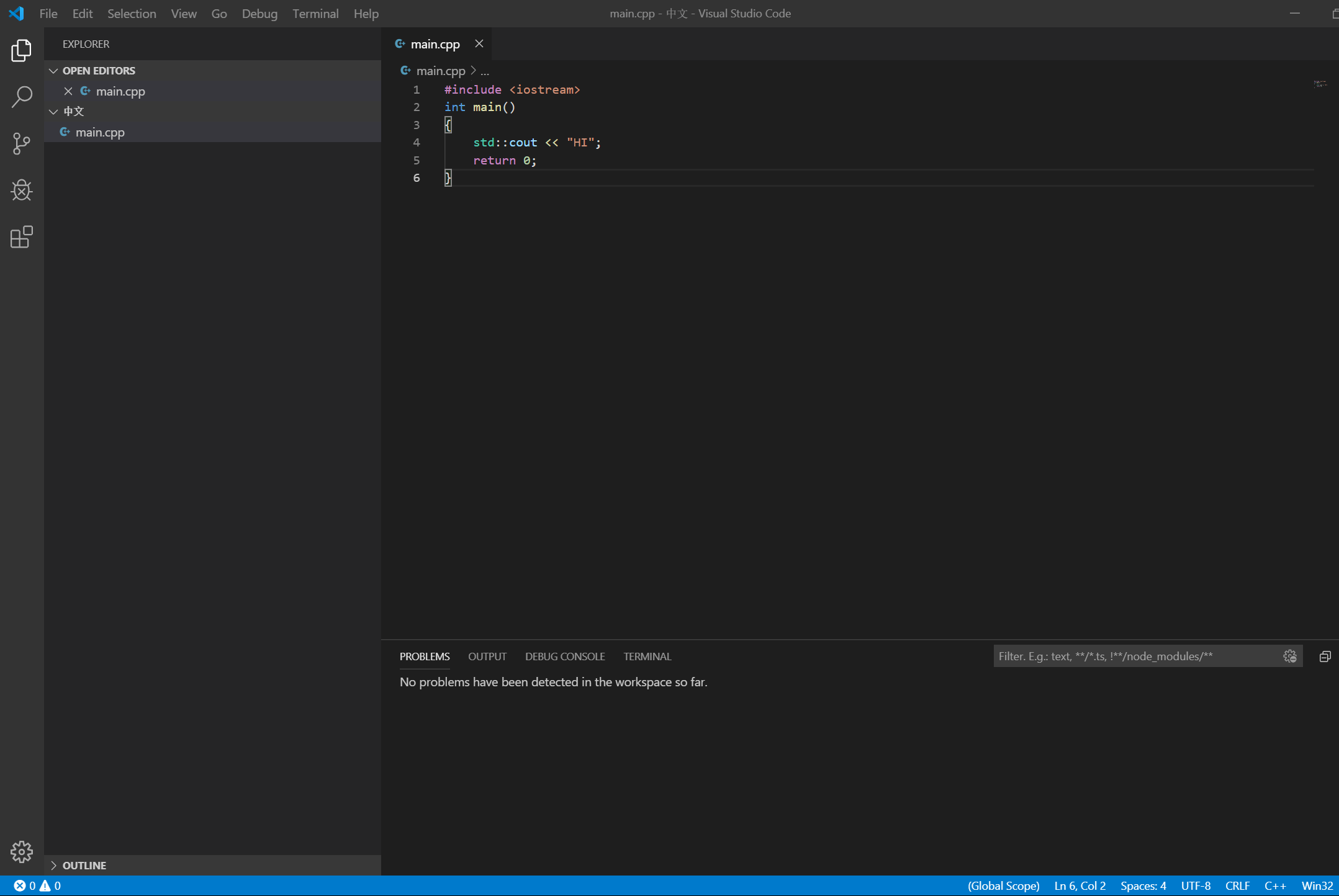
@sean-mcmanus I tried to but no luck, I even can do the formating:
 Jasdriel
on 25 Sep 2019
Jasdriel
on 25 Sep 2019
I believe this got fixed with in December with 0.26.2 from https://github.com/microsoft/vscode-cpptools/issues/1560 . Let us know if we should re-activate this.
sean-mcmanus
on 25 Jan 2020
Related issues
 DemoCrazer
·
3Comments
DemoCrazer
·
3Comments
 BDZNH
·
3Comments
BDZNH
·
3Comments
 CDitzel
·
3Comments
CDitzel
·
3Comments
 timothy
·
3Comments
timothy
·
3Comments
 igorPhelype
·
3Comments
igorPhelype
·
3Comments
Most helpful comment
I suspect the UTF-8 characters > 1 byte in the path is causing the command line to fail.