Vscode-cpptools: Debugger shows only first element of dynamic array
If I have a pointer to some type and give the pointer address of an array, is it possible to display all of the elements instead of the first one only?
For example:
Rectangle* baz = new Rectangle[2] { {2,5}, {3,6} };
displays

both via hovering over the baz variable and in VARIABLES->Locals section.
I think that issue #585 is different (I don't understand the problem of that issue).
 salda
salda
All 11 comments
@salda which OS and debugger are you using?
 pieandcakes
on 4 May 2017
pieandcakes
on 4 May 2017
I'm not on the cpptools team, but, in my opinion, if this works like Visual Studio, then everything is normal.
To view the pointer as a table, you should add a new watched variable under the Debug panel like so:
(Rectangle[2]) baz
See image below.

 AnthonyD973
on 4 May 2017
AnthonyD973
on 4 May 2017
Windows 10 with GDB.
salda
on 4 May 2017
@salda Does what @AnthonyD973 suggested work for you in the watch window? I know the hover won't work. Unfortunately this would require work on gdb's side to allow visualization OR a custom visualizer (aka natvis). I'll mark it as a feature request in the meantime that we can investigate for a future release.
pieandcakes
on 5 May 2017
(int[5]) arr or arr,5 None of them works for me.
What works is *arr@5.
have a look.

OS:Linux VSC Version:1.23.1
 deep529
on 31 May 2018
deep529
on 31 May 2018
debugger PHP7 shows only first element of zend_string


sos...
how can i do display all?
 toxmc
on 28 Jun 2018
toxmc
on 28 Jun 2018

vscode VS lldb
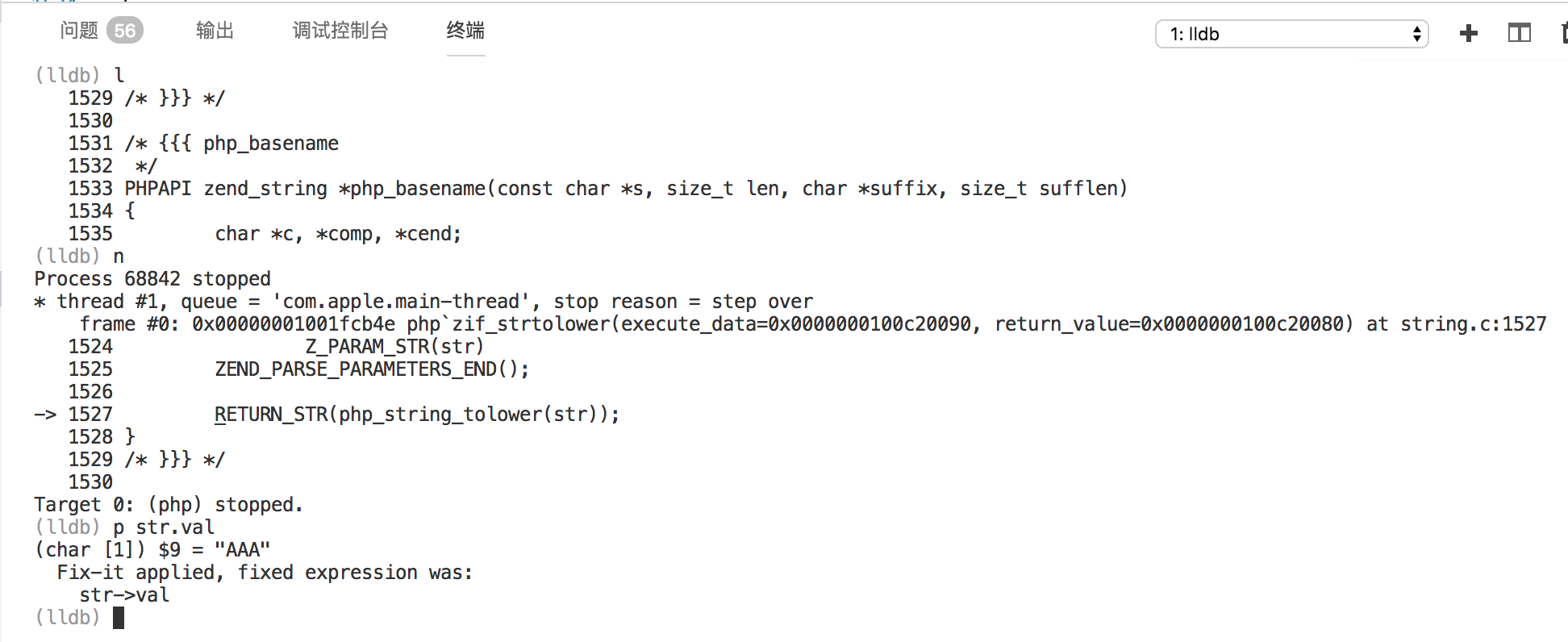
lldb can shows all
toxmc
on 29 Jun 2018
Can anyone please tell how to use watch window
 kulalsk2
on 17 Jul 2020
kulalsk2
on 17 Jul 2020
@kulalsk2 While debugging, in the left pane you will see an area for Watch under Variables.

In there you can type any expression want to look at.
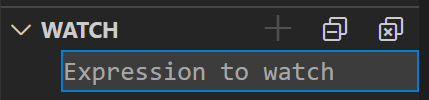
You can look at variables, you can try to see int variable + 1 or see array[index]
 WardenGnaw
on 17 Jul 2020
WardenGnaw
on 17 Jul 2020
Thanks a lot sir
kulalsk2
on 22 Jul 2020
(int[5]) arrorarr,5None of them works for me.
The former usually works in gdb, the latter is not implemented yet, see microsoft/MIEngine#1031.
What works is
*arr@5.
Interesting.
 Trass3r
on 2 Sep 2020
Trass3r
on 2 Sep 2020
Related issues
 jyavenard
·
3Comments
jyavenard
·
3Comments
 arl
·
3Comments
arl
·
3Comments
 ismadelgad11
·
3Comments
ismadelgad11
·
3Comments
 thndrwrks
·
3Comments
thndrwrks
·
3Comments
 montery8
·
3Comments
montery8
·
3Comments
Most helpful comment
(int[5]) arrorarr,5None of them works for me.What works is
*arr@5.have a look.

OS:Linux VSC Version:1.23.1