Voyager: Bread created but can not access to new created BREAD
Version information
- Laravel: v6.11.0
- Voyager: v1.3
- PHP: 7.3.7
- Database: MySQL 5.7.26 (e.g. MySQL 8.0)
Description
I've created BREAD after creating a database as well as model. Then when click to create BREAD, the system said 404 | Error
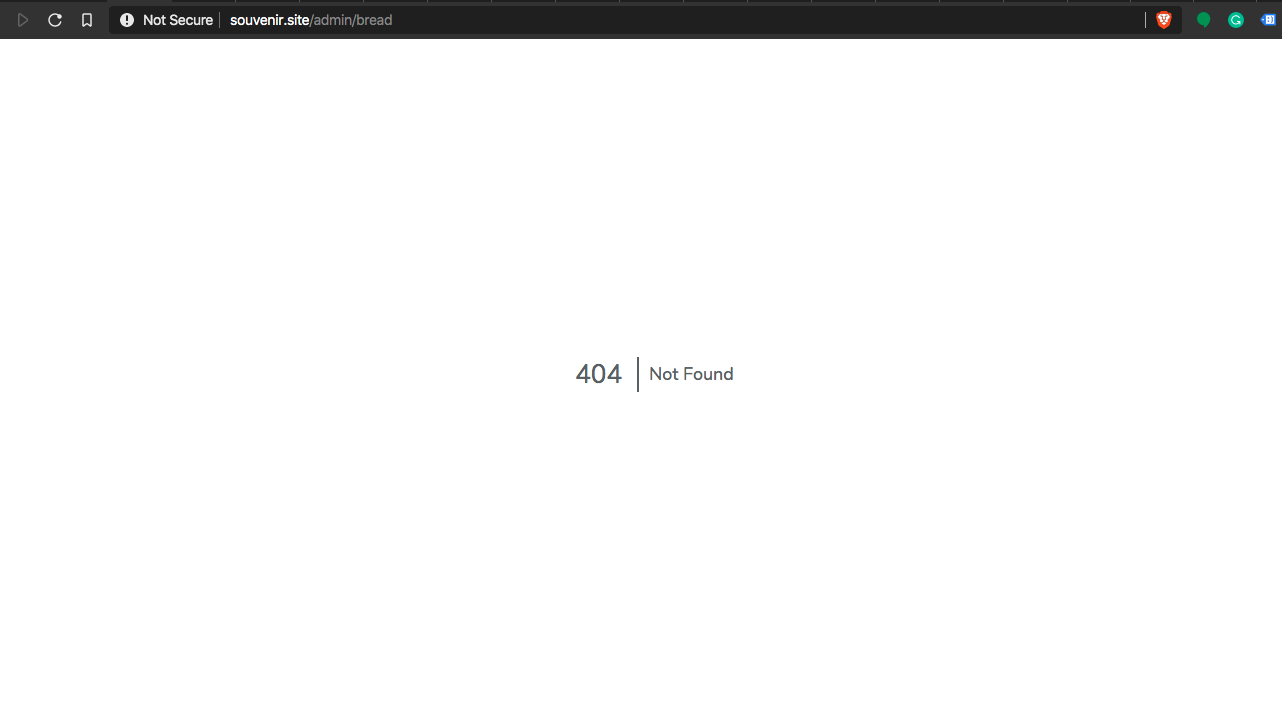
Then after that, when checking again at BREAD index, it still shows that the BREAD has been created.

But when trying to access BREAD, it said error 403
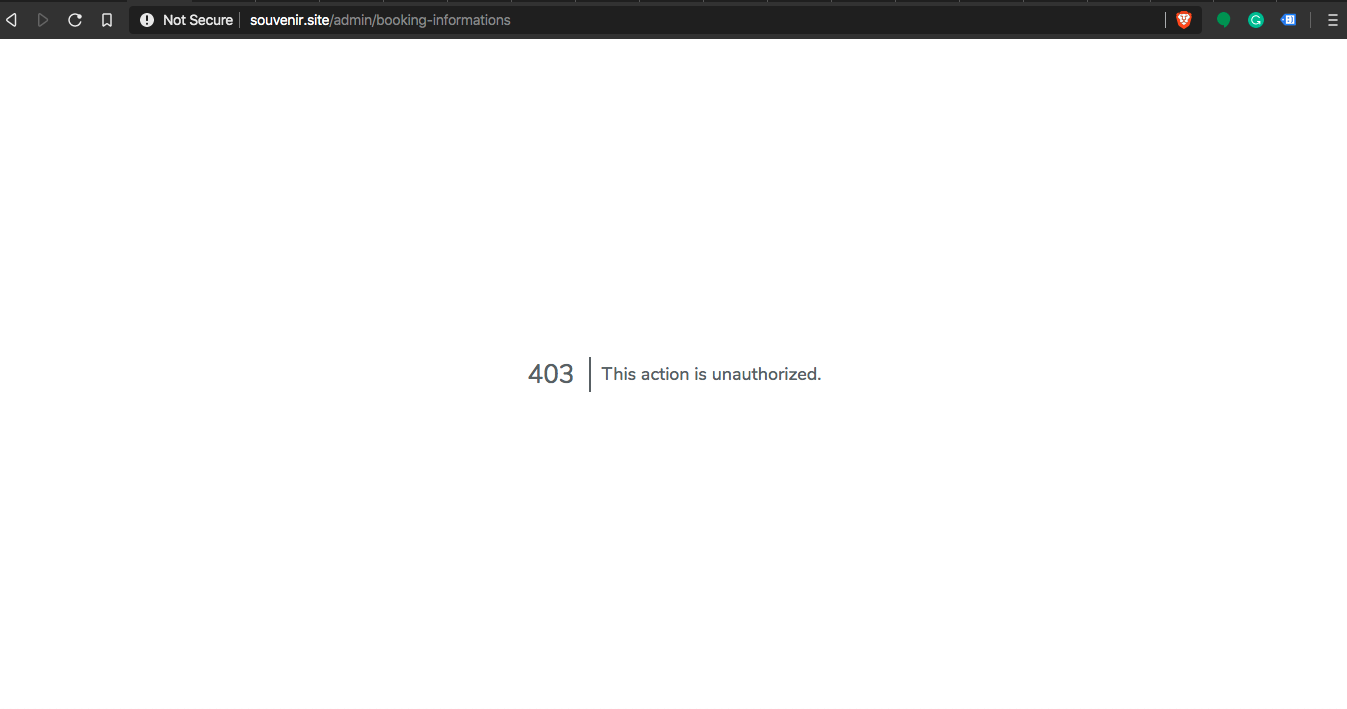
After giving it a permission
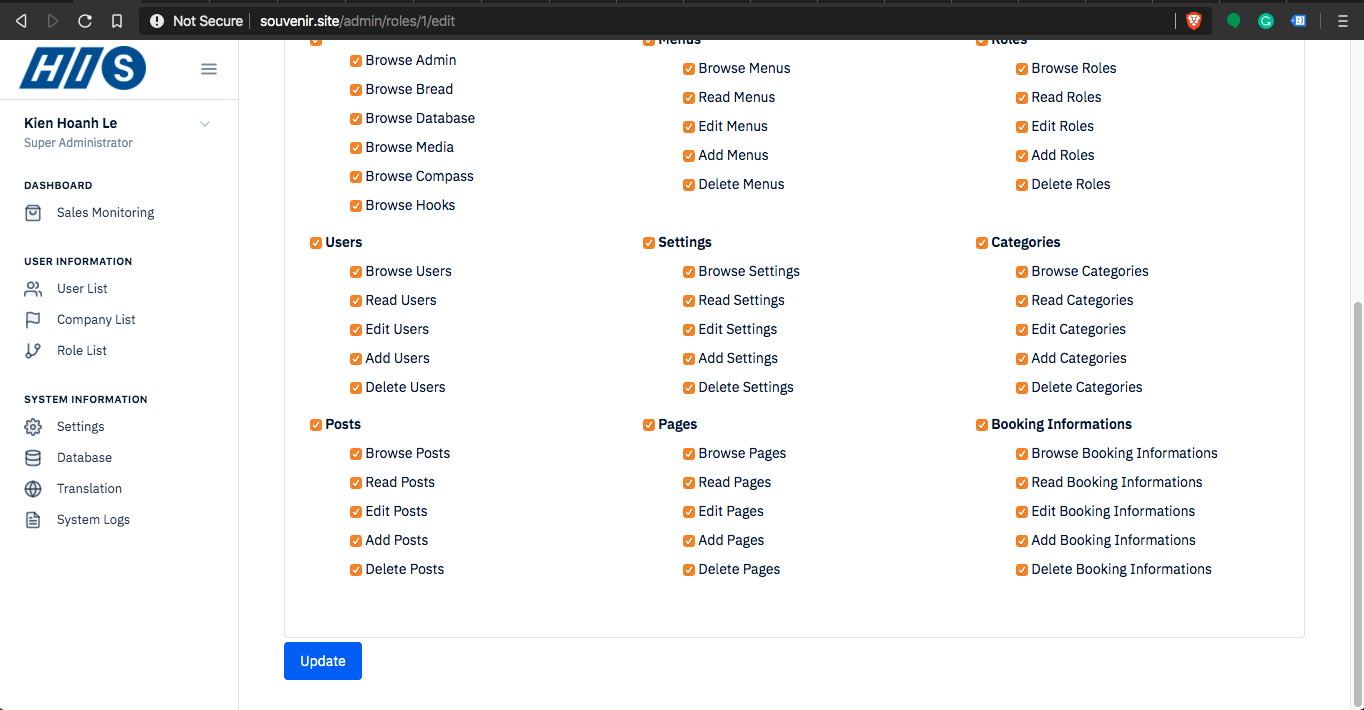
This is what I've seen on the screen
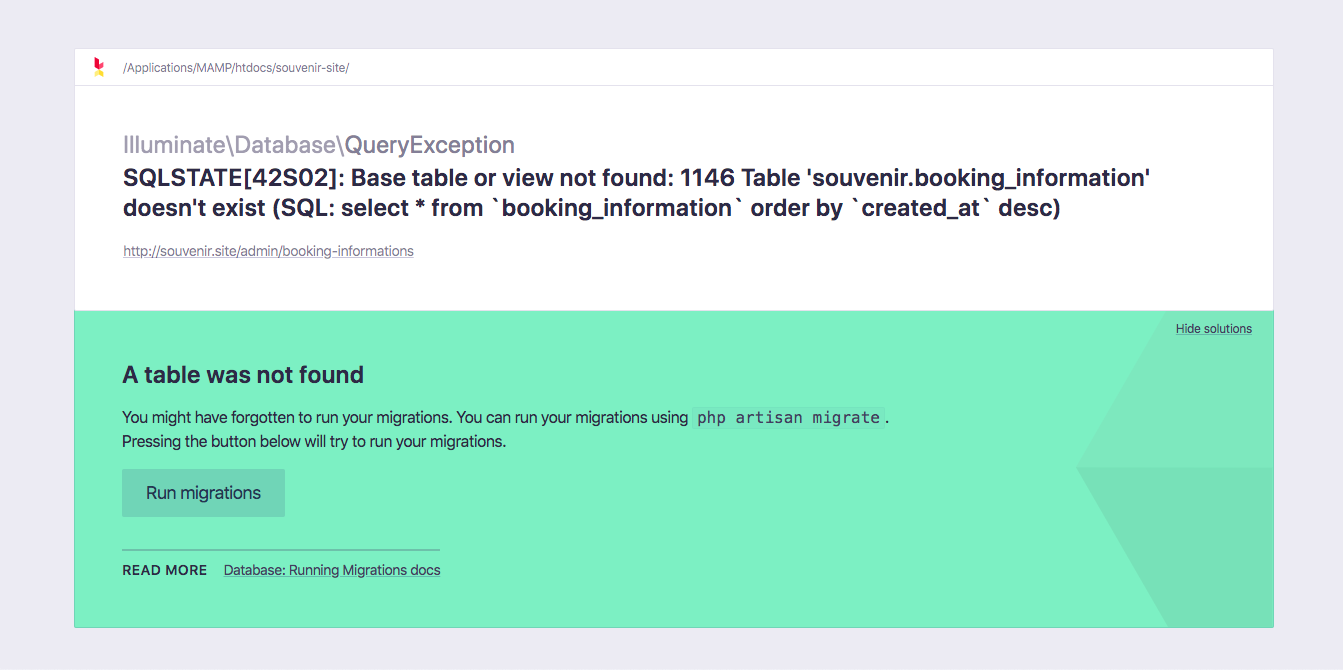
But I've already created that database using Voyager

What am I missed? 😔
Steps To Reproduce
Steps to reproduce the behaviour:
- Create booking_informations database and model
- Create BREAD using Voyager Interface
- Set permission to that BREAD
- See error
Expected behaviour
- I should be able to access to Booking Information BREAD index
Screenshots
Screenshots included on the error description
Thank you for a super great system!
 raymondugv
All 18 comments
Looks like your naming is wrong.
The correct plural is information not informations and so Laravel is looking for that table without s.
 emptynick
on 21 Jan 2020
emptynick
on 21 Jan 2020
Looks like your naming is wrong.
The correct plural is information not informations and so Laravel is looking for that table without s.
Thank you for responding, @emptynick
You mean on the table name, right?
raymondugv
on 21 Jan 2020
Yes he means the table, if you solved please close the issue.
 MrCrayon
on 21 Jan 2020
MrCrayon
on 21 Jan 2020
Yes he means the table, if you solved please close the issue.
Thank you @MrCrayon ,
My problem is fixed, but when creating BREAD, my site always calls a 404 error, what happened?.

Like this, do you facing that same issues that I did?
raymondugv
on 21 Jan 2020
Works for me.
What's your Voyager exact version v1.3.0 or v1.3.1?
Try clearing your cache:
php artisan view:clear
php artisan cache:clear
Works for me.
What's your Voyager exact version v1.3.0 or v1.3.1?
Try clearing your cache:
php artisan view:clear
php artisan cache:clear
Thank you for responding,
My current Voyager version is 1.3.1.
And by the way, it still has the same issues after I've run above command.
raymondugv
on 21 Jan 2020
Does that happen only after saving or also when you go to Tools -> BREAD?
How are your routes for bread?
php artisan route:list | grep bread

|        | POST      | admin/bread                          | voyager.bread.store               | TCG\Voyager\Http\Controllers\VoyagerBreadController@store              | web,admin.user                                       |
|        | GET|HEAD  | admin/bread                          | voyager.bread.index               | TCG\Voyager\Http\Controllers\VoyagerBreadController@index              | web,admin.user                                       |
|        | GET|HEAD  | admin/bread/delete_relationship/{id} | voyager.bread.delete_relationship | TCG\Voyager\Http\Controllers\VoyagerBreadController@deleteRelationship | web,admin.user                                       |
|        | POST      | admin/bread/relationship             | voyager.bread.relationship        | TCG\Voyager\Http\Controllers\VoyagerBreadController@addRelationship    | web,admin.user                                       |
|        | PUT       | admin/bread/{id}                     | voyager.bread.update              | TCG\Voyager\Http\Controllers\VoyagerBreadController@update             | web,admin.user                                       |
|        | DELETE    | admin/bread/{id}                     | voyager.bread.delete              | TCG\Voyager\Http\Controllers\VoyagerBreadController@destroy            | web,admin.user                                       |
|        | GET|HEAD  | admin/bread/{table}/create           | voyager.bread.create              | TCG\Voyager\Http\Controllers\VoyagerBreadController@create             | web,admin.user                                       |
|        | GET|HEAD  | admin/bread/{table}/edit             | voyager.bread.edit                | TCG\Voyager\Http\Controllers\VoyagerBreadController@edit               | web,admin.user                                       |
Does that happen only after saving or also when you go to Tools -> BREAD?
How are your routes for bread?
php artisan route:list | grep bread

|        | POST      | admin/bread                          | voyager.bread.store               | TCG\Voyager\Http\Controllers\VoyagerBreadController@store              | web,admin.user                                       |
|        | GET|HEAD  | admin/bread                          | voyager.bread.index               | TCG\Voyager\Http\Controllers\VoyagerBreadController@index              | web,admin.user                                       |
|        | GET|HEAD  | admin/bread/delete_relationship/{id} | voyager.bread.delete_relationship | TCG\Voyager\Http\Controllers\VoyagerBreadController@deleteRelationship | web,admin.user                                       |
|        | POST      | admin/bread/relationship             | voyager.bread.relationship        | TCG\Voyager\Http\Controllers\VoyagerBreadController@addRelationship    | web,admin.user                                       |
|        | PUT       | admin/bread/{id}                     | voyager.bread.update              | TCG\Voyager\Http\Controllers\VoyagerBreadController@update             | web,admin.user                                       |
|        | DELETE    | admin/bread/{id}                     | voyager.bread.delete              | TCG\Voyager\Http\Controllers\VoyagerBreadController@destroy            | web,admin.user                                       |
|        | GET|HEAD  | admin/bread/{table}/create           | voyager.bread.create              | TCG\Voyager\Http\Controllers\VoyagerBreadController@create             | web,admin.user                                       |
|        | GET|HEAD  | admin/bread/{table}/edit             | voyager.bread.edit                | TCG\Voyager\Http\Controllers\VoyagerBreadController@edit               | web,admin.user                                       |
Thanks for replying,
It just only happens when I save my BREAD.
This is my routes of bread.

raymondugv
on 21 Jan 2020
Try:
php artisan route:clear
If after that is not working I have no idea but my bet is some sort of caching, when you go to Tools -> BREAD that's the same url you are redirected to after saving.
MrCrayon
on 21 Jan 2020
Thank you for responding,
I've tried your way, but it didn't work...
raymondugv
on 21 Jan 2020
Can't do anything else with the information I have.
You'll need to debug what's happening, try to put a dd() in:
TCG\Voyager\Http\Controllers\VoyagerBreadController@store
or update depending when the error happens, to be sure you are reaching the right controller, if you get there try to find out why 404 is returned.
MrCrayon
on 21 Jan 2020
Can't do anything else with the information I have.
You'll need to debug what's happening, try to put a
dd()in:
TCG\Voyager\Http\Controllers\VoyagerBreadController@store
or update depending when the error happens, to be sure you are reaching the right controller, if you get there try to find out why 404 is returned.
I see,
Thank you for supporting.
Please keep this post open till we can find a solution for it 😌.
raymondugv
on 21 Jan 2020
Did you try to debug?
MrCrayon
on 22 Jan 2020
Did you try to debug?
Hi,
Sorry for late respoding,
I've tried the dd() method, but it still return 404 :|.
raymondugv
on 23 Jan 2020
Then it's not reaching the right controller and you'll have to find why.
It might still be a cache problem or maybe you override controllers, can't tell from here.
MrCrayon
on 23 Jan 2020
Then it's not reaching the right controller and you'll have to find why.
It might still be a cache problem or maybe you override controllers, can't tell from here.
I see,
I guess will take me sometimes to find out what's the problem. But since the beginning of Voyager installation, I haven't change or override any Voyager basic files, except View.
That's weird!.
raymondugv
on 23 Jan 2020
Since your original issue was solved I'm closing this.
Please open e new issue if you still didn't solve the 404 after saving.
MrCrayon
on 27 Jan 2020
This issue has been automatically locked since there has not been any recent activity after it was closed. If you have further questions please ask in our Slack group.
![github-actions[bot] picture](https://avatars.githubusercontent.com/in/15368?v=4&s=40) github-actions[bot]
on 26 Jul 2020
github-actions[bot]
on 26 Jul 2020
Related issues
 Nagendra1421
·
3Comments
Nagendra1421
·
3Comments
 craigb88
·
3Comments
craigb88
·
3Comments
 iwasherefirst2
·
3Comments
iwasherefirst2
·
3Comments
 popica80
·
3Comments
popica80
·
3Comments
 TPRAsh
·
3Comments
TPRAsh
·
3Comments
Most helpful comment
Looks like your naming is wrong.
The correct plural is information not informations and so Laravel is looking for that table without s.