Voyager: View [admin_menu] not found.
Version information
- Laravel: v5.7.28
- Voyager: v1.2
- PHP: 7.3.1
- Database: MySQL 10.1.37
Description
I was developing on my desktop, but because I now want to sync with another app, so I moved the project to HTDOCS. So i moved the project to htdocs, Did composer install, then php artisan key:generate, then php artisan cache:clear. and my front-end was working.
But when I try to access the /admin, the login view is coming up fine. the problem comes when I try to view the dashboard or any other view with an /admin prefix.
Screenshots
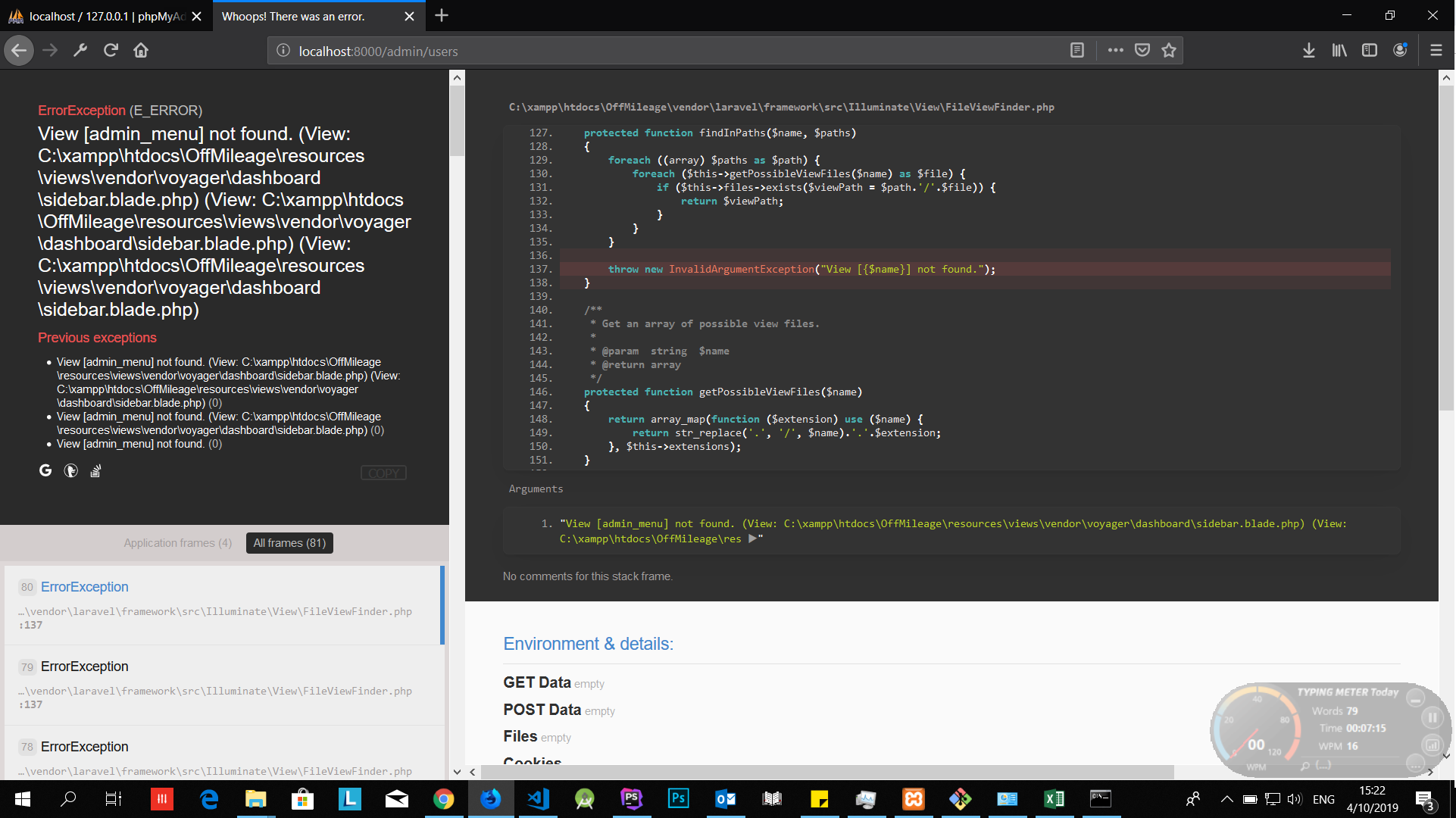
PS: I have already tried this
i.e.
php artisan view:clear
php artisan cache:clear
php artisan config:cache
and still no change. I also overwrote some views, but no views related to menus
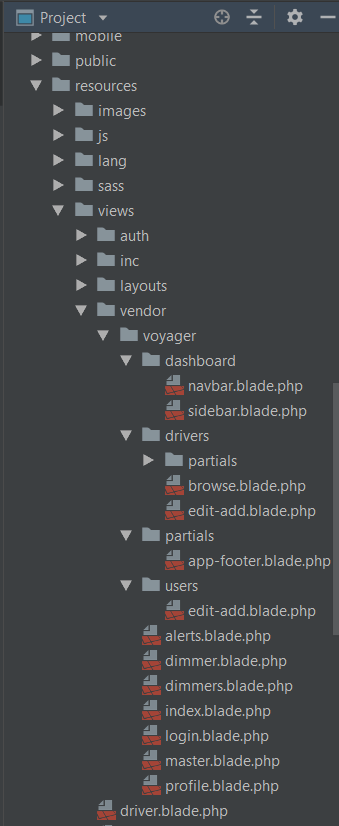
 VinceGee
All 9 comments
Edit: Sorry, just saw you already tried those steps.
Nonetheless: this view was removed in 1.2 and you need to adapt your code accordingly.
 emptynick
on 10 Apr 2019
emptynick
on 10 Apr 2019
yeah tried those, with no luck...
I also thought since I was overwriting the view, what if I don't overwrite the menu, so I deleted my view....and the menu came up with no menu items:
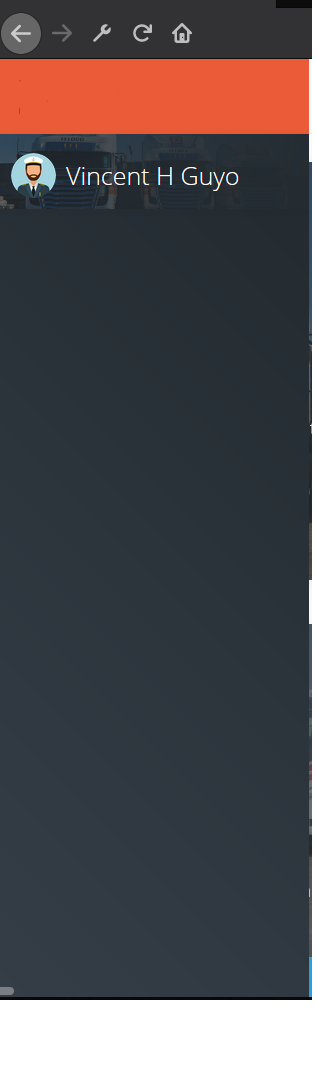
also tried overwriting it with {!! menu('admin', 'my_menu') !!} as mentioned here but the menu items are appearing as an unOrdered list
VinceGee
on 11 Apr 2019
Also opened the original sidebar.blade.php located in \vendor\tcg\voyager\resources\views\dashboard and copied the code that echoes the menu, i.e. <div id="adminmenu">
<admin-menu :items="{{ menu('admin', '_json') }}"></admin-menu>
</div>
menu still comes out blank as image above
VinceGee
on 11 Apr 2019
Have you solved this issue? We're currently having this issue too.
 michaelisip
on 14 Apr 2019
michaelisip
on 14 Apr 2019
Just revert the custom changes made to the menu/sidebar/master views to what Voyager delivers and recreate custom changes made before.
emptynick
on 14 Apr 2019
Yep that did it, deleting all the custom changes I made restored the menu. Thanks ;)
VinceGee
on 15 Apr 2019
Also opened the original sidebar.blade.php located in
\vendor\tcg\voyager\resources\views\dashboardand copied the code that echoes the menu, i.e.<div id="adminmenu"> <admin-menu :items="{{ menu('admin', '_json') }}"></admin-menu> </div>menu still comes out blank as image above
thanks it works
 hhhormean
on 13 Aug 2019
hhhormean
on 13 Aug 2019
I got the same problem and solved by
php artisan view:clear
 bedus-creation
on 20 Sep 2019
bedus-creation
on 20 Sep 2019
This issue has been automatically locked since there has not been any recent activity after it was closed. If you have further questions please ask in our Slack group.
![github-actions[bot] picture](https://avatars.githubusercontent.com/in/15368?v=4&s=40) github-actions[bot]
on 18 May 2020
github-actions[bot]
on 18 May 2020
Related issues
 IvanBohonosiuk
·
4Comments
IvanBohonosiuk
·
4Comments
 popica80
·
3Comments
popica80
·
3Comments
 TPRAsh
·
3Comments
TPRAsh
·
3Comments
 rayqiri
·
3Comments
rayqiri
·
3Comments
 wp-src
·
3Comments
wp-src
·
3Comments
Most helpful comment
I got the same problem and solved by