I have a notebook in which I use ipywidgets to update a plot. Is this supported with voila? It appears that the widget that I use doesn't show up when served by voila.
Btw, this looks very close to the exact thing that I was looking for, to serve up a notebook for my colleagues who aren't programming-savvy! Thank you for making this!
 ericmjl
All 9 comments
Hi Eric,
Thanks for your feedback! Yes, the widgets should work. What widget is it that is not working? Did you test that the core ipywidgets are working, like a FloatSlider for instance?
cheers.
Maarten
 maartenbreddels
on 15 Nov 2018
maartenbreddels
on 15 Nov 2018
Thank you for getting back, @maartenbreddels!
The widget that isn't working for me right now is the Dropdown widget. It appears the Progress Bar widget is working fine (I am using tqdm_notebook inside the notebook).
ericmjl
on 15 Nov 2018
Is there any error showing up on the JS side with the browser console?
 SylvainCorlay
on 15 Nov 2018
SylvainCorlay
on 15 Nov 2018
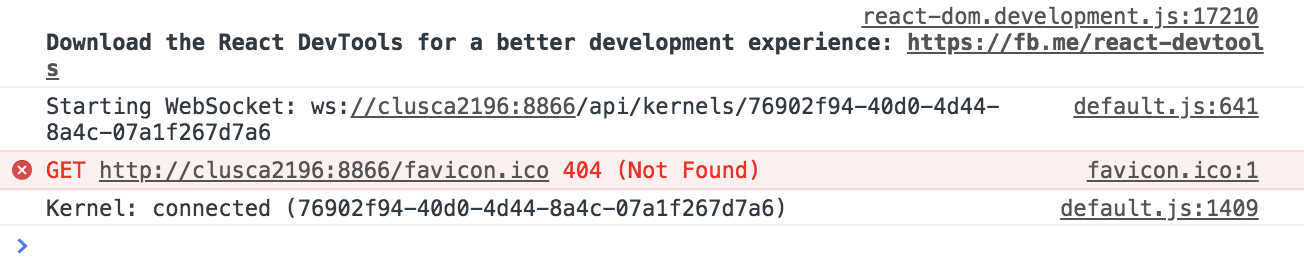
@SylvainCorlay thank you also for responding! I do not see any errors related to widgets in the JS console in my browser, though I do see one related to a favicon. It apparently shouldn't be the issue, I guess.
Screenshot available below:
ericmjl
on 15 Nov 2018
@SylvainCorlay @maartenbreddels I tried switching my dropdown to an IntSlider, and that apparently is not working either.
Perhaps it might be the way I am calling on the widget? I am using the following pattern:
dropdown = Dropdown(options=...)

@interact(arg=dropdown)
def func(arg):
   ...
    plt.plot(...)
I created a minimal example that reproduces the problem, below. Apologies for the lack of code the first time round, I was working with code that dealt with company data.
from ipywidgets import Dropdown, interact, fixed
import matplotlib.pyplot as plt
import numpy as np

%load_ext autoreload
%autoreload 2
%matplotlib inline
%config InlineBackend.figure_format = 'retina'

x = np.linspace(-10, 10, 1000)

@interact(A=range(10), x=fixed(x))
def plot(A, x):
    plt.plot(A * np.sin(x))
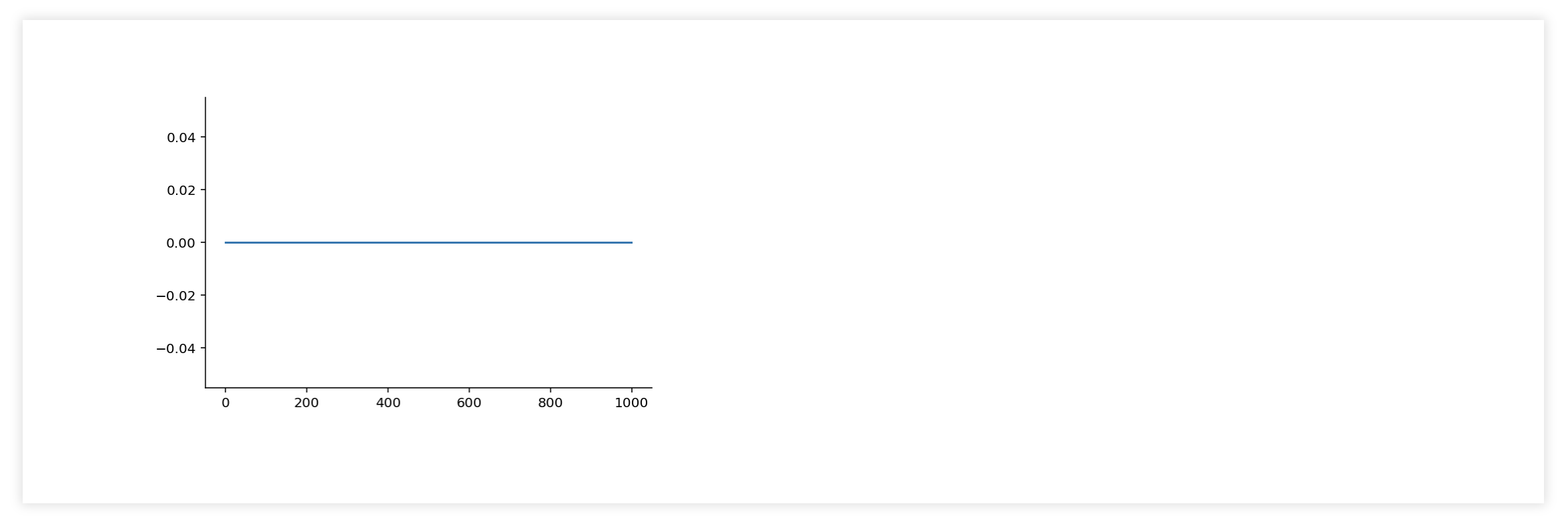
When served with voila, I see the following in my browser:
ericmjl
on 15 Nov 2018
Ah, I think that the issue is that you are using interact. I don't think that voila's implementation of the output widget works quite yet.
SylvainCorlay
on 15 Nov 2018
Aha, got it! Thanks @SylvainCorlay.
What might be a way to workaround this at the moment? I am currently only familiar with the interact and interactive interfaces. I am right now trying to see if I can use a lower-level interface, e.g. having a widget observe a function, but I am struggling with that at the moment.
ericmjl
on 15 Nov 2018
Closing and opening a specific issue about the output widgets and interact support.
SylvainCorlay
on 20 Nov 2018
If anyone else is coming here from Google because their matplotlib plot(s) are empty, be sure to add: import ipympl to the file and add plt.show() to each cell with a plot in it.
 andymbryant
on 29 May 2020
andymbryant
on 29 May 2020
Related issues
 choldgraf
·
5Comments
choldgraf
·
5Comments
 jeiche
·
8Comments
jeiche
·
8Comments
 janfreyberg
·
6Comments
janfreyberg
·
6Comments
 roman-kouzmenko
·
5Comments
roman-kouzmenko
·
5Comments
 johnjarmitage
·
6Comments
johnjarmitage
·
6Comments