Virtualc64: Add support for Expert Cartridge
Expert Cartridge by the english company Trilogic came in the middle of 1986 relatively late to the european market but got into quite a success story due to its excellent software. Expert Cartridge is a RAM only cartridge carrying 8 kbyte of RAM which can be pre-programmed just like an ISEPIC.
 dirkwhoffmann
All 20 comments
Hello Friends, what cartridge is this? Never heard ?
 mortinus
on 21 Dec 2018
mortinus
on 21 Dec 2018
I did not remember its existence, I found it by chance while I was chasing ISEPIC's electrical schematics.
But have you seen that software? It seems better than ISEPIC!
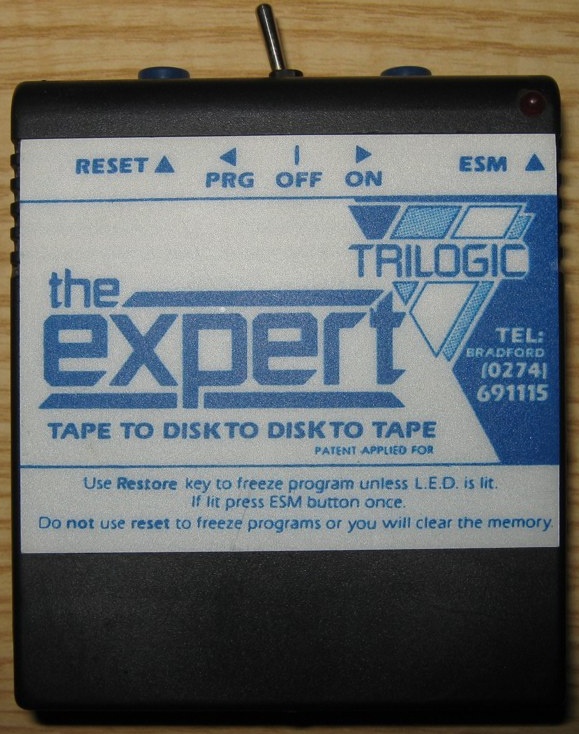
Freeze button, switch like ISEPIC and ESM button (I do not know this...)
 Alessandro1970
on 21 Dec 2018
Alessandro1970
on 21 Dec 2018
ESM ??? A red led ?
 UgoCaneFifone
on 21 Dec 2018
UgoCaneFifone
on 21 Dec 2018
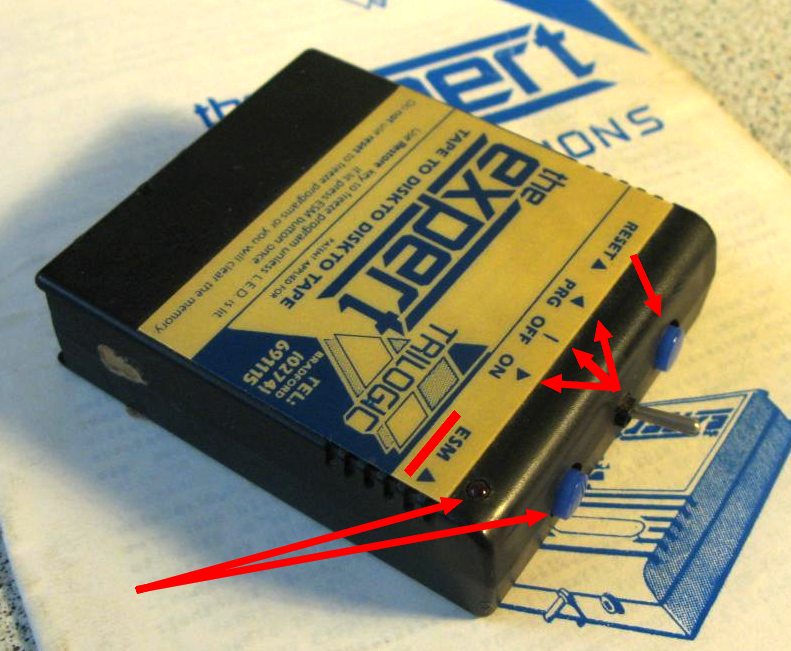
There are: (Left) Reset Button, in the middle a _tri-state Switch_ (PRG/OFF/ON), (Right) button FREEZE (E.S.M.) + led.
Alessandro1970
on 21 Dec 2018
ESM ... European Stability Mechanism 🤔 ... this is what Google told me.
dirkwhoffmann
on 21 Dec 2018
There is the need to reproduce the led, in the bottom bar, for using it
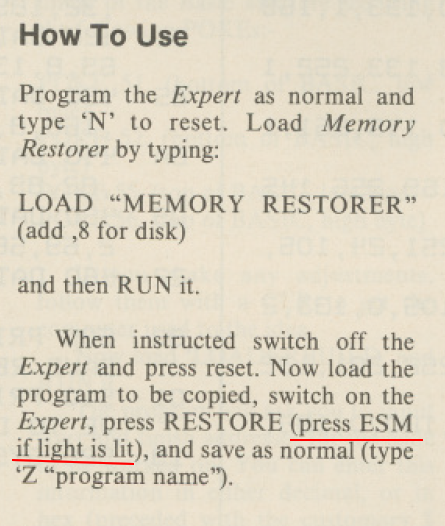
...The ESM is the FREEZE Button (Expert System Menu' !?)
Alessandro1970
on 21 Dec 2018
What about integrating the LED into the cartridge icon in the bottom bar?

The original icon (left) is shown for normal cartridges. The other ones are used for cartridges having a LED.
dirkwhoffmann
on 21 Dec 2018
Great !
Alessandro1970
on 21 Dec 2018
Martin Sikström has reengineered the cartridge. He has drawn a nice schematic which surely helps to implement it.
https://people.kth.se/~e93_msi/c64/expert.html
I didn't dive into details yet, but I can already tell that it is quite different to ISEPIC from a hardware point of view. ISEPIC is much simpler.
dirkwhoffmann
on 23 Dec 2018
The manual tells me to insert the utility disk and load a program named "N":

Does anybody know where I can get this "utility disk"? I found a couple of disks, but none contained a program "N".
dirkwhoffmann
on 24 Dec 2018
Hi,
If you want to try Expert in Vice attach this cartridge :
Expert Cartridge (1986)(Trilogic).zip
Than press "N"
But, Expert does not work on VICE ...as far as I found
https://sourceforge.net/p/vice-emu/bugs/939/
Alessandro1970
on 24 Dec 2018
If I understand the manual correctly, we need three things to run the Expert cart:
- A crt file (basically a preprogrammed cart).
- Some software on a disk (to prepare a save disk).
- A manual that explains how to push and pull the switch when and where to.
The problem is that there are so many different versions that we need 1,2,3 to be fitting together.
When using the 1986 (Trilogic).crt file I come to the point where hitting the Freeze button opens up the monitor:

Now, the manual tells me to insert a prepared save disk into the drive. But I have no idea how to prepare this disk. When I continue with a blank disk, the freezer gets active 🥶:
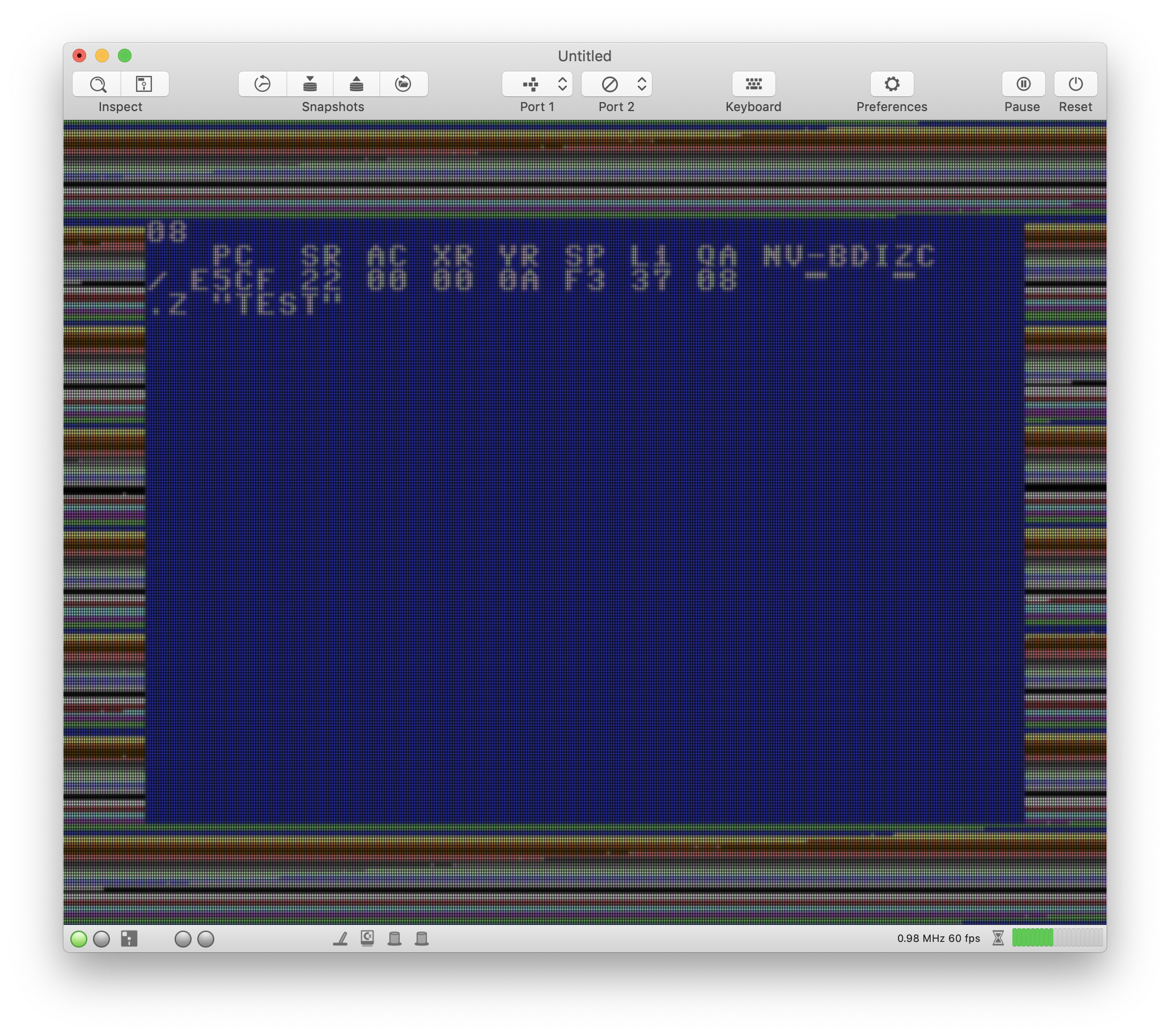
After the freezer is done with its super cool cutting edge CG effects 😲, I get some strange message which I suppose is an error message:

I'm curious to see how it reacts when we give it a prepared save disk instead of a blank one.
dirkwhoffmann
on 26 Dec 2018
...on the web:
- Download that .CRT image
Start up VICE (I'm using 3.1) and attach it via File > Attach cartridge image... > CRT image... (this should open the monitor)
Type N and Enter (should zero the emulated C64's memory)
Type a few lines of BASIC, just for fun
Freeze the emulated C64 with a tap of the RESTORE key (Page Up)
Type Z"FILENAME" to crunch the memory (border will flash). It will try to save the program to disk, if you have an attached .D64 image then it should save FILENAME.PRG to that disk but this is not necessary to demonstrate the problem.
Type R to restart.
Alessandro1970
on 26 Dec 2018
Any means in VICE to press Restore without page up? I've got no "page up" on my MacBook.
dirkwhoffmann
on 26 Dec 2018
Got it. There must be no space after the 'Z' command...
So here is the cool stuff: Install the Expert cartridge via drag and drop. After the cart got attached, you'll see a switch and two buttons in the bottom bar. Left is "PRG" mode, middle is "OFF", right is "ON". The button next to the cart symbol is "Freeze", the other one "Reset".

After switching the cart on (push right), hit the 'Reset' the button to bring up the monitor. Then type 'N' wich will do some magic (I guess some memory initialisation) and bring up the basic prompt. Now, load some game, e.g., Fort Apocalypse and insert a blank disk in drive 8.
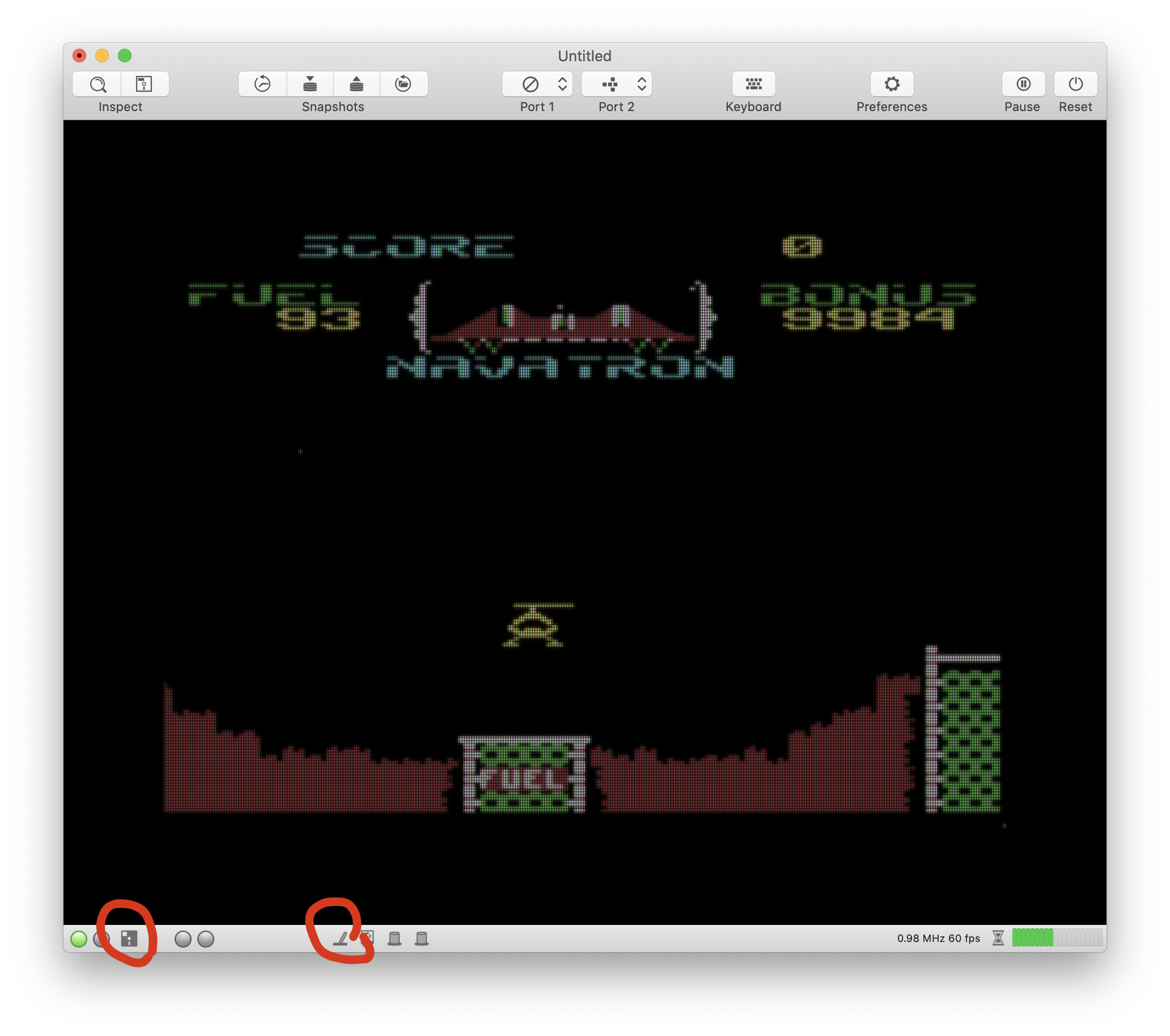
After some seconds, hit the Freeze button and use the 'Z' command:
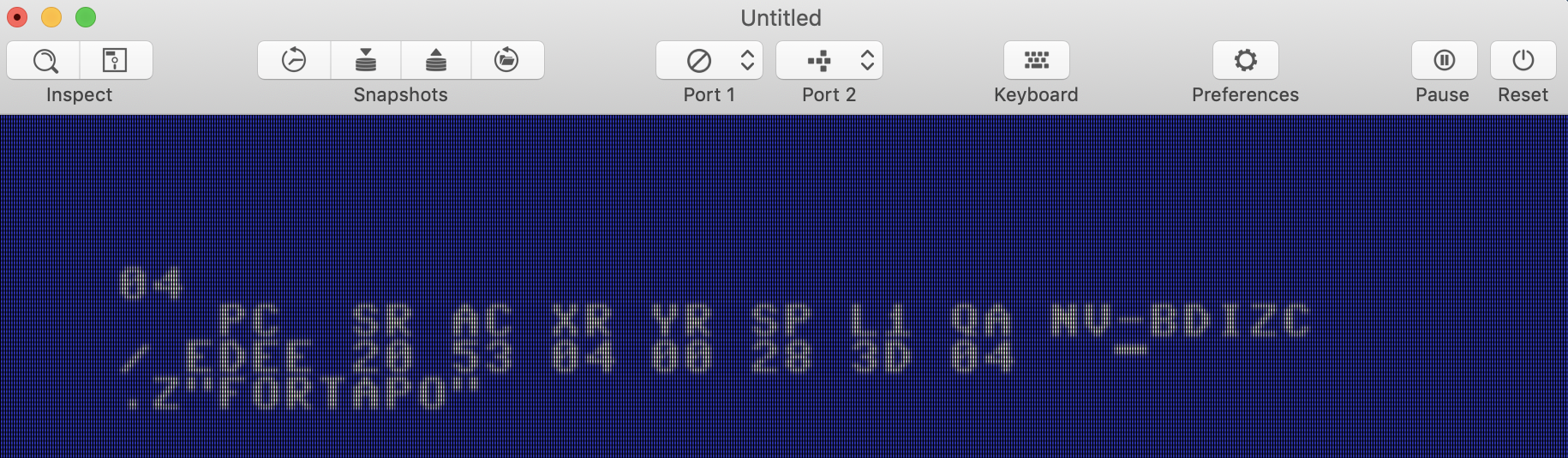
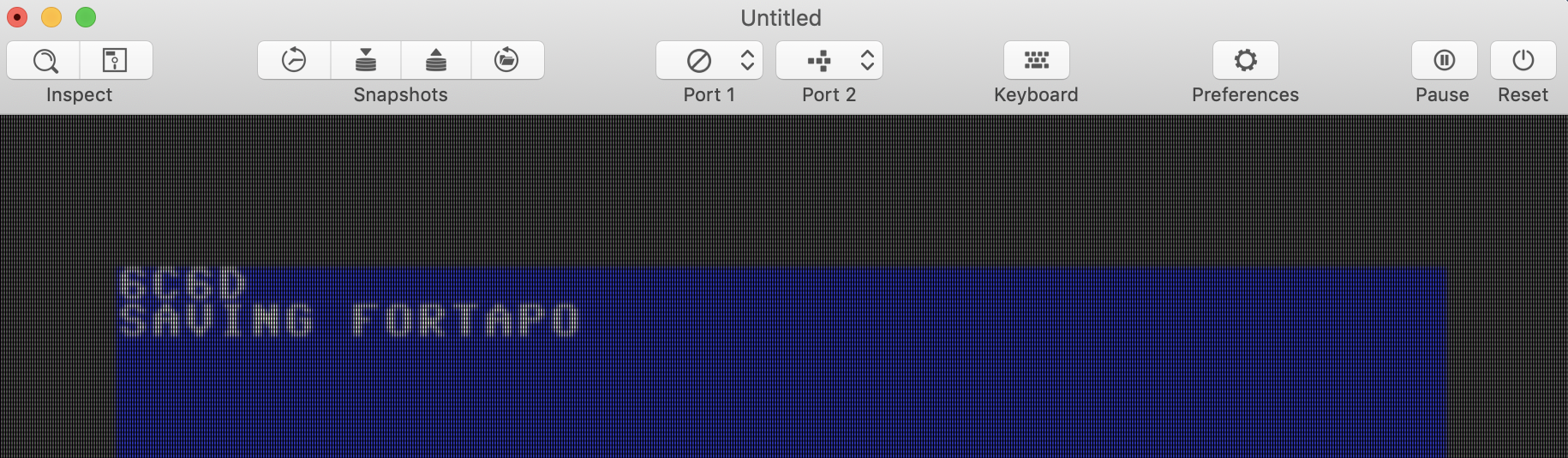
Now watch the stunning CG effects 🤭. If you DON'T HAVE TYPED A SPACE AFTER 'Z' (which I did all the time), the cartridge indeed starts saving to disk:
After that, export the disk. In my case, I got the following:
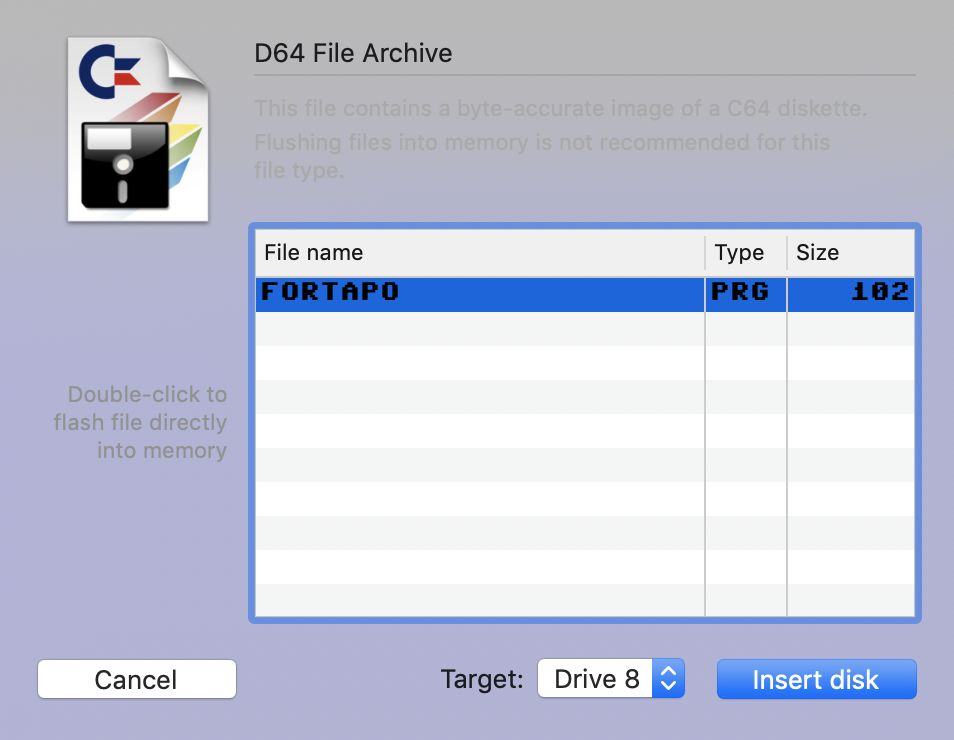
Now, exit the emulator and launch it again. Insert the disk and type LOAD "*",8,1.
After this is done, blow up all tanks and take care that the evil blue copter doesn't get you. Maybe you also get some fuel first ...
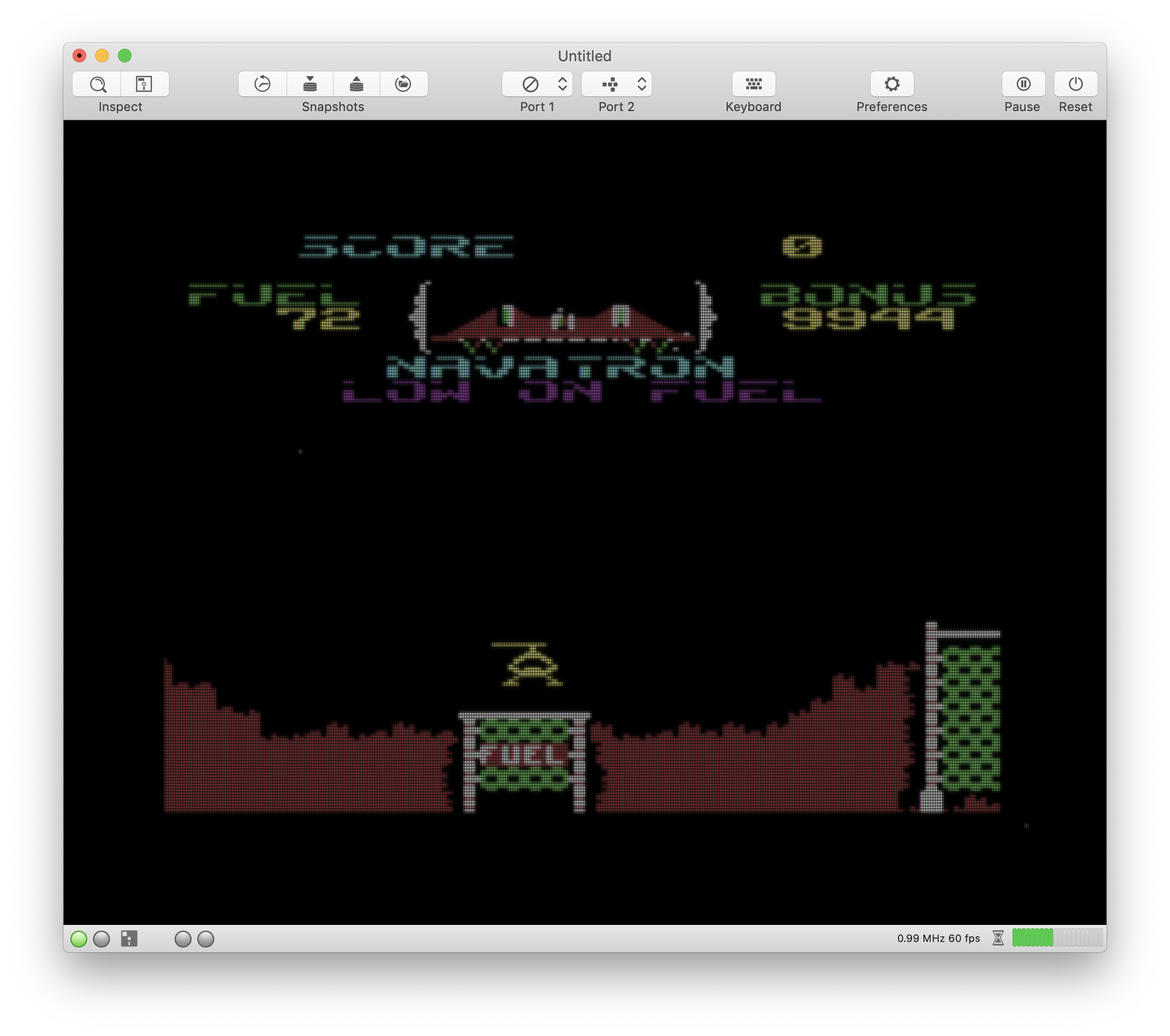
😎
dirkwhoffmann
on 26 Dec 2018
👍🏻👍🏻👍🏻
Alessandro1970
on 26 Dec 2018
Which version of Expert Cartridge did you use?
Alessandro1970
on 26 Dec 2018
Expert Cartridge (1986)(Trilogic).crt (the version that you mentioned in your post above)
dirkwhoffmann
on 26 Dec 2018
I just froze boulder dash successfully, so it seems that the cartridge is really working. I think the VICE team didn't have the schematics by the time being and that they based their design decisions on a software review. E.g., they came up with the theory that the cart's internal flipflop toggles with each access to the IO1 space. However, Martin Sikström's schematics shows that this is wrong. Assuming that the schematics is correct,
- each access to IO1 space disables the cartridge (if the cart switch is in "ON" position).
- each NMI enables it (if the cart switch is in "ON" position).
BTW, I skipped implementing the LED. It is driven by some weird analog circuitry which I don't understand, even with the schematics in front of my eyes.
dirkwhoffmann
on 27 Dec 2018
If somebody wants to try, please use alpha 7:
http://www.dirkwhoffmann.de/virtualc64/VirtualC64_3.3_alpha7.zip
dirkwhoffmann
on 27 Dec 2018
Related issues
dirkwhoffmann
·
5Comments
mortinus
·
6Comments
 PakkunKinoppi
·
4Comments
Alessandro1970
·
3Comments
Alessandro1970
·
5Comments
PakkunKinoppi
·
4Comments
Alessandro1970
·
3Comments
Alessandro1970
·
5Comments