Virtualc64: Power Cartridge K.C.S. support
Good morning, could you add support to this cartridge?
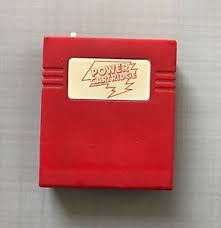
This is the electric scheme:
KCSPowerCartridgeSchematic.pdf
These are the files I found:
Files:
Power_Cartridge_KCS_binaries_rr.c64.org_2013-05.zip
Manual:
http://ar.c64.org/rrwiki/images/2/27/Power_Cartridge_KCS_Instruction_Manual_german.pdf
 rossimariolee
All 22 comments
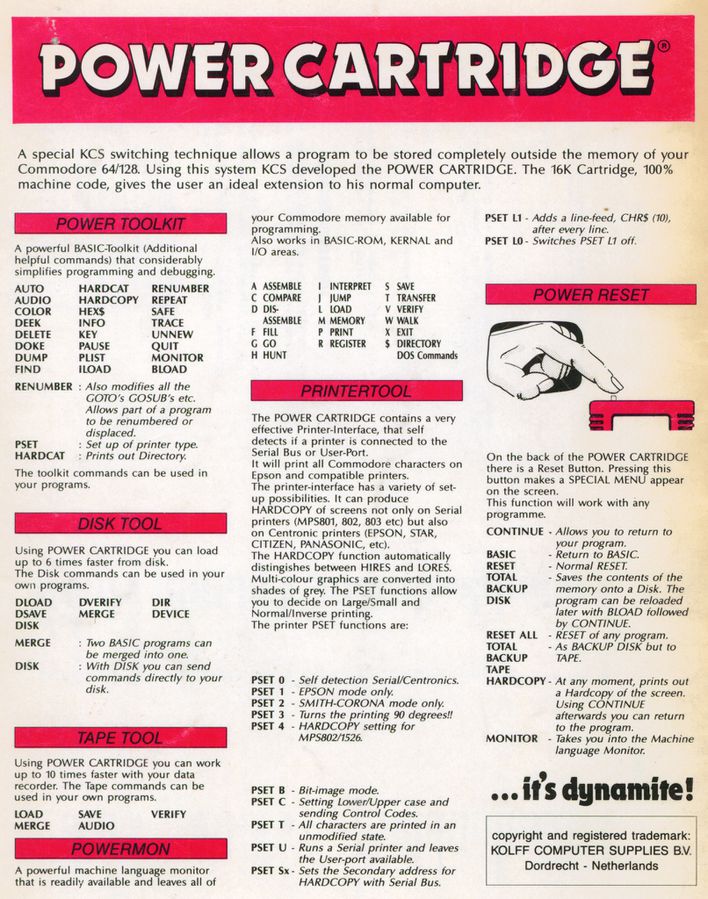
...it's dynamite! ...they said...
... :laughing: :rofl:
 Alessandro1970
on 17 Oct 2018
Alessandro1970
on 17 Oct 2018
They also say 100% machine code 🤙. 🤪.
 mithrendal
on 17 Oct 2018
mithrendal
on 17 Oct 2018
A test version can be downloaded here: http://www.dirkwhoffmann.de/virtualc64/VirtualC64_KCS.zip
As Alessandro pointed out, it's pure dynamite, so you better test it with care 😬.
 dirkwhoffmann
on 18 Oct 2018
dirkwhoffmann
on 18 Oct 2018
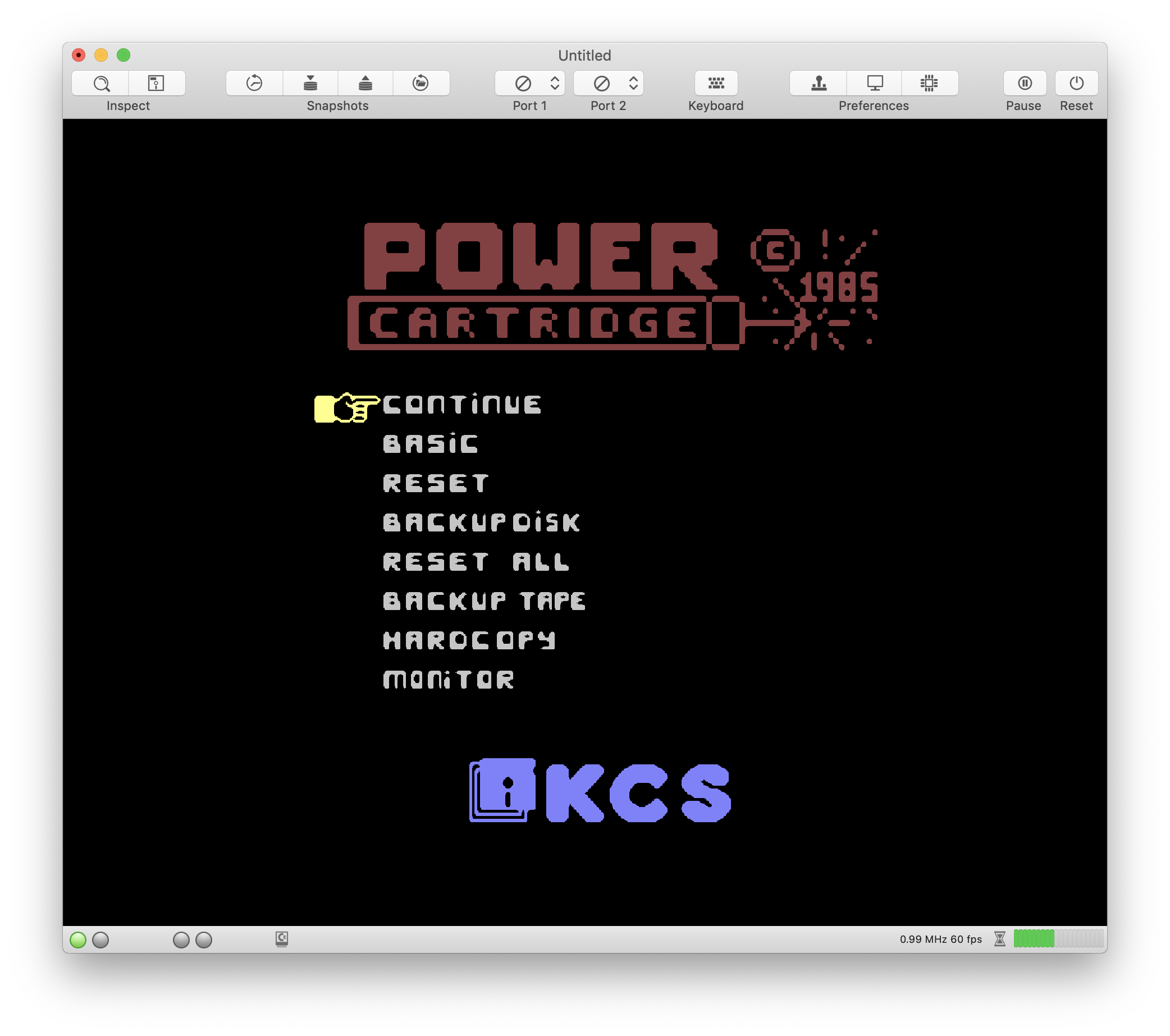
It seems to work.
But the joystick in port 1 does not work properly: to go down in the menu I have to go right instead of down and the fire does not work to select.
Or I do not know how to move in the menus or the joystick movements must be reassigned
Alessandro1970
on 18 Oct 2018
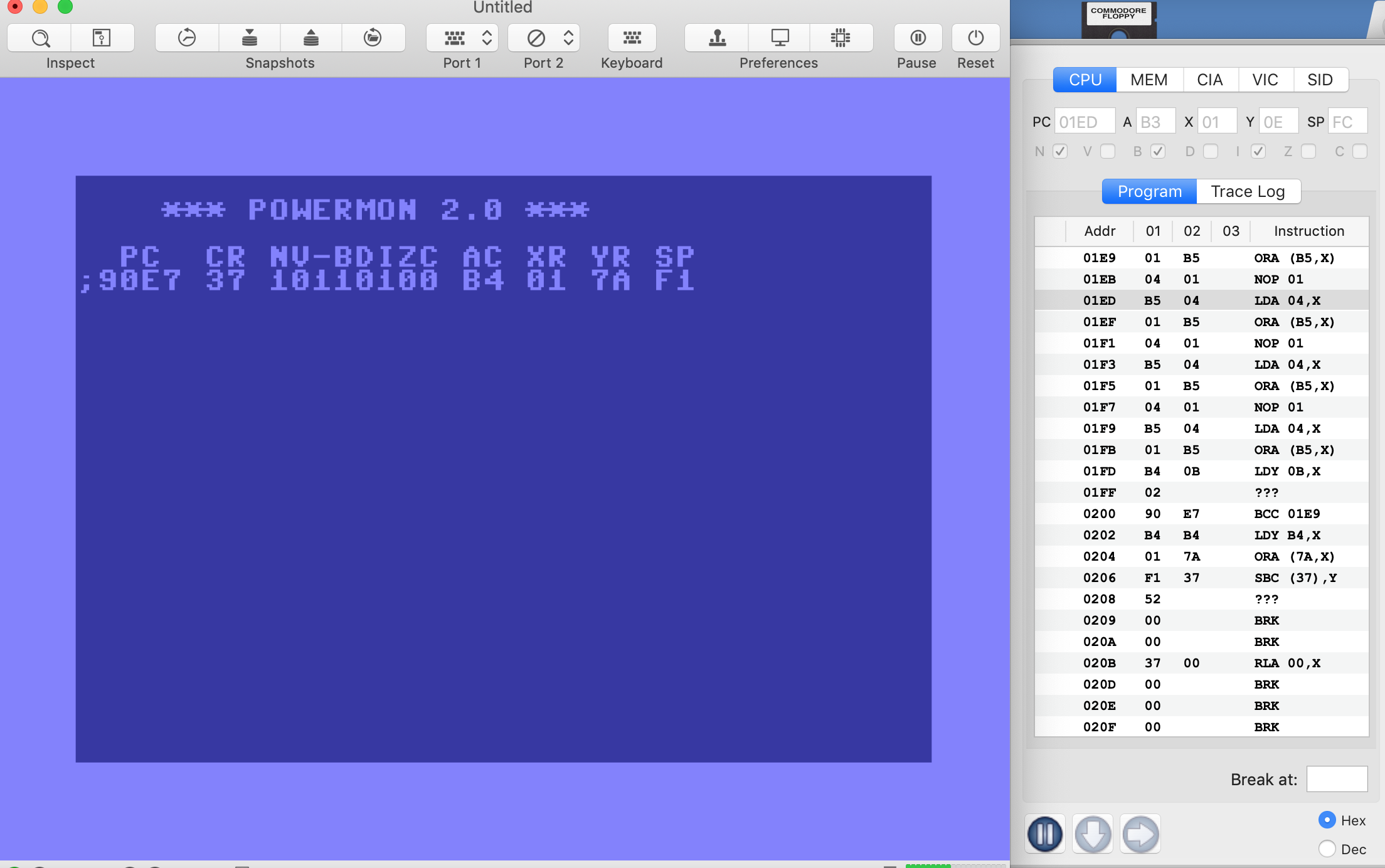
The monitor if selected will crash the VirtualC64:
Alessandro1970
on 18 Oct 2018
I think that this kind of cartridge will be left alone ...better to spend time in the Easy Flash or other.
If you will try it on Vice this cartridge hangs often.
@rossimariolee 🦀
Alessandro1970
on 18 Oct 2018
@mithrendal ...yes ! You are right ...100% machine code 🤙. 🤪.
Alessandro1970
on 18 Oct 2018
Sorry, I chose the wrong cartridge, but I'm getting along with the Freeze Frame.
The joystick does not work on Power Cartridge K.C.S. for me too
rossimariolee
on 18 Oct 2018
The hand does not move me even with the keyboard.
The monitor goes to block me too.
Reset works.
If it creates problems, _this Mr. Bean cartridge_ should be set aside and forget it as Isepic; the best cartridges are already supported by VirtualC64.
I think it would be a version 3.1 to be released without this 100% machinecode.
 mortinus
on 18 Oct 2018
mortinus
on 18 Oct 2018
I think it would be a version 3.1 to be released without this 100% machinecode.
...Holy words "Pope Mortinus I" 🤣
Alessandro1970
on 18 Oct 2018
🤣 🤣 🤣
mortinus
on 18 Oct 2018
Right joystick (port # 1) => navigate the menu
Low joystick (port # 1) => Selection
The backup sometimes hangs both during freezing and after generating the compressed files.
The Monitor hangs.
Reset works.
Hardcopy works.
Basic from the menu works.
Backup Tape sometimes hangs.
The solution for those who bought it: throw it away and buy the Action Replay.
There was already the issue # 441 closed, rightfully closed, for this _Mr. Bean Cartridge_!
 UgoCaneFifone
on 19 Oct 2018
UgoCaneFifone
on 19 Oct 2018
The mouse pointer in the menu is moved up or down by pressing F1 or F7, respectively. I had to consult the (german) manual for this, because it's really counterintuitive.
dirkwhoffmann
on 19 Oct 2018
Ok.
All in all with the function keys is fine.
Sometimes the monitor hangs, but it does so with the VICE SDL (a little less).
For me it can be closed as it is now.
Alessandro1970
on 19 Oct 2018
In english:
After pressing the RESET switch you will always see a 'Hand'
(or pointer) depicted for the 'CONTINUE' function.
You may lower the hand by means of the F7 function key and raise
it again by means of the F1 key.
When you wish to execute 'RESET ALL', you position the hand in
front of this function and then press the 'RETURN' key, after
which 'RESET ALL' will be executed, in this way also the other commands.
Alessandro1970
on 19 Oct 2018
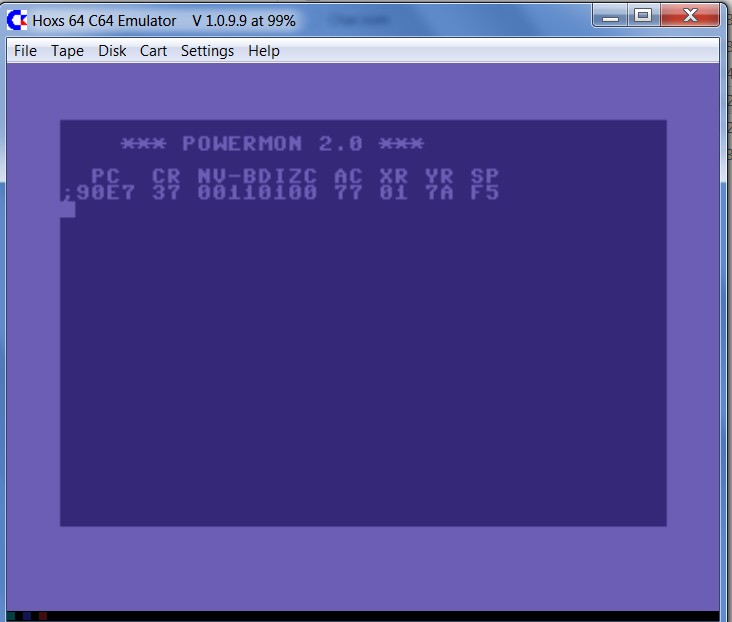
It would be interesting to know if the cartridge works more stable in Hoxs64. If I remember correctly, David returns a different value for this cartridge when reading from I/O 2 space. The current implementation of this module in VirtualC64 mimics VICE 3.1.
dirkwhoffmann
on 19 Oct 2018
Using HOXS the monitor does not hang at startup.
The remaining options work well as on the VirtualC64
Alessandro1970
on 19 Oct 2018
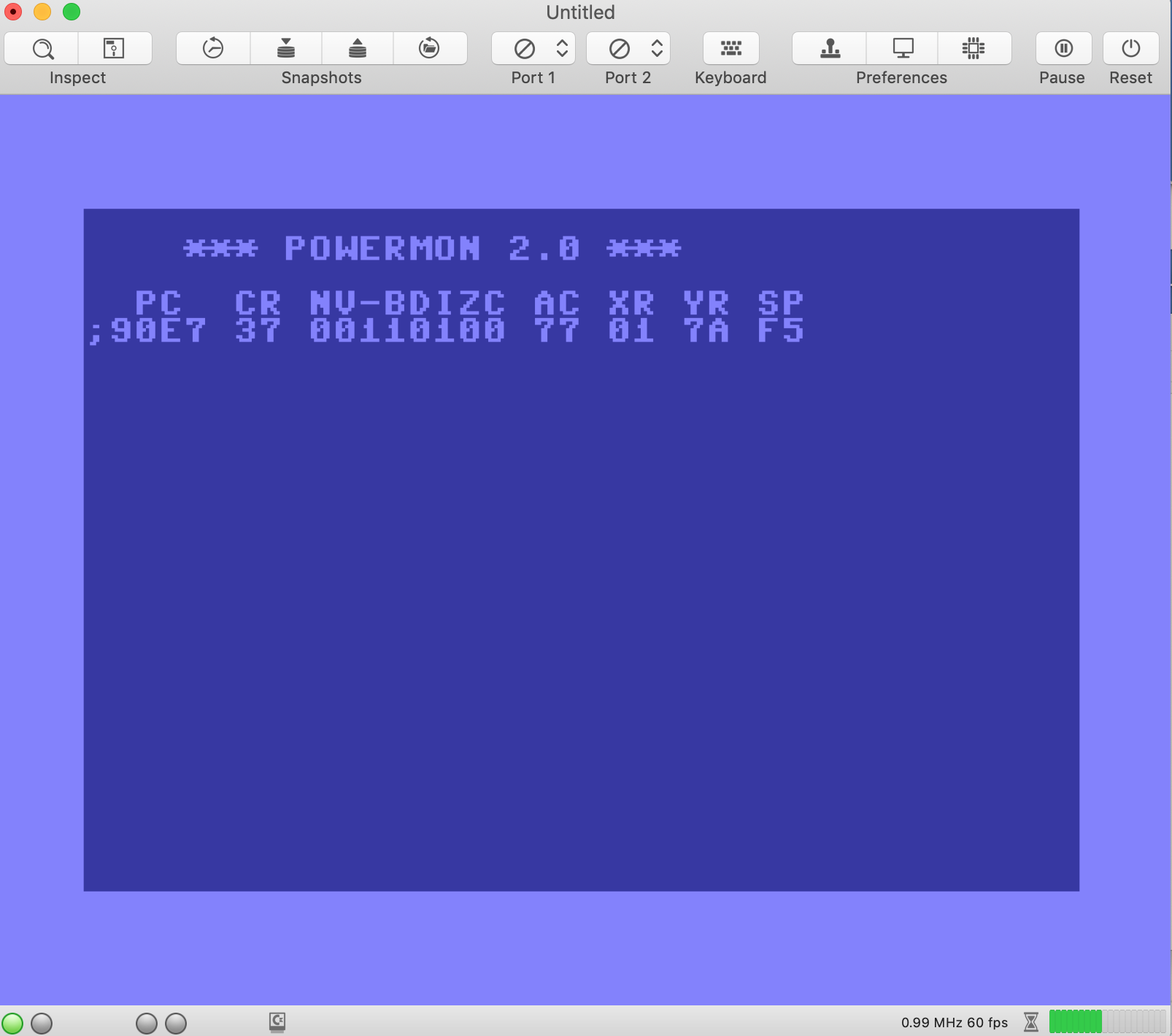
There is a new version here (modified peekIO2 behavior):
http://www.dirkwhoffmann.de/virtualc64/VirtualC64_KCS2.zip
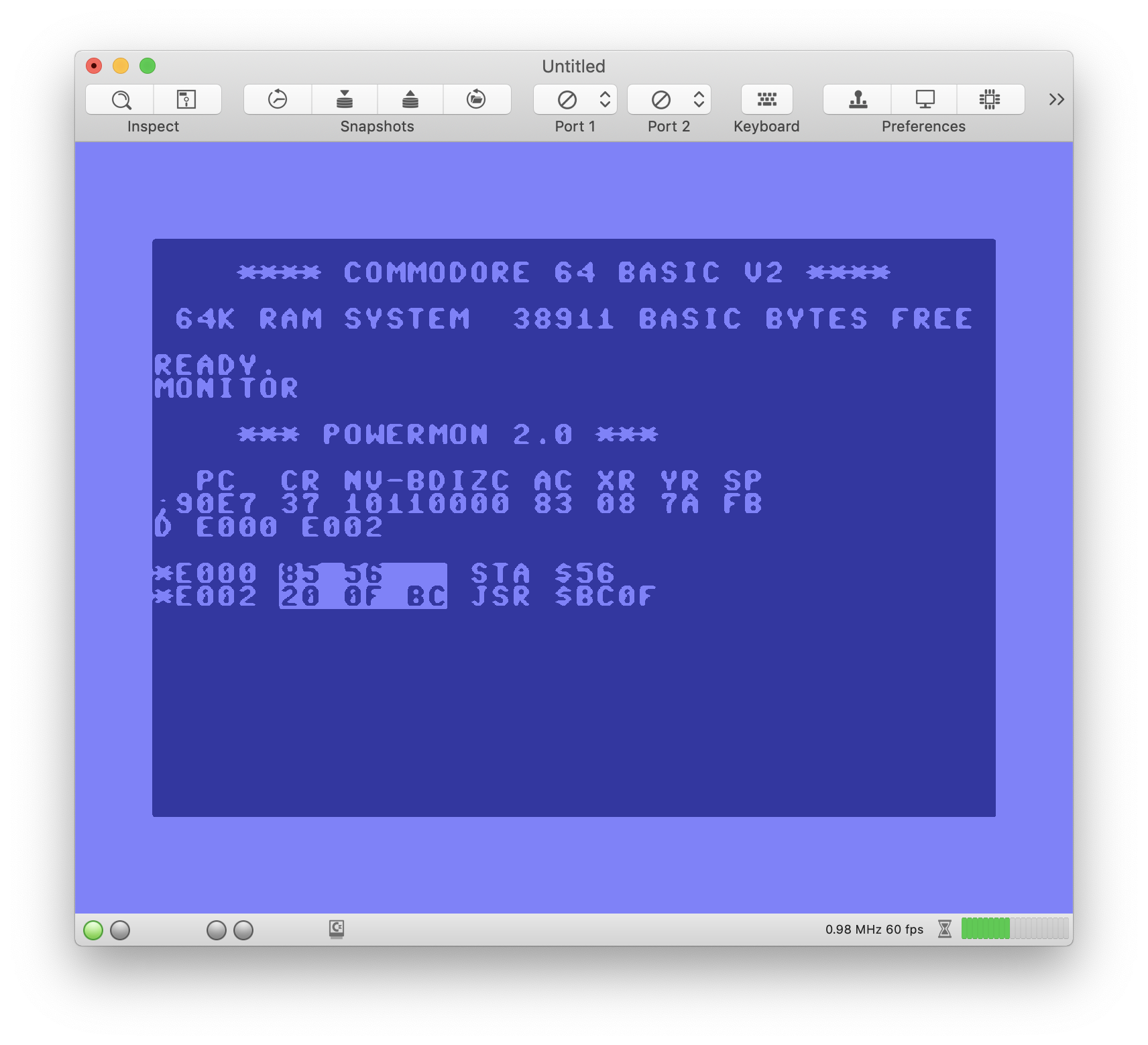
BTW, which version of the cartridge did you use and what did you type in to crash the KCS monitor? I didn't manage to do that yet.
dirkwhoffmann
on 19 Oct 2018
With the old version, it stopped as soon as the monitor started, without doing anything else.
Now this VirtualC64_KCS2.zip is the best: the monitor works fine.
Alessandro1970
on 19 Oct 2018
It's ok for me too this VirtualC64 KCS2
mortinus
on 19 Oct 2018
Now works fine, thanks !
 puleyo
on 19 Oct 2018
puleyo
on 19 Oct 2018
It works fine for me too.
Thank you.
UgoCaneFifone
on 20 Oct 2018
Related issues
dirkwhoffmann
·
4Comments
dirkwhoffmann
·
7Comments
 cfwdman
·
6Comments
puleyo
·
6Comments
Alessandro1970
·
3Comments
cfwdman
·
6Comments
puleyo
·
6Comments
Alessandro1970
·
3Comments
Most helpful comment
There is a new version here (modified peekIO2 behavior):
http://www.dirkwhoffmann.de/virtualc64/VirtualC64_KCS2.zip
BTW, which version of the cartridge did you use and what did you type in to crash the KCS monitor? I didn't manage to do that yet.