Virtualc64: Video problems/Mojave
Hi, I have installed Mojave just now...
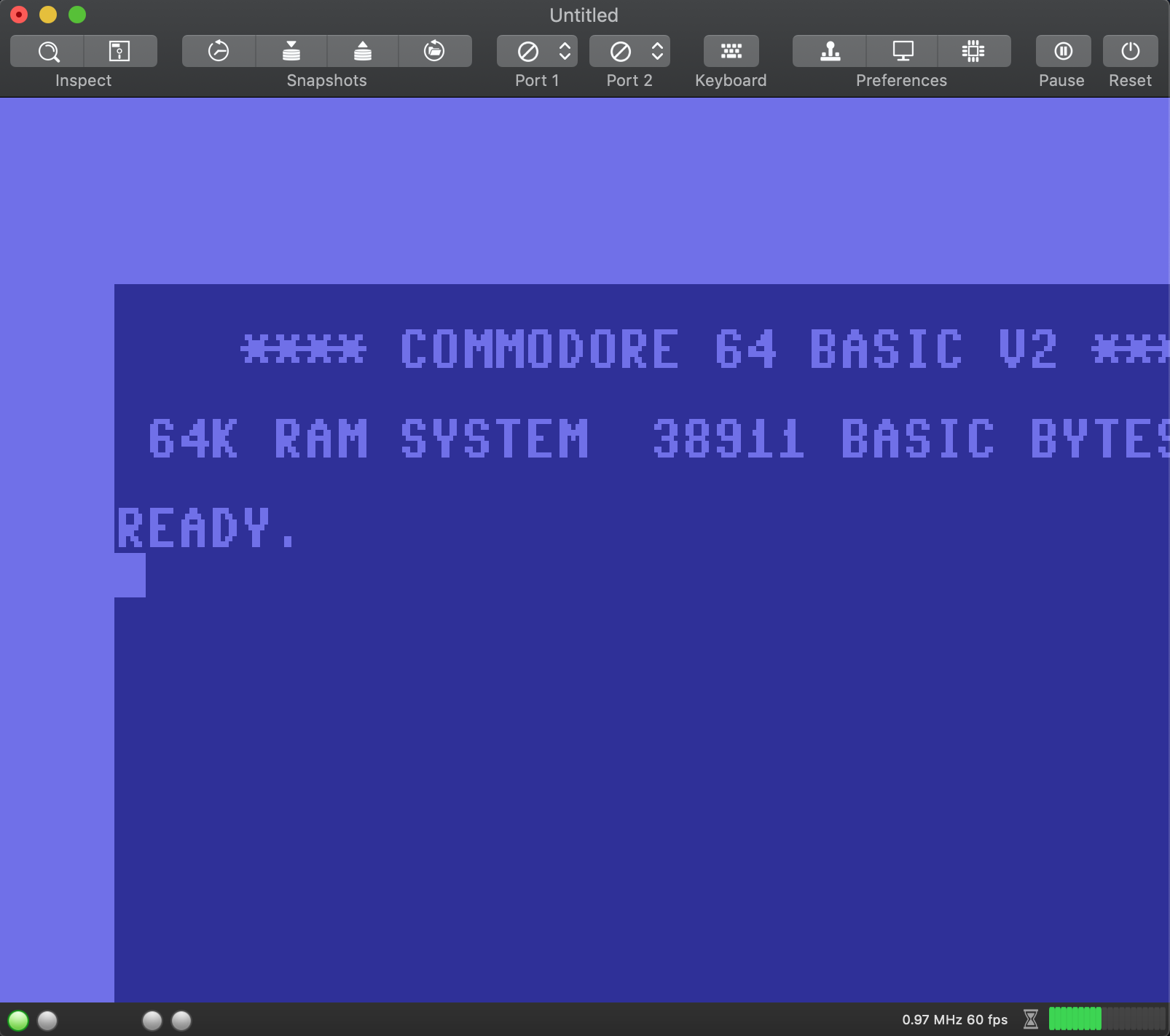
VirtualC64 does not works for me:
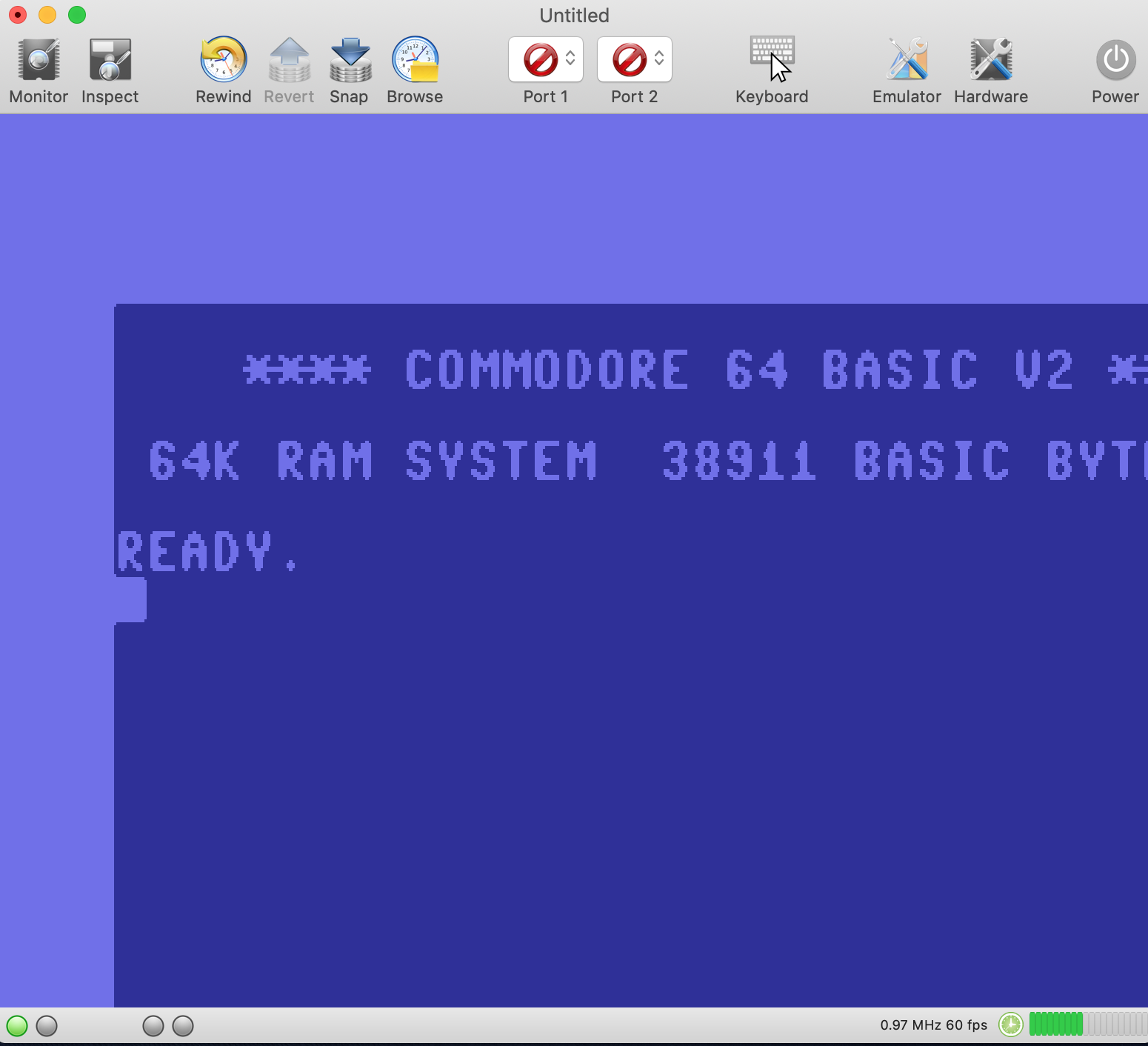
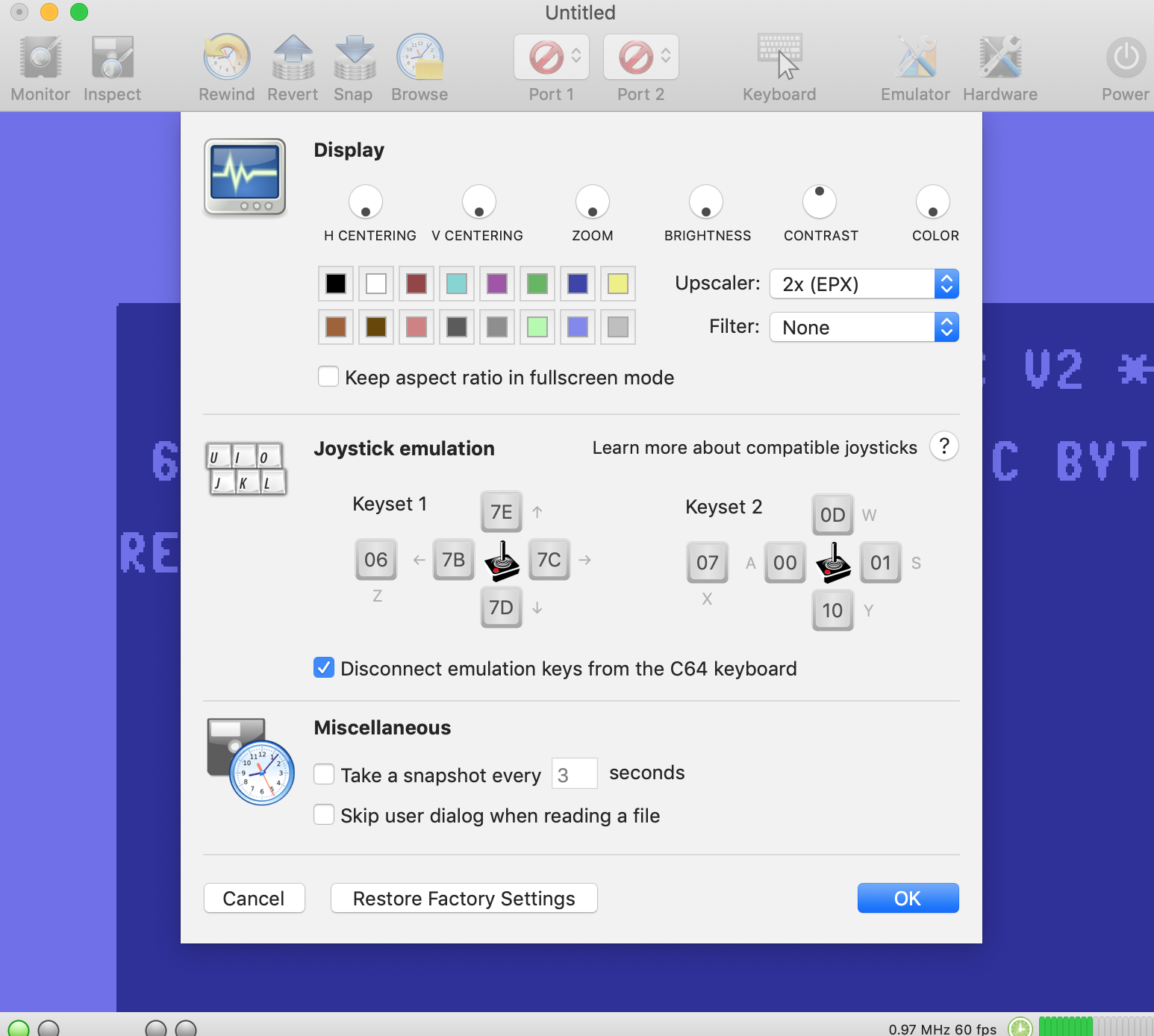
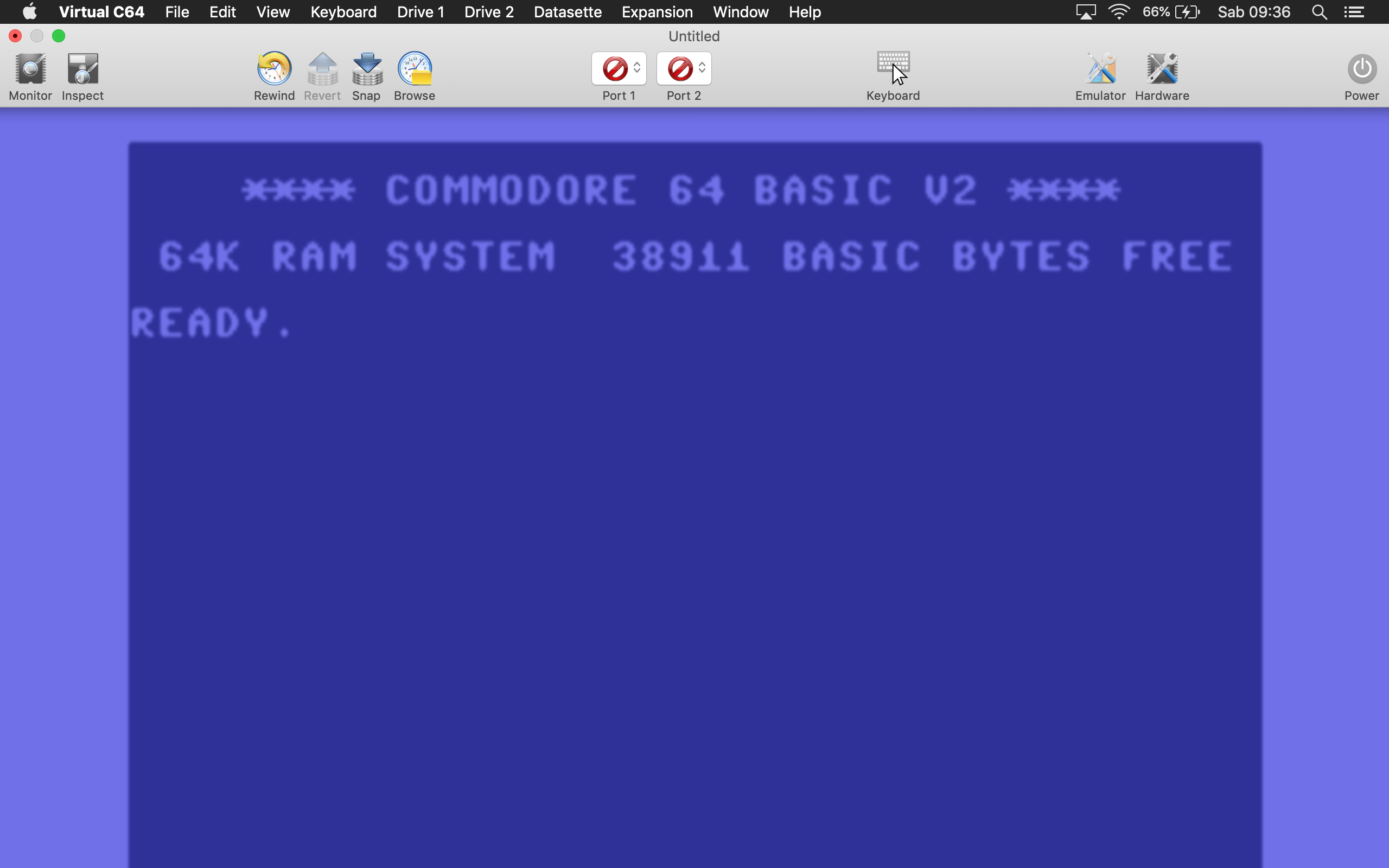
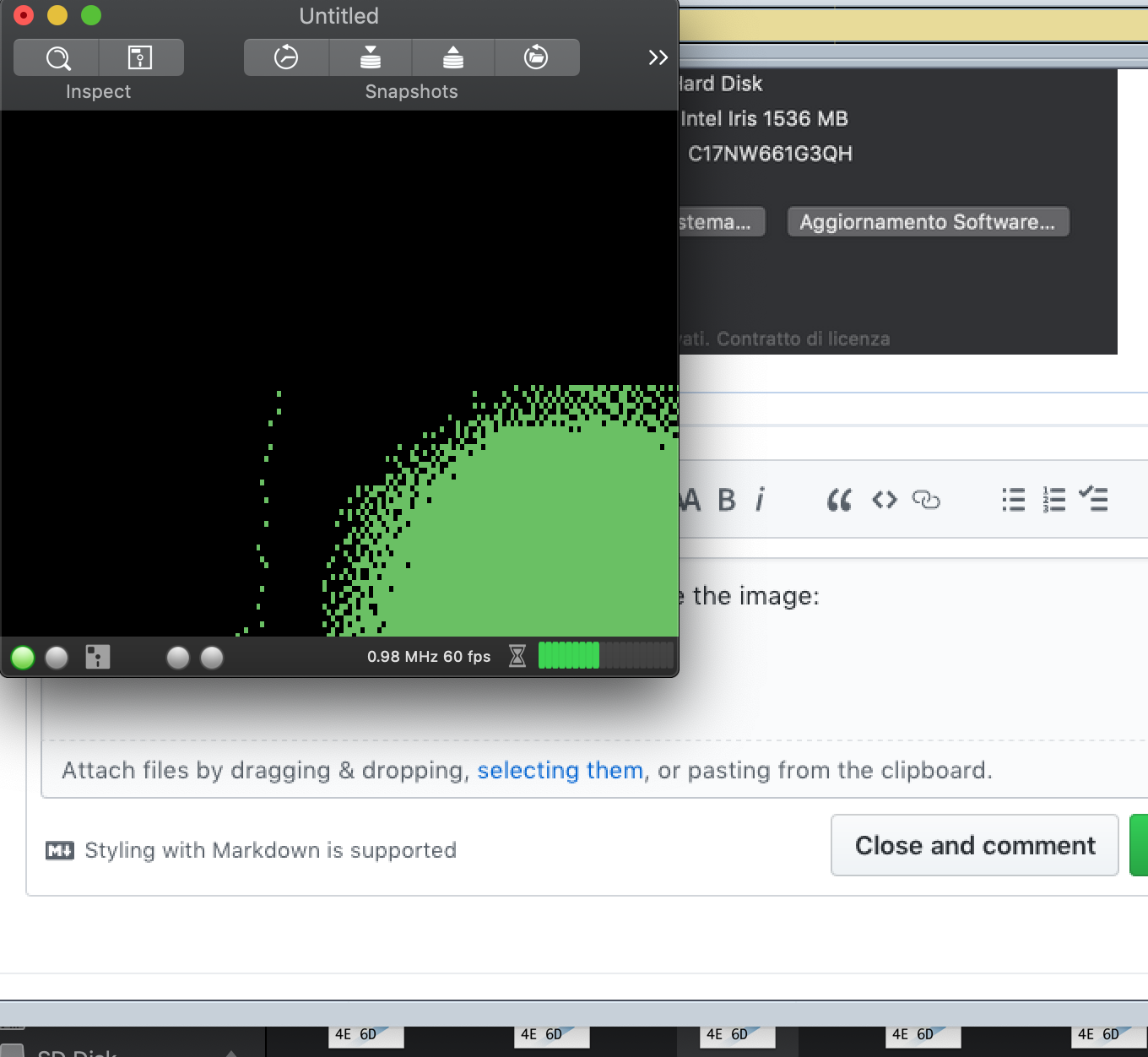
I cannot visualize all the screen
 Alessandro1970
All 35 comments
Did you test V2.5? V2.5 version works on my machine:
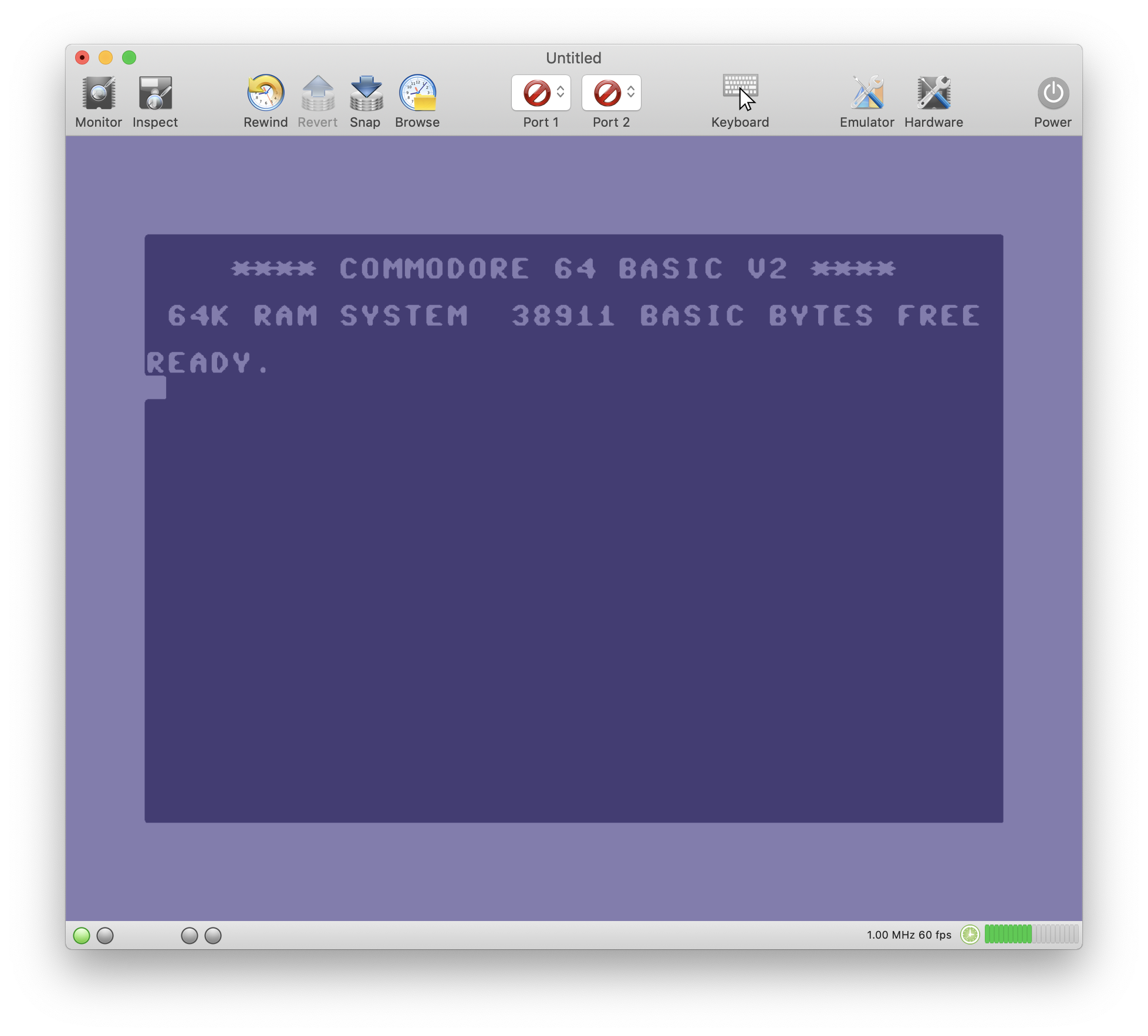
But I have other major problems using Mojave. When I compile and run VirtualC64 from XCode, I get lots of beachballs and everything is very slow. It might be an issue with my file system though. I installed Mojave a couple of days ago and the "disk utility" already reports file system errors on snapshot 1. Apple, what are you doing to us 😖😠. Disappointing!
 dirkwhoffmann
on 29 Sep 2018
dirkwhoffmann
on 29 Sep 2018
I use 2.6 wt
Alessandro1970
on 29 Sep 2018
Later I will try 2.5
Alessandro1970
on 29 Sep 2018
You can find a build of the current master branch here:
ww.dirkwhoffmann.de/virtualc64/VirtualC64_3.0_alpha1.zip
Hopefully, it works on your machine.
dirkwhoffmann
on 29 Sep 2018
There is the same display issue:
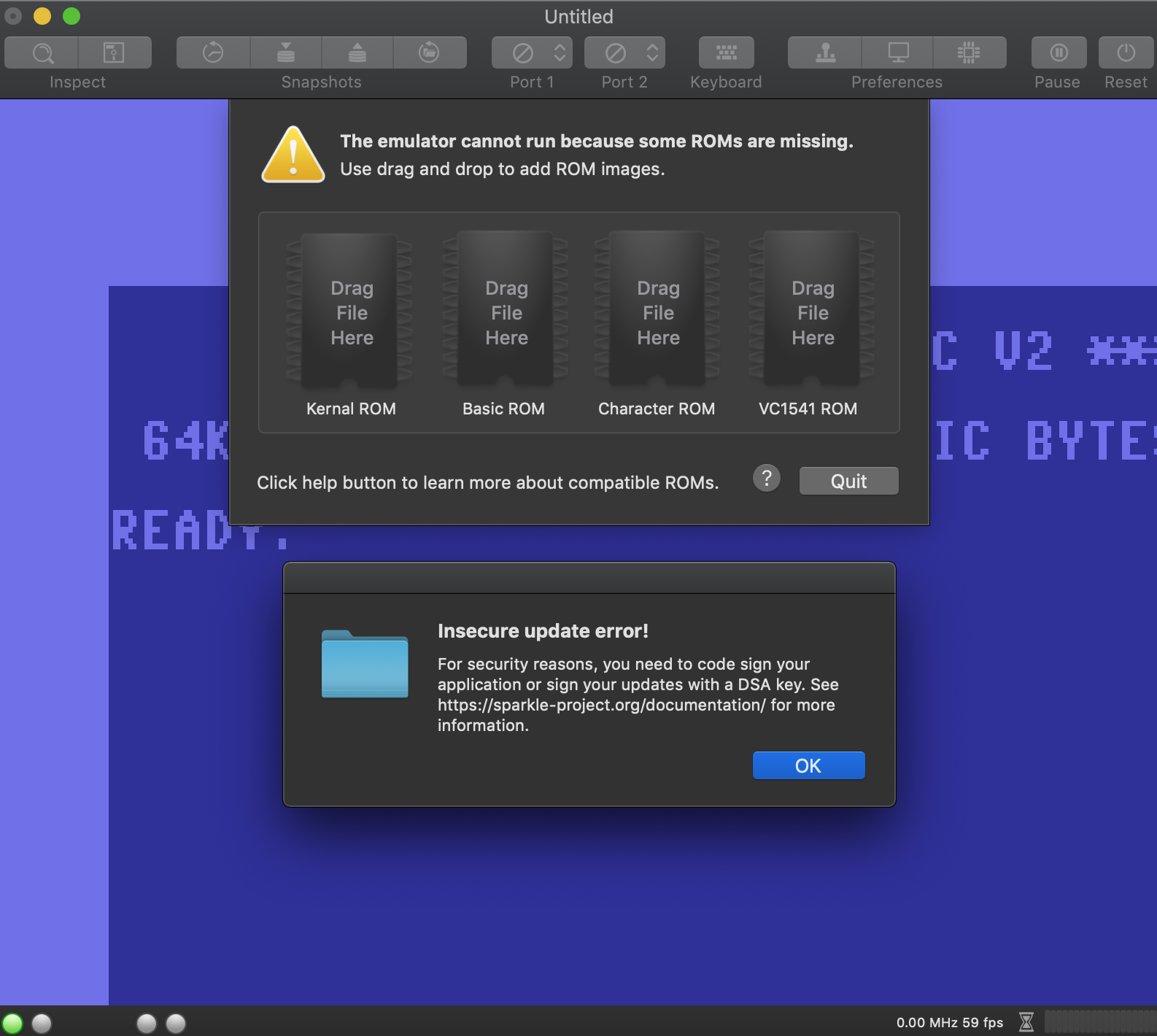
What is the DSA problem ?
Alessandro1970
on 29 Sep 2018
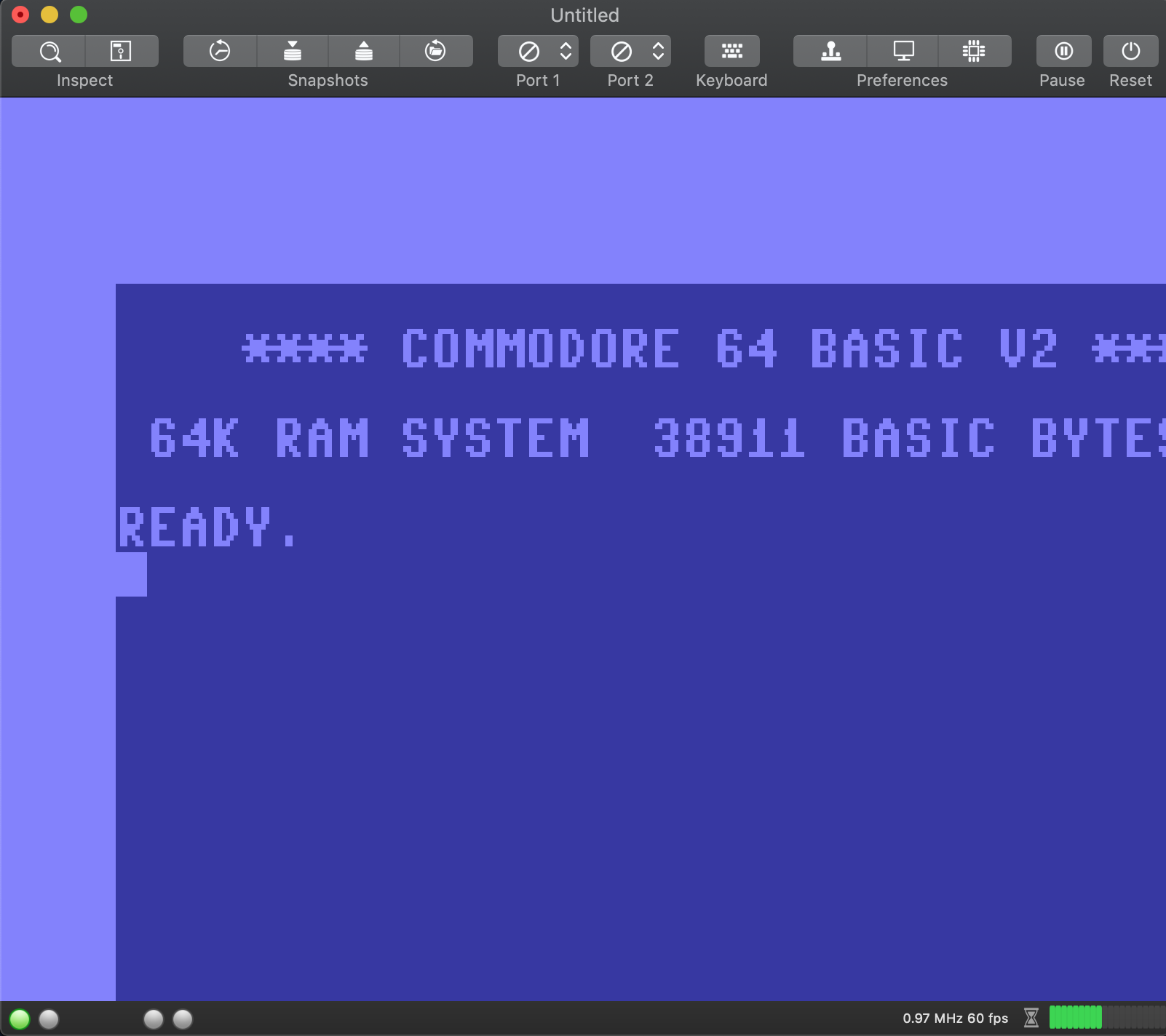
I have removed VirtualC64 and its preferences and reistalled again...the same error:
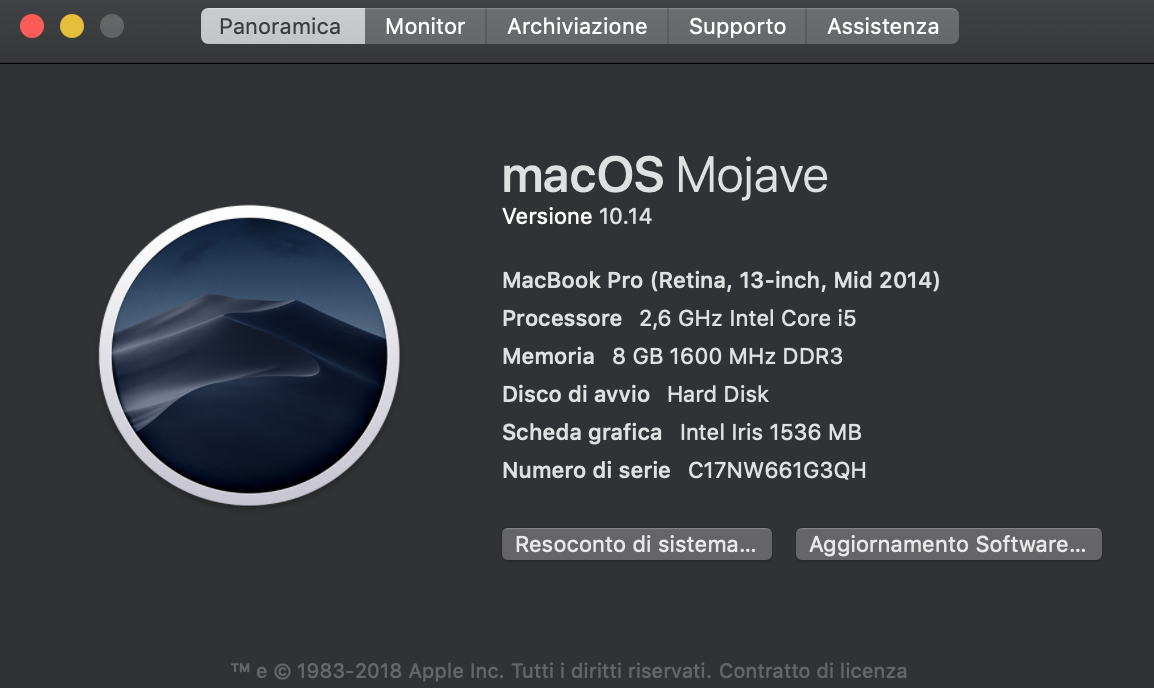
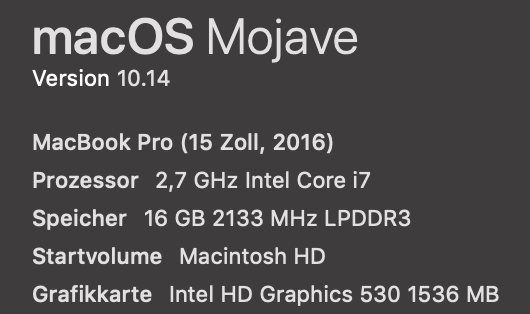
This is my MBP:
Alessandro1970
on 29 Sep 2018
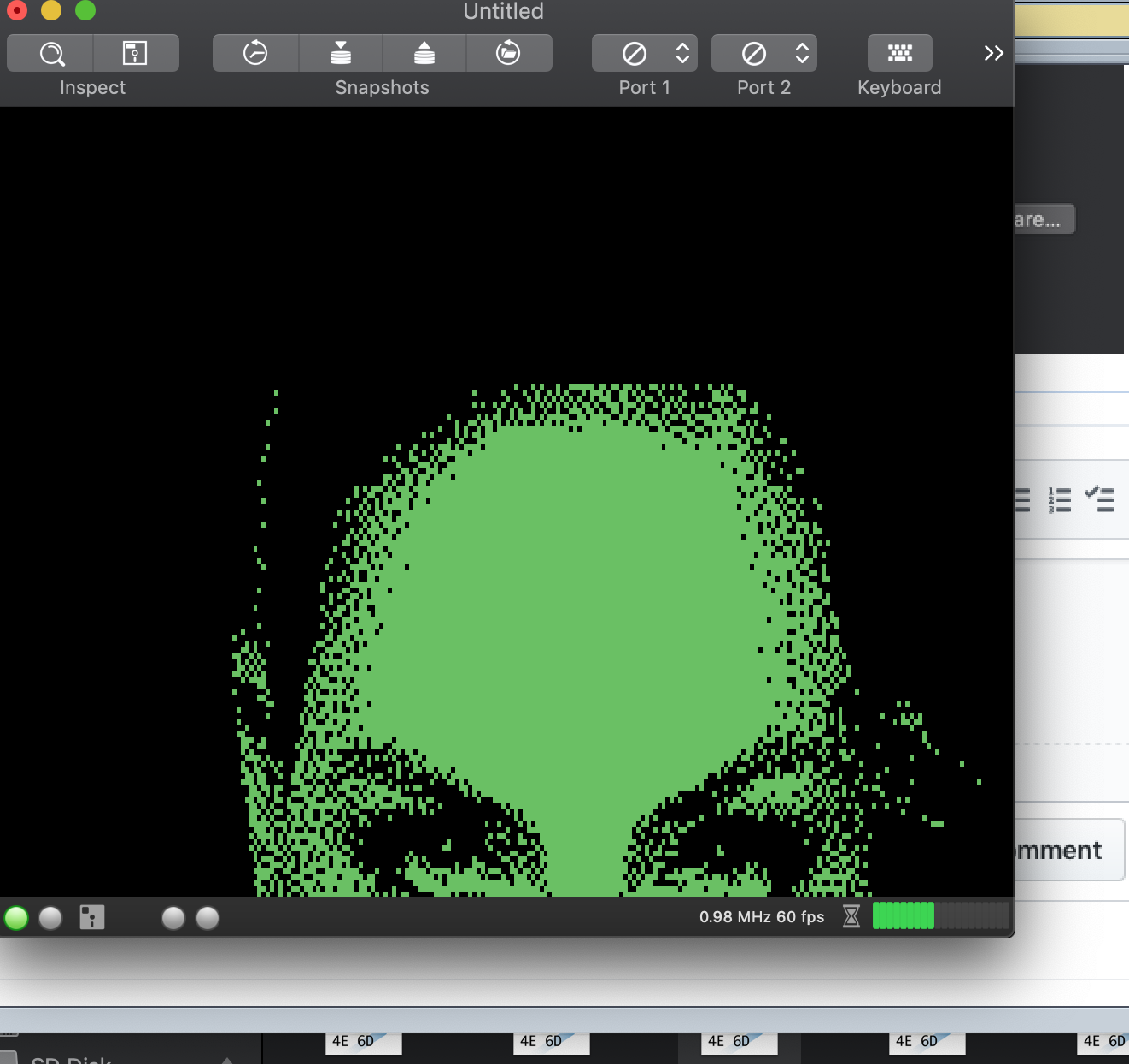
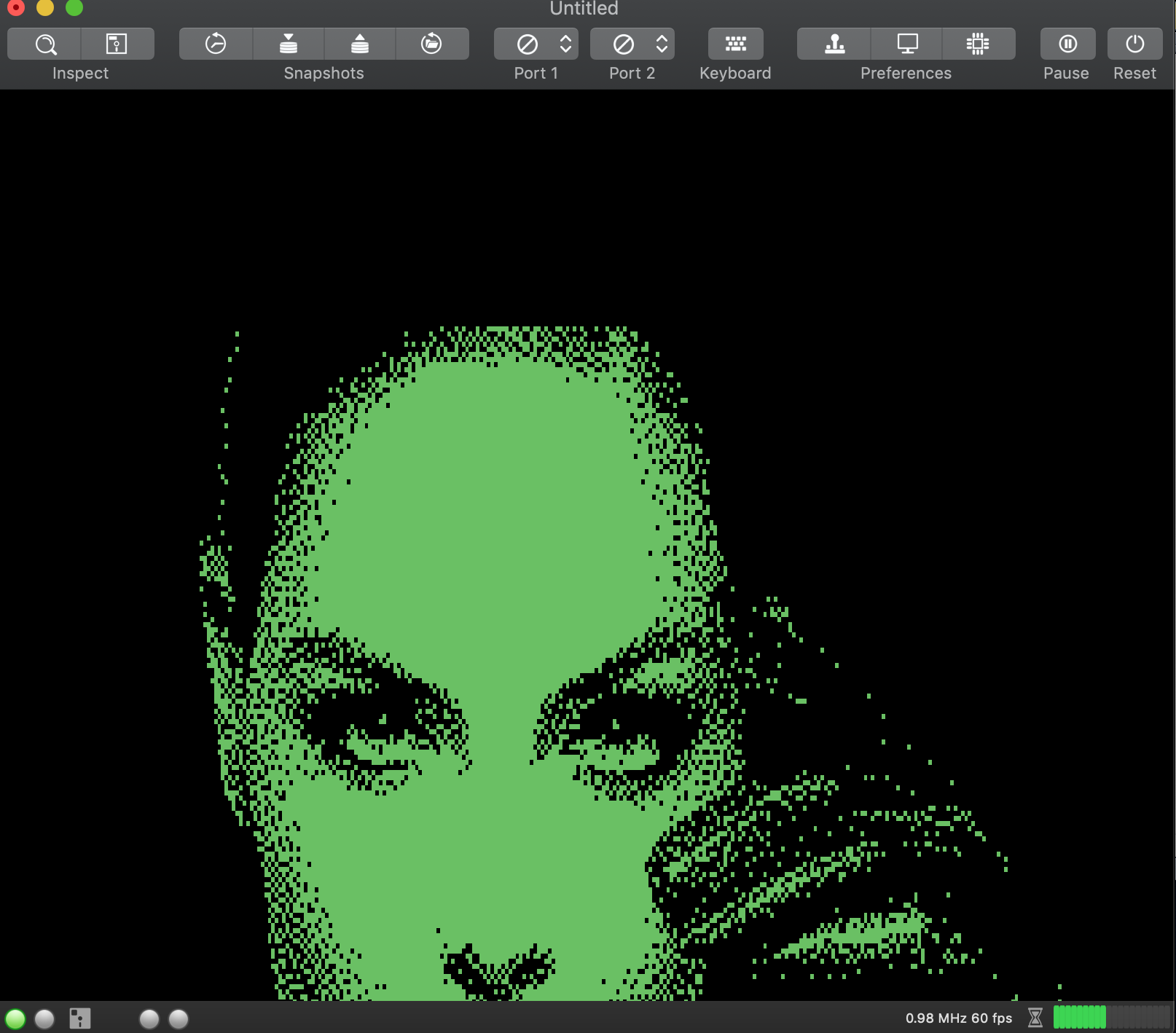
...it seems that VirtualC64 on Mojave doesn't resize the image:
Alessandro1970
on 29 Sep 2018
I have the same problem on my macbook pro 2015.
More than half image is not more visible after installing Mojave.
:cry
 puleyo
on 29 Sep 2018
puleyo
on 29 Sep 2018
The same thing on my MBP late 2014, ...Impossible to see the bottom of the c64 screen.
 UgoCaneFifone
on 29 Sep 2018
UgoCaneFifone
on 29 Sep 2018
...and the dark mode isn’t so fine...
...normal more selected again !
Alessandro1970
on 29 Sep 2018
I tryied on a mbp of a friend of mine, a 2015 with mojave and iris videocard: the same issue, the c64 screen is greater than the window, and changing the window dimensions Virtualc64 doesn’t resize well.
Alessandro1970
on 29 Sep 2018
My own macbook seems to be the only one where VirtualC64 is running under Mojave:
Apple, how shall I debug this? 😠
dirkwhoffmann
on 29 Sep 2018
Maybe it's related to this one (not sure yet):
dirkwhoffmann
on 29 Sep 2018
😢
MacBook Pro (Retina, 15-inch, Mid 2014) - MOJAVE
...VIRTUALC64 does not show images correctly, screen reduced to almost 1/4.
 mortinus
on 29 Sep 2018
mortinus
on 29 Sep 2018
Having this too on a mac mini. Downloaded xcode project from github latest 3.0 alpha 1. Try to look into the sourcecode now as Dirk cannot reproduce it...
 mithrendal
on 29 Sep 2018
mithrendal
on 29 Sep 2018
An important entry point is:
override public func setFrameSize(_ newSize: NSSize) {

        super.setFrameSize(newSize)
        layerIsDirty = true
    }
Later, in func draw(_ rect: NSRect), layerIsDirty is queried:
// Refresh size dependent items if needed
        if layerIsDirty {
            reshape(withFrame: frame)
            layerIsDirty = false
        }
Reshape(withFrame:) eventually calls reshape() which rebuilds the projection matrices etc.
func reshape(withFrame frame: CGRect) {

    if let scale = NSScreen.main?.backingScaleFactor {

        var size = bounds.size
        size.width *= scale
        size.height *= scale

        metalLayer.drawableSize = drawableSize
        reshape()
    }
}
Maybe, NSScreen.main?.backingScaleFactor returns NULL on your machines. In that case, reshape() would not be called 🤔
dirkwhoffmann
on 29 Sep 2018
Oh thank you dirk. But too late. It has fixed itself... so I cannot reproduce it on the mac mini anymore. I had this half screen problem when I started the 3.0 alpha1 in Xcode. Then I did go to the xib file and played a little bit with autoresize on/off setting the height from 621 to 321 and back to 621 and then.... the problem was still there and then I dragged the edges of the c64 mainwindow and then somehow it gave me the full c64 screen with the icons on the bottom (mhz, fps and so on). And when I now start the V2.5, that one now also shows absolutely normal screen size. Everything fine now on my side.
I would suggest that it has something to do with the sizing of the main window. All the other fellows could you please try to drag the top right edge to make the window smaller. Maybe that has fixed it somehow ...
My guess is: macOS does remember the size and the next time it starts with the last chosen size, even it is another version of VirtualC64. But somehow the old settings from high sierra got corrupted or misinterpreted.
To prove that theory I could install it on a mac on which the virtual C64 has never been installed. Which version of Virtual C64 should I use for it ?
mithrendal
on 29 Sep 2018
Self-healing software. So cool 😎.
dirkwhoffmann
on 29 Sep 2018
"My guess is: macOS does remember the size and the next time it starts with the last chosen size, even it is another version of VirtualC64. But somehow the old settings from high sierra got corrupted or misinterpreted."
Sounds reasonable to me. Actually, the VirtualC64 version should not matter, because the Metal code is more or less the same. I recommend using 3.0 alpha 1.
dirkwhoffmann
on 29 Sep 2018
3.0 alpha 1
Something is still wrong on the mini. As I wrote above I managed to resize the main window in that way, that it looked normal and nice again. And it remembered the then choosen size and start position on the screen. So when I restart the V64 it would come nicely again in the same position with the same size and scaling.
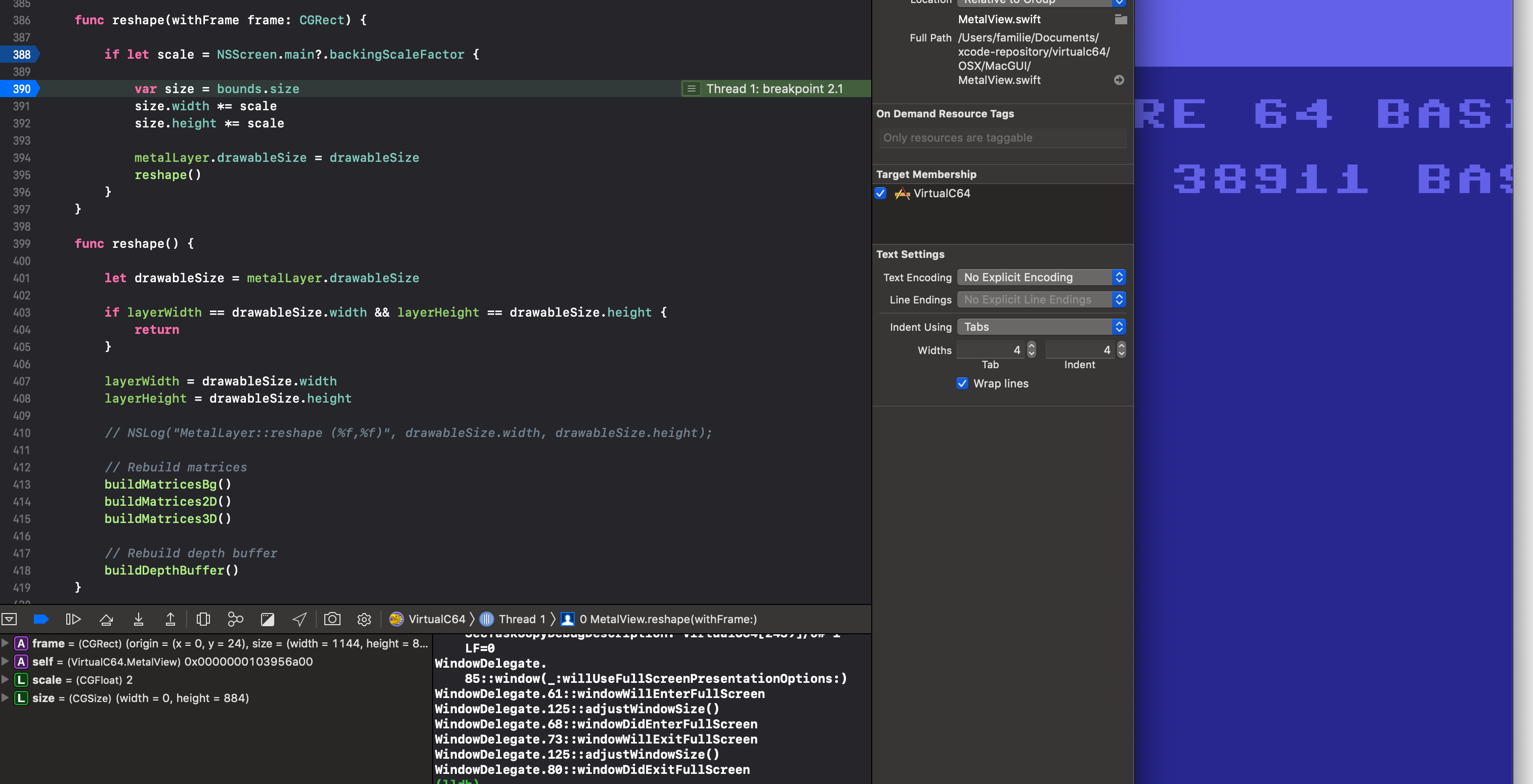
Sounds good so far. But there is still something wrong. When I enter the fullcreen mode then it does scale to the fullscreen. When I leave the fullscreen afterwards, it somehow has the wrong scaling in the metalview. It is far too big. So I reproduced the original problem again. When I drag the size of the main window then it simply does not scale the metal view anymore, its like static and it will get clipped for that reason. This is good news because so we can find the real cause of the problem. Dirk did you tried to enter and exit fullscreen? Does your metal view still scale after leaving fullscreen?
I will have to debug it.
mithrendal
on 30 Sep 2018
mithrendal
on 30 Sep 2018
When the problem is there the width stays at 0 but it should not I suppose ? Scale is always 2.
EDIT: forget about the 0 width. When I set the breakpoint one line below e.g. 391 then the width is there.
mithrendal
on 30 Sep 2018
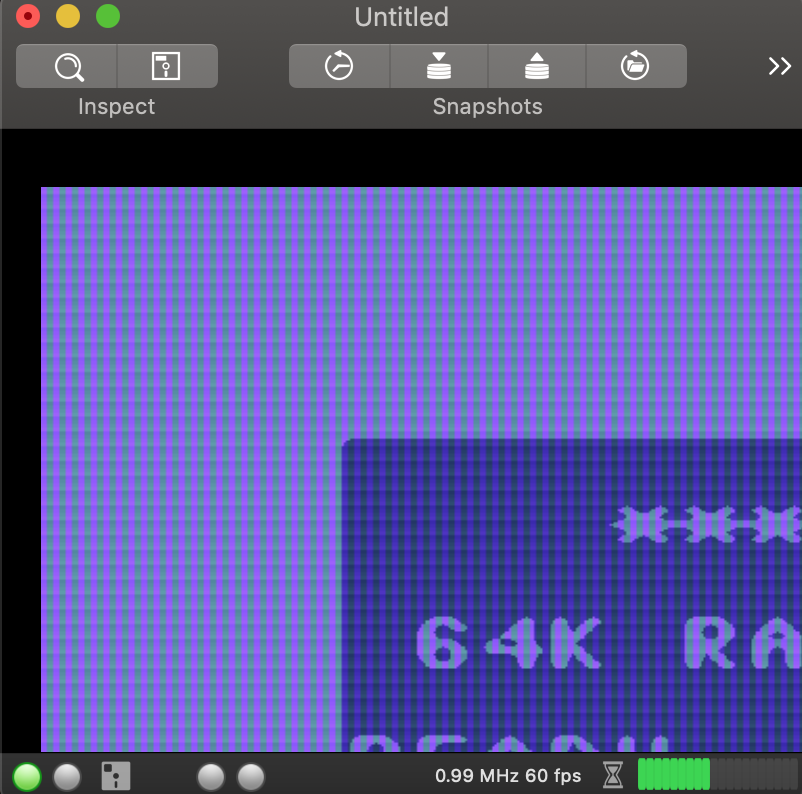
II tried to resize the VirtualC64 window in all the ways, or I tried to change the screen resolution from the settings menu, but nothing changes a part of the video remains outside the window and therefore can not be viewed. It could be a problem of centering and resizing, as if the coordinates of the window at the bottom right were no longer identifiable.
Alessandro1970
on 30 Sep 2018
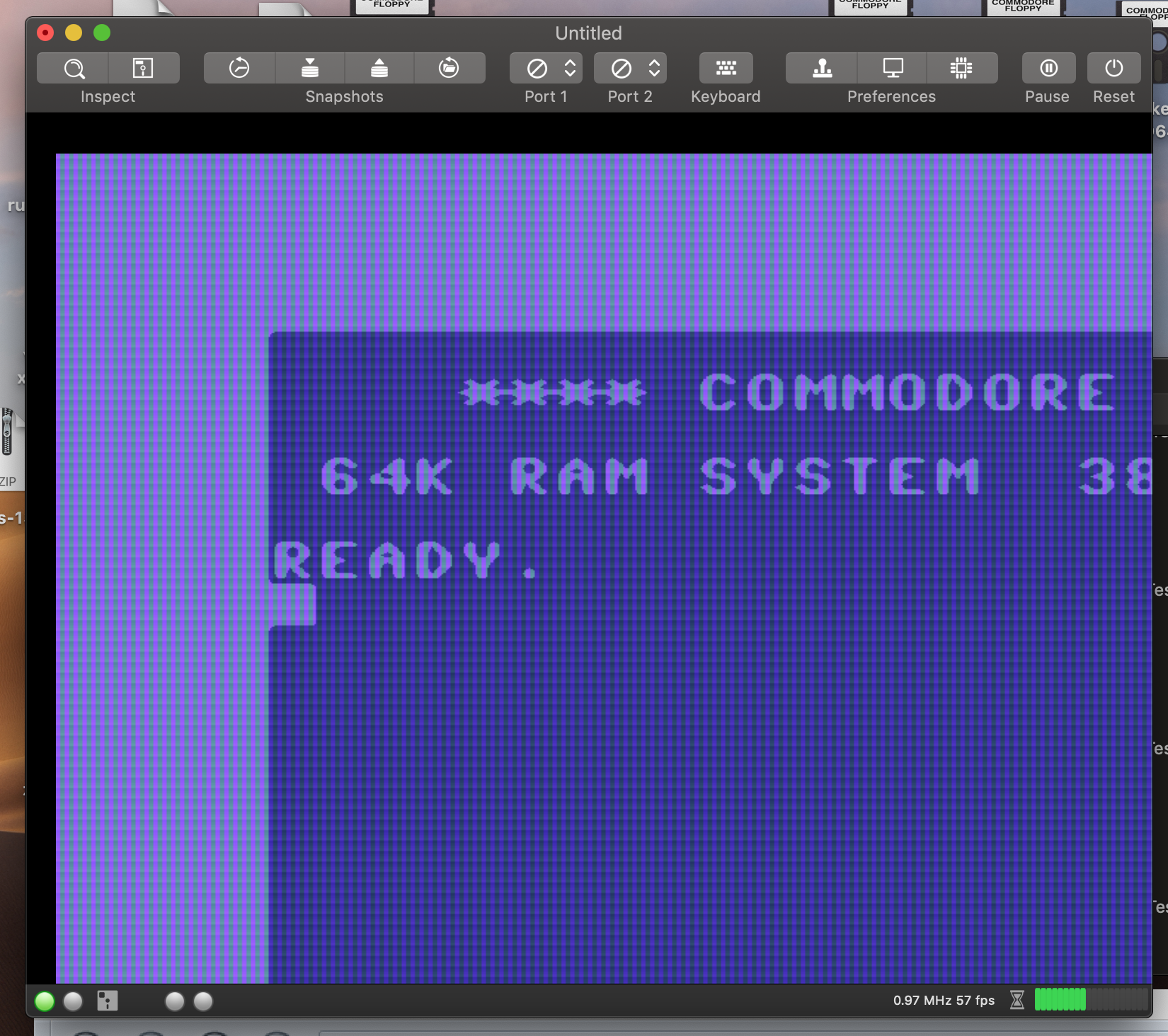
Strange also those black borders that appear after resizing the virtualc64 window:
Alessandro1970
on 30 Sep 2018
VirtualC64 works perfectly on my machine, even in fullscreen mode 😫.
dirkwhoffmann
on 30 Sep 2018
Don’t panic. We will get that right. I currently don’t have time. But maybe in the evening or tonight i will get some.
mithrendal
on 30 Sep 2018
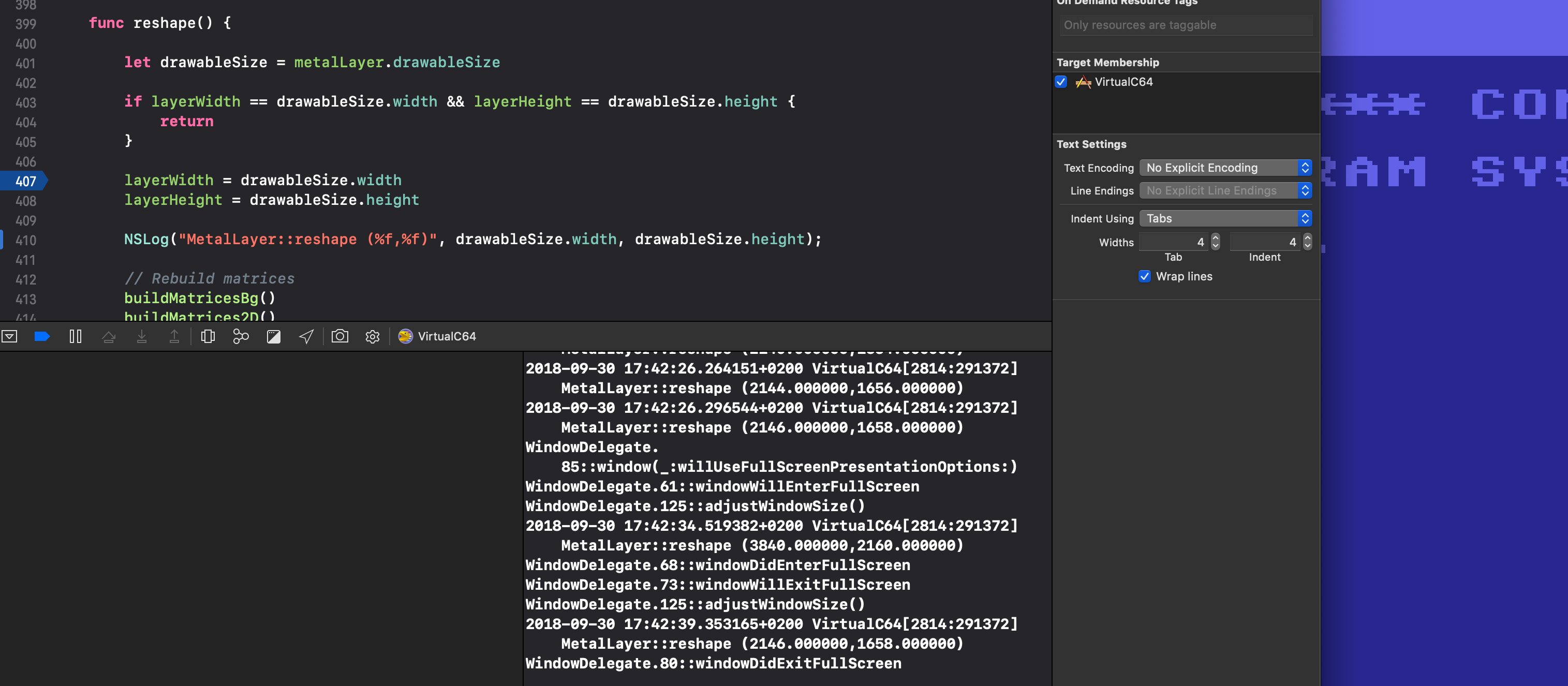
I enabled @dirkwhoffmann existing log output for
NSLog("MetalLayer::reshape (%f,%f)", drawableSize.width, drawableSize.height);
here is the log output sequence where I did the following actions:
- ) I started a V64 in window mode which was not clipped and looked normal. Resizing the window has an effect on scaling the metalview.
2.) I entered fullscreen, which looked normal
3.) I exited fullscreen and the metalview was drawn way too big, so that it got clipped at the half. Resizing the window has from now on NO effect on scaling the metalview e.g. it does not scale at all.
insights:
the log shows at 3.) (2146.000000,1658.000000) the same as before in state 1.)
so there is no problem collecting the drawableSize. I also checked the three code fragments which dirk points us to but they seem to be ok. I guess it must be later in the drawing process where things go wrong...
mithrendal
on 30 Sep 2018
Scaling problem solved.
Ok I found and repaired the problem at the drawing code. Its in the metalsetup buildDepthBuffer() method. There are two optimizations which are problematic under mojave as it seems. When window size is under 2048 pixels width or height for example (that is when the main window is smaller than that) then the current V64 code let the metal API draw like if it were on a 2048 Pixel big window which in turn is the reason why we see a large c64 screen drawing which is clipped. The second problematic code is just below that, it tells the mac to not reduce the size of the metal drawing when it is already bigger, that means it will reduce not at all, that is also what we see under mojave. These two parts must be optimisation code from @dirkwhoffmann which now under mojave is no longer working as intended, probably because of changes in Apples metal code.
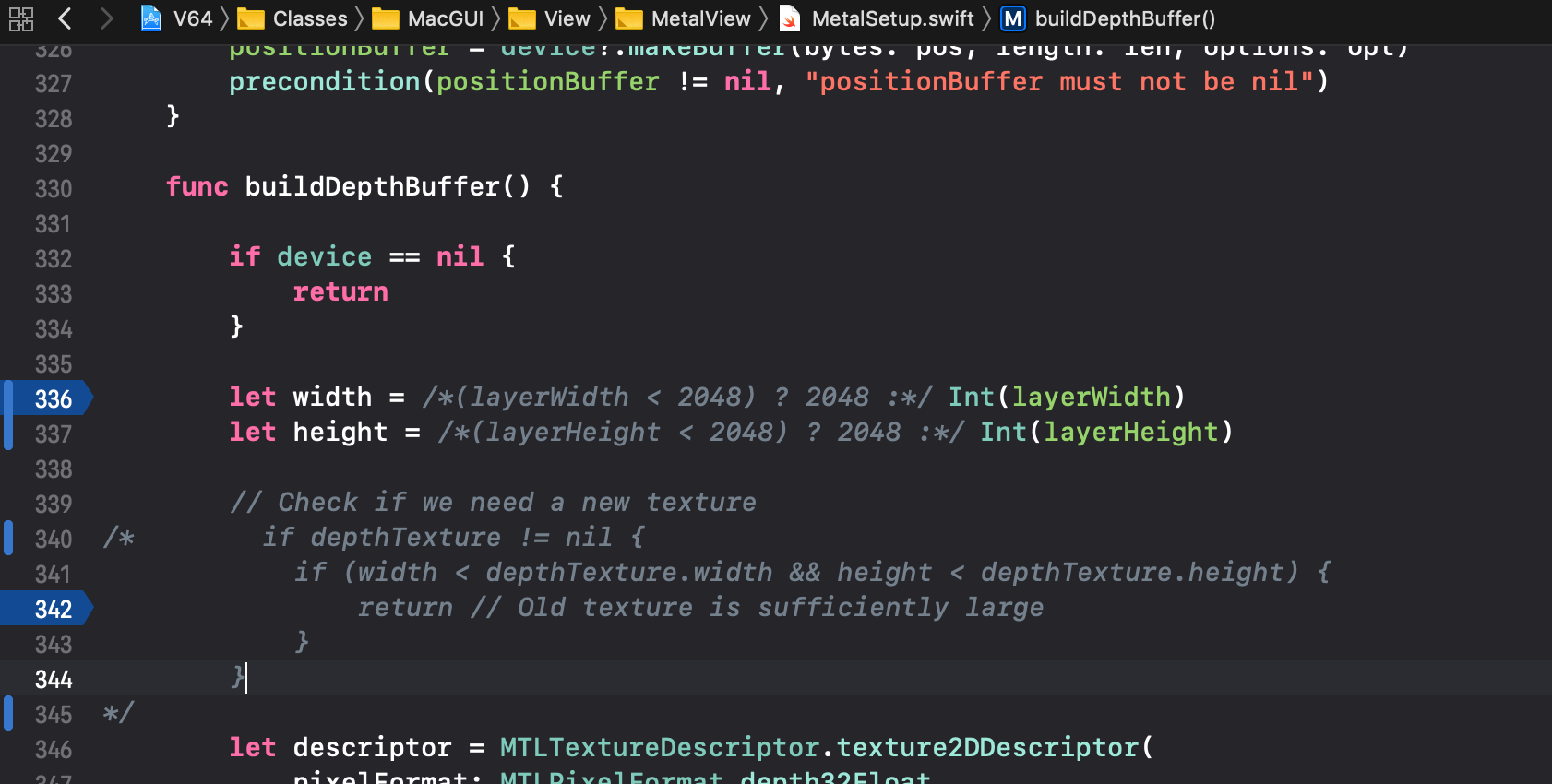
I have out commented the problematic optimisation code and now it works like a charm.
mithrendal
on 30 Sep 2018
Mithrendal, thanks a lot for debugging this! I'll fix the bug on the main branch asap and will also release a version 2.5.1 containing this fix.
dirkwhoffmann
on 30 Sep 2018
2.5.1 should show up in "Check for updates ..." and solve the problem.
At first, I was worried if constantly rebuilding the depth buffer would hit performance, but everything feels smooth.
dirkwhoffmann
on 1 Oct 2018
2.5.1 works very well on my MBP + Mojave !!!
Thanks to all
Alessandro1970
on 1 Oct 2018
2.5.1 is good for me too.
UgoCaneFifone
on 2 Oct 2018
2.5.1 works fine on mojave for me too
 rossimariolee
on 2 Oct 2018
rossimariolee
on 2 Oct 2018
:birthday: Ok, all is ok !
mortinus
on 2 Oct 2018
Version 2.5.1 works well with Mojave for me too, problem solved.
puleyo
on 2 Oct 2018
Related issues
dirkwhoffmann
·
4Comments
rossimariolee
·
4Comments
 PakkunKinoppi
·
4Comments
Alessandro1970
·
6Comments
puleyo
·
6Comments
PakkunKinoppi
·
4Comments
Alessandro1970
·
6Comments
puleyo
·
6Comments
Most helpful comment
Mithrendal, thanks a lot for debugging this! I'll fix the bug on the main branch asap and will also release a version 2.5.1 containing this fix.