Viro: Warning: Native component for "VRTSceneNavigator" does not exist, while running command "react-native run-android" at win10
develope operation system:
windows 10
react-native version:
0.49.3 (same as )
react-viro version:
2.4
Device:
onePlus5 A5000 (supported by google arcore,a physical phone,not a simulator)
i follow the Quick Start (Windows) ,and successfully run the viroExample with the viroMedia testbed app at my phone, onePlus5 A5000 ,which is the supported device by google arcore).
but when i run command "react-native run-android"at root directory of viroExample,it's successfully installed in my phone,and i can see the page "choose your desired experience",when i press "AR" or "VR" button,it will show the blank page (just like issues #50) ,and show "Warning: Native component for "VRTSceneNavigator" does not exist "
when i try to solve it ,i find the android-setup.sh at node_modules/react-viro, the shell script seems to modify the "setting.gradle" and "build.gradle" and "mainApplication.java" and others ,i think there must be a bat script but it haven't .
please give me some advices.
thanks a lot!!!!!!!!!!!
 llf22282776
All 10 comments
i read the "setup_ide.sh"and "android-setup.sh", then understand what they will do with my project.
So i just take operations just like those scripts manually.
at last i run command "react-native run-android" ,it built sucessfully(at least shows this message on console ),but failed with the message
"error type 3"
"error : activity class {} does not exist"
llf22282776
on 12 Mar 2018
Hi @llf22282776,
Our android-setup.sh script hasn't been tested with windows, but the changes that it makes can be found here:
https://gist.github.com/achuvm/fe0136818158bec2cdf4d1cd11053f6d
If you manually make those changes, then it should work.
Let us know if that doesn't work.
 achuvm
on 12 Mar 2018
achuvm
on 12 Mar 2018
Hi,@achuvm
i finally succeed!!!!!
now i can run react-native project using react-viro as a independent application
first i do the same work as nodule_modules/react-viro/**/android-setup.sh did manually.
(just a few files ,easy to modifiy!!!!)
then i run "npm start" at root of the project (not the command "react-native run-android") to start node js server
later,i "cd ./android" and run command "./gradlew.bat installGvrDebug" ,then it works well!!!!!!
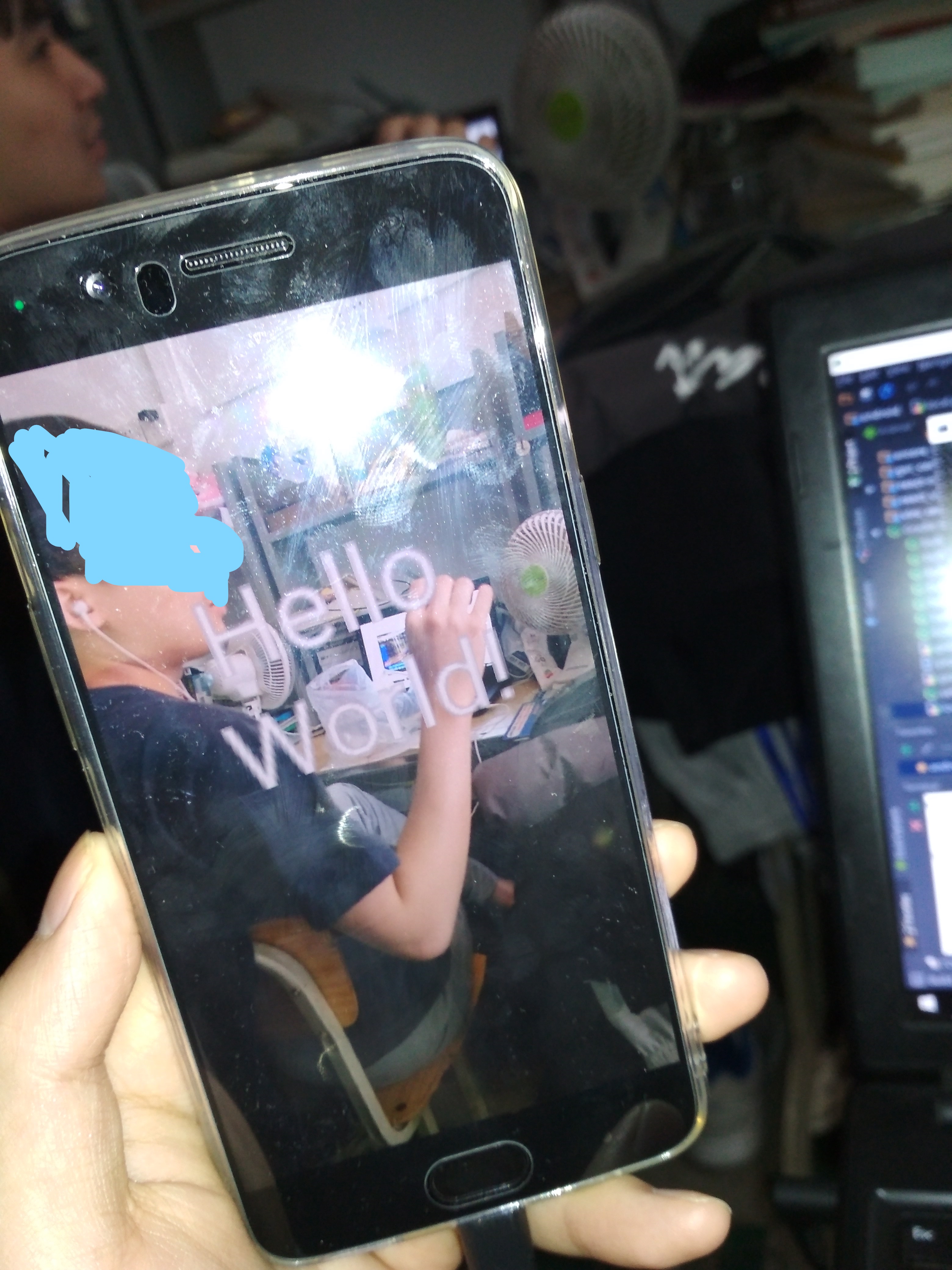
here is the pic:
llf22282776
on 13 Mar 2018
Hello ,
same issue occurred, please tell me anyone how to clear that error
 venkymrv
on 3 Jul 2018
venkymrv
on 3 Jul 2018
Hi @venkymrv,
Have you followed the instructions on this page: https://docs.viromedia.com/docs/installing-viro-android
You won't be able to clear the error until the project is setup to properly link the native components with the android build, otherwise you'll continue to get this error.
Thanks,
achuvm
on 3 Jul 2018
Hi @achuvm
thank you for your response. already referred this link but same error occurred
venkymrv
on 4 Jul 2018
I have the same problem. I have already tried all the options mentioned above.
Does anyone have a solution?
 ThailanHigor
on 9 Jan 2019
ThailanHigor
on 9 Jan 2019
Hi I too have the same problem.If any one finds a solution please let me know.
 HarishBathina
on 10 Jan 2019
HarishBathina
on 10 Jan 2019
Having the same issue. Tried the steps above and when I run ./gradlew.bat installGvrDebug it builds successfully, but doesn't get installed on my phone
 Tino-F
on 5 May 2019
Tino-F
on 5 May 2019
This issue also occurs in ios, Is anyone know how to resolve this issue?
 stricker26
on 13 Jun 2019
stricker26
on 13 Jun 2019
Related issues
 JStein92
·
5Comments
JStein92
·
5Comments
 yabeow
·
4Comments
yabeow
·
4Comments
 slycoder
·
4Comments
slycoder
·
4Comments
 jungley
·
3Comments
jungley
·
3Comments
 WillGeller
·
3Comments
WillGeller
·
3Comments
Most helpful comment
Hi,@achuvm

i finally succeed!!!!!
now i can run react-native project using react-viro as a independent application
first i do the same work as nodule_modules/react-viro/**/android-setup.sh did manually.
(just a few files ,easy to modifiy!!!!)
then i run "npm start" at root of the project (not the command "react-native run-android") to start node js server
later,i "cd ./android" and run command "./gradlew.bat installGvrDebug" ,then it works well!!!!!!
here is the pic: