Vim: Drag on the window split bar is do not work when vim run in tmux
Describe the bug
Like title, drag on the window split bar is do not work when vim run in tmux.
note:
- the same system enveriament and same reproduce step flow on tmux with neovim has no this issue.
- the same system enveriament and same reproduce step flow on bash with vim has no this issue.
To Reproduce
- Run
vim --clean - Run
set mouse=a - Run
split - try use mouse drag on the window split bar
Expected behavior
the window do not resize when drag mouse
Environment (please complete the following information):
- Vim version [ 8.2.0981]
- OS: [Ubuntu 18.04 LTS]
- Terminal: [tmux 3.1]
Additional context
tmux 3.1 use with default config.
question
 pangchol
All 3 comments
I can't reproduce:
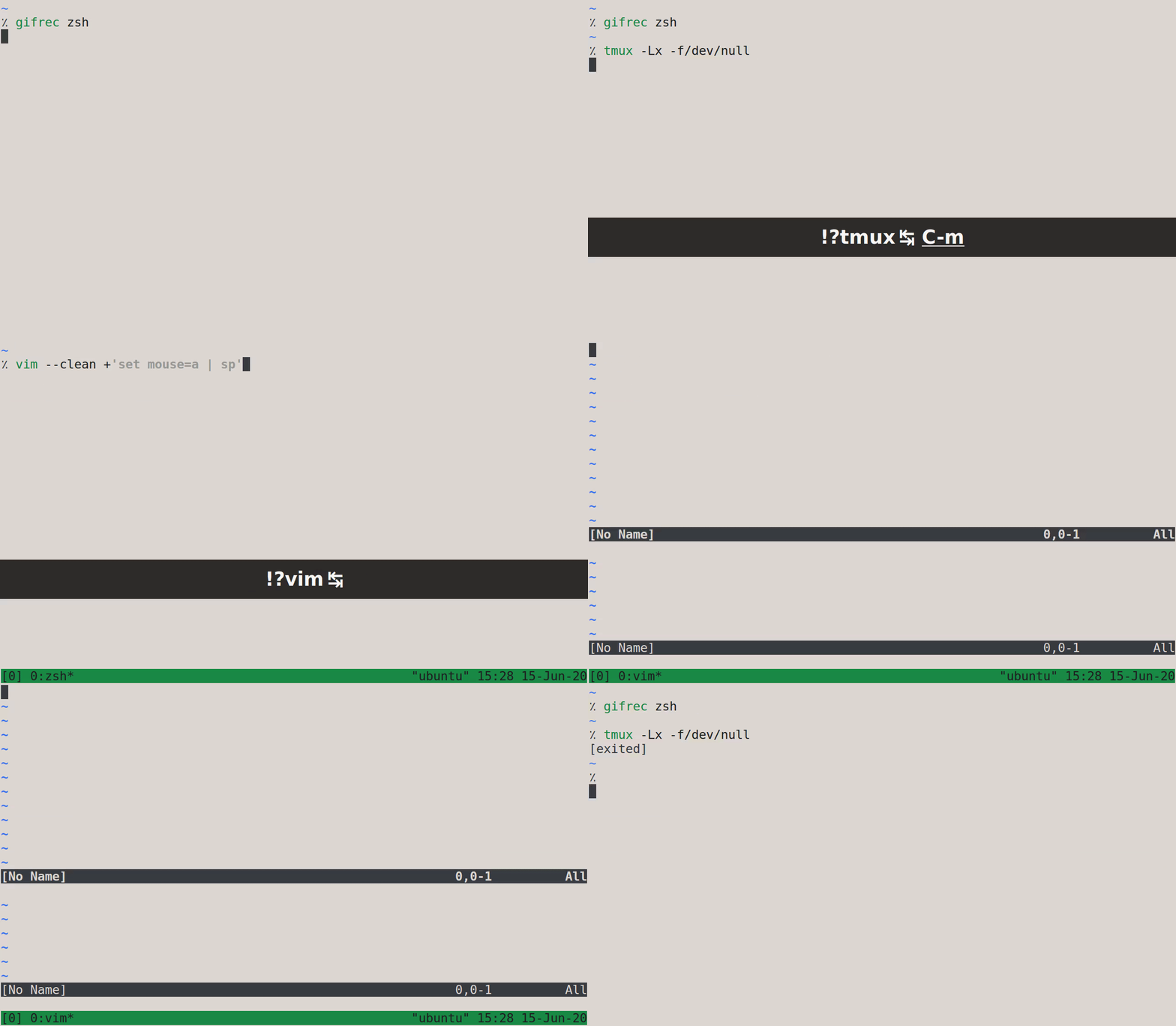
Dragging the status line of the top Vim window with the mouse correctly resizes its height.
Try to reproduce on tmux master, and without any tmux config:
$ tmux -Lx -f/dev/null
 lacygoill
on 15 Jun 2020
lacygoill
on 15 Jun 2020
Try setting :set ttymouse=sgr.
 k-takata
on 15 Jun 2020
k-takata
on 15 Jun 2020
👍2
Try setting
:set ttymouse=sgr.
this settings let mouse drag work fine in tmux, thanks k-takata !
pangchol
on 15 Jun 2020
Was this page helpful?
0 / 5 - 0 ratings
Related issues
 antoinemadec
·
3Comments
antoinemadec
·
3Comments
 Near-Tam
·
4Comments
Near-Tam
·
4Comments
 barlik
·
4Comments
lacygoill
·
3Comments
barlik
·
4Comments
lacygoill
·
3Comments
 tomtom
·
4Comments
tomtom
·
4Comments
Most helpful comment
Try setting
:set ttymouse=sgr.