Vim-go: Not an editor command (again. Yes I've read the other ones)
What did you do? (required. The issue will be closed when not provided.)
Tried to install vim-go without a package manager, as described by the installation instructions.
What did you expect to happen?
vim-go to be available in vim whenever I'm opening/editing a .go file.
What happened instead?
None of the commands/features of vim-go where available to me (because it isn't installed correctly, or not being activated).
Configuration (MUST fill this out):
Vim version (first two lines from
:version):
:version
VIM - Vi IMproved 8.0 (2016 Sep 12, compiled Jul 26 2017 19:10:24)
Included patches: 1-503, 505-642
Compiled by root @apple.comGo version (
go version):
go version go1.9.2 darwin/amd64Go environment (
go env):
GOARCH="amd64"
GOBIN=""
GOEXE=""
GOHOSTARCH="amd64"
GOHOSTOS="darwin"
GOOS="darwin"
GOPATH="/Users/cj/Development/Go"
GORACE=""
GOROOT="/usr/local/Cellar/go/1.9.2/libexec"
GOTOOLDIR="/usr/local/Cellar/go/1.9.2/libexec/pkg/tool/darwin_amd64"
GCCGO="gccgo"
CC="clang"
GOGCCFLAGS="-fPIC -m64 -pthread -fno-caret-diagnostics -Qunused-arguments -fmessage-length=0 -fdebug-prefix-map=/var/folders/05/t3x2y8x52qn8jwmnwmsm7d4h0000gn/T/go-build655943658=/tmp/go-build -gno-record-gcc-switches -fno-common"
CXX="clang++"
CGO_ENABLED="1"
CGO_CFLAGS="-g -O2"
CGO_CPPFLAGS=""
CGO_CXXFLAGS="-g -O2"
CGO_FFLAGS="-g -O2"
CGO_LDFLAGS="-g -O2"
PKG_CONFIG="pkg-config"vim-go version:
v1.15vimrcyou used to reproduce (use a minimal vimrc with other plugins disabled; do not link to a 2,000 line vimrc):
I don't have a vimrc file (I'm a very basic vim user and installing vim-go is my first time trying it out)
I'm running macOS High Sierra 10.13.2 with the vim version that comes bundled with the OS.
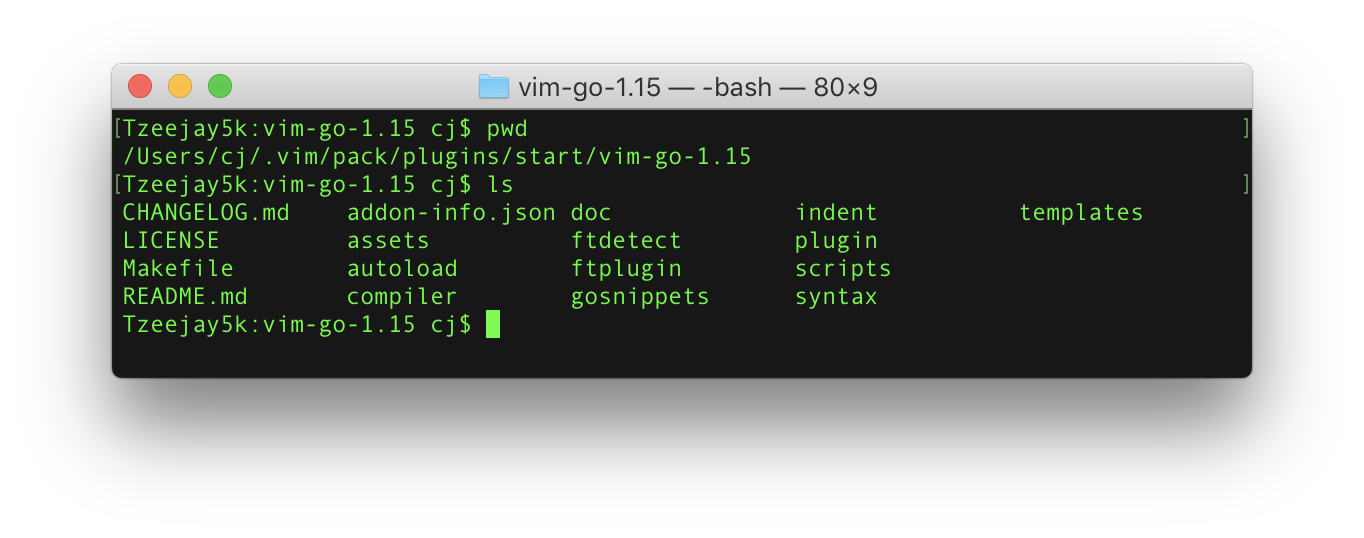
I've installed vim-go as described in the instructions for Vim 8 packages.

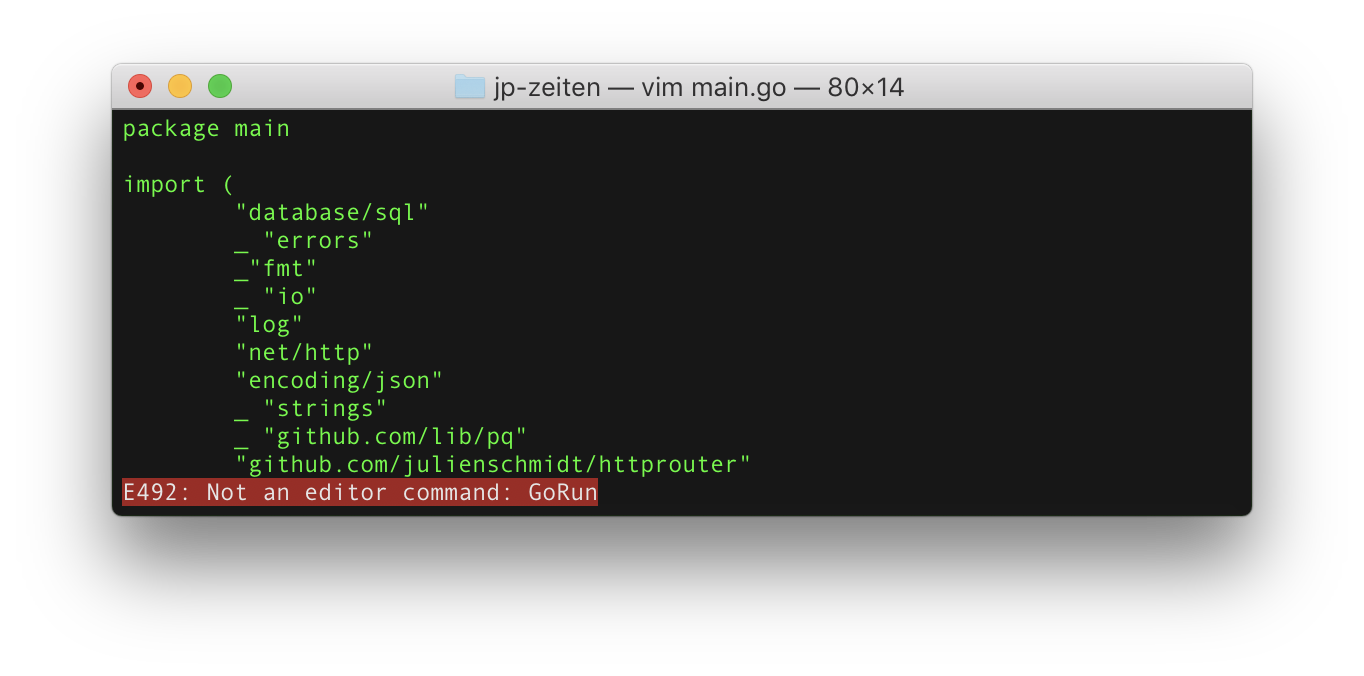
:GoRun command not an editor command (yes I spelled it correctly and watched for the uppercase letters)
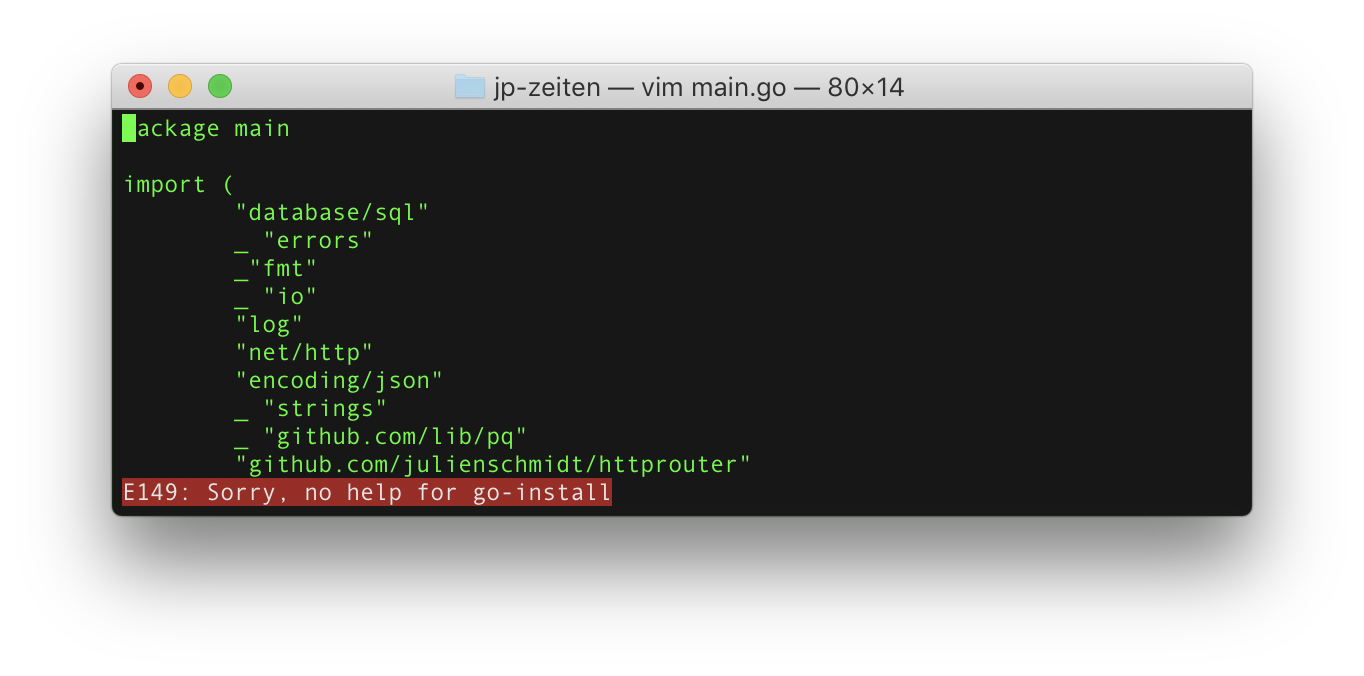
 tzeejay
All 11 comments
What is the filetype for the buffer you're editing? :verbose set ft?
 arp242
on 12 Dec 2017
arp242
on 12 Dec 2017
@Carpetsmoker It just returns filetype= but it's a .go file. Shouldn't that be sufficient?
tzeejay
on 12 Dec 2017
It should be filetype=go, so it looks like that's not being set correctly. This is not a vim-go problem, as such. vim-go only loads most of the :Go* commands for Go files (with the exception of :GoInstallBinaries, :GoPath, and :GoUpdateBinaries).
You mentioned you don't have a vimrc file, but do you have a blank file in ~/.vimrc or ~/.vim/vimrc perhaps? Having a blank file there disables setting some of the default settings (...which is a bit silly). Try adding source $VIMRUNTIME/defaults.vim to your vimrc file.
Also see :help defaults.vim.
arp242
on 12 Dec 2017
@Carpetsmoker
So I had created those files with BBEdit and I thought maybe they flip a bit or don't set the filetype correctly. I created a new folder in my $GOPATH & created a new .go file using vim saved it and closed vim. I then reopened the file entered :verbose set ft? and got filetype= back so this is happening due to something else...
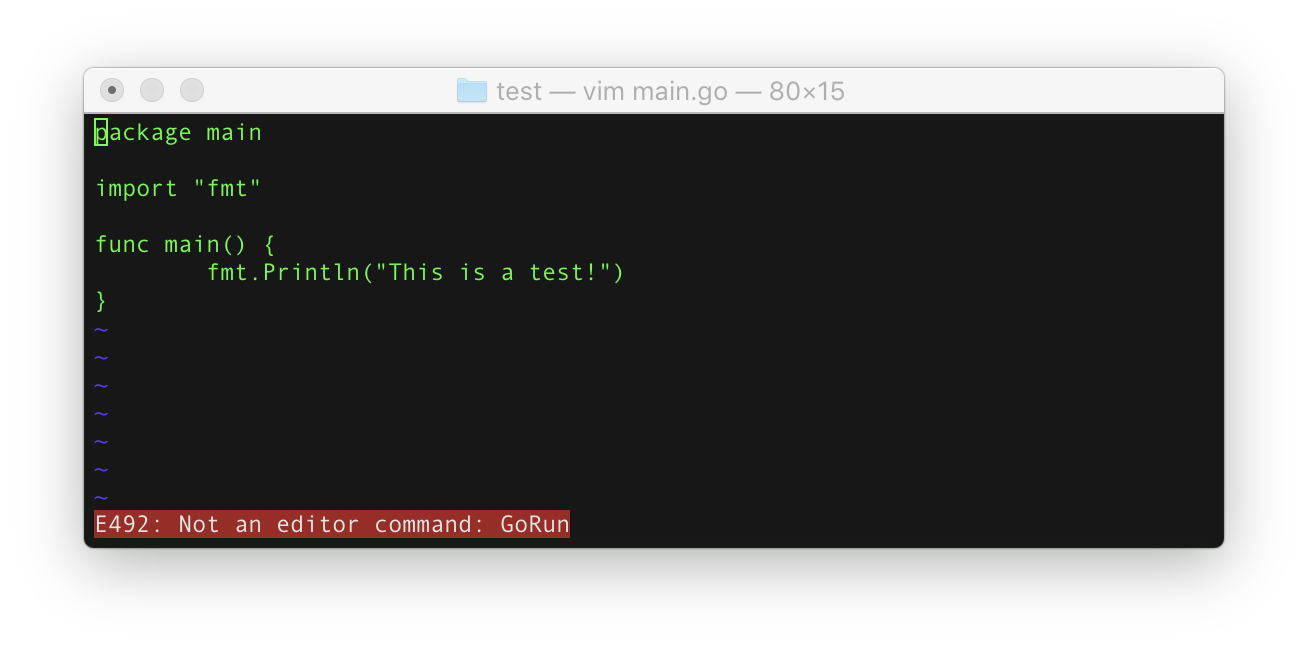
I also added your defaults.vim in my .vimrc file but that also didn't do the trick.
tzeejay
on 12 Dec 2017
I also added your defaults.vim in my .vimrc file but that also didn't do the trick.
It still looks like filetype detection isn't enabled, which is probably also why you don't have syntax highlighting, so something doesn't seem quite right here.
arp242
on 12 Dec 2017
What :filetype returns ? If detection is off add filetype plugin indent on to Your vimrc file.
 wmatusiak
on 30 Dec 2017
wmatusiak
on 30 Dec 2017
I'm closing this due to lack of participation by the author, and because it appears to be particular to his setup. @tzeejay please let us know if this should be reopened.
 bhcleek
on 28 Jan 2018
bhcleek
on 28 Jan 2018
I had the same issue with a very similar setup as the OP. If anyone else finds this via Google @wmatusiak was exactly right. I don't use OSX as much as linux, I have no idea why there isn't a .vimrc file set up from the beginning but adding a basic ~/.vimrc with just the line from @wmatusiak's answer and everything is working as expected. Thanks!
 WarpRat
on 22 May 2018
WarpRat
on 22 May 2018
@wmatusiak Thank you), you are really help
 justgoodman
on 7 Jun 2018
justgoodman
on 7 Jun 2018
@wmatusiak Thanks. It works well for me.
 pytimer
on 10 May 2019
pytimer
on 10 May 2019
@arp242 thank you! I didn't know about source $VIMRUNTIME/defaults.vim and it fixed my issues :-)
 hamiltont
on 28 Jan 2020
hamiltont
on 28 Jan 2020
Related issues
 korjavin
·
4Comments
korjavin
·
4Comments
 groob
·
3Comments
groob
·
3Comments
 cassiobotaro
·
3Comments
cassiobotaro
·
3Comments
 wpaulino
·
4Comments
wpaulino
·
4Comments
 MattFlower
·
4Comments
MattFlower
·
4Comments
Most helpful comment
What
:filetypereturns ? If detection is off addfiletype plugin indent onto Your vimrc file.