Viewers: Error loading image - 401 Unauthorized
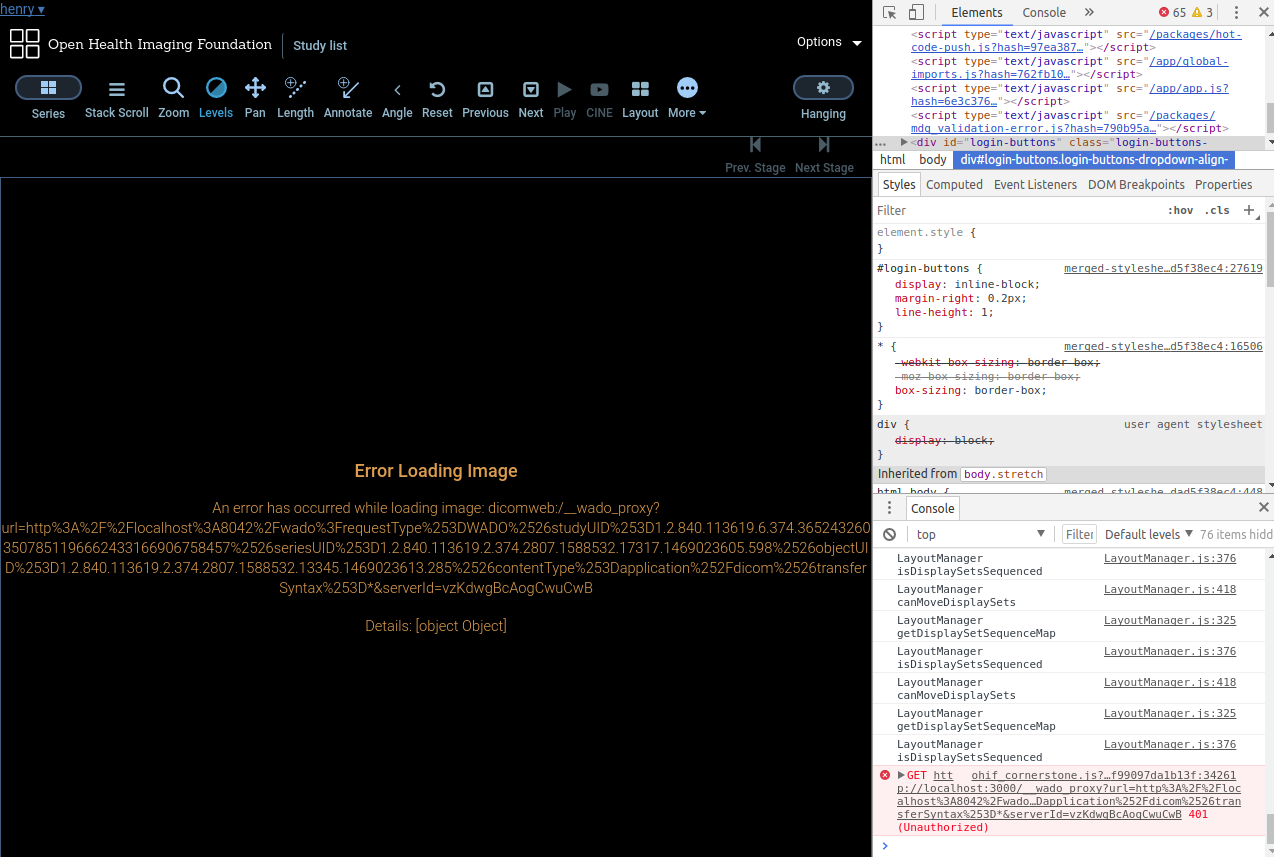
Similar to #19 I keep getting the "Error loading image" messages when I try to open studies from OHIF Viewer, even though I can see Orthanc is up and running via localhost:8042 and viewable using the orthanc viewer. Shows (401 Unauthorized) in console when username and password are "orthanc:orthanc" like in default
It was working fine initially after just cloning the repo and adding a DICOM series, but after adding accounts-ui and accounts-password and editing a few config settings, the images would no longer load. Reverting to previous working commits also don't help...
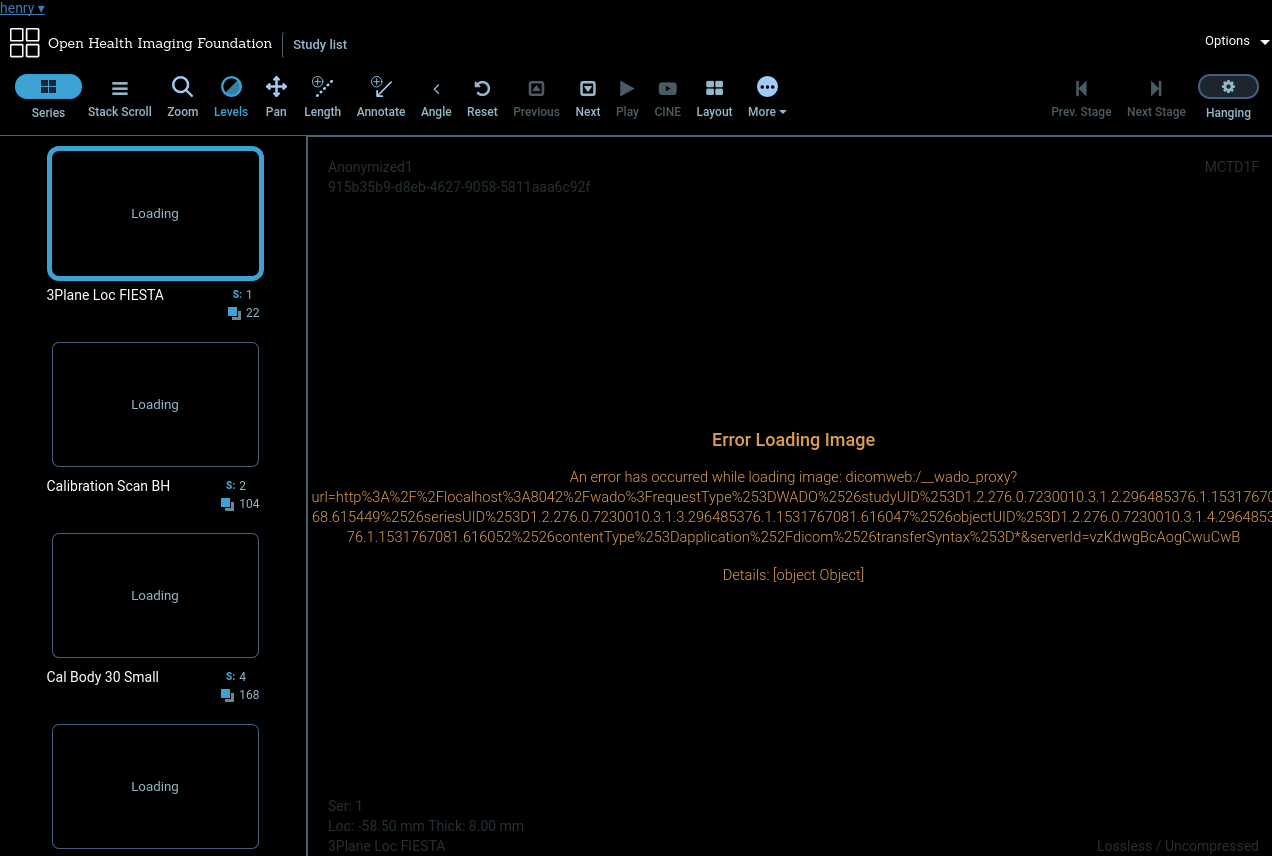
The series names seems to be showing though:
Dicom server:
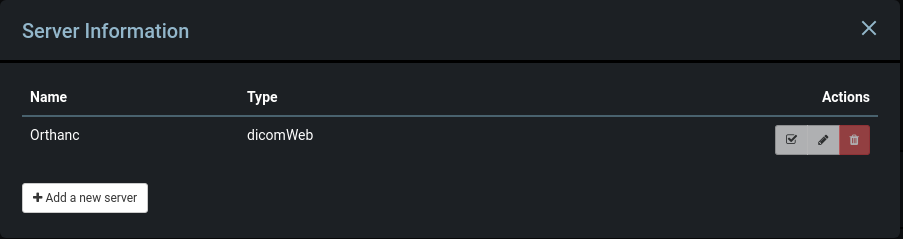
I am running orthanc-plugins using docker and persistent database, and running OHIF Viewer using the default orthancDICOMWeb.json file.
Any help would be appreciated. Thanks
 henryhe1
All 10 comments
If you click on the request in the network tab, do you see anything inside the 'preview' pane?
I noticed something similar recently. The WADO proxy is setup to require some user ID if your database has a non-zero number of users in it. Does your MongoDB have users?
e.g. What is Meteor.users().find().count() ?
 swederik
on 18 Jul 2018
swederik
on 18 Jul 2018
In the preview pane:
Error: You must be logged in to perform this action.
Running console.log(Meteor.users.find().count()); yields a count of 0. Only the orthanc server has 1 default user, orthanc:orthanc.
It's strange because the patients show up in the study list table and the series show up in the series sidebar, just the images themselves don't load in the viewer.
henryhe1
on 18 Jul 2018
That's quite bizarre. Orthanc users don't matter in this context, I'm only asking about Meteor users.
So OHIF includes a proxy on the Meteor server which sits between the web client and the PACS you are communicating with. It only affects WADO requests for image data. It's optional, you can disable it with proxy: disabled in Meteor settings, but unless you have CORS enabled on your PACS, you'll end up with CORS issues.
The reason I ask about users is because of this section of the WADO Proxy:
https://github.com/OHIF/Viewers/blob/master/Packages/ohif-wadoproxy/server/routes.js#L37
doAuth is only true if you have a > 0 number of users when the server is started. If it's true, it will expect to receive x-user-id and x-auth-token for each WADO image request it proxies.
So for some reason, your system is expecting those pieces in the header, but not receiving them. Could you restart the Meteor or node server process? It's possible at startup you had Users, but now you don't....
Are you performing the Meteor.users.find().count() query on the client or the server? Could you do it on the server, or via MongoDB (db.users.....).
swederik
on 18 Jul 2018
Oh sorry! I do indeed have two users on MongoDB -- I added Meteor accounts for privacy purposes. I realised when I ran the db.users.find().count() in a mongo shell.
In that case, where can I add the x-user-id and x-auth-token for the WADO image requests?
henryhe1
on 18 Jul 2018
In LesionTracker we have this piece of code:
We will merge this PR soon: https://github.com/OHIF/Viewers/pull/227 which will provide the same logic in the OHIF Viewer
swederik
on 19 Jul 2018
Thank you! The images load now 🎉
The thumbnails however are still not loading, but the images still load when dragged into the main viewer. Console and network show a 400: Bad Request
{
   "HttpError" : "Bad Request",
   "HttpStatus" : 400,
   "Message" : "Bad request",
   "Method" : "GET",
   "OrthancError" : "Bad request",
   "OrthancStatus" : 8,
   "Uri" : "/dicom-web/studies/1.2.840.113619.6.374.3652432603507851196662433166906758457/series/1.2.840.113619.2.374.2807.1588532.17317.1469023605.595/instances/1.2.840.113619.2.374.2807.1588532.13345.1469023612.895/frames/1"
}
henryhe1
on 19 Jul 2018
Yes I am seeing the same for WADO-RS requests. It appears that Orthanc doesn't like the quotes used when we specify content type in our WADO-RS requests.
- What version of Orthanc are you using?
- What version of the DICOMWeb plugin?
swederik
on 19 Jul 2018
I'm running the latest orthanc-plugins docker image. So it looks like 1.4.0?
henryhe1
on 19 Jul 2018
It seems like it's an Orthanc issue: https://bitbucket.org/sjodogne/orthanc/issues/96/dicomweb-plugin-wado-rs-retrieveframes
I would suggest just switching imageRendering and thumbnailRendering to 'wadouri'.
Done here: https://github.com/OHIF/Viewers/commit/e9832f62f7d6bc833443f674abb307bd5725d062
swederik
on 19 Jul 2018
Thank you very much!!
henryhe1
on 19 Jul 2018
Related issues
 MathisGuilhin
·
3Comments
MathisGuilhin
·
3Comments
 JamesAPetts
·
3Comments
JamesAPetts
·
3Comments
 christianvargasforero
·
3Comments
christianvargasforero
·
3Comments
 pieper
·
3Comments
pieper
·
3Comments
 rossetantoine
·
5Comments
rossetantoine
·
5Comments