Victory-native: How to display x-Axis partly?
Hi, I have a problem with VictoryLine. Because there are a lot of data, it is impossible to show all the label for x-Axis. Only need to show 3 labels: '9:40', '14:40', '20:40'.
How to implement the result? thanks very much.
Code as follows:
const data= [
{x: '9:40', y: 100}
{x: '10:40', y: 100}
{x: '11:40', y: 100}
....
{x: '20:40', y: 100}
]
<VictoryChart
     height={200}>
     <VictoryLine data={data} />
</VictoryChart>
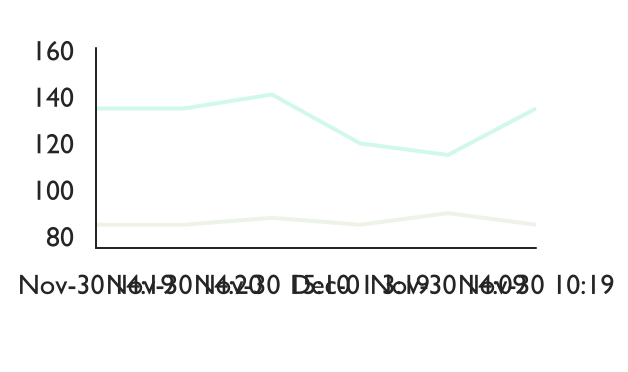
Otherwise, chart will show as follows:
 jzhw0130
All 3 comments
Now, change code as follows:
<VictoryChart
     height={200}>
     <VictoryLine data={data} />
     <VictoryAxis fixLabelOverlap={true}/>
     <VictoryAxis dependentAxis/>
</VictoryChart>
Chart will show as follows:
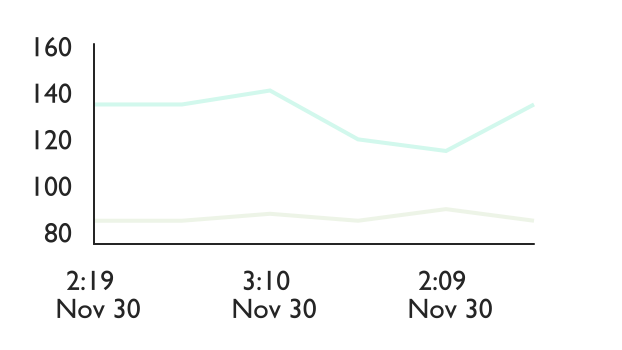
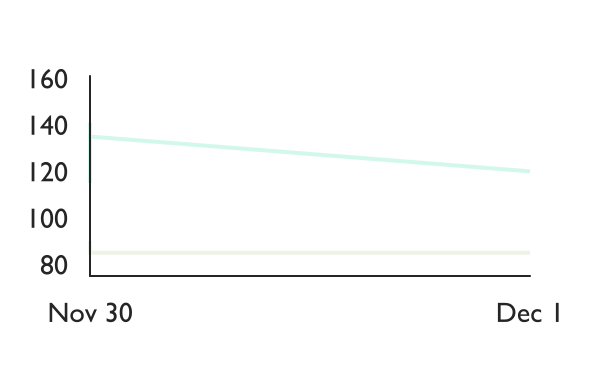
Maybe better now. One more question: If I want to show the day, not day+time, then several datas in one day will show only one. How to solve the problem?
Thanks
jzhw0130
on 5 Dec 2017
@jzhw0130 You want to use the tickFormat prop to control how your labels are displayed. More information here: https://formidable.com/open-source/victory/docs/victory-axis#tickformat
 boygirl
on 7 Dec 2017
boygirl
on 7 Dec 2017
@boygirl Thanks a lot.
For the 'data' property, x is a key, must be unique. Be default, x will show directly.
So I need to format x to whatever I want. Empty string if do not show.
jzhw0130
on 8 Dec 2017
Related issues
 kkemple
·
6Comments
kkemple
·
6Comments
 xkawi
·
4Comments
xkawi
·
4Comments
 WhyX
·
6Comments
WhyX
·
6Comments
 xinhash
·
4Comments
xinhash
·
4Comments
 udfalkso
·
4Comments
udfalkso
·
4Comments
Most helpful comment
Now, change code as follows:
<VictoryChart
     height={200}>
     <VictoryLine data={data} />
     <VictoryAxis fixLabelOverlap={true}/>
     <VictoryAxis dependentAxis/>
</VictoryChart>
Chart will show as follows:

Maybe better now. One more question: If I want to show the day, not day+time, then several datas in one day will show only one. How to solve the problem?
Thanks