Vetur: Special color for vue specific html attributes, such as `v-model` and `@click`
Info
- Platform: Windows 7
- Vetur version:0.12.6
- VS Code version:1.26.1
Problem

How do I set v-if @click v-model :class ... highlight to other color like pic
 nick1190
All 8 comments
This is how it looks for me in the default theme.

Is this a html file or vue file?
 octref
on 29 Aug 2018
octref
on 29 Aug 2018
it is html default template
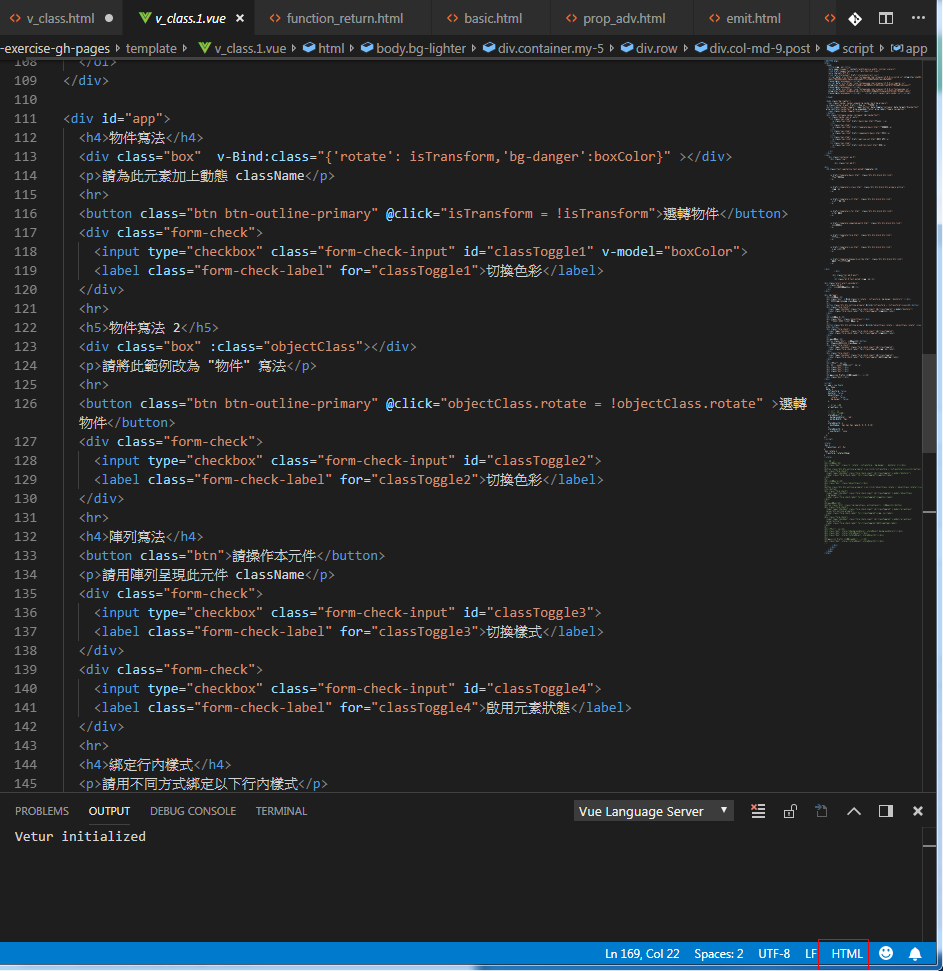
it is default vue template
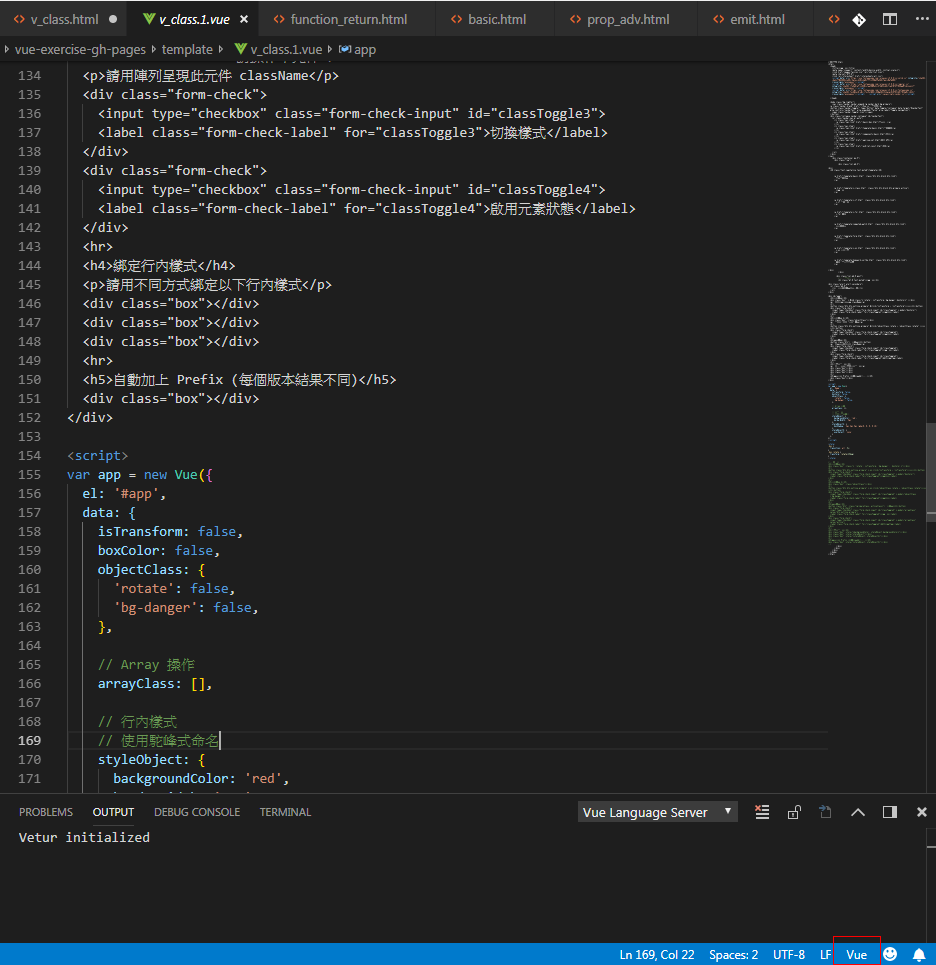
I want to change v-for v-if v-model different color in html

"type " "class" "id " if color same with v-if

it 's hard to watch what status are htmls ,what status are vues
so I wanna to change color for vue status
nick1190
on 29 Aug 2018
OK, thanks for clarification.
octref
on 29 Aug 2018
so can I change highlight color by vetur?
nick1190
on 30 Aug 2018
You can't, as of now. This requires changes in both Vue grammar and the theme you are using.
octref
on 30 Aug 2018
thank you very much for your patience answer
nick1190
on 30 Aug 2018
It would be pretty cool if you could set a custom color for vue-specific attributes in HTML.
 failpunk
on 9 Oct 2018
failpunk
on 9 Oct 2018
Isn't this already achievable?
"editor.tokenColorCustomizations": {
    "textMateRules": [
        {
            "scope": "meta.directive.vue entity.other.attribute-name.html",
            "settings": {
                "foreground": "#e90"
            }
        }
    ],
}
Could be done for each theme separately also.
"editor.tokenColorCustomizations": {
    "[Default Dark+]": {
        "textMateRules": [
            {
                "scope": "meta.directive.vue entity.other.attribute-name.html",
                "settings": {
                    "foreground": "#e90"
                }
            }
        ],
    },
},
 usernamehw
on 14 Dec 2018
usernamehw
on 14 Dec 2018
Related issues
 13029852933
·
3Comments
13029852933
·
3Comments
 AnnAngela
·
3Comments
AnnAngela
·
3Comments
 KokoDoko
·
3Comments
KokoDoko
·
3Comments
 LawrenceQxy
·
3Comments
LawrenceQxy
·
3Comments
 tczhangzhi
·
3Comments
tczhangzhi
·
3Comments
Most helpful comment
Isn't this already achievable?
Could be done for each theme separately also.