Vetur: Emmet tab autocomplete not working in vue files
Info
- Platform: mac
- Vetur version: 0.11.8
- VS Code version: 1.23.1
Problem
Emmet not working in .vue files, but it works in .html files. It's strange to me because it works in .vue files before, let's say 10 days ago. It seems that the upgrade of vscode makes something wrong. I did not change any settings.

My vscode settings:

Reproducible Case
 dpyzo0o
All 22 comments
it works for me when i add
"vue": "html"
to
  "emmet.includeLanguages": {
    "edge": "html",
    "vue-html": "html",
    "vue": "html"
  },
but this adds it to the whole file also in script and other sections
 cannap
on 14 May 2018
cannap
on 14 May 2018
Same thing on a Windows 10 x64 machine. The last update of Vetur must have something to do with Emmet. Personally, I don't think the VS Code update broke it.
Apart from that, the extension is great! Thumbs up! :)
 zl-kolev
on 15 May 2018
zl-kolev
on 15 May 2018
javascript intellisense and css autocomplete doesn't work either anymore :(
 kumailn
on 15 May 2018
kumailn
on 15 May 2018
got the same problem
 weenta
on 15 May 2018
weenta
on 15 May 2018
same problem today , it just suddenly failed with tab(emmet)
macbook pro
@cannap
it can fix the emmet in html with tab , but still not work in css, the tips in css has dispeared
 yuicer
on 15 May 2018
yuicer
on 15 May 2018
I get this from my output, hope it helps.
vetur initialized
events.js:163
      throw er; // Unhandled 'error' event
      ^

Error: UNKNOWN: unknown error, stat 'f:\vscode\doodle\20180313\vue-router\node_modules\.bin\acorn'
[Info  - 11:41:43] Connection to server got closed. Server will restart.
 nereuseng
on 15 May 2018
nereuseng
on 15 May 2018
@cannap when I update vetur to the latest version, I have the same problem that the css-tips has dispeared
 Ninnka
on 15 May 2018
Ninnka
on 15 May 2018
https://github.com/vuejs/vetur/commit/2b996e06750124333b8b86460e498f3a60deb2b4 should fix this. Publishing a new version now.
 octref
on 15 May 2018
octref
on 15 May 2018
@nereuseng Can you try uninstall / reinstall? Your problem is probably different, when VS Code fail to install Vetur successfully. See https://github.com/vuejs/vetur/blob/master/docs/FAQ.md#no-syntax-highlighting--no-language-features-working
octref
on 15 May 2018
Thanks a lot, last method 'install from vsix' solved my problem.
Edited: It worked when I installed previous version from the link you provided. Once I updated to newest version, it broke again.
nereuseng
on 15 May 2018
Intended to publish as 0.11.9 but had a glitch and published an incomplete version to 0.12.0 by mistake...Anyway this should be fixed now in 0.12.1.
Let me know if you still see the issue on 0.12.1.
octref
on 15 May 2018
@octref Thanks for the quick fix! It works now, good job!
dpyzo0o
on 15 May 2018
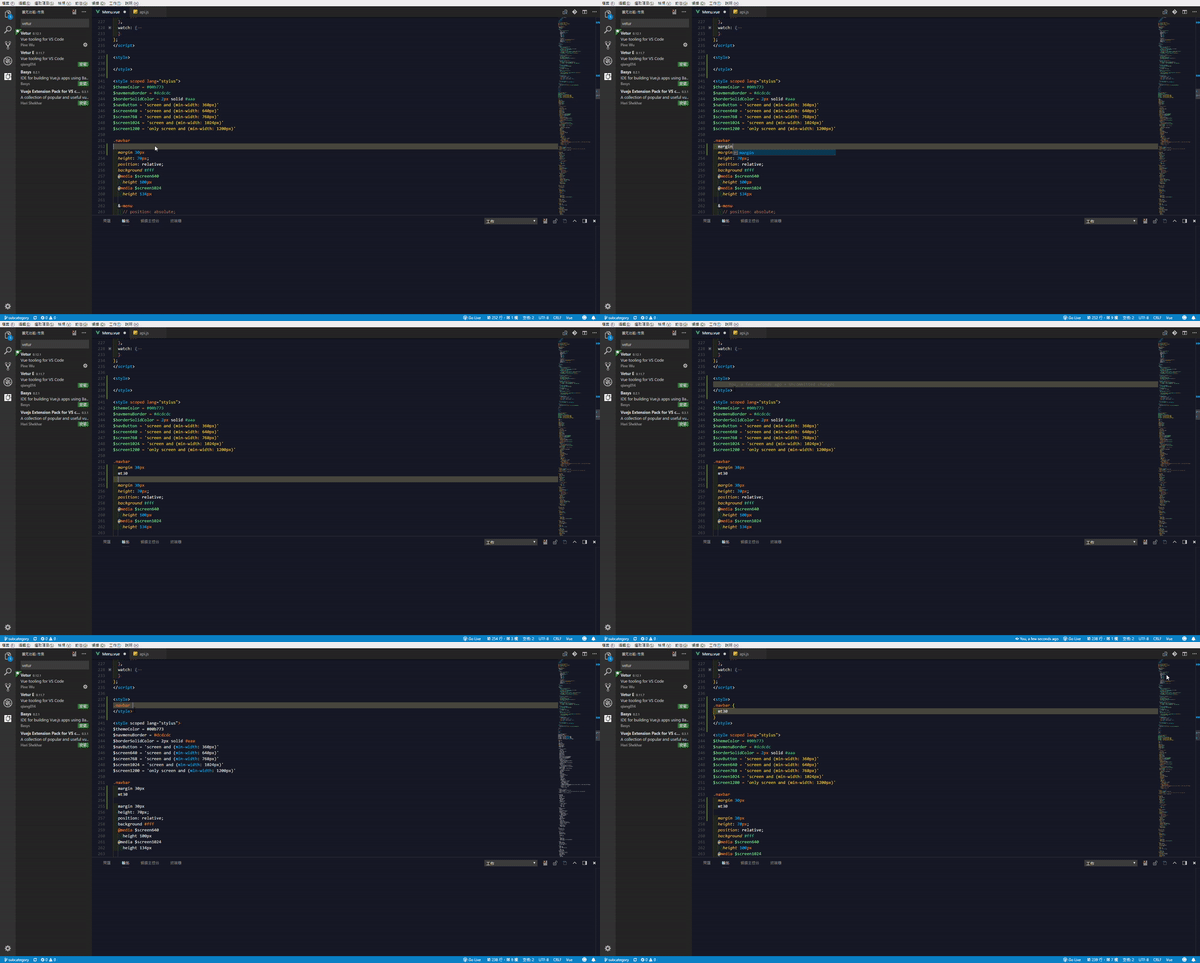
Updating to 0.12.1 today, the problem still exist. Fallback to 0.11.7, It works again. Please tell me what can I do to help you.
nereuseng
on 16 May 2018
@nereuseng Can you make it larger? Also seems you have Vetur E extension which would mess up Vetur.
octref
on 16 May 2018
@octref I have the same problem,but without Vetur E extension,haven't found which process cause it
 vonweb
on 17 May 2018
vonweb
on 17 May 2018
@nereuseng @vonweb What's your OS? Also any output on Output -> Vue Language Server or Help -> Toggle Developer Tools?
octref
on 17 May 2018
@octref I'm using win10 17134.48
output from "Vue Language Server":
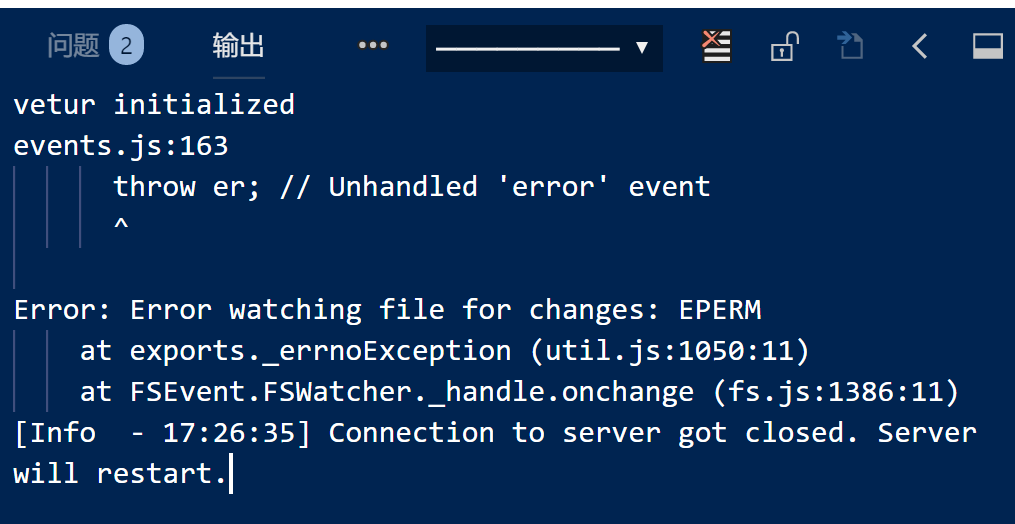
from Developer Tools:

vonweb
on 18 May 2018
Works in 0.12.3. Vue Language Server logs vetur initialized only.

OS: Windows 10, 1803, 17134.48
nereuseng
on 18 May 2018
@vonweb Upgrade to 0.12.3.
octref
on 21 May 2018
@octref Thank you for your great work, it works
vonweb
on 23 May 2018
2 steps - 1 minute
hh so much "not working" long solutions on the web/Github :(
1/2. install Vetur (file => preferences => extentions => search vetur => install)

2/2. Update setting.json (fie => preferences => Extensions => JSON tab => "Edit in setting.json")


{
    "emmet.includeLanguages": {
        "vue": "html",
        "vue-html": "html"
    }
}
save ==> Done:
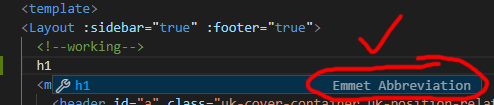
 Ezra-Siton-UIX
on 12 Feb 2020
Ezra-Siton-UIX
on 12 Feb 2020
"emmet.includeLanguages": {
"edge": "html",
"vue-html": "html",
"vue": "html"
}
Works for me to! Thx so much!
 digimedialoop
on 25 Feb 2020
digimedialoop
on 25 Feb 2020
Related issues
 Dealerpriest
·
3Comments
Dealerpriest
·
3Comments
 13029852933
·
3Comments
13029852933
·
3Comments
 AnnAngela
·
3Comments
AnnAngela
·
3Comments
 yoyoys
·
3Comments
yoyoys
·
3Comments
 LawrenceQxy
·
3Comments
LawrenceQxy
·
3Comments
Most helpful comment
it works for me when i add
to
but this adds it to the whole file also in script and other sections