Vetur: Intellisense doesn't work inside SFC using TS and Vue 2.5
- [ x] I have searched through existing issues
- [ x] I have read through docs at https://vuejs.github.io/vetur/
- [ x] I have read FAQ: https://github.com/vuejs/vetur/wiki/FAQ
Info
- Platform: Win
- Vetur version: 0.10.1
- VSCode version: 1.17.2
Problem
Intellisense does not work inside single file component when using typescript with new Vue 2.5.

Reproducible Case
Create single file component with following content:
<script lang="ts">
export default {
    data() {
        return {
            msg: 'default message'
        }
    },
    methods: {
        getMsg() {
            return this.;
        }
    }
}
</script>
this. does not have any intellisense.
 Towerism
All 9 comments
What's your dependencies version?
 octref
on 24 Oct 2017
octref
on 24 Oct 2017
NVM found the issue. Likely something changed in TS upstream. I'll look into it later.
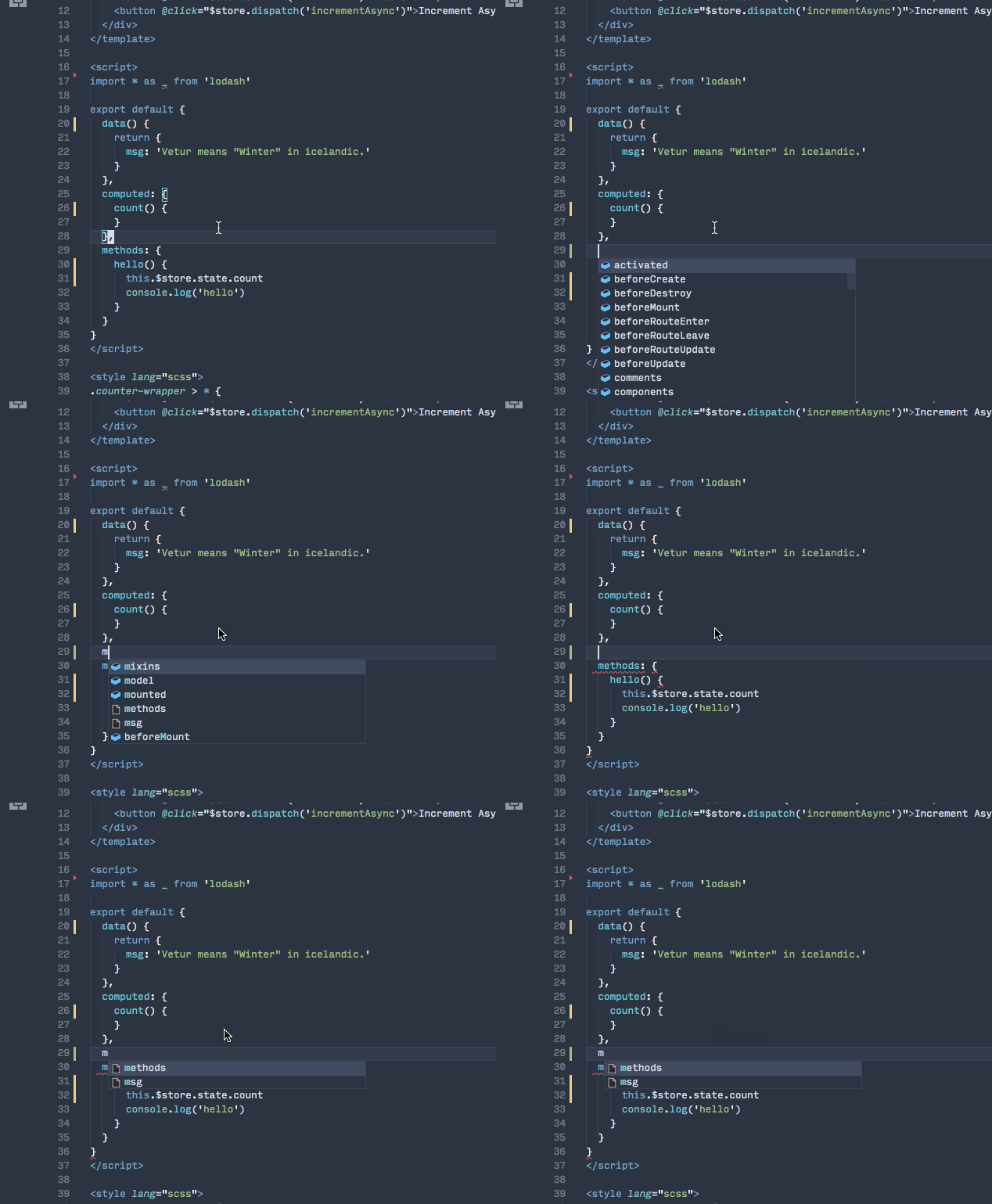
octref
on 24 Oct 2017
I cannot reproduce this. @Towerism are you creating a new vue file outside a project, as a standalone file?
 HerringtonDarkholme
on 25 Oct 2017
HerringtonDarkholme
on 25 Oct 2017
I don't have specific steps, but I can second this. Occasionally TS intellisense in SFC will just break.
 RichiCoder1
on 25 Oct 2017
RichiCoder1
on 25 Oct 2017
I am creating the file in my project. If I don't use lang="ts" then I get autocomplete. Here is my tsconfig:
{
    "compilerOptions": {
        "allowSyntheticDefaultImports": true,
        "module": "es2015",
        "moduleResolution": "node",
        "target": "es5",
        "lib": ["dom", "es5", "scripthost", "es2017"],
        "allowJs": true,
        "noImplicitAny": false,
        "removeComments": true,
        "experimentalDecorators": true,
        "emitDecoratorMetadata": true,
        "preserveConstEnums": true,
        "sourceMap": true,
        "typeRoots": [
            "./Scripts/app/types",
            "./node_modules/@types"
        ]
    },
    "include": [
        "Scripts/app/**/*"
    ],
    "exclude": [
        "node_modules"
    ],
    "lint": {
        "enable": true,
        "configFile": ".tslintrc.json"
    }
}
and my dependencies:
        "@types/jasmine": "^2.5.53",
        "@types/lodash": "^4.14.74",
        "@types/node": "^8.0.24",
        "@types/vue": "^2.0.0",
        "@types/vue-router": "^2.0.0",
        "ag-grid": "^13.2.0",
        "ag-grid-vue": "^13.2.0",
        "assets-webpack-plugin": "^3.5.1",
        "av-ts": "^0.9.1",
        "awesome-typescript-loader": "^3.2.3",
        "axios": "^0.16.2",
        "babel-loader": "^7.1.2",
        "babel-plugin-transform-runtime": "^6.23.0",
        "babel-polyfill": "^6.26.0",
        "babel-preset-env": "^1.6.0",
        "babel-preset-es2015": "^6.24.1",
        "babel-preset-es2016": "^6.24.1",
        "babel-preset-stage-2": "^6.24.1",
        "bootstrap": "4.0.0-alpha.6",
        "bootstrap-vue": "^1.0.0-beta.9",
        "child_process": "^1.0.2",
        "circular-dependency-plugin": "^4.2.0",
        "clean-webpack-plugin": "^0.1.16",
        "cross-env": "^5.0.5",
        "crypto": "^1.0.1",
        "css-loader": "^0.28.4",
        "custom-tslint-formatters": "^2.1.1",
        "es6-promise": "^4.1.1",
        "eslint": "^4.4.1",
        "eslint-plugin-jasmine": "^2.8.4",
        "eslint-plugin-vue": "beta",
        "exports-loader": "^0.6.4",
        "extract-text-webpack-plugin": "^3.0.0",
        "file-loader": "^0.11.2",
        "font-awesome": "^4.7.0",
        "friendly-errors-webpack-plugin": "^1.6.1",
        "fs": "^0.0.1-security",
        "gulp": "gulpjs/gulp#4.0",
        "gulp-sourcemaps": "^2.6.0",
        "gulp-util": "^3.0.8",
        "hard-source-webpack-plugin": "^0.4.9",
        "html-webpack-harddisk-plugin": "^0.1.0",
        "html-webpack-plugin": "^2.30.1",
        "html-webpack-prefix-plugin": "^0.1.1",
        "imports-loader": "^0.7.1",
        "inject-loader": "^3.0.1",
        "inversify": "^4.3.0",
        "inversify-inject-decorators": "^3.0.1",
        "jasmine": "^2.7.0",
        "jwt-decode": "^2.2.0",
        "karma": "^1.7.0",
        "karma-babel-preprocessor": "^6.0.1",
        "karma-chrome-launcher": "^2.2.0",
        "karma-jasmine": "^1.1.0",
        "karma-phantomjs-launcher": "^1.0.4",
        "karma-phantomjs-shim": "^1.4.0",
        "karma-sourcemap-loader": "^0.3.7",
        "karma-spec-reporter": "^0.0.31",
        "karma-webpack": "^2.0.4",
        "less": "^2.7.2",
        "less-loader": "^4.0.5",
        "lodash": "^4.17.4",
        "lodash-decorators": "^4.4.1",
        "moment": "^2.18.1",
        "node-object-hash": "^1.3.0",
        "node-sass": "^4.5.3",
        "noty": "^3.1.2",
        "octicons": "^6.0.1",
        "optimize-css-assets-webpack-plugin": "^3.1.1",
        "querystring": "^0.2.0",
        "reflect-metadata": "^0.1.10",
        "rewire-webpack": "^1.0.1",
        "sass-loader": "^6.0.6",
        "style-loader": "^0.18.2",
        "text-mask-addons": "^3.6.0",
        "text-mask-core": "^5.0.1",
        "ts-loader": "^3.0.5",
        "tslint": "^5.7.0",
        "tslint-eslint-rules": "^4.1.1",
        "tslint-loader": "^3.5.3",
        "typemoq": "^2.0.1",
        "typescript": "^2.5.3",
        "url-loader": "^0.5.9",
        "vue": "^2.5.2",
        "vue-class-component": "^6.0.0",
        "vue-form": "^4.3.4",
        "vue-good-table": "^1.10.0",
        "vue-loader": "^13.3.0",
        "vue-notifications": "^0.8.0",
        "vue-property-decorator": "^6.0.0",
        "vue-router": "^3.0.1",
        "vue-template-compiler": "^2.5.2",
        "vue-top-progress": "^0.6.0",
        "vue-visible": "^1.0.2",
        "vuenit": "^1.1.1",
        "vuex": "^3.0.0",
        "vuex-router-sync": "^5.0.0",
        "webpack": "^3.5.4",
        "webpack-dev-server": "^2.7.1",
        "webpack-merge": "^4.1.0",
        "webpack-notifier": "^1.5.0",
        "whatwg-fetch": "^2.0.3",
        "yargs": "^8.0.2"
https://vuejs.org/v2/guide/typescript.html#Recommended-Configuration
Note that you have to include strict: true (or at least noImplicitThis: true which is a part of strict flag) to leverage type checking of this in component methods otherwise it is always treated as any type.
HerringtonDarkholme
on 25 Oct 2017
I'll see if I can get reproduction details, but at least in my case the issue isn't that typescript intellisense is broken. It works perfectly (ish, but that's another issue). But then after a while, it'll just break and give nonsense intellisense like above.
RichiCoder1
on 25 Oct 2017
@HerringtonDarkholme Gotcha, thanks!
Towerism
on 25 Oct 2017
@RichiCoder1 You probably encounter a problem listed in https://github.com/vuejs/vuejs.org/pull/1239
HerringtonDarkholme
on 26 Oct 2017
Related issues
 LawrenceQxy
·
3Comments
LawrenceQxy
·
3Comments
 deangoku
·
3Comments
octref
·
3Comments
deangoku
·
3Comments
octref
·
3Comments
 shaunc
·
3Comments
octref
·
3Comments
shaunc
·
3Comments
octref
·
3Comments
Most helpful comment
https://vuejs.org/v2/guide/typescript.html#Recommended-Configuration