Vee-validate: Failed to resolve directive: validate
Versions:
- VueJs: ^2.1.10
- Vee-Validate: ^2.0.0-rc.6
Description:
Getting error that the validate directive failed to resolve
Steps To Reproduce:
Using Laravel with VueJS and am calling in the plugin like so:
window.VeeValidate = require('vee-validate');
So in my project I'm calling a parent component and multiple child components like so:
Tracker.vue > Calibration.vue > Ballot.vue > Lookup.vue
Ballot.vue and Lookup.vue are the two components where I'd like use this plugin since they are the only two with form fields.
My Ballot.vue file looks like so:
<template>
    <div class="ballot">
        <h1>Sign Your Name</h1>
        <p>Lorem Ipsum is simply dummy text of the printing and typesetting industry. Lorem Ipsum has been the industry's standard dummy text ever since the 1500s.</p>

        <transition name="fade" mode="out-in">
            <form action="#">
                <div :class="{ 'control': true }">
                    <label for="exampleInputEmail1">First Name</label>
                    <input v-validate="'required|alpha'" type="text" name="firstname">
                </div>
                <button type="submit">Submit your name</button>
            </form>

            <lookup v-if="showLookup"></lookup>
        </transition>

    </div>
</template>

<script>

    // Import Component
    import Lookup from '../components/Lookup.vue';

    // Local Scope
    export default {
        data() {
            return {
                showLookup: false
            }
        },

        methods: {


        },

        components: {

            lookup: Lookup

        },

        mounted() {
            console.log(this);
        }
    }
</script>
 andrade1379
All 4 comments
The plugin does not self install since you might need to modify the installation options, installing it should fix the issue:
window.Vue = require('vue');
window.VeeValidate = require('vee-validate');

window.Vue.use(window.VeeValidate);
 logaretm
on 29 Jun 2017
logaretm
on 29 Jun 2017
Doesn't solve the problem when running tests that use this.
Pages and pages of this:
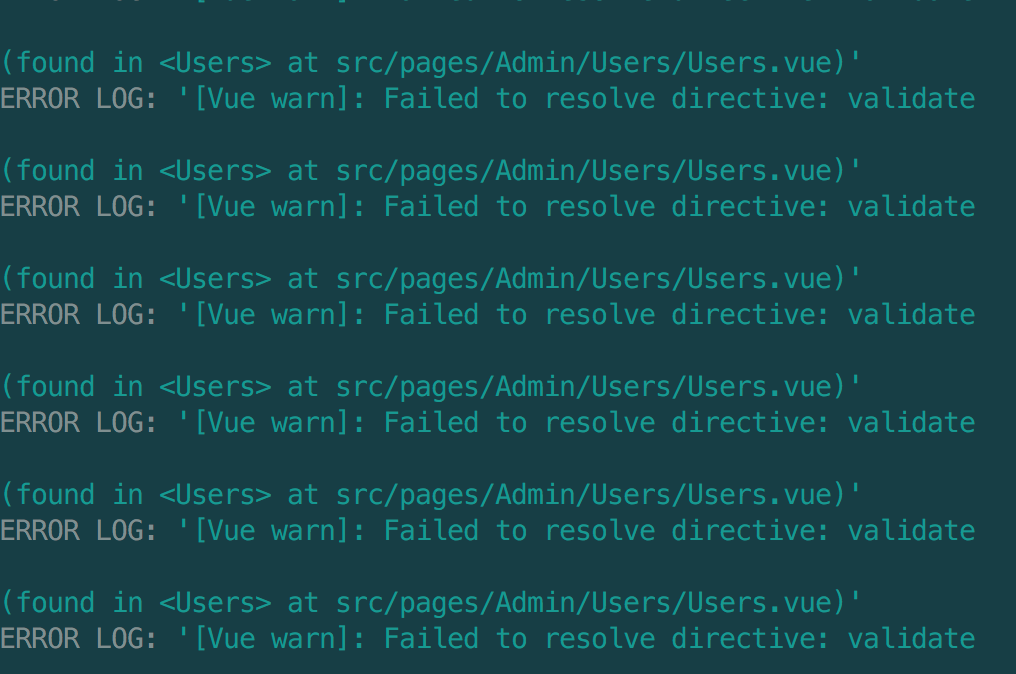
 darrynten
on 1 Oct 2018
darrynten
on 1 Oct 2018
Same problem here. These warnings still appear in my jest tests.
(Vue 2.5.17, Vee-Validate 2.1.5, Jest 23.6.0)
 kulosos
on 8 Jan 2019
kulosos
on 8 Jan 2019
Tests are run in own isolated environment. @kulosos and @darrynten do you include vee-validate into the testing environment as @logaretm suggested?
 alexander-elgin
on 14 Jun 2019
alexander-elgin
on 14 Jun 2019
Related issues
 the94air
·
3Comments
the94air
·
3Comments
 Youdaman
·
3Comments
Youdaman
·
3Comments
 triffer
·
3Comments
triffer
·
3Comments
 yyyuuu777
·
3Comments
yyyuuu777
·
3Comments
 jagasan
·
3Comments
jagasan
·
3Comments
Most helpful comment
Doesn't solve the problem when running tests that use this.
Pages and pages of this: