Toni asked me if I could provide my test cases in form of an .exe file when I open up a bug report in the UAE repo.
I'll test later but I have a request: could you make your test cases plain executables (that also work with fast ram)? It is far easier to transfer, select and run when using ACA500plus. Transferring adfs is painful.
Does anybody know how the .exe format works? I've noticed that a couple of demos come in .exe format only. I always had to skip them and to search for an .adf version instead.
@naTmeg, is SAE capable of reading in .exe files?
 dirkwhoffmann
All 15 comments
.exe support is there. Look at disk.js at/after line 3880. I've just ported that stuff, dunno how they're created.
I'm also not sure what Toni exactly means. Maybe he's referring to real Amiga-executable files (in hunk-format)?
 naTmeg
on 12 Oct 2019
naTmeg
on 12 Oct 2019
I understand that he likes to have the linked file. When you compile source code then typically the assembler creates an object file. The linker transformes this object file into a CLI executable file.
You have to spot this file which is possibly created somewhere during @alpine9000 build process on your computer.
 mithrendal
on 12 Oct 2019
mithrendal
on 12 Oct 2019
Look at disk.js at/after line 388
Got it. The code takes an arbitrary file (EXE) and creates a bootable disk with a single file on it. I didn't check the whole code though, because it looks somewhat complicated.
Hence, EXE files are just binaries that are treated as a single Amiga file (I think). I did a small experiment and converted an EXE to an ADF via xdftool (which is really handy):
xdftool demo.adf format "demo"
xdftool demo.adf write 2DTeam-Intro.exe
xdftool demo.adf boot install
The ADF boots into a CLI (the standard boot sector code does not launch the executable).
When I type "2DTeam-Intro.exe" manually, the demo starts.
Toni just needs it the other way round, I think. ADF -> EXE
dirkwhoffmann
on 13 Oct 2019
You have to spot this file which is possibly created somewhere during @alpine9000 build process on your computer.
Excerpt from my console output:
vasmm68k_mot -Fhunk -quiet -esc  lc1.s -o out/main.o -I/usr/local/amiga/vgcc/ndk/include/
vlink -Ttext 0x70000  -brawbin1 out/main.o  -o out/main.bin
First I thought, main.bin would be the equivalent to an EXE, but when I use this file in @naTmeg's SAE, it is not recognised. The hand & disk logo continues to show up. Maybe there is some other magic in EXE files 🤔?
dirkwhoffmann
on 13 Oct 2019
-brawbin1 tells the linker to create a raw binary file which is not executable by AmigaOS.
If you want an AmigaOS executable file, don't pass this option
 alpine9000
on 13 Oct 2019
alpine9000
on 13 Oct 2019
don't pass this option
That's it 😃. Many thanks!!
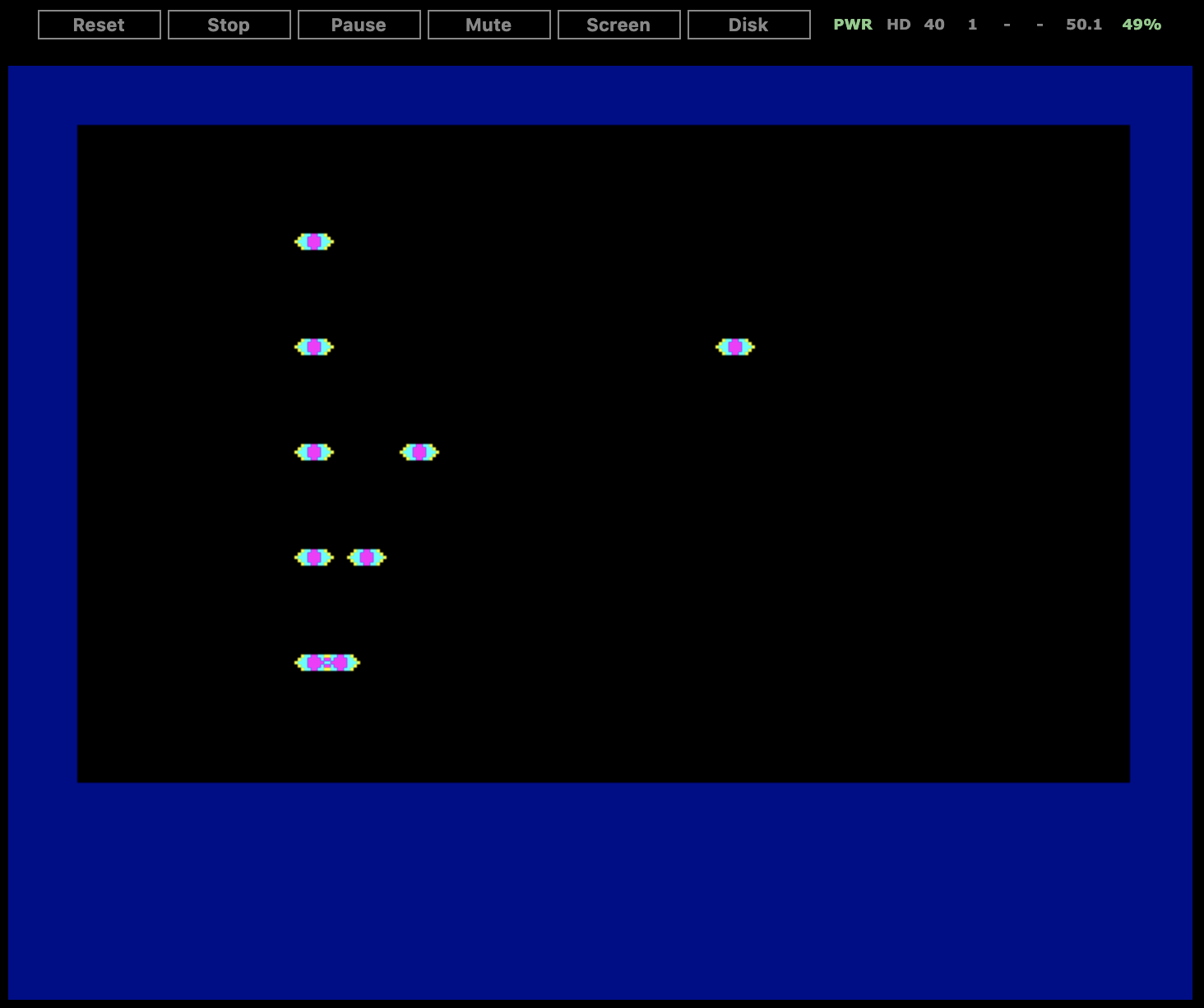
I can now load the test case in SAE (without doing the ADF conversion) 😎
dirkwhoffmann
on 13 Oct 2019
In UAE, is it possible to export the currently inserted disk to an ADF? No?
dirkwhoffmann
on 14 Oct 2019
Problem description:
- I have: Some .exe file
- I want: A bootable ADF that automatically starts the exe file
With xdftools, I can create an ADF, write the exe on it and create a boot block. When booting the created ADF, a CLI window opens. Hence, I need to write some additional boot code / batch script that runs the program (like AUTOEXEC.BAT in MSDOS). Right? Does anybody know how this works?
dirkwhoffmann
on 14 Oct 2019
make a folder s
open a texteditor and type the name of the file
filenametoexecute
save as "startup-sequence" in s
now AmigaDOS should load it when booting...
you also could write some echos in the startup-sequence
echo "--- vAmigaTS Testcollection"
echo "type "
echo "1 for multiplex1"
echo "2 for ddfskip1"
...
and name the testfiles 1 2 3 etc
Amiga OS looks after the file sys:s/startup-sequence when booting a disk...
Where sys: is the bootdrive. Typically df0:
PS: when you like to do echos I am not sure but the echo command must also be on the disk. I think it looks after the commands in the folder c ...
mithrendal
on 14 Oct 2019
save as "startup-sequence" in s
Oh yes, now I remember. Hence something like this should do the trick:
xdftool kyrios.adf format „kyrios“
Xdftool kyrios.adf write kyrios.exe
Xdftool kyrios.adf makedir s
Xdftool kyrios.adf write s/startup-sequence (file startup-sequence must contain kyrios.exe as a single command)
Xdftool kyrios.adf boot install
I'll try later, my current machine has no xdftools installed.
dirkwhoffmann
on 14 Oct 2019
Yes correct. 😀
mithrendal
on 14 Oct 2019
I just tried it out, it works as I remembered. I just used another toolset. Here we go
adfcreate sample.adf
adfinst sample.adf
adfcopy sample.adf someplainexe /
adfmakedir sample.adf s
adfcopy sample.adf startup-sequence s
startup-sequence file contained "someplainexe"
It booted and started automatically the someplainexe.
the adf toolset is from the /bin folder in https://github.com/prb28/vscode-amiga-wks-example/releases/download/0.18/vscode-amiga-wks-example-osx.zip
mithrendal
on 14 Oct 2019
the adf toolset is from the /bin folder in ...
Wow. Very cool. 🥳
dirkwhoffmann
on 14 Oct 2019
Usage: adfcreate [OPTIONS]... FILE...
Create and format new adf-files.
-f, --file-system=INT   file-system for the disk
                          0 - OFS (default)
                          1 - FFS
                          2 - I-OFS
                          3 - I-FFS
                          4 - DC-OFS
                          5 - DC-FFS
-H  --hd                format with high density
-l, --label=NAME        use NAME as disk label
-h, --help              display this help and exit
-V, --version           display version information and exit
interesting this guy can create various disk formats 🤔
the sources are here https://github.com/prb28/adftools
mithrendal
on 14 Oct 2019
I've moved the instructions to create an ADF from an EXE file to a Wiki page:
dirkwhoffmann
on 22 Oct 2019
Related issues
 bnice
·
4Comments
dirkwhoffmann
·
3Comments
bnice
·
4Comments
dirkwhoffmann
·
3Comments
 emoon
·
4Comments
emoon
·
4Comments
 Gianmarco72
·
4Comments
dirkwhoffmann
·
5Comments
Gianmarco72
·
4Comments
dirkwhoffmann
·
5Comments