V8-archive: API with Azure Database for MySQL Server
Hello,
I'm trying to run Directus on Azure, and I'm facing some problems with that.
For now, I already deployed 2 Azure WebApp, one with the API (Linux Azure WebApp w/ PHP) and another one with the APP (Linux Azure WebApp w/ Nodejs).
The server/ping is working for my API.
My app just freeze in loading screen and give timeout after some time - don't appear the setup installation or login page.
But, besides my app problem, I'm currently not able to create a project in my API connecting with my Azure MySQL Server.
There is some limitation here? I already tested my connection with the DB in MySQL Workbench, or inside the webapp container, and everything works there. But when I try to post /server/projects with my DB information I receive the error:
{
    "error": {
        "code": 19,
        "message": "Invalid database connection",
        "class": "Directus\\Exception\\InvalidDatabaseConnectionException",
        "file": "/home/site/wwwroot/src/core/Directus/Services/ProjectService.php",
        "line": 107
    }
}
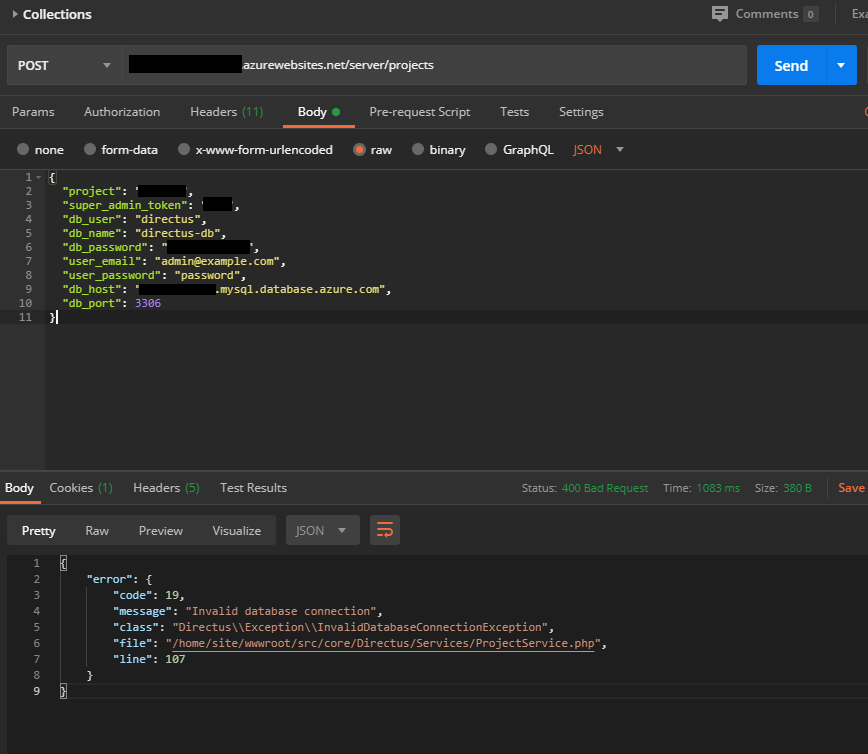
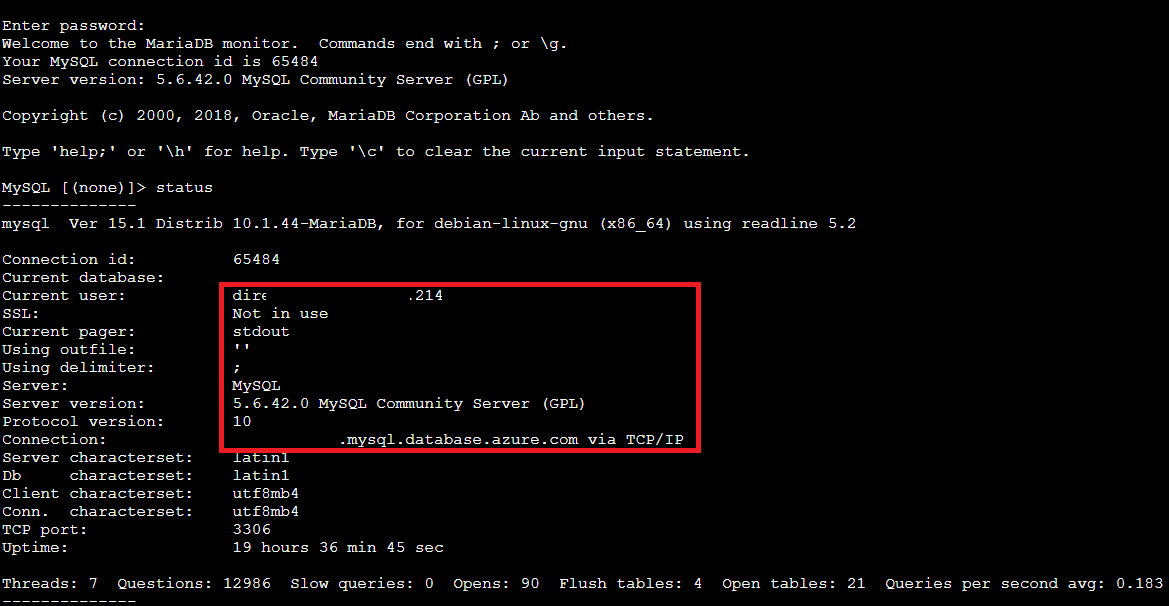
(this is a connection to my Azure db inside the API app container - they use mariaDB client for that, everything seems okay here)
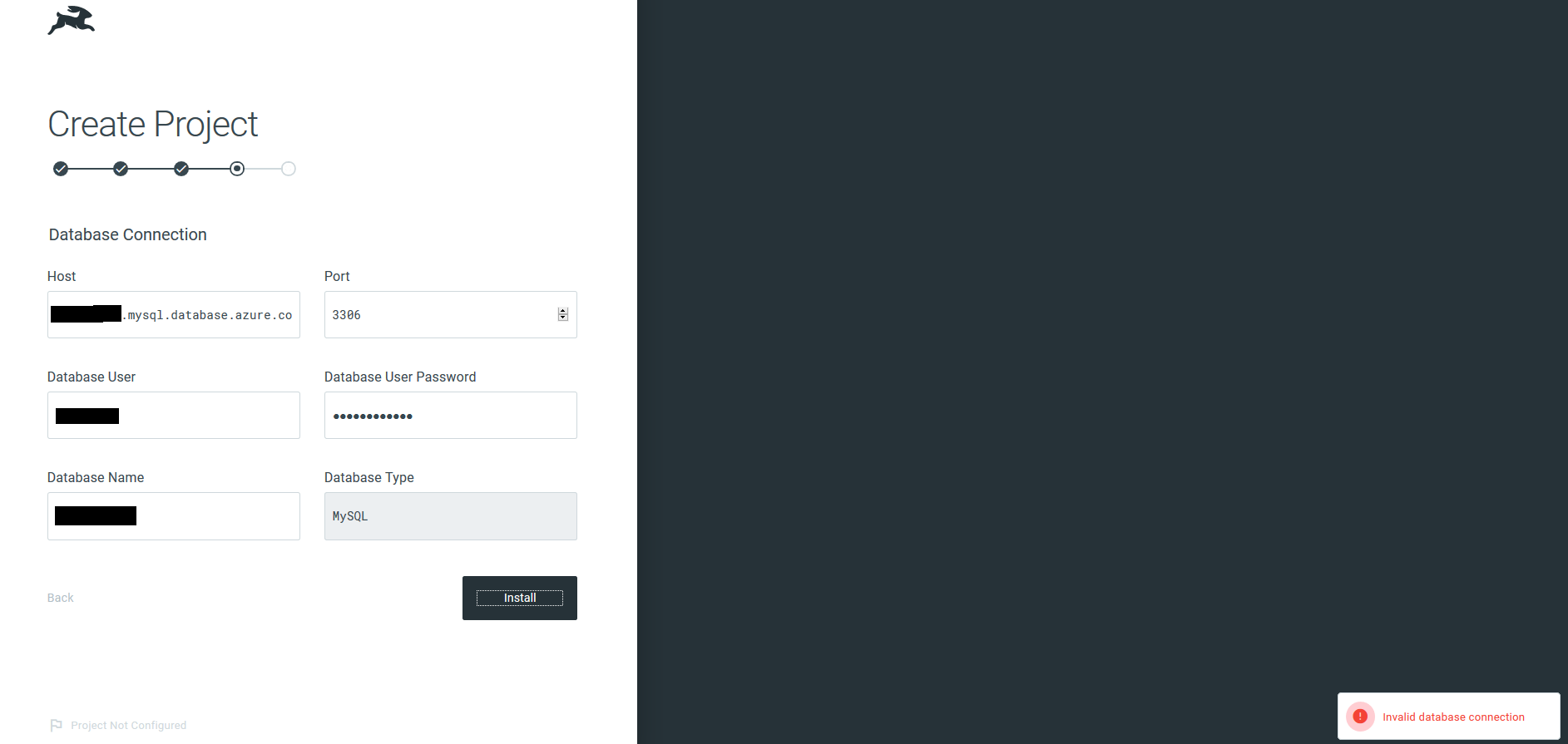
(this is when I run my app locally and point my API_URL to my deployed API in Azure, seems to be the same problem like when I try with Postman)
Thanks in advance. 🐰
 higoorc
All 4 comments
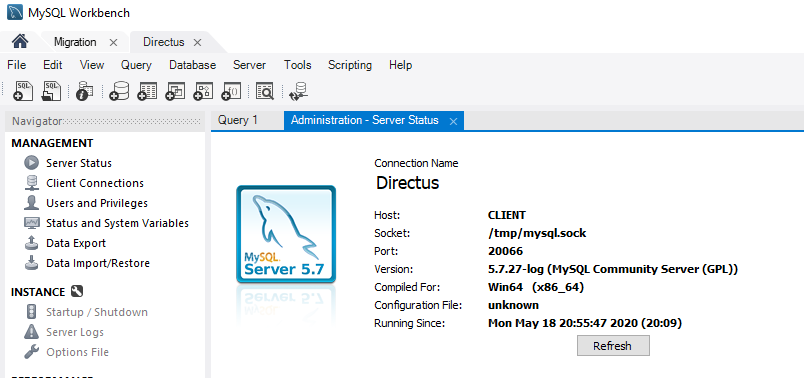
This is my server information in MySQL Workbench.
higoorc
on 19 May 2020
Also tested with Azure SQL Server and received the same exception. This is the code snippet with the connection string they recommend to use with PHP.
<?php
// PHP Data Objects(PDO) Sample Code:
try {
    $conn = new PDO("sqlsrv:server = tcp:<servername>.database.windows.net,1433; Database = dbname", "dbadmin", "{your_password_here}");
    $conn->setAttribute(PDO::ATTR_ERRMODE, PDO::ERRMODE_EXCEPTION);
}
catch (PDOException $e) {
    print("Error connecting to SQL Server.");
    die(print_r($e));
}

// SQL Server Extension Sample Code:
$connectionInfo = array("UID" => "dbadmin", "pwd" => "{your_password_here}", "Database" => "dbname", "LoginTimeout" => 30, "Encrypt" => 1, "TrustServerCertificate" => 0);
$serverName = "tcp:<servername>.database.windows.net,1433";
$conn = sqlsrv_connect($serverName, $connectionInfo);
?>
Anything different in Directus side?
higoorc
on 20 May 2020
@higoorc hi 🤓 do you have any idea of any documentation that i can follow to connect directus with sql server?
 helderhernandez
on 30 Nov 2020
helderhernandez
on 30 Nov 2020
This version (v8) doesn't support MS-SQL Server, but the new Directus 9 does... I'd start with that:
 benhaynes
on 30 Nov 2020
benhaynes
on 30 Nov 2020
Related issues
 gitlabisbetterthangithub
·
3Comments
gitlabisbetterthangithub
·
3Comments
 andgar2010
·
3Comments
andgar2010
·
3Comments
 metalmarco
·
3Comments
metalmarco
·
3Comments
 cdwmhcc
·
3Comments
cdwmhcc
·
3Comments
cdwmhcc
·
3Comments
cdwmhcc
·
3Comments
Most helpful comment
This version (v8) doesn't support MS-SQL Server, but the new Directus 9 does... I'd start with that:
https://github.com/directus/directus