Userland: Bug report - How do I ssh into this chrooted setup, 22, 2022, nothing working externally.
Describe the bug
When I try to ssh into my chrooted setup I cannot except on the local device only. In that I mean at work when I tried I get denied like this...
Steps to reproduce the behavior:
Go to 'UserLAnd' start ubuntu session
then 'from logged in console'

donofrio@LTAL0111:~$ ssh [email protected]
ssh: connect to host 192.168.29.148 port 22: Connection refused
donofrio@LTAL0111:~$ ssh [email protected]:2022
ssh: Could not resolve hostname 192.168.29.148:2022: Name or service not known
donofrio@LTAL0111:~$ ssh [email protected]:2022
ssh: Could not resolve hostname 192.168.29.148:2022: Name or service not known
donofrio@LTAL0111:~$ ssh [email protected]
ssh: connect to host 192.168.29.148 port 22: Connection refused
donofrio@LTAL0111:~$
Screenshots
Then what is even more weird is when I start ssh, it stops?

Device Information
Device: [e.g. Note8].
Android Version: [e.g. Oreo, 8.0].
UserLAnd Version [e.g. 2.3.7].
Build guide at http://www.tinyurl.com/donofriodexnote8
Whether the device is NOT rooted.
Whether the device is NOT running LineageOS
Additional context
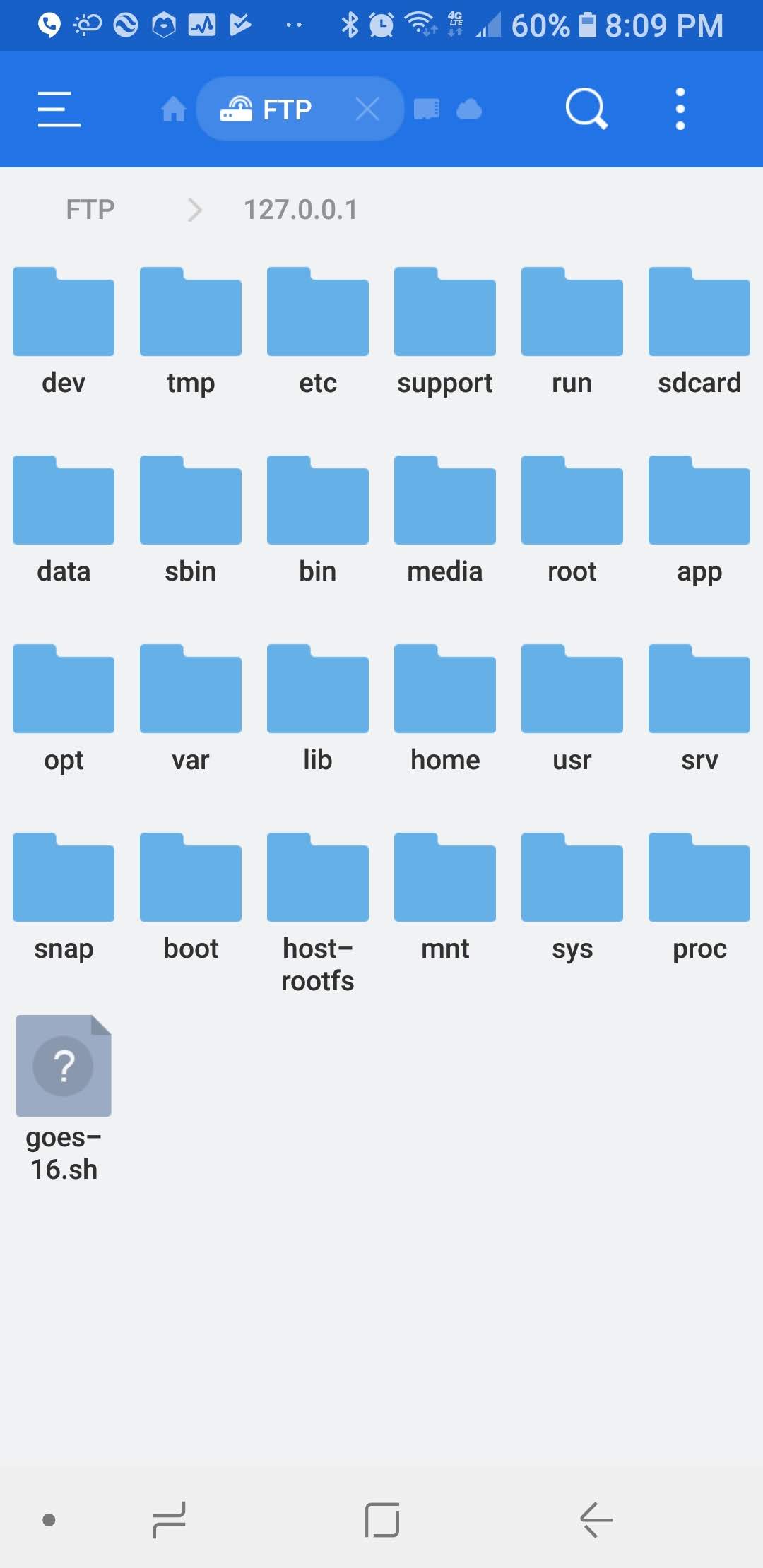
interesting this is all along I'm able to ssh into my chroot from es file manager using 127.0.0.1....please tell me how??
 lewisdonofrio
All 6 comments
Try doing ssh [email protected] -p 2022
with 192.168.29.148 being the device ip on the network
 AndrewScibek
on 27 Feb 2019
AndrewScibek
on 27 Feb 2019
That worked, but why didn't :2022 work?
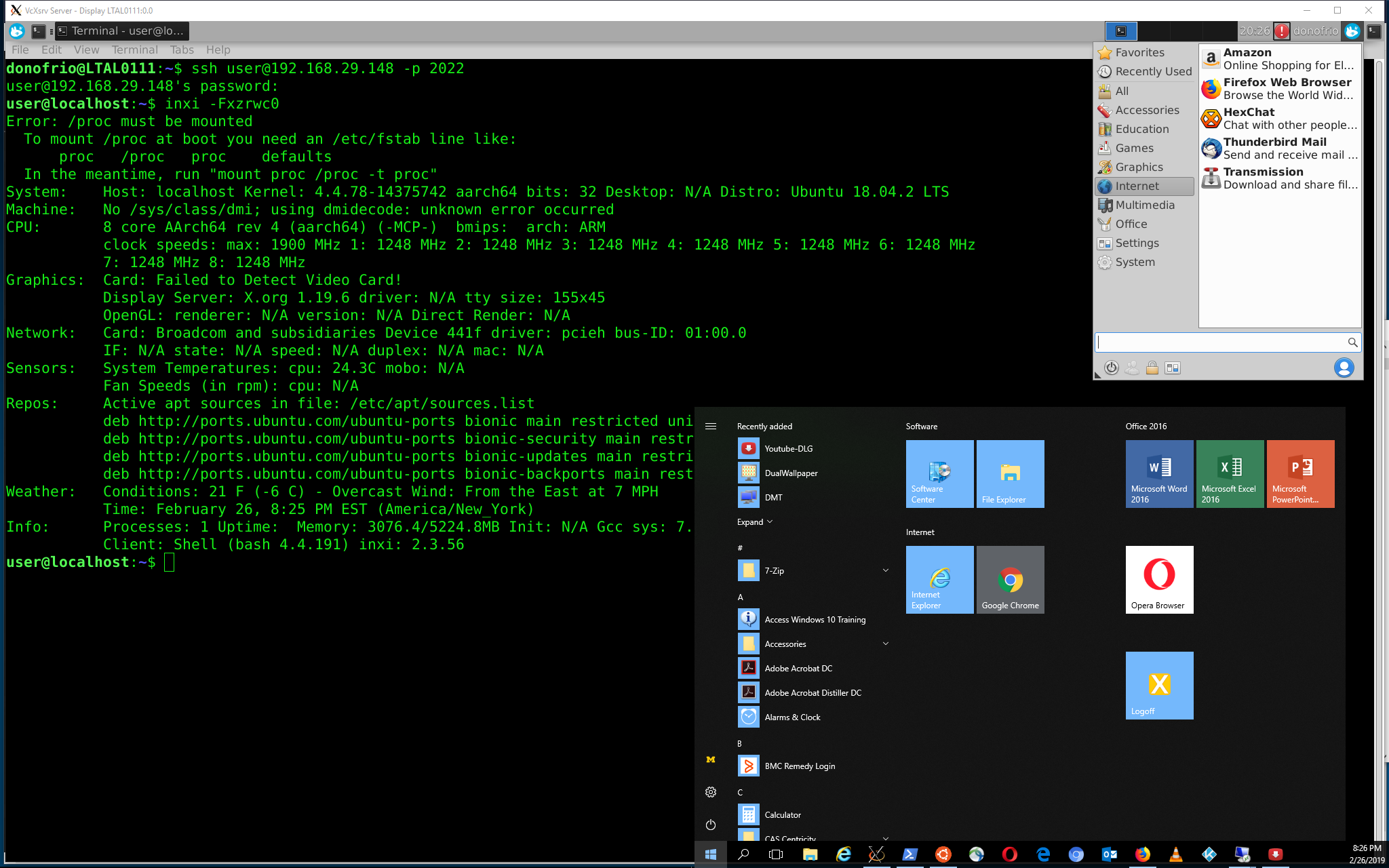
(this screenshot was from my Windows 10 WSL ubuntu 18.04 - build guide at http://www.tinyurl.com/donofrioworkdesk) ssh'ed into note8 running inxi (took like 10 mintuies to complete...crazy long for simple process - where is that backup/restore/proot performance update script coming along @corbinlc )
lewisdonofrio
on 27 Feb 2019
Thats just how ssh works. You could also do something along the lines of
ssh ssh://[email protected]:2022
ssh connects and logs into the specified destination, which may be specified as either [user@]hostname or a URI of the form ssh://[user@]hostname [:port]. The user must prove his/her identity to the remote machine using one of several methods (see below).
From man
AndrewScibek
on 27 Feb 2019
I was doing that "donofrio@LTAL0111:$ ssh [email protected]:2022" but only -p worked....just seems hinky
lewisdonofrio
on 27 Feb 2019
No you literally have to put ssh:// in front of it. Weird i know.
AndrewScibek
on 27 Feb 2019
Feel free to join our slack channel if you haven't already if you have any other issues like this.
AndrewScibek
on 27 Feb 2019
Related issues
 TechDossier
·
3Comments
TechDossier
·
3Comments
 RonCan
·
7Comments
RonCan
·
7Comments
 jgiddens
·
6Comments
jgiddens
·
6Comments
 drhuffman12
·
4Comments
drhuffman12
·
4Comments
 laem
·
5Comments
laem
·
5Comments
Most helpful comment
Try doing
ssh [email protected] -p 2022with 192.168.29.148 being the device ip on the network