Uppy: No Statusbar when using React Dashboard
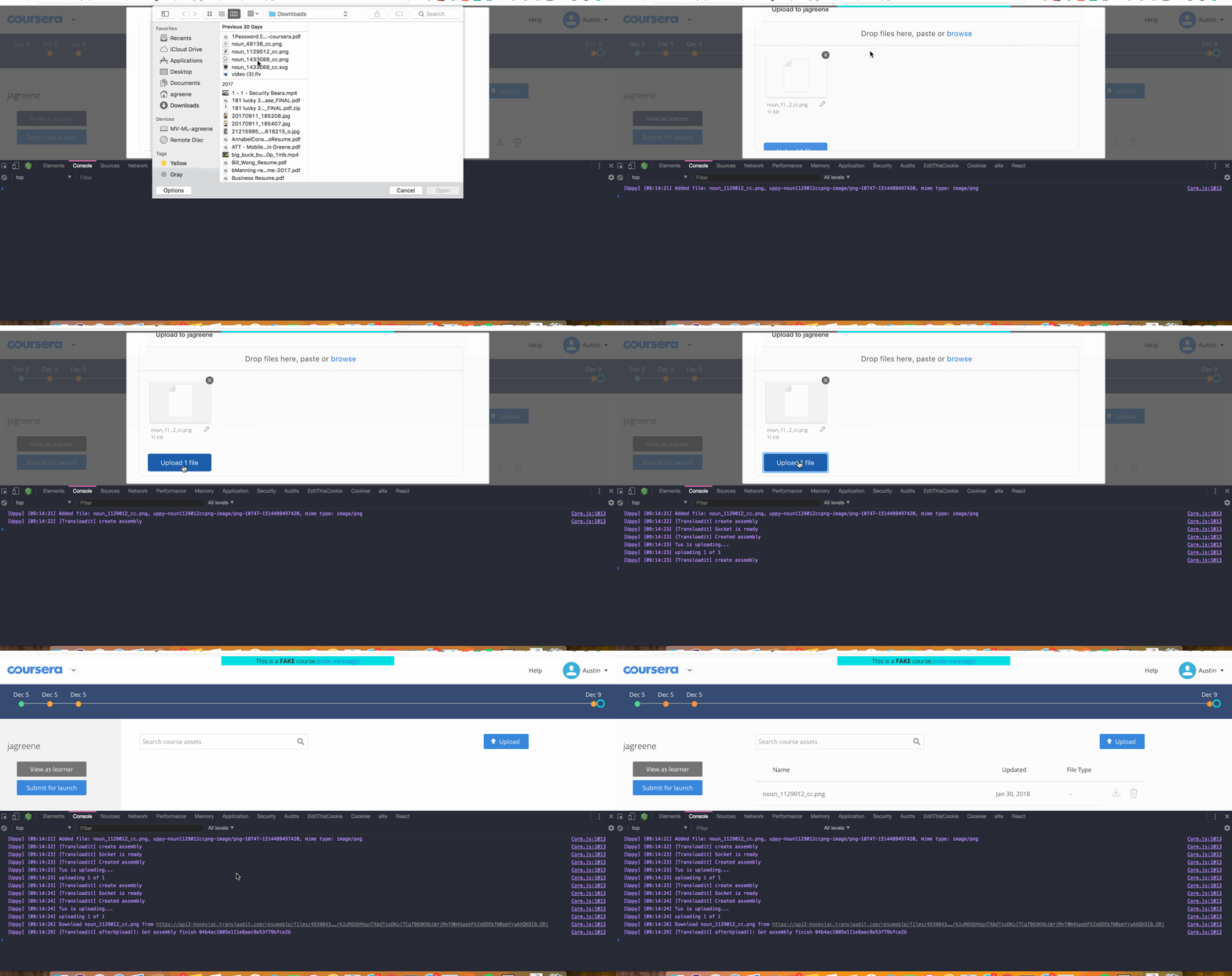
I'm using the react bindings for the Dashboard component. It mostly works great, but even with the showProgressDetails option supplied, no progress or status bars are showing up once an upload begins. Here is how I am instantiating the component:
<Dashboard uppy={this.uppy} showProgressDetails={true} maxHeight={300} />
Cheers
 agreene-coursera
All 4 comments
Thanks for opening an issue! …I'm having trouble reproducing this, can you show how you are initialising this.uppy as well?
 goto-bus-stop
on 30 Jan 2018
goto-bus-stop
on 30 Jan 2018
Sure!
  componentWillMount() {
    this.uppy = new Uppy({
      autoProceed: true,
      debug: true,
    )};
    this.uppy.use(Tus, { resume: false });
    this.uppy.use(Transloadit, {
      waitForEncoding: true,
      getAssemblyOptions(file) {
        return {
          params: {
            notify_url: '',
            wait: true,
            auth: { key },
            template_id: templateId,
          },
        };
      },
    });
  }
Also here is a gif of the behavior I'm seeing with the debug logs:
agreene-coursera
on 30 Jan 2018
Hi! Could it be that you are missing uppy.run() as the finishing command in your .use() chain? So after this.uppy.use(Transloadit, ...) try adding this.uppy.run().
 arturi
on 31 Jan 2018
arturi
on 31 Jan 2018
That did the trick! My bad for missing that and thanks for the help!
agreene-coursera
on 1 Feb 2018
Related issues
 aleccool213
·
3Comments
aleccool213
·
3Comments
 mokutsu-coursera
·
3Comments
mokutsu-coursera
·
3Comments
 ghost
·
4Comments
ghost
·
3Comments
ghost
·
4Comments
ghost
·
3Comments
 hikurangi
·
4Comments
hikurangi
·
4Comments
Most helpful comment
Hi! Could it be that you are missing
uppy.run()as the finishing command in your.use()chain? So afterthis.uppy.use(Transloadit, ...)try addingthis.uppy.run().