Unigram: Getting notifications of messages I already read on another device
This is the main reason I use telegram, no other app has its notifications system synced so well across all platforms, is there a good reason why this does not work on Unigram? is it an issue only on my Windows? maybe it's only because I chose native notifications? does Unigram just push all notifications or does it check to see if they have already been read? this does work well on telegram desktop but then again they don't use native windows notifications...
 chagai95
All 9 comments
Unigram uses a database for your messages and this database needs to be synced when you open the app. When this happens some of the messages are erroneously considered new and notifications are delivered. I’ve been looking a lot into fixing this and I think (thought?) to have found a way to mitigate the issue. The beta at https://t.me/unigramappx already contains this changes, so maybe you could give it a try and let me know.
 FrayxRulez
on 13 Jun 2020
FrayxRulez
on 13 Jun 2020
Should be mitigated even more by https://github.com/UnigramDev/Unigram/commit/d8a42000b07f15acb4cd43035e87871f4bfd5d94.
Let's see... :)
FrayxRulez
on 13 Jun 2020
What about revoking notifications? Is this possible on Windows? I know it is on Android.
chagai95
on 13 Jun 2020
Notifications should get revoked. There might be some problems for the one generated via WNS tho...
Btw the main fix should be included in 4.1 release in the Store, let me know if it works!
FrayxRulez
on 16 Jun 2020
@chagai95 can you still see the issue? I usually don't get notifications while I am using my iPhone
 MarcAnt01
on 24 Nov 2020
MarcAnt01
on 24 Nov 2020
I'll try again.
chagai95
on 24 Nov 2020
I believe it worked, but I'll keep you updated if I see something
chagai95
on 24 Nov 2020
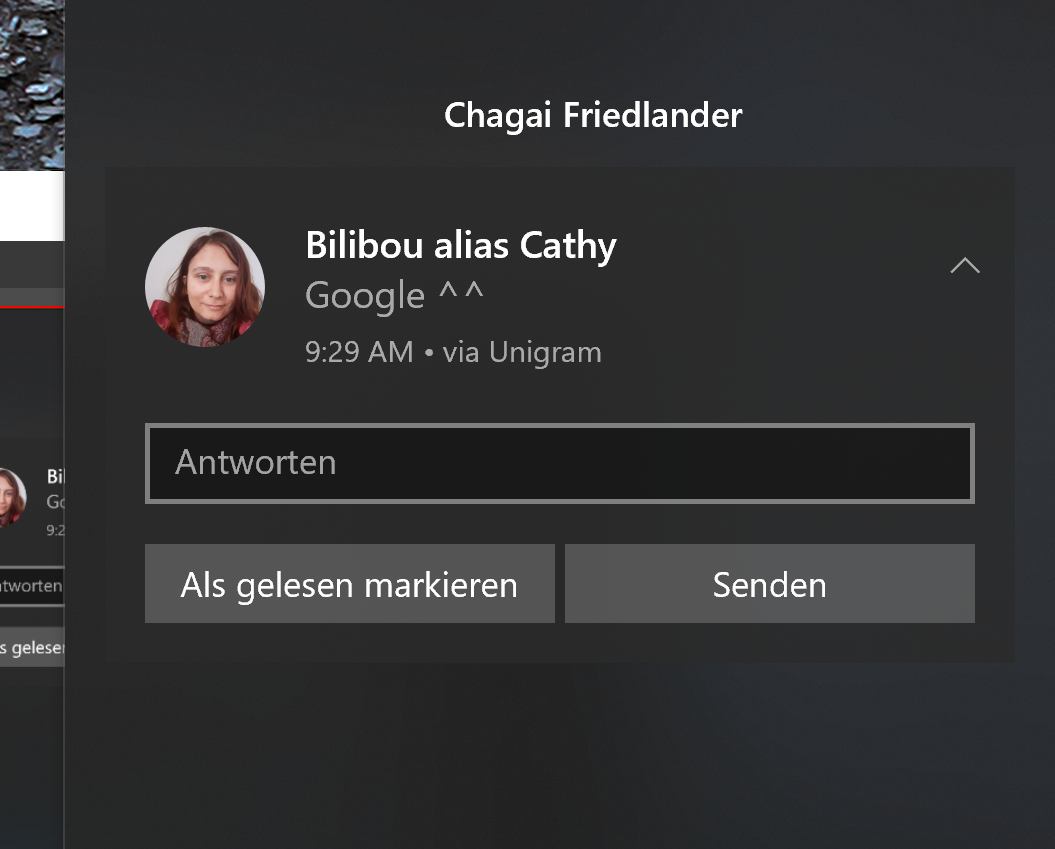
still the same problem with notifications from windows
chagai95
on 26 Nov 2020
I think it might only be happening when the app is closed, the notifications still arrive but do not disappear when read elsewhere. Also I can't change it to not have windows notifications, I think. like on the official client where it has a setting for this.

chagai95
on 26 Nov 2020
Related issues
 ArmeF97
·
4Comments
ArmeF97
·
4Comments
 Vas0sky
·
4Comments
Vas0sky
·
4Comments
 ipuneetsingh
·
3Comments
ipuneetsingh
·
3Comments
 Daksh777
·
6Comments
Daksh777
·
6Comments
 MarcelBrusius
·
5Comments
MarcelBrusius
·
5Comments