Ungoogled-chromium: Dark UI in Linux?
Hi, I just installed ungoogled-chromium on my Windows partition and I noticed the whole UI was dark by default. On both of my Linux machines (one running the appimage, the other one the package from the ppa), the whole menus are white. Is it an expected behaviour? If yes, is there a way to turn it completely dark, like on the Windows build? Or maybe this has something to do with GTK? I'm pretty lost tbh :laughing:


 awsms
awsms
All 4 comments
Just use these flags when starting chromium
--force-dark-mode
--enable-features=WebUIDarkMode
 jstkdng
on 26 Apr 2020
jstkdng
on 26 Apr 2020
Just use these flags when starting chromium
--force-dark-mode
--enable-features=WebUIDarkMode
Thank you!
awsms
on 26 Apr 2020
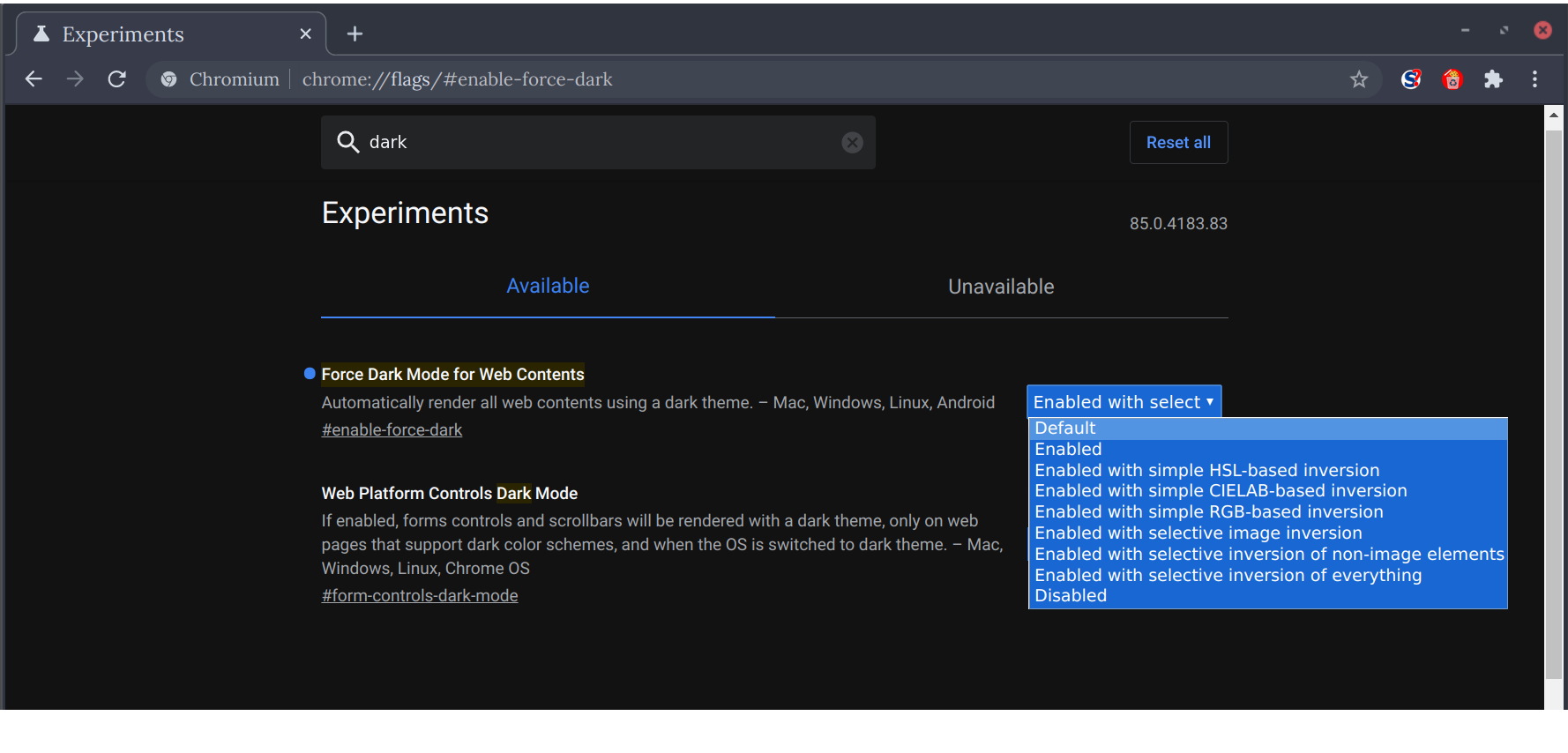
@jstkdng Does #enable-force-dark work for you in 85? On my system, it inverts the content, Developer tools, but not the UI: tabs, address bar, menu are all still white.
Disregard this question. It uses system colours, so that system theme needs to be replaced with a darker one first.
If anyone interested, there are other options, apart from enable/disable:
 PF4Public
on 31 Aug 2020
PF4Public
on 31 Aug 2020
@PF4Public
Yeah, if you use the GTK+ theme it will depend on your current theme. Using the classic option makes everything dark regarldess of the GTK theme.
jstkdng
on 31 Aug 2020
Related issues
 Eloston
·
4Comments
Eloston
·
4Comments
 hardhub
·
4Comments
hardhub
·
4Comments
 WackyModder84
·
4Comments
WackyModder84
·
4Comments
 usernamenotexist
·
4Comments
usernamenotexist
·
4Comments
 T-vK
·
4Comments
T-vK
·
4Comments
Most helpful comment
Just use these flags when starting chromium