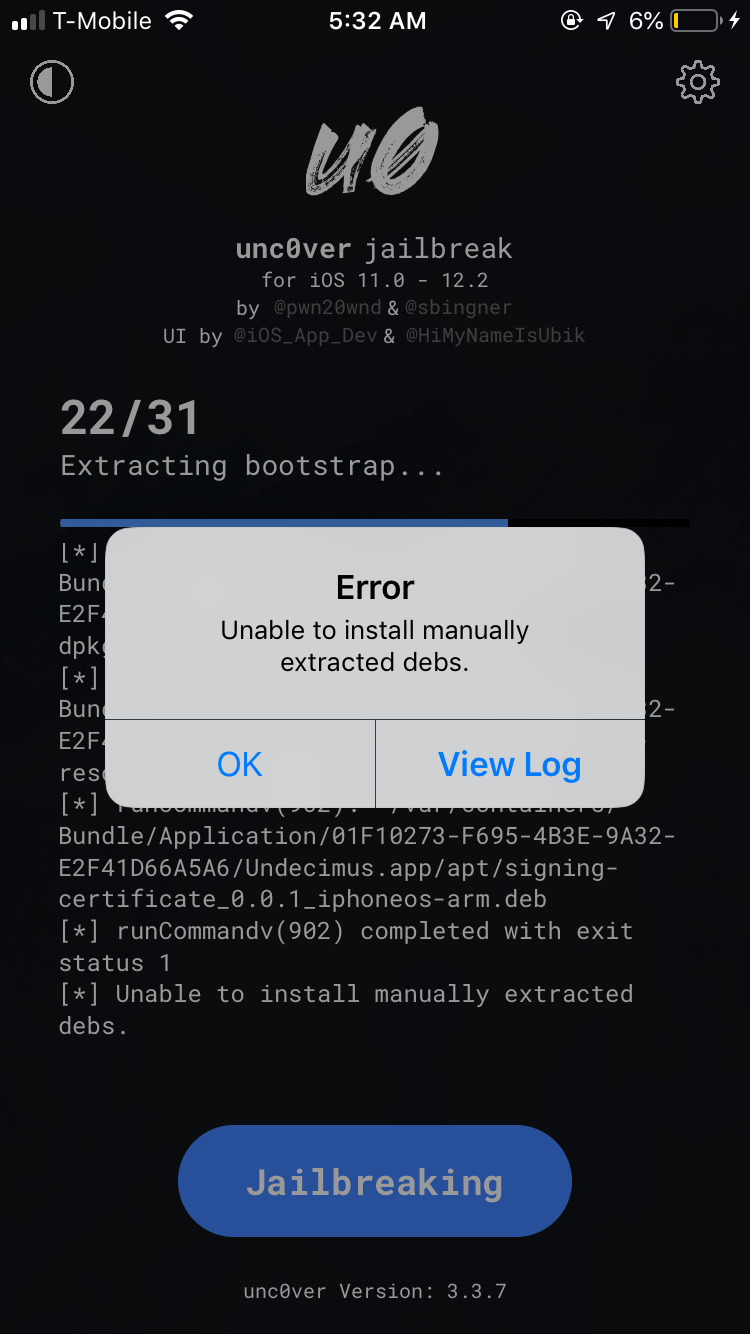
Undecimus: Failed with error: Unable to install manually extracted debs.
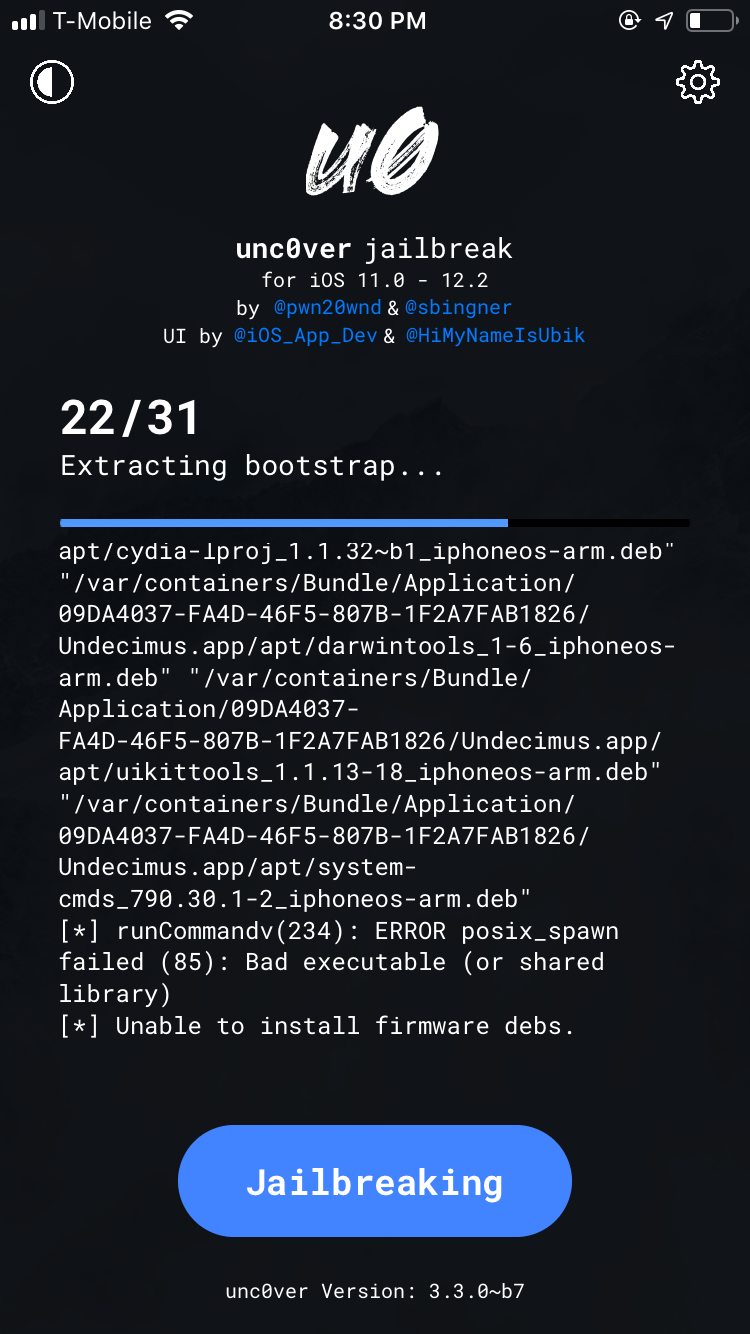
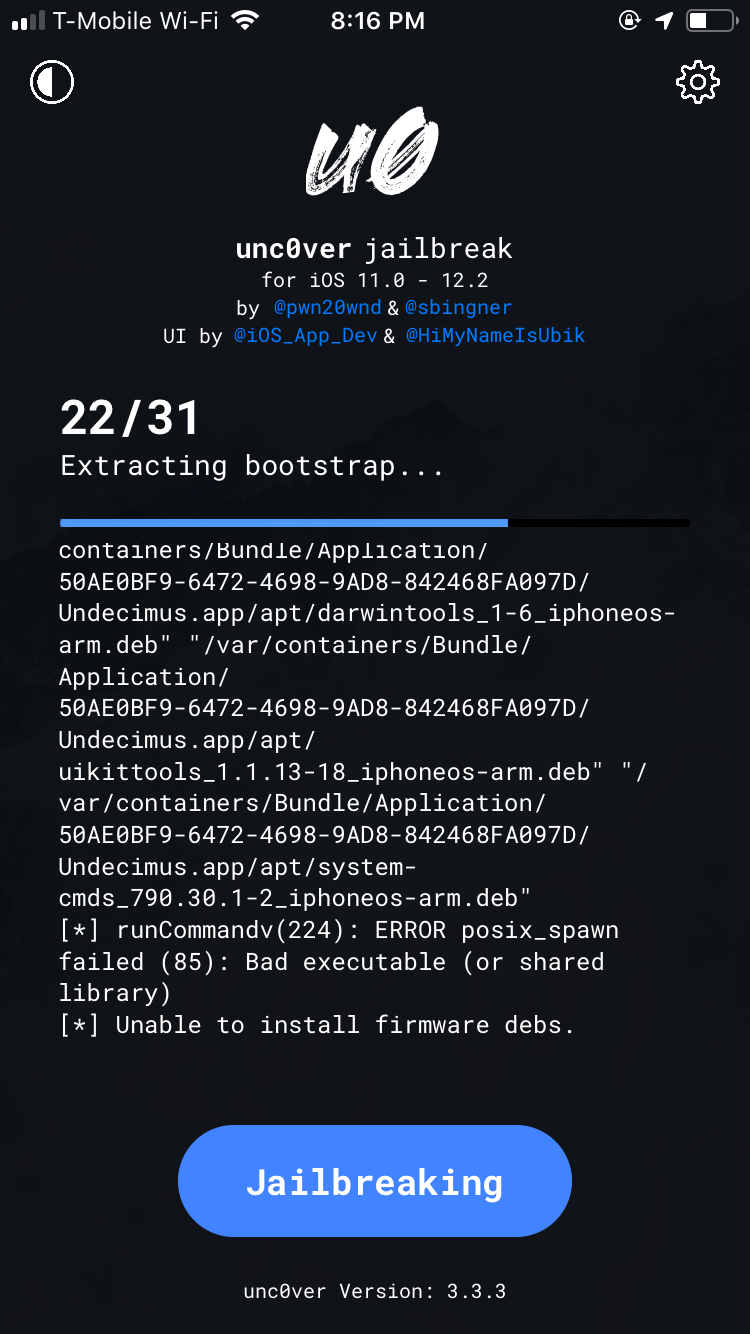
Jailbreak fails at stage 22 repeatedly. Error code is as stated above: "Cant install manually extracted debs"
Device (please complete the following information):
- iOS Version: 12.2
- iOS Device: iPhone 6s
- unc0ver Version: 3.3.7
Place an "x" between the brackets if true:
- [x ] this is a bug others will be able to reproduce
- [x ] this issue is present with all tweaks uninstalled(except for default packages) or disabled
- [ x] this issue is present after a rootfs restore
- [ x] this issue is present on the latest version of unc0ver
 kid1carus
All 5 comments
your pastebin is private.
Have you tried restore rootFS?
 Martin-SF
on 22 Jul 2019
Martin-SF
on 22 Jul 2019
I had the exact same error at the exact same stage. iPad Air 2 (A8 device) running iOS 12.1.4 trying to use unc0ver v. 3.3.8. Not sure what restore rootFS is, so some advice would be greatly appreciated; thanks!
 PChemProf
on 23 Jul 2019
PChemProf
on 23 Jul 2019
you can enable it in unc0ver settings. then press jailbreak like 2-3 time until youre jailbroken.
It wipes everything jailbreak related exept the user data (settings for tweaks, repos).
If the error persists after it, it likely to be fixed with unc0ver.
Martin-SF
on 23 Jul 2019
if the error persists after a rootfs restore you most likely used chimera in the past and it messed up your filesystem. read this reddit guide and report if you can fix your problem: https://www.reddit.com/r/jailbreak/comments/cgjv1b/tutorial_how_to_fix_unable_to_install_firmware/?utm_source=share&utm_medium=ios_app
 lol7344
on 23 Jul 2019
kid1carus
on 28 Jul 2019
lol7344
on 23 Jul 2019
kid1carus
on 28 Jul 2019
Related issues
 gbm777
·
3Comments
gbm777
·
3Comments
 ccdffddfddfdsfedeee
·
3Comments
ccdffddfddfdsfedeee
·
3Comments
 Xerxious
·
4Comments
Xerxious
·
4Comments
 miguelr4720
·
3Comments
miguelr4720
·
3Comments
 JBL1503
·
3Comments
JBL1503
·
3Comments