Ulauncher: Issue with fonts on HiDPI display
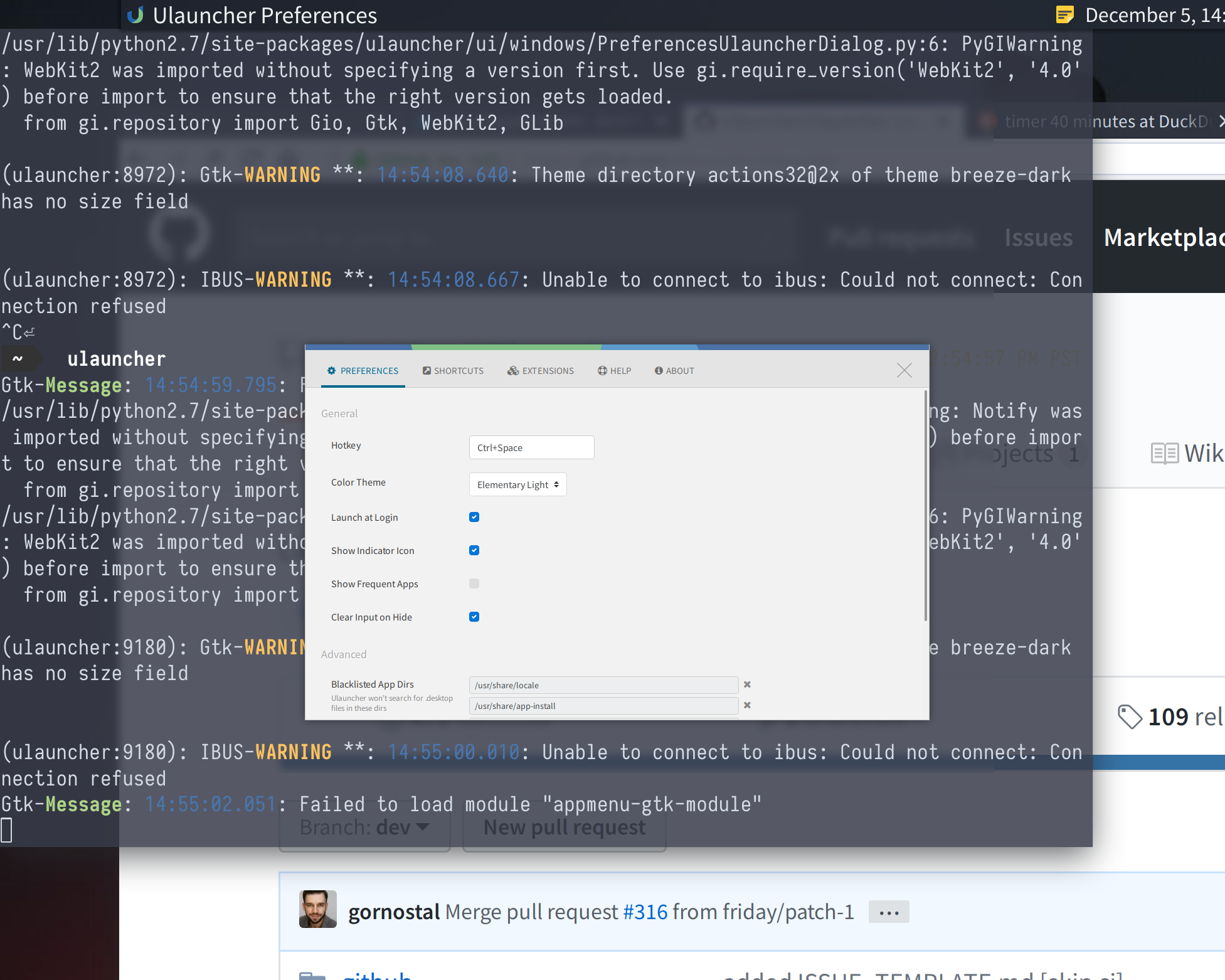
I'm running Arch Linux with KDE, and for some reason the dev version won't build so I was using v4.3.1.r4. On my 4K screen Ulauncher is tiny and the text spacing is off:

 billop
All 13 comments
have you properly set environment variables?
https://wiki.archlinux.org/index.php/HiDPI#GUI_toolkits
 zetorian
on 6 Dec 2018
zetorian
on 6 Dec 2018
Yes, I have been using Arch Linux with a 4k screen for several years now and I have it set up for every GUI toolkit except for JavaFX (never figured it out). But a lot of applications account for it themselves, Rofi for example simply has a a dpi variable to adjust for different resolution screens.
billop
on 7 Dec 2018
@UnicodeAlt255 I'm assuming you've tried GDK_SCALE or GDK_DPI_SCALE, because Ulauncher uses GTK.
I'll come back to this issue once I find a 4k screen.
 gornostal
on 12 Dec 2018
gornostal
on 12 Dec 2018
Pretty sure now this is caused by text-scaling-factor which is separate from the mentioned variables.
Repro instructions: Run the code snippet below in a terminal and type something (ex "ulauncher") while it's temporarily using text-scaling-factor 2 (it reverts back after 10s).
No special screen (or KDE) should be needed.
scalingfactor=$(gsettings get org.gnome.desktop.interface text-scaling-factor)
ulauncher-toggle
gsettings set org.gnome.desktop.interface text-scaling-factor 2
sleep 10
gsettings set org.gnome.desktop.interface text-scaling-factor $scalingfactor
 friday
on 27 Dec 2018
friday
on 27 Dec 2018
I've recently got laptop with HiDPI screen, Ulauncher doesn't look as bad as on the screenshot thought.
Actually it looks OK, but images are in low resolution. We need to fix that
gornostal
on 5 May 2019
I'm also using a HiDPI screen with KDE on Arch and I get the same issue as OP
 Karrq
on 27 Dec 2019
Karrq
on 27 Dec 2019
@Karrq have you tried the solution suggested above by @friday?
gornostal
on 17 Jan 2020
@gornostal It isn't a solution. It's code to reproduce the issue and then revert to your previous settings.
gsettings set org.gnome.desktop.interface text-scaling-factor 1 should "solve" it, but then the font will be very small on big displays.
friday
on 17 Jan 2020
ah, I see.
So then ulauncher has to take into account text-scaling-factor by adjusting the font size, right?
gornostal
on 17 Jan 2020
I would say the best case scenario is Ulauncher adjusting the "line height" and possibly other aspects of the size according to the text-scaling-factor, to respect user preferences. I'm not too acquainted with GtkBuilder/Glade myself so I don't know how it works.
Making the text smaller so Ulauncher looks consistent and not broken (but doesn't respect text-scaling-factor) should be an improvement too.
friday
on 17 Jan 2020
OK. Thanks for the suggestion
gornostal
on 17 Jan 2020
A little hack, but makes look better
diff --git a/usr/share/ulauncher/ui/result_item.ui b/result_item.ui
index 2fab860..3df4fed 100644
--- a/usr/share/ulauncher/ui/result_item.ui
+++ b/result_item.ui
@@ -58,7 +58,7 @@
                     </style>
                   </object>
                   <packing>
-                    <property name="y">5</property>
+                    <property name="y">0</property>
                   </packing>
                 </child>
                 <child>
@@ -75,7 +75,7 @@
                     </style>
                   </object>
                   <packing>
-                    <property name="y">28</property>
+                    <property name="y">34</property>
                   </packing>
                 </child>
               </object>
Apply with
sudo patch /usr/share/ulauncher/ui/result_item.ui result_item.ui.patch
My GDK_DPI_SCALE=1.66, so you may need different "y" property values.
Before and after


 crabvk
on 15 Feb 2020
crabvk
on 15 Feb 2020
Nice! Should be possible to set those to a value relative to the scaling factor before displaying it imo.
friday
on 15 Feb 2020
Related issues
 chetcuti
·
6Comments
chetcuti
·
6Comments
 sebastian-65
·
5Comments
sebastian-65
·
5Comments
 altla
·
5Comments
altla
·
5Comments
 uffejakobsen
·
6Comments
uffejakobsen
·
6Comments
 jonhoo
·
3Comments
jonhoo
·
3Comments
Most helpful comment
A little hack, but makes look better
Apply with
My


GDK_DPI_SCALE=1.66, so you may need different"y"property values.Before and after