uBlock on Chrome wrongly using 3p-script block for 1st-p-scripts on facebook.com
I am seeing this issue on facebook.com.
ublock seems to be blocking first party scripts. This doesn't seem to happen on Firefox.
I am using Windows 8.1 32-bit and Chome 60.0.3112.90
Screenshot:

 vijayaraghavanramanan
All 14 comments
Unable to reproduce.
What version of uBlock is this?
Also, provide steps to reproduce, having to guess is time-wasting. Did this occur after you type facebook.com in the address bar? Did you change any of uBO's default settings? Please do not dismiss the template and what is asked from you, it's there for a reason.
 gorhill
on 13 Aug 2017
gorhill
on 13 Aug 2017
Version 1.13.8.
vijayaraghavanramanan
on 13 Aug 2017
I won't be able to do anything if you are not more forthcoming.
gorhill
on 13 Aug 2017
I understand.
I have the default "3rd party filters" plus the "uBlock filters – Experimental" chosen.
I also have "I am an advanced user" chosen.
Then I have this in filters:
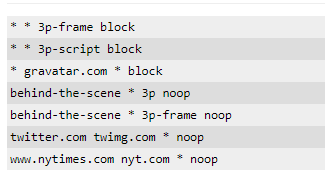
This problem occurs even if I change facebook.com local filters.
And yes this happens if I type facebook.com in the address bar but also when clicking frequently visited places in new tab in Chrome. Why do you ask?
vijayaraghavanramanan
on 13 Aug 2017
How did you navigate to facebook.com in your 1st pic?
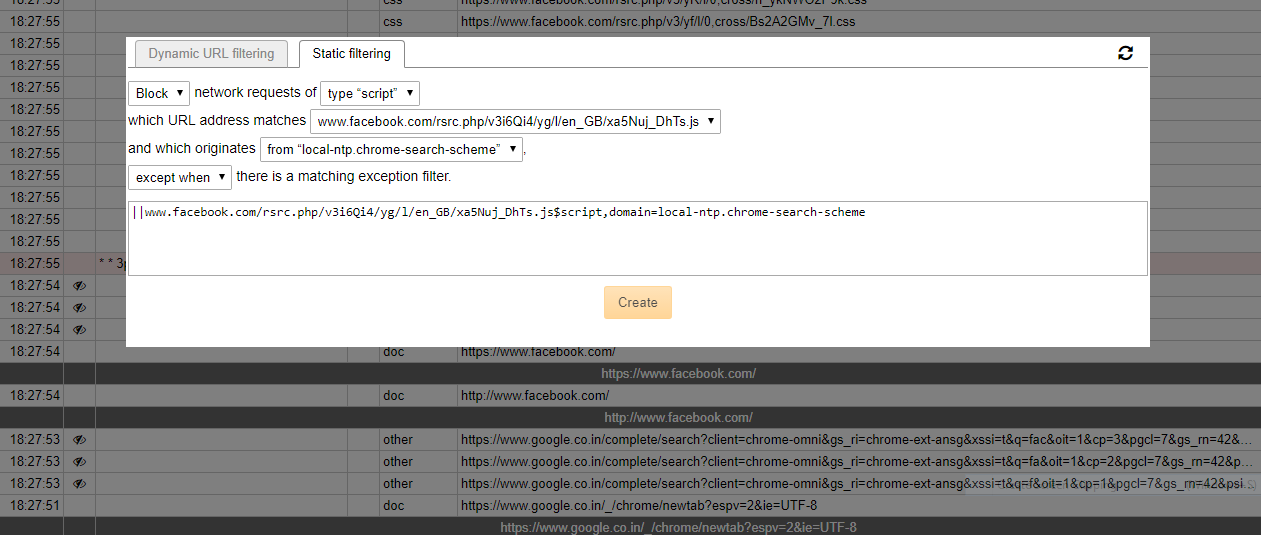
In the logger, please click in the cell with --, a filtering modal dialog will open. From there select "Static filtering" pane and make a screenshot of the dialog, I want to see what the value is for "which originate from".
gorhill
on 13 Aug 2017
Thanks.
Navigated by typing facebook.com in the address bar (no www, if that matters).
Attaching the screenshot.
vijayaraghavanramanan
on 13 Aug 2017
It says the network requests were made in the context of local-ntp.chrome-search-scheme, which really means from chrome-search://local-ntp/. Do you have an extension overriding the "New Tab" page?
gorhill
on 13 Aug 2017
No. Just uBlock Origin and the default extensions.
I did experiments with Chrome Canary and this problem doesn't seem to happen there.
You think I should try a clean uninstall-reinstall of Chrome and try again?
vijayaraghavanramanan
on 13 Aug 2017
I am still trying to understand what I see in your screenshots -- so far I can't make sense of this. I will need to scrutinize the source code to find out if what I see in your screenshot can occur at all. I tried various Chrome settings, like enabling pre-fetching and I can't find a way to reproduce yet.
gorhill
on 13 Aug 2017
It seems your facebook.com page is using a service worker (/sw?s=push), which is not the case on my side.
Also, I can't understand why there is no inline-script entry in your logger, this should always be there each time you navigate to a new page. Do you have something Facebook related in chrome://apps?
gorhill
on 13 Aug 2017
Just this.
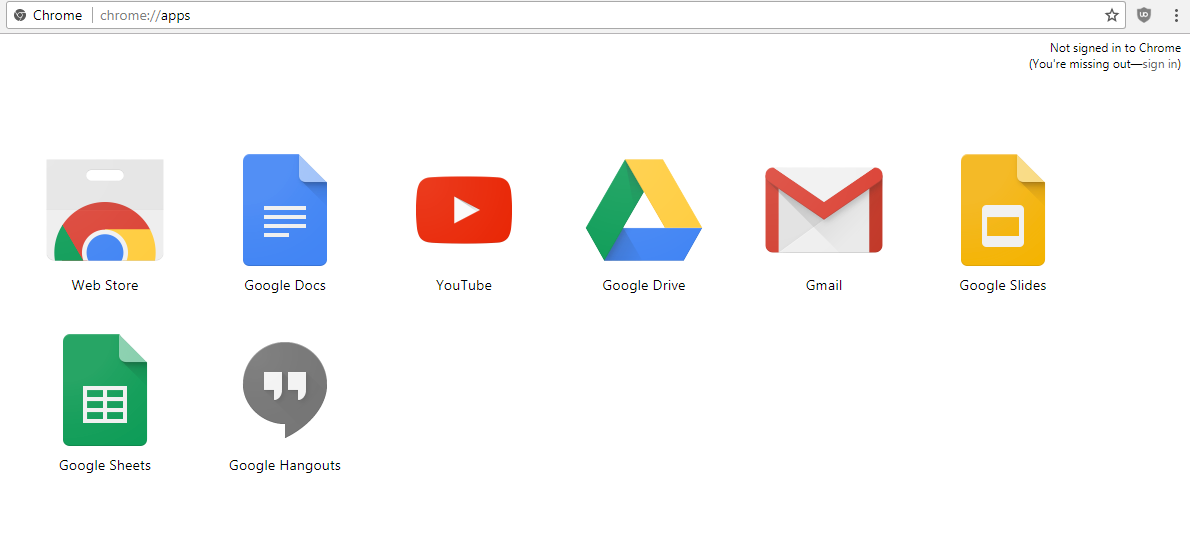
Yes, can see the page using service worker via development tools.
vijayaraghavanramanan
on 13 Aug 2017
Or maybe because my new tab doesn't have Apps but has pages visited the most. Which has Facebook and which also uses the service worker and is also a search page?
This is what it looks like:
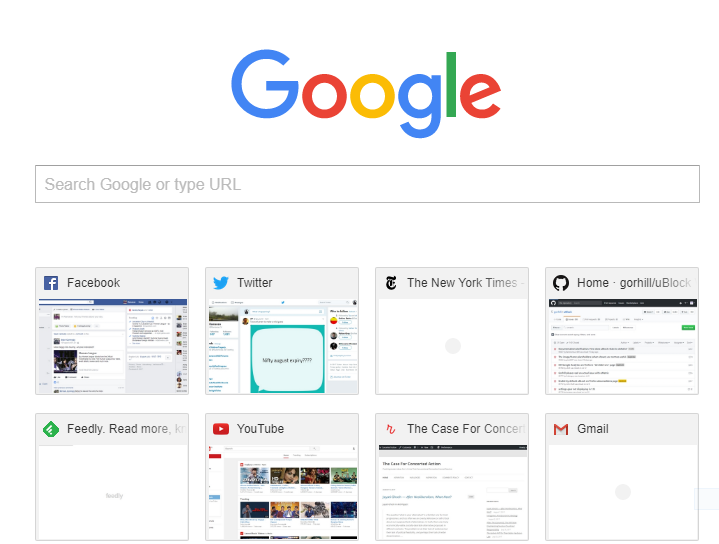

Which also contains that "local-ntp"
vijayaraghavanramanan
on 13 Aug 2017
On Chrome Canary on the other hand, the new tab is called different, as you can see from the top of the screenshot:

And I don't face this issue on Canary.
vijayaraghavanramanan
on 13 Aug 2017
Closing as obsolete.
gorhill
on 25 Jul 2019
Related issues
 splattadat
·
4Comments
splattadat
·
4Comments
 KonoromiHimaries
·
3Comments
KonoromiHimaries
·
3Comments
 FuglyLookingGuy
·
3Comments
gorhill
·
4Comments
FuglyLookingGuy
·
3Comments
gorhill
·
4Comments
 ghost
·
3Comments
ghost
·
3Comments
Most helpful comment
Closing as obsolete.