URL(s) where the issue occurs
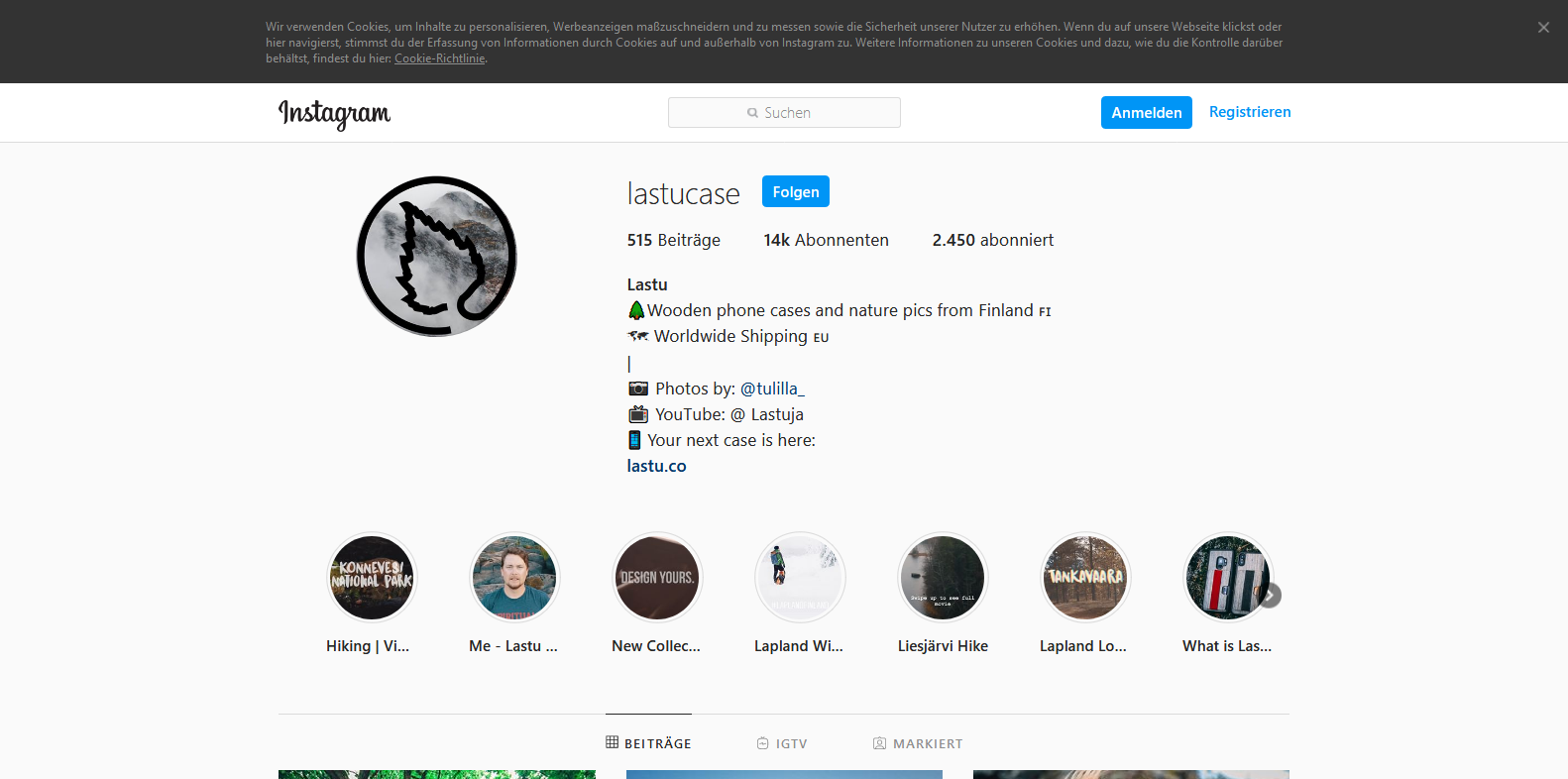
www.instagram.com/lastucase
Describe the issue
Instagram still deploys the cookie banner on top while being logged-out. According to Adguard, it is already covered by their own annoyance list, this works though only with their own extension, not with uBlock Origin.
Screenshot(s)
Versions
- Browser/version: Firefox 78.0.2 64-Bit
- uBlock Origin version: 1.28.0
Settings
ticked boxes:
- hide placeholders of blocked elements
- prevent Prefetching
- prevent Hyperlink auditing
- hide IP address via WebRTC
- block CSP reports
Filter lists in use:
- all uBlock filters
- Peter Lowe's list
- Adblock Warning Removal List
- Adguard Tracking, Annoyances, German + Easylist German, Base + Easylist
Notes
The cookie banner is hideable with this simple rule, that I've been using for about two years now:
www.instagram.com##.lOPC8
 spodermenpls
All 11 comments
@mapx- Thanks for your quick reaction, your addition still doesn't remove the banner, unfortunately. The cookie banner vanishes after reloads/passed time by itself sometimes, make sure IG's cookies are cleared before you re-open the site.
Logger, with updated uBlock Annoyances incl. your addition (banner persists):
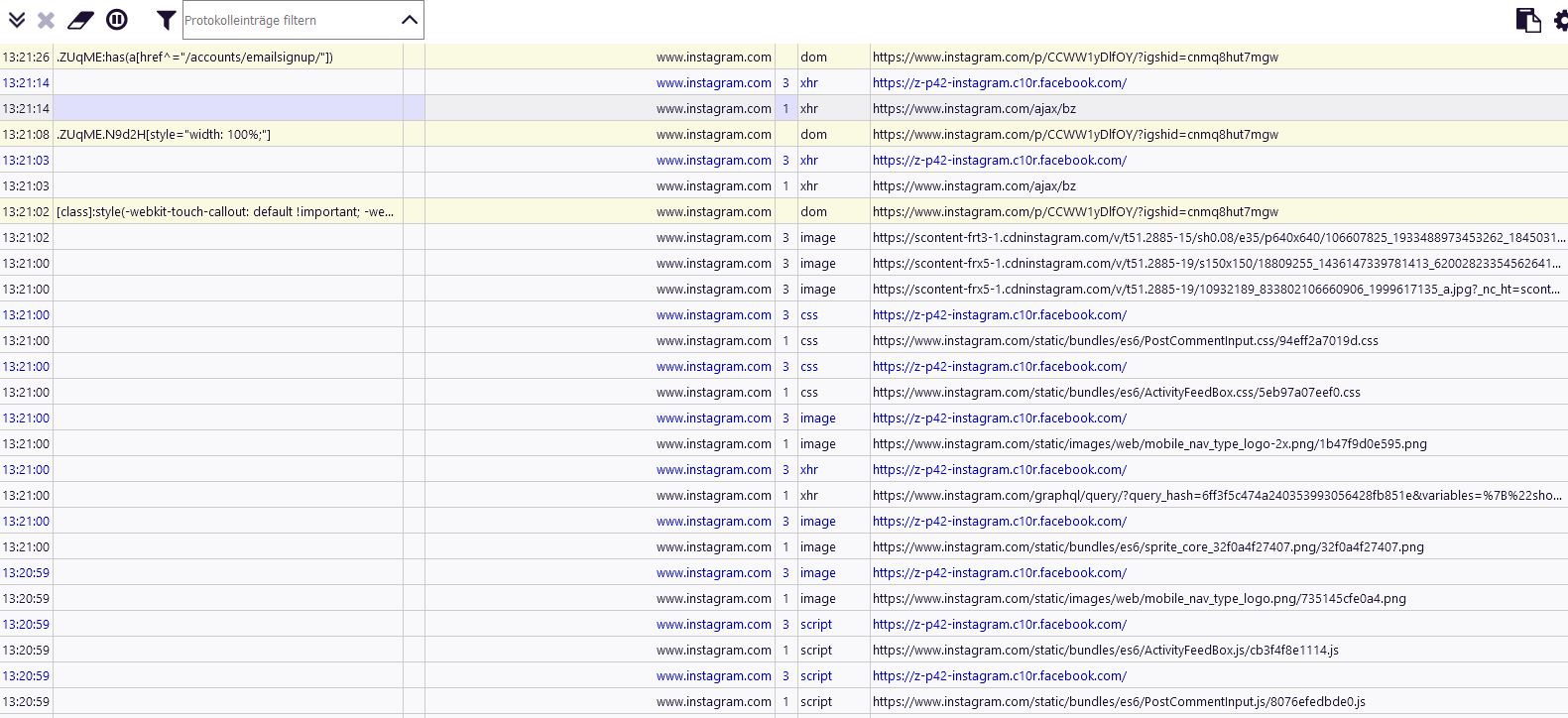
Logger, with uBlock Annoyances + my www.instagram.com##.lOPC8 rule (banner vanished):

spodermenpls
on 12 Jul 2020
I tested in FF / chrome, is working on my side.
Did you check my filter is part of your update ?
Any other "strange" addon in your FF ?
 mapx-
on 12 Jul 2020
mapx-
on 12 Jul 2020
Yes, instagram.com##p:has-text(cookies):upward(1) sits on the very bottom of the file, after I checked it with a click on its "eye" symbol.
I always tested in a Private window before, but opening IG in a normal window makes no difference either. Potentially relevant might be CanvasBlocker, uMatrix, Cookie AutoDelete, Decentraleyes and Nano Defender, I am uncertain if one of them is the culprit on this matter though.
spodermenpls
on 12 Jul 2020
just disable the addons 1 by 1 to get the "bad" one
mapx-
on 12 Jul 2020
EasyList Cookie/Fanboy Annoyance and AdGuard Annoyance
instagram.com##.lOPC8
this is very stable compressed class.
@jayvdb no found guilty in other addons, because Grerman (deutsche) version use Cookies with big "C".
 |
|
--- |
Therefore, suddenly something doesn't work like every language writes a word differently.
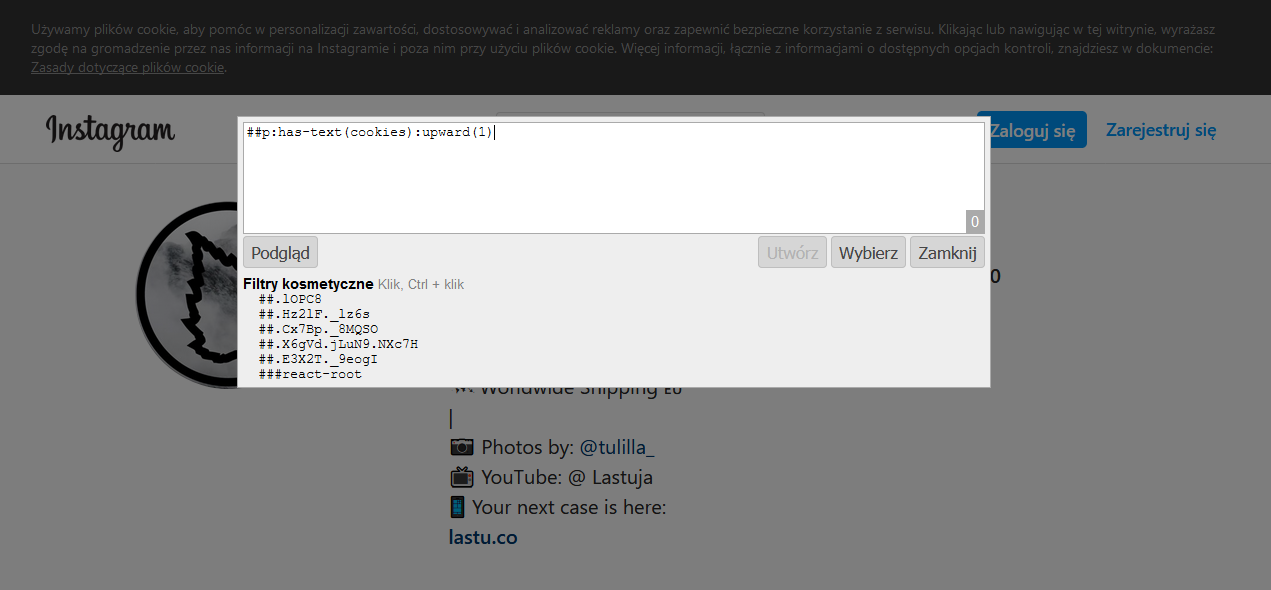
##p:has-text(cookies):upward(1) no match Polish version of bar:
 |
|
--- |
"cookie."/"cookie," not "cookies"
 krystian3w
on 12 Jul 2020
krystian3w
on 12 Jul 2020
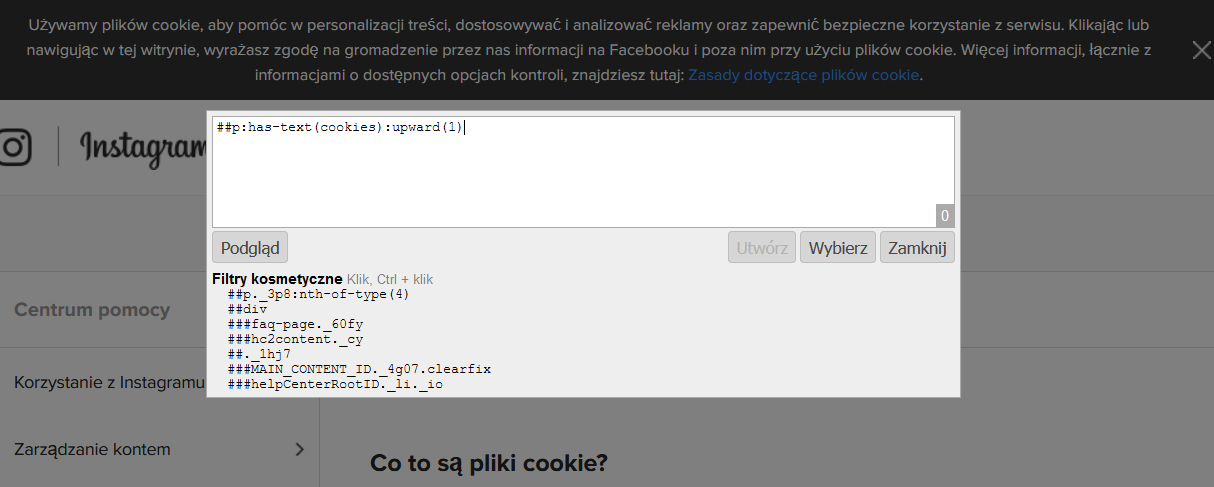
Also no match on:
https://help.instagram.com/1896641480634370
 |
|
--- |
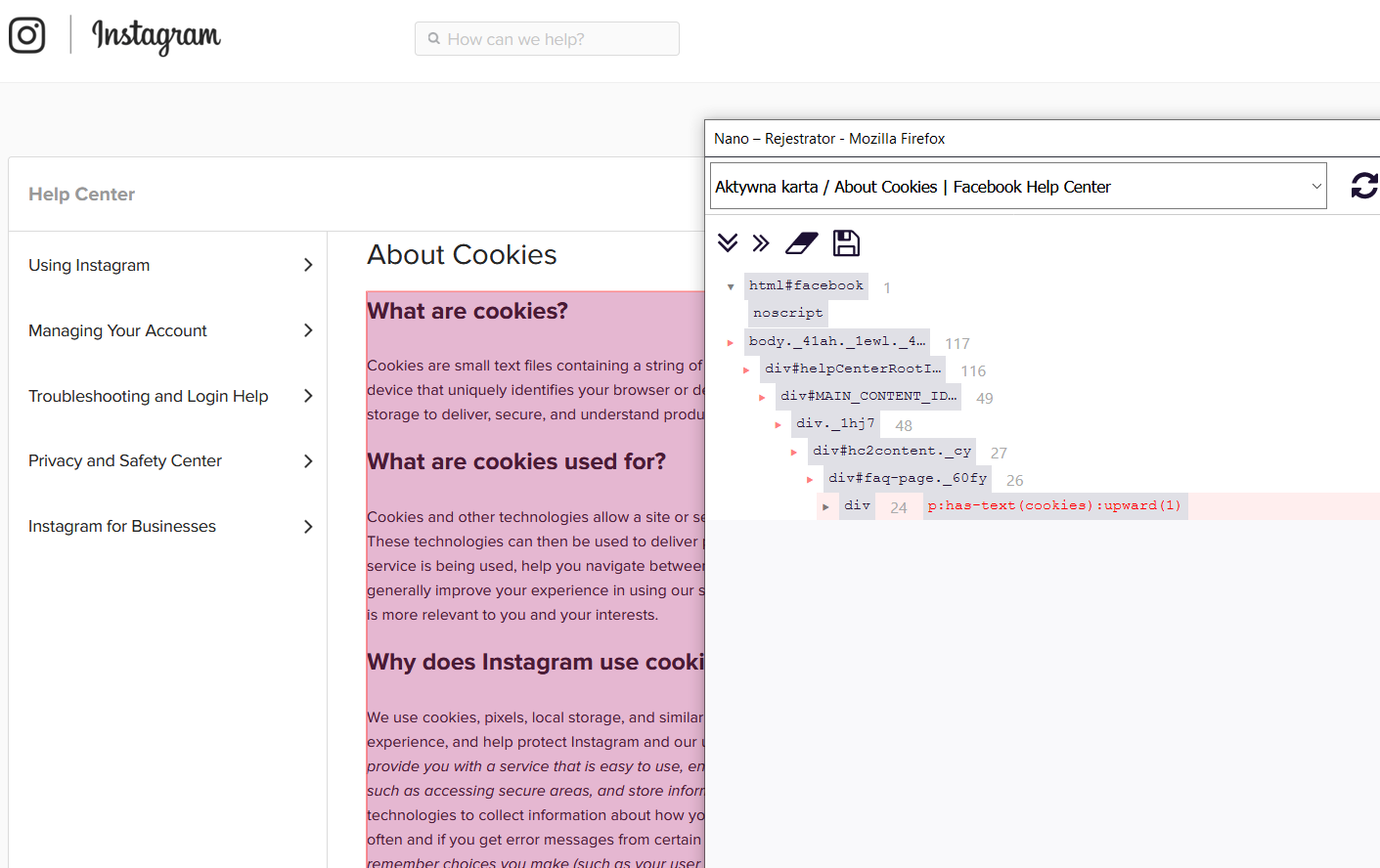
And ##p:has-text(cookies):upward(1) is danger on help.instagram.com:
 |
|
--- |
krystian3w
on 12 Jul 2020
@okiehsch speak / read in German, maybe help with regex:
##p:has-text(/(cookies|Cookies|Cookie),/):upward(1)
krystian3w
on 12 Jul 2020
the cookie is already blocked by fanboy's annoyances list
mapx-
on 12 Jul 2020
@krystian3w Thank you for your intervention, now it all makes sense.. capital letter-sensitivity. 😅
Adguard Annoyances doesn't use www.instagram.com##.lOPC8, I assume (after a quick look) they tackle it with some "react >" rule, that uBlock doesn't support (yet) - otherwise I wouldn't have been in need of adding that rule myself, since I use Adguard Annoyances already.
@mapx- Yes, Easylist Cookie contains the mentioned www.instagram.com##.lOPC8 rule (Fanboy's Annoyances is overkill for this task), I hesitated in the past from activating it because of its lack of size (= effectiveness) back then.. and maybe its former goofy naming as "Cookiemonster" 😄. No real need for an own entry in uBlock Annoyances then, if one activates Easylist Cookie. Thanks for your time, anyway!
spodermenpls
on 13 Jul 2020
I was surprised why you wrote that you see the filter downstairs and it doesn't work, I opened another once screenshot.
"react >"
instagram.com###react-root > section > nav > div > div > section.xZ2Xk
that is not anti-cookie bar filter, this hide down logon annoying bar. This bar had no lock (close button) and they were persuaded to add a filter with a compressed CSS class.
for cookie bar AdGuard use own simple scriptlet:
instagram.com#%#document.cookie = "ig_cb=1";
uBO no support create cookies / localstorage / click someting - considered as dangerous and there is no system of authorised lists for such a function.
krystian3w
on 13 Jul 2020
@krystian3w Ah, I see - that's why instagram.com#%#document.cookie = "ig_cb=1"; isn't in the uBlock-dedicated AG Annoyances list to begin with, I assume, since it isn't supported. Thanks for the background information, it was unknown to me that Adguard uses this much "artistic freedom", uBlock being restrictive on that front is obviously a sensible choice.
spodermenpls
on 13 Jul 2020
Related issues
 JulianNorton
·
3Comments
JulianNorton
·
3Comments
 macheteBadger
·
3Comments
macheteBadger
·
3Comments
 wis
·
4Comments
wis
·
4Comments
 Jose1971AB
·
3Comments
Jose1971AB
·
3Comments
 BurungHantu1605
·
3Comments
BurungHantu1605
·
3Comments