Uassets: Spotify stops playing music when an audio ad is loaded
URL(s) where the issue occurs
https://open.spotify.com/
Describe the issue
Spotify stops playing music when an audio ad is loaded.
Screenshot(s)
ℹ️ Coming soon.
Versions
- Browser/version: Version 69.0.3497.100 (Official Build) (64-bit)
- OS: Win10, V10.0.16299 Build 26299
- uBlock Origin version: uBlock Origin v1.16.18
Settings
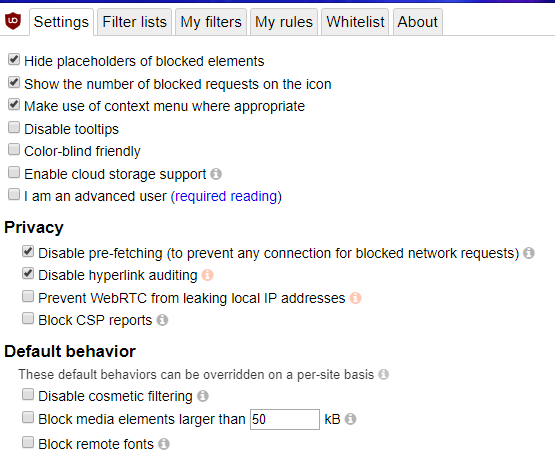
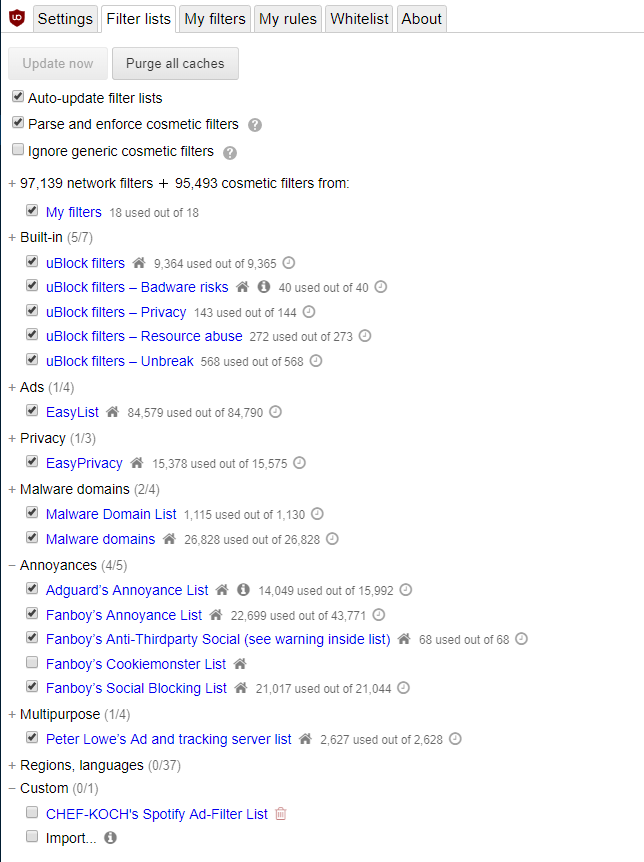
Notes
- Unable to resume music by manually clicking play. All buttons are disabled.
- Unable to resume music by pressing
F5and then clicking play. All buttons continue to be disabled. - Unable to resume music by pressing
Ctrl+F5and then clicking play. All buttons continue to be disabled. - Unable to resume music by:
- Login to spotify in incognito window
- Go back to original window
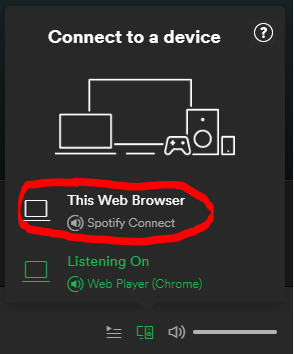
- Click Connect to a device > This Web Browser
- Click play button
- Observe: Nothing happens. Button appears active, but has no click behavior.
- Sometimes able to resume music by:
- Login to spotify in incognito window
- Click play button (in incognito window)
- Go back to original window
- Click Connect to a device > This Web Browser
- Click play button
- Observe: ~30% chance music resumes.
- Also tried
Purge all cachesandUpdate now

 dotSomething
All 23 comments
I can't reproduce, what is your OS ?
 okiehsch
on 24 Sep 2018
okiehsch
on 24 Sep 2018
@okiehsch - OS is Win 10, v 10.0.16299 Build 16299. Main reported updated.
@krystian3w - The CHEF-KOCH filter is disabled because of that report. You reckon it's not really disabled maybe?
dotSomething
on 25 Sep 2018
Test again using only the default setup (no annoyances lists)
 mapx-
on 25 Sep 2018
mapx-
on 25 Sep 2018
Works on my end with Windows 10 and all your filterlists enabled.
For reference I played/fast-forwarded through https://open.spotify.com/playlist/6Ox50H5drmWK4OaVwRzrvY. I can see that after every 5-6 tracks it tries to play an ad, which is successfully blocked/redirected.
I never get stuck and can play the whole list.
okiehsch
on 25 Sep 2018
@okiehsch - Roger.
@krystian3w - 😄
@mapx- Affirmative. Default restored. Beginning retest ...
dotSomething
on 25 Sep 2018
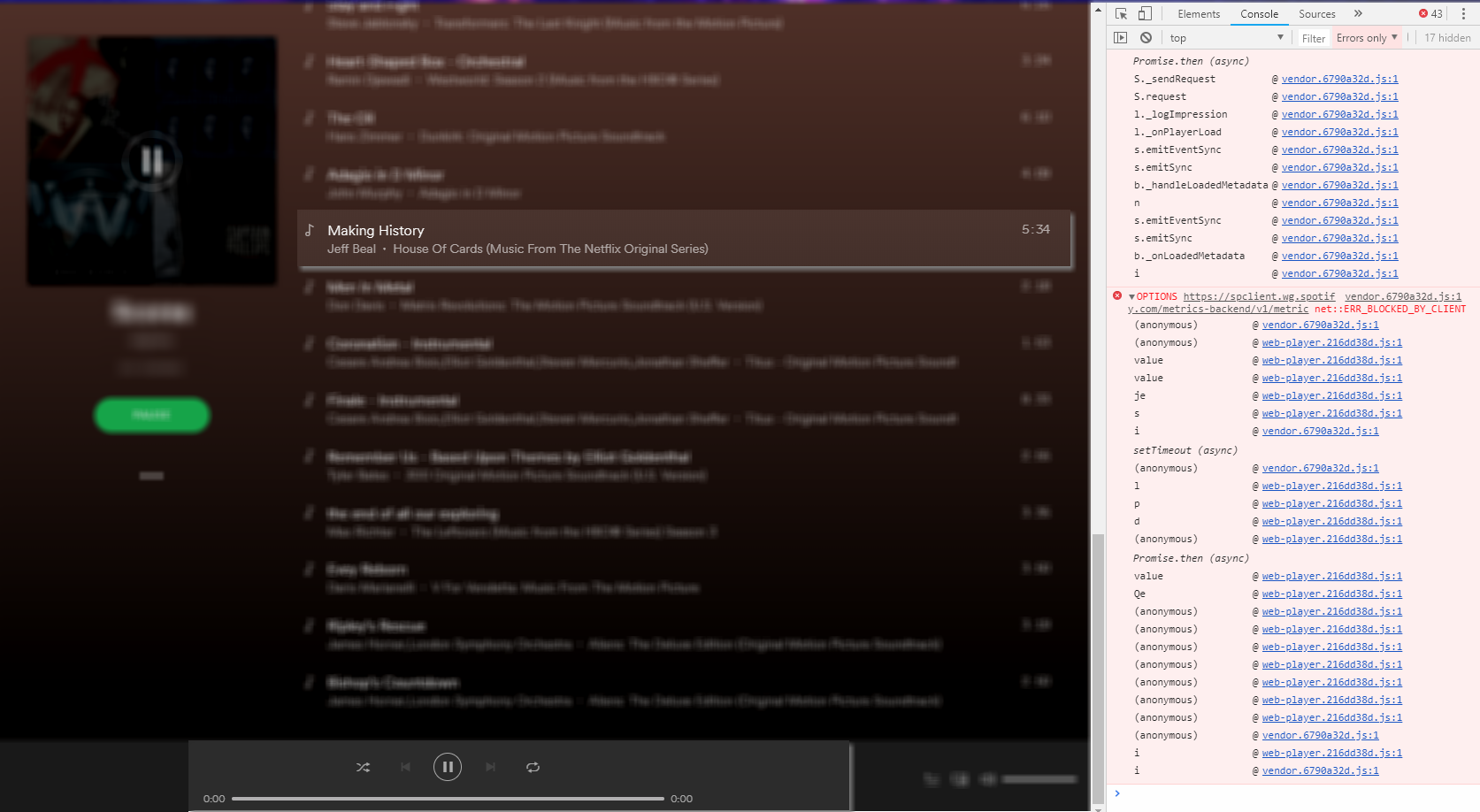
Retest Results: Issue persists
Making Historystopped playing.- Timer set itself to 0:00
To resume playback, I had to click the pause button a few times to get it to switch over to a play button. Then I was able to click the play button.
dotSomething
on 26 Sep 2018
I've got the same issue in Chrome (71.0.3578.98) on MacOS (10.14.2). After spamming the "pause button" 3 or 4 times it continues.
 mrsamse
on 8 Jan 2019
mrsamse
on 8 Jan 2019
https://github.com/uBlockOrigin/uAssets/issues/3561#issuecomment-424430274
I still can't reproduce using Chromium/Chrome and Windows 10 or Linux.
I can't test on a MacOS device.
okiehsch
on 9 Jan 2019
Can this pink/purple ad banner also be blocked please?
eg. https://i.imgur.com/pplrcop.jpg
Link: https://open.spotify.com/browse/featured
 germaloney11
on 22 Mar 2019
germaloney11
on 22 Mar 2019
I encounter the same behaviour on firefox on linux:
$ uname -a
Linux 5.0.4-arch1-1-ARCH #1 SMP PREEMPT Sat Mar 23 21:00:33 UTC 2019 x86_64 GNU/Linux

$ firefox --version
Mozilla Firefox 66.0.1
I am using the same filter list as shown in the screenshots by @SURE-E and reloading the tab makes it work again. Sometime the tab also actually crashes and eats all memory it can get :/
 nkoester
on 27 Mar 2019
nkoester
on 27 Mar 2019
I had a similar issue. What fixed my issue was disabling EasyPrivacy subscription list as it was blocking a necessary Spotify component. All Spotify adds are still blocked without EasyPrivacy enabled, at least for me.
 lightspeed397
on 4 May 2019
lightspeed397
on 4 May 2019
it was blocking a necessary Spotify component
What component (and what filter if you identified it in the logger) ?
mapx-
on 4 May 2019
closing for now.
mapx-
on 22 May 2019
I'm getting a similar issue to @nkoester. It plays fine for a while, until it gets to ads. They get blocked, but the web player ends up consuming all available memory until the entire system grinds to a halt, forcing a hard reboot:

Prior to Spotify going insane, the Web Content process of firefox was only using around 2GB, with ~8GB free overall.
Sometimes if I catch it soon enough (within a few seconds), I can close the tab to "fix" it. Last time though, I was too late. Despite being able to close the tab, it wasn't soon enough for Firefox (67.0.2 on Arch) to free the RAM and the system still locked up.
Tried disabling the EasyPrivacy filter list, but it unfortunately didn't solve anything.
 dshoreman
on 12 Jun 2019
dshoreman
on 12 Jun 2019
You should try these indications (not related specifically to adblockers)
https://community.spotify.com/t5/Other-Partners-Web-Player-etc/Spotify-in-Firefox-Doesn-t-work/td-p/1669454
mapx-
on 12 Jun 2019
@mapx- The link you posted appears to solve a different issue where Spotify doesn't work at all, but that is not the case here.
The issue is Spotify works perfectly until uBlock kicks in and blocks the audio ads. At that point, it immediately consumes all RAM, crashing the system.
Now I've had some time to test, I disabled uBlock on the open.spotify.com domain to confirm that it works fine normally. Spotify successfully played its ads (ironically for Firefox):

...then continued to play without issue.
It's played through two blocks of ads so far, and memory usage still hasn't increased. Whether it's a case of uBlock blocking too much, or simply Spotify taking anti-adblock to a whole new level, I don't know.
dshoreman
on 15 Jun 2019
- tested in FF, I got ads (redirected by the existent uBo filters) .. but no issue .. the memory is ok
- could you add
@@||spotify.com/$xhr,1p
and test again ?
mapx-
on 15 Jun 2019
Tested with the exception but the tab still froze on the first ad. I managed to get a screenshot of the logger before killing Firefox, but I'd already closed the Spotify tab hoping it would stop eating RAM (it didn't) so excuse the dimness:
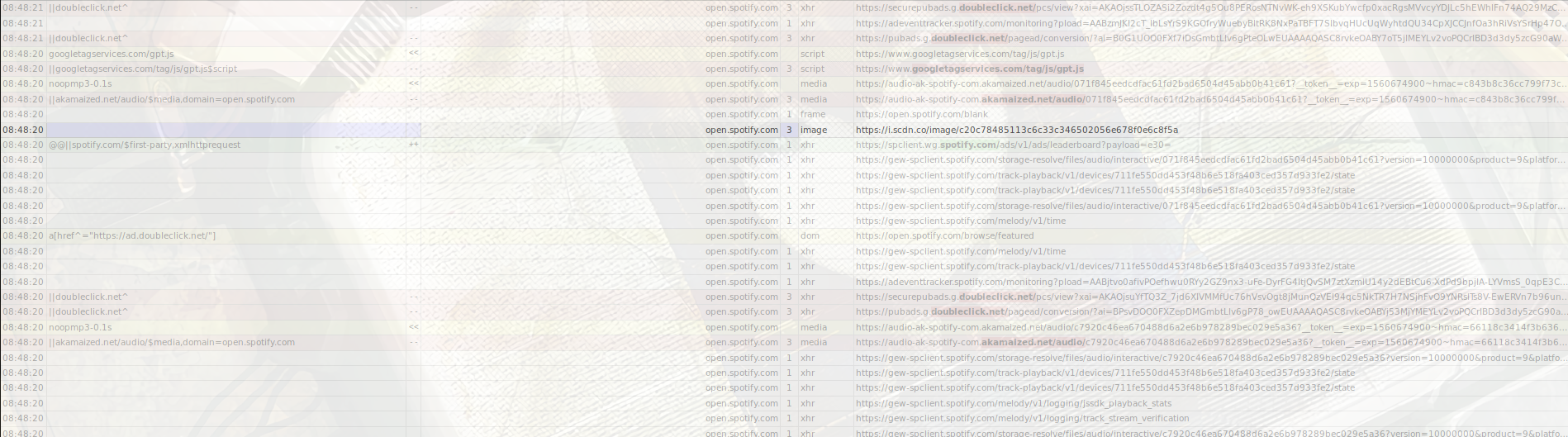
I'll test some more with uBo disabled to see if I can find anything obvious when the ads play. Searching up older bugs it seems a similar issue in 2017 didn't happen in playlists, so I might try a playlist later in case that still applies. If it does, it could help to find some differences.
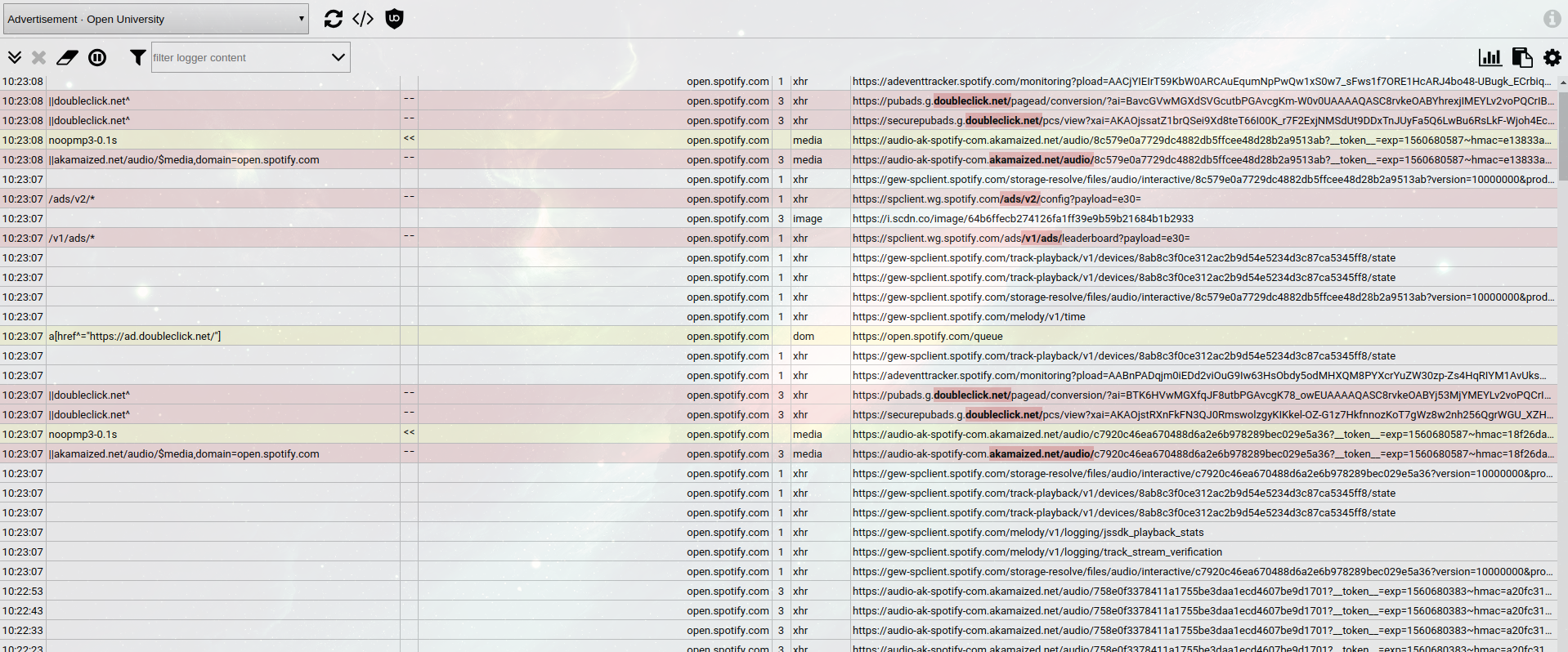
Edit: Seems this also affects Chrome. Same memory leak too, so it's not a Firefox issue at least. Here's the logger - will try to exclude doubleclick.net/pcs and see if anything changes:
dshoreman
on 16 Jun 2019
@mapx- Going to keep playing for a while longer then test the same rules in Firefox, but so far it's been going for about an hour in Chrome (with two ad breaks as far as I can tell)
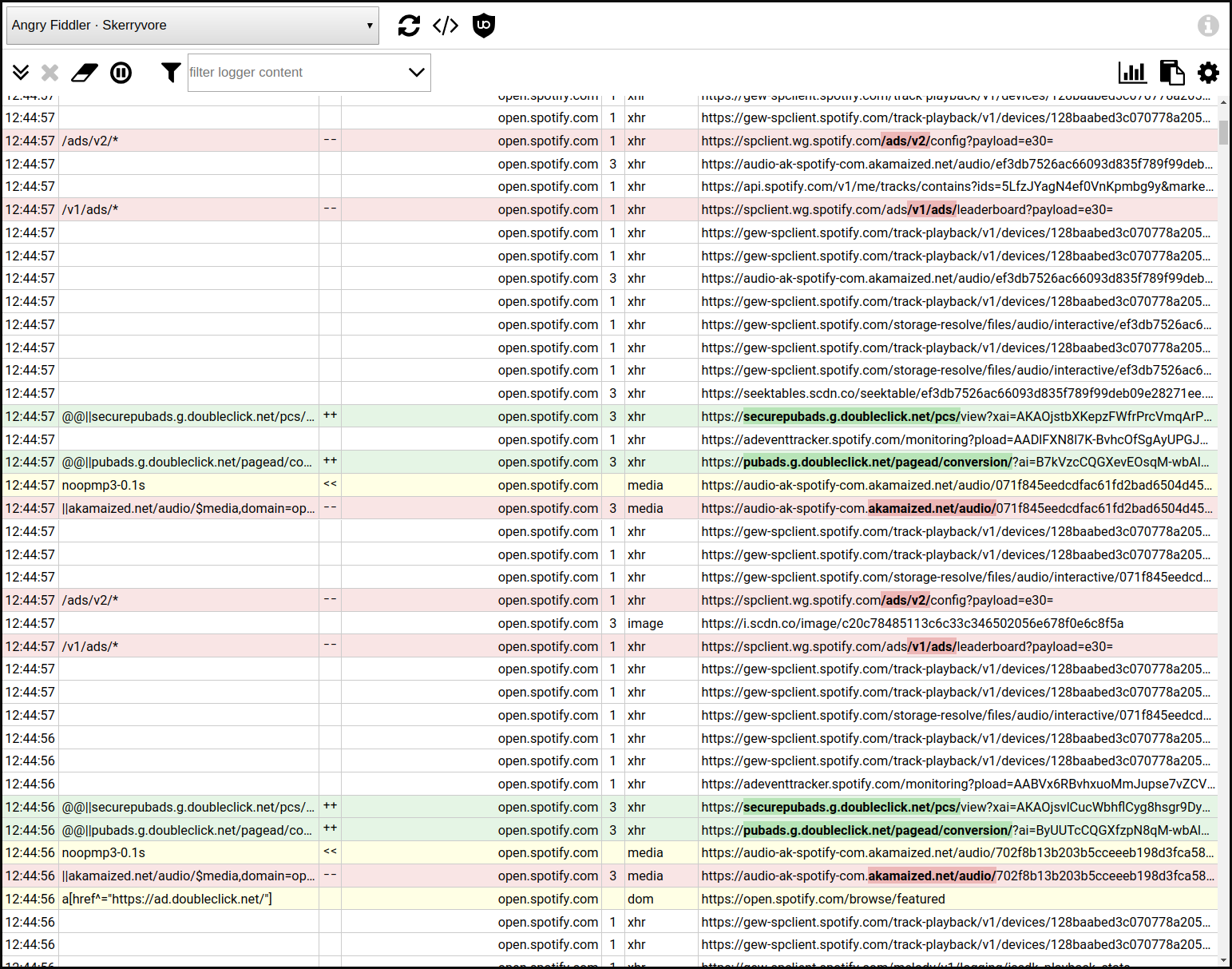
Current filters:
@@||securepubads.g.doubleclick.net/pcs/*$xmlhttprequest,domain=open.spotify.com
@@||pubads.g.doubleclick.net/pagead/conversion/*$xmlhttprequest,domain=open.spotify.com
I tried the doubleclick.net/pcs rule first, but still had the issue so added the second one. Still need to test further to see if it needs both exceptions or only the conversion one - will post back later.
dshoreman
on 16 Jun 2019
@dshoreman Is Spotify running stable now? I tried your filters but it still still crashes in Chrome when an advertisement appears.
 MartinLichtblau
on 2 Oct 2019
MartinLichtblau
on 2 Oct 2019
@MartinLichtblau I only ended up using the second rule—the first rule in my previous comment is commented out in my filters. Iirc, with both rules enabled it would still crash occasionally.
That said, I rarely use Spotify now. Last time I did use it I was able to play music all day without issues, but that was more than a couple months ago so it's entirely possible something else has changed since.
dshoreman
on 28 Oct 2019
Sorry for the delay in my response, I haven't used spotify for several months, until recently but for the past few weeks since I've been using spotify I have not had a Problem even with Easy spotify enabled, so the issue seems to be fixed for me anyway.
lightspeed397
on 10 Dec 2019
:information_source: Issues persists for me. I've tried @dshoreman's filter too.
I saw these calls being blocked every several seconds during playback. They did not stop the player:
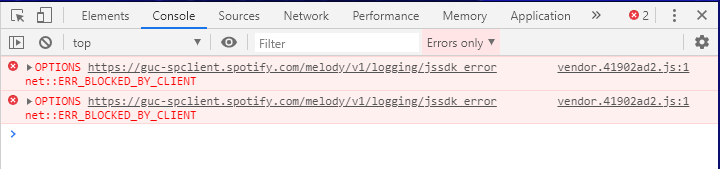
I saw these calls in between songs. They did not stop the player:
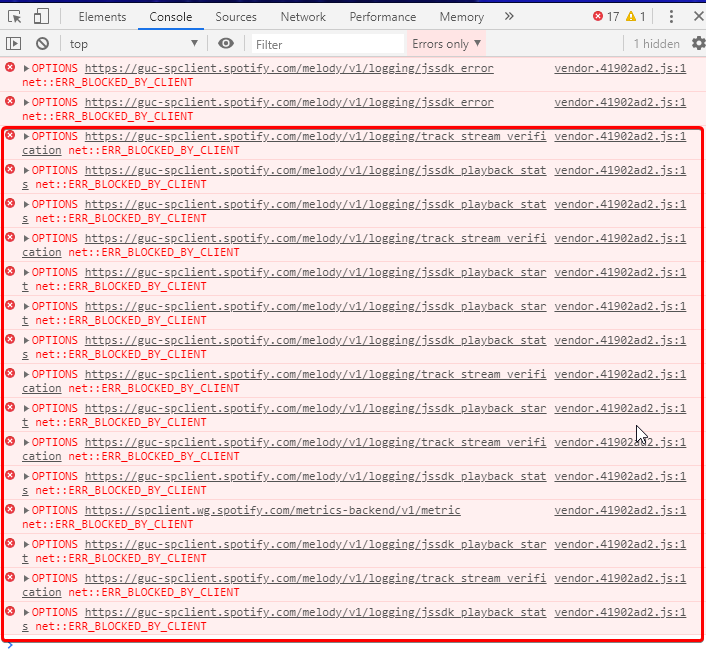
Here's the block of calls I saw when the player stopped:
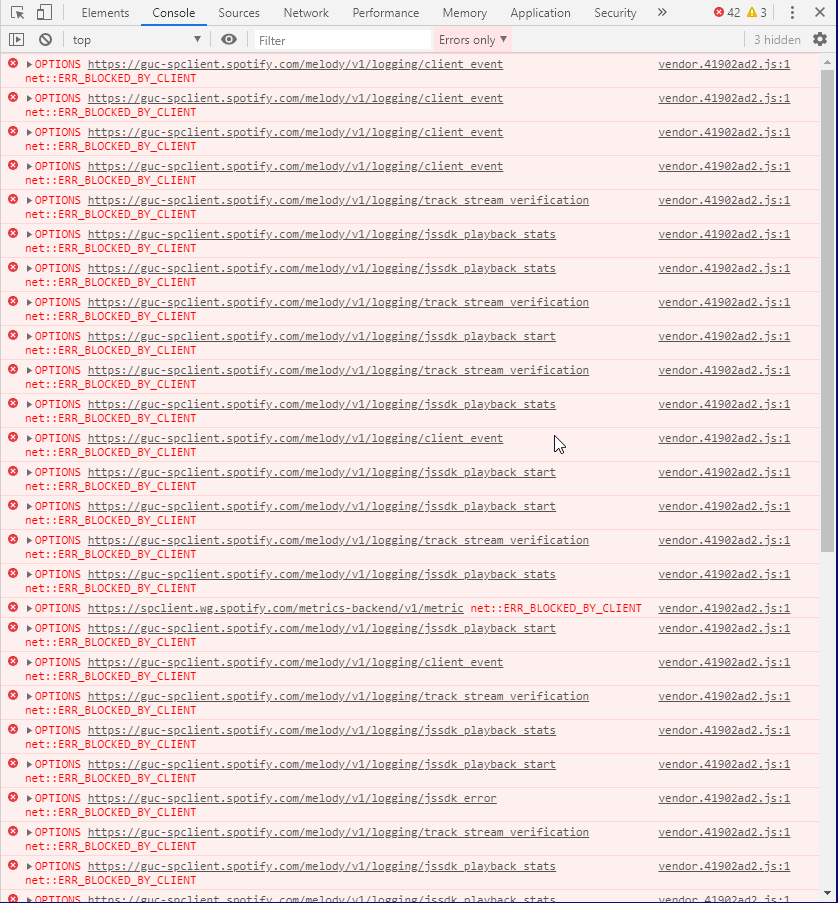
I'm guessing the culprit is spclient since the other calls had not previous stopped playback? I was able to resume playback thereafter, but playback began skipping songs in the playlist.
@lightspeed397 - What's Easy spotify? I don't see that as option in Filter Lists.
dotSomething
on 17 Jan 2020
Related issues
 terrorist96
·
3Comments
terrorist96
·
3Comments
 ghost
·
3Comments
ghost
·
3Comments
 patrickdrd
·
3Comments
patrickdrd
·
3Comments
 JulianNorton
·
3Comments
patrickdrd
·
4Comments
JulianNorton
·
3Comments
patrickdrd
·
4Comments
Most helpful comment
I've got the same issue in Chrome (71.0.3578.98) on MacOS (10.14.2). After spamming the "pause button" 3 or 4 times it continues.