Hi.
One question,what program you using to convert bmp?
I have problem to display graph 256x64 on
U8G2_SSD1322_NHD_256X64_F_4W_HW_SPI Oled display.
Nothing on the screen.
I tryed lcdassistant and microlcd java program. Strange is, i only replace jlx display to ssd and forgot how to make this pictures...
I tryed gimp and export, not work.
Problem with 256x64?
When i try old 192x64 picture used on old Progmem, works ok.
Little help);)
 wchpikus
All 10 comments
I always use gimp and export as XBM
 olikraus
on 4 Nov 2018
olikraus
on 4 Nov 2018
Did you rotate the picture or in normal position convert in gimp?
wchpikus
on 4 Nov 2018
Does this matter? But no I didn't rotate the bitmap.
olikraus
on 5 Nov 2018
Hmm..strange why do not work for me.
Could you tell me, this manual is ok for export file?
wchpikus
on 5 Nov 2018
Could you tell me, this manual is ok for export file?
https://sandhansblog.wordpress.com/2017/04/16/interfacing-displaying-a-custom-graphic-on-an-0-96-i2c-oled/
Yes, this tutorial should exactly explain all the steps.
olikraus
on 5 Nov 2018
Hmm..ok I will today.
So no rotate,convert to b&w..i see;)
I do not use 1 bits pallete..my mistake
;)
I have to do this.
wchpikus
on 5 Nov 2018
Ok not work correctly..

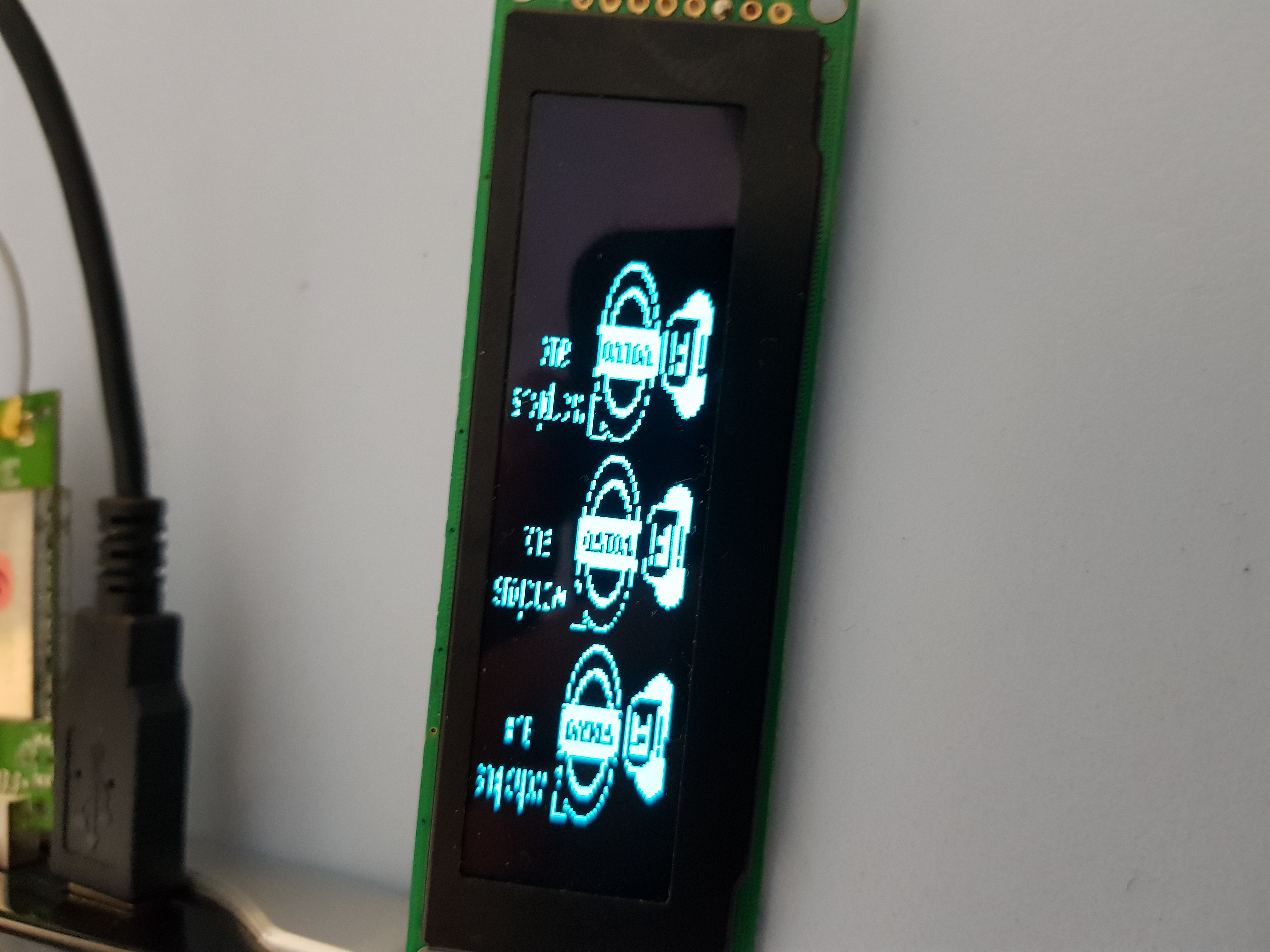
I rotate image and is better..but still not ok.
First image is not rotated,second 90°.
oled this one:
hmm, i made test
one picture 64x64, works ok.
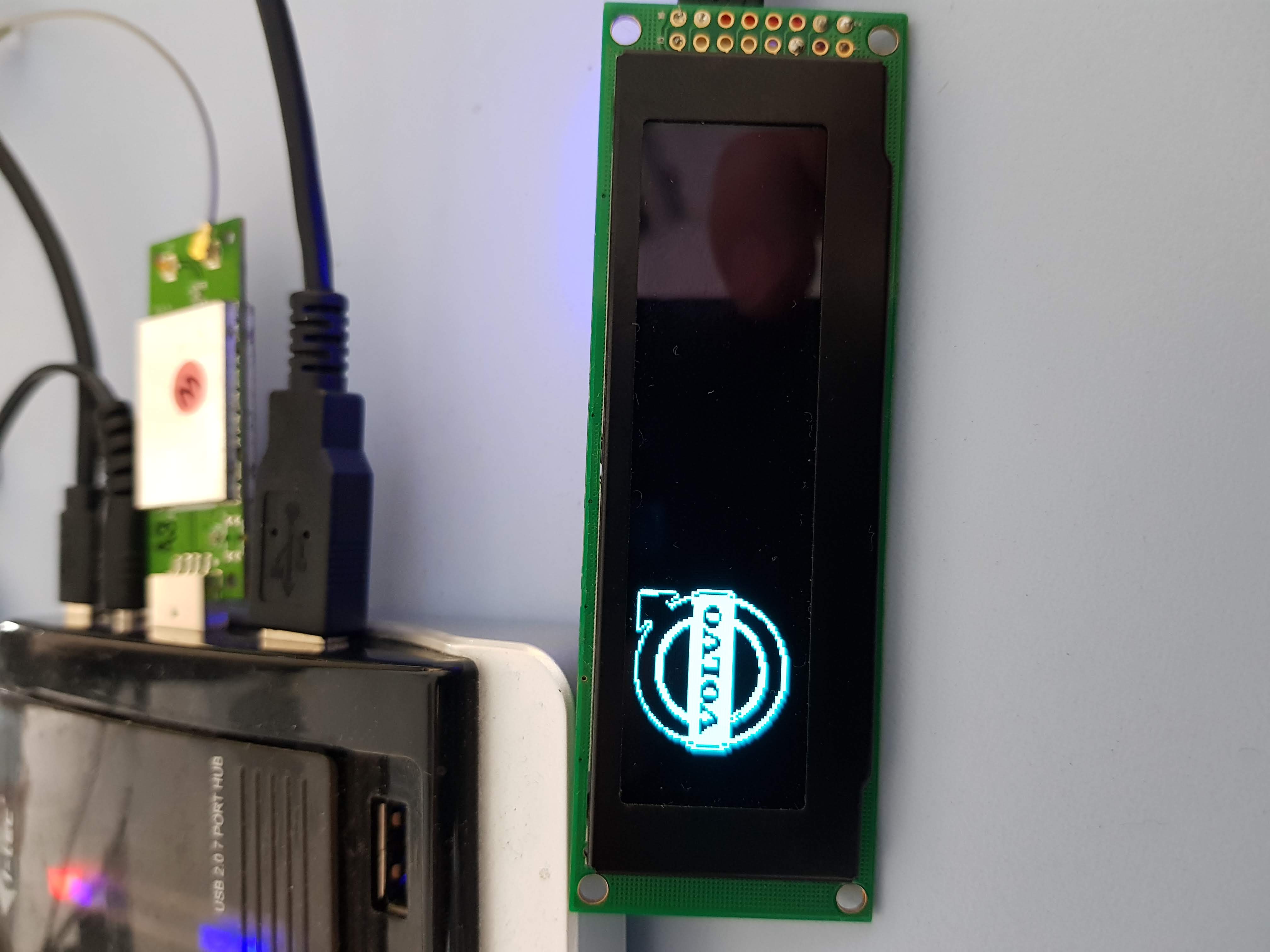
second 256x64
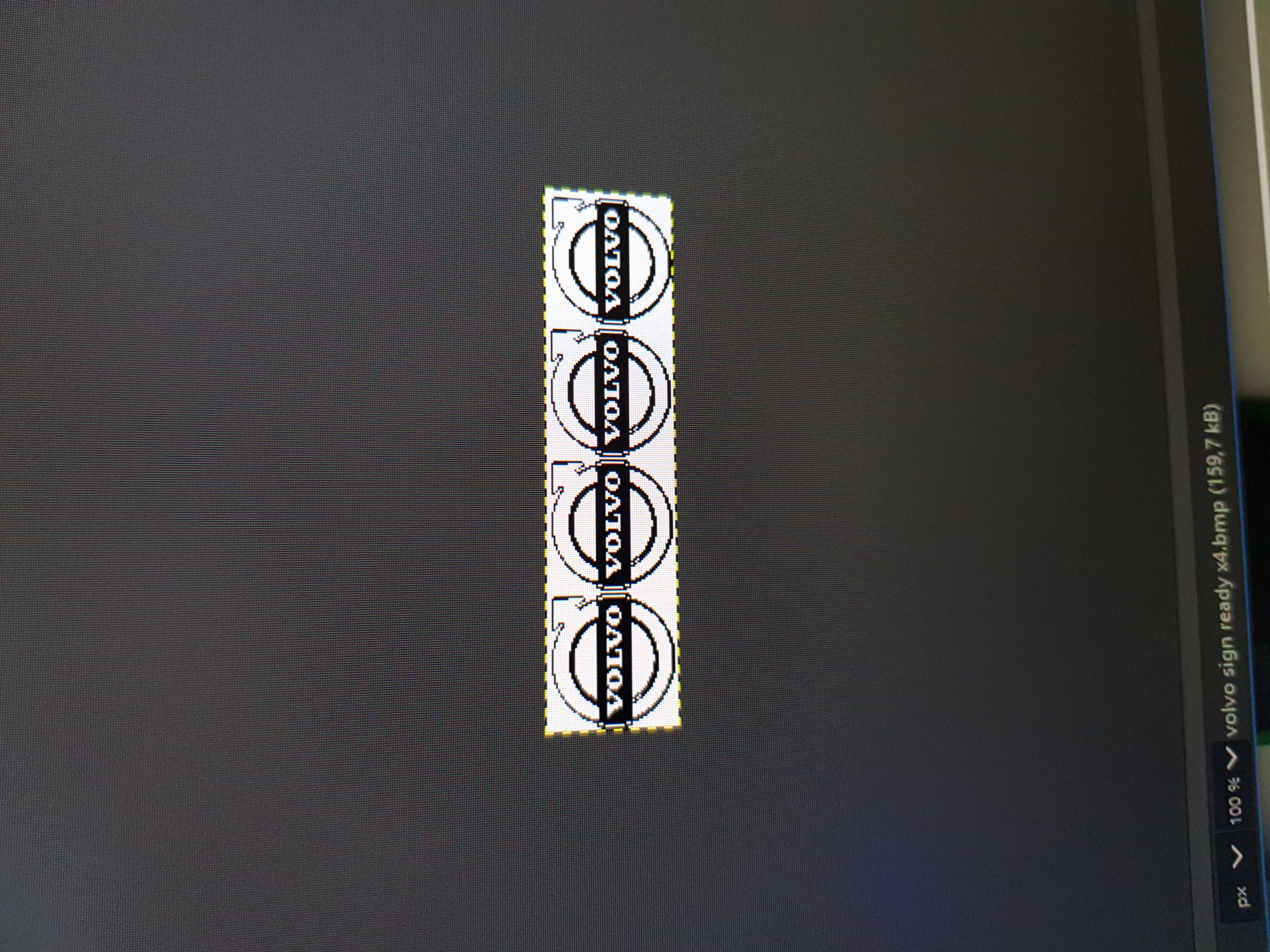
nothing on display..
but 192x64 works ok..
Could you tell me, where on this library is max resolution?
Or is a problem with something...
i will try other resolution...
edit:
max resolution is 248x64...fake oled??
250x64 and more do not work...
wchpikus
on 5 Nov 2018
max resolution is 248x64...fake oled??
250x64 and more do not work...
See here: https://github.com/olikraus/u8g2/wiki/u8g2setupcpp#16-bit-mode
You may need to enable 16 bit mode for u8g2 (see FAQ: https://github.com/olikraus/u8g2/blob/master/doc/faq.txt#L159)
olikraus
on 5 Nov 2018
hmm, oki i try:)
wchpikus
on 5 Nov 2018
ok, it is it:)
great thanks:)
So , only gimp and all works:)
wchpikus
on 5 Nov 2018
Related issues
 WaRZaT
·
3Comments
WaRZaT
·
3Comments
 idreamsi
·
7Comments
idreamsi
·
7Comments
 benjaminauer
·
6Comments
benjaminauer
·
6Comments
 ribasco
·
5Comments
ribasco
·
5Comments
 Bonnie12
·
6Comments
Bonnie12
·
6Comments