Twilio-video.js: iOS camera not streaming any video when using createLocalTracks()
- [x] I have verified that the issue occurs with the latest twilio-video.js release and is not marked as a known issue in the CHANGELOG.md.
- [x] I reviewed the Common Issues and open GitHub issues and verified that this report represents a potentially new issue.
- [x] I verified that the Quickstart application works in my environment.
- [x] I am not sharing any Personally Identifiable Information (PII)
or sensitive account information (API keys, credentials, etc.) when reporting this issue.
Code to reproduce the issue:
createLocalTracks({
        video: true
      }).then( localTrack => videoContainer.appendChild(localTrack.attach()) )
       .catch(error => console.error("Error in createLocalTracks:: ", error))
Expected behavior:
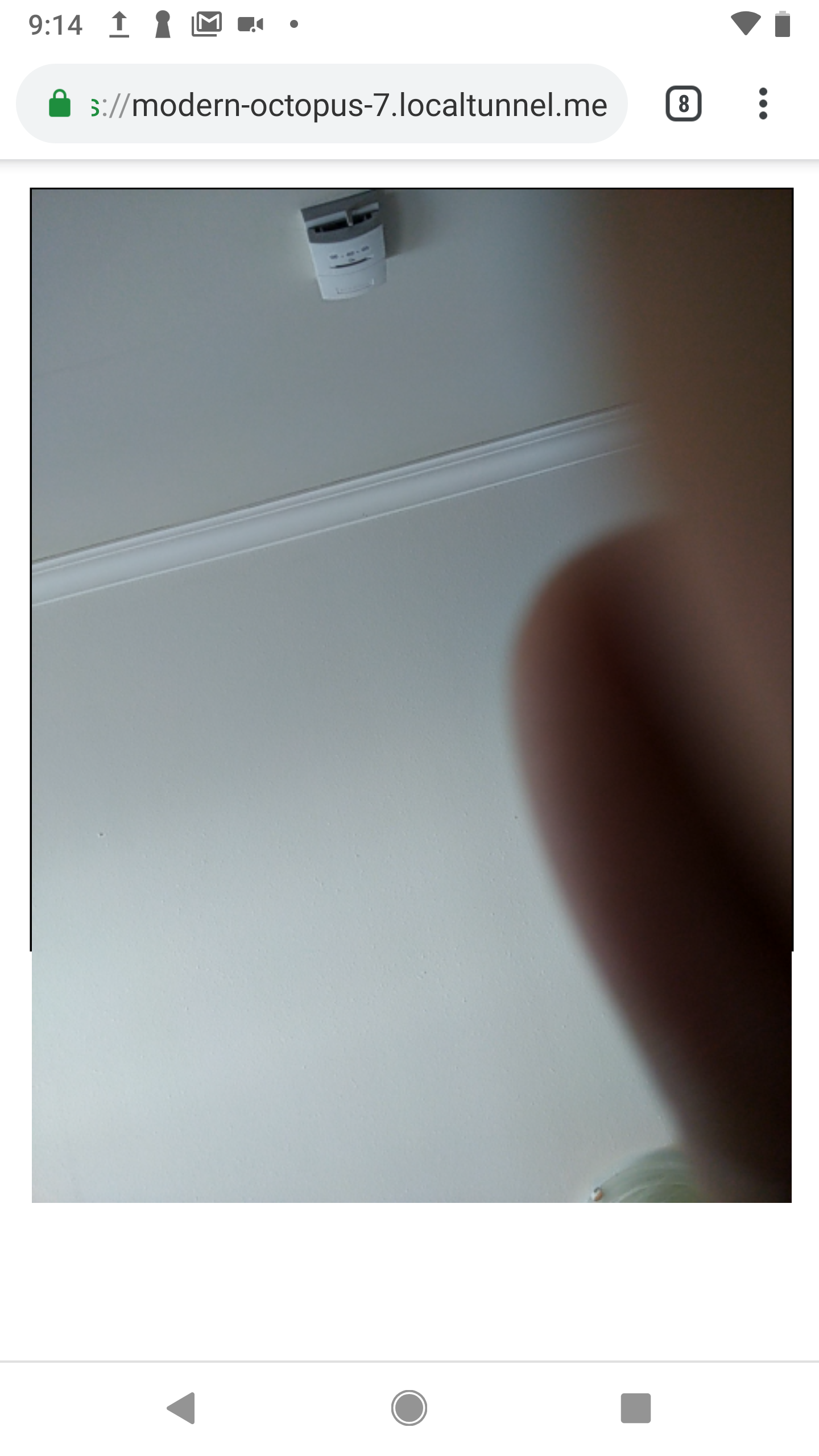
What is expected is that the user's local camera feed is displayed within the videoContainer element as shown above.
Actual behavior:
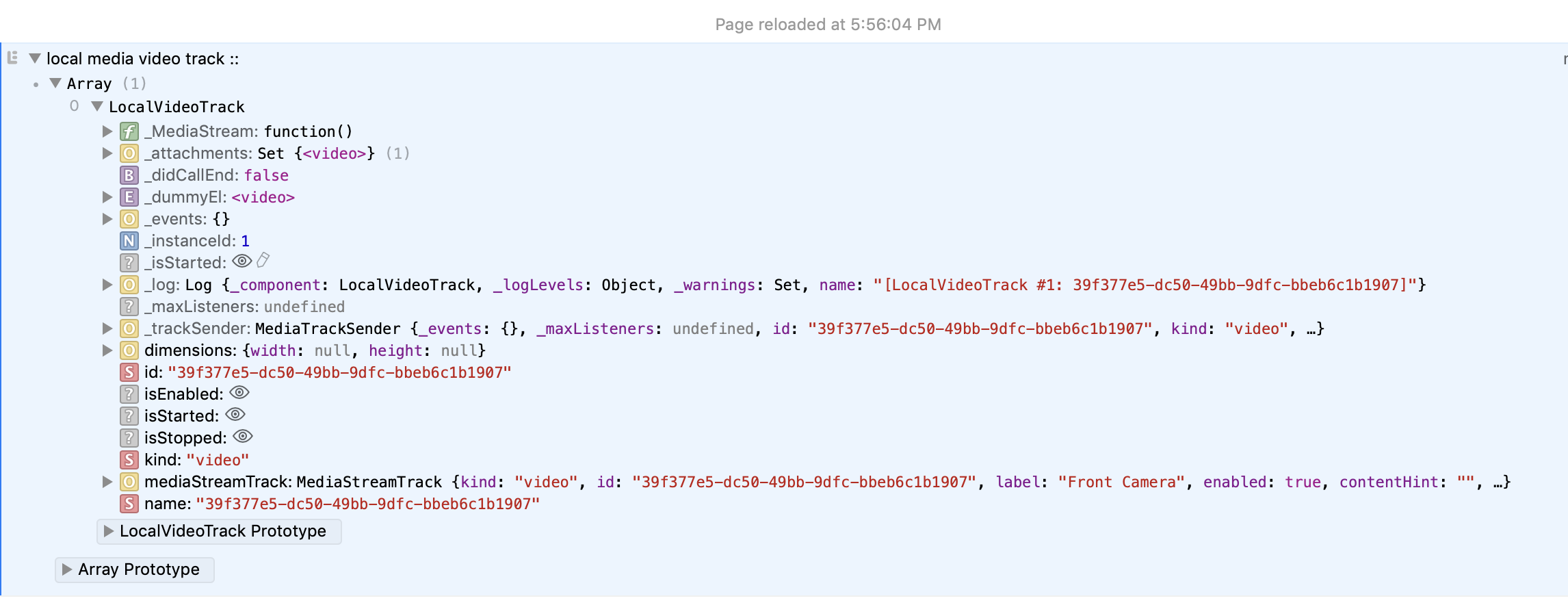
Here is a console log showing the LocalVideoTrack once the promise for createLocalTracks has been resolved:
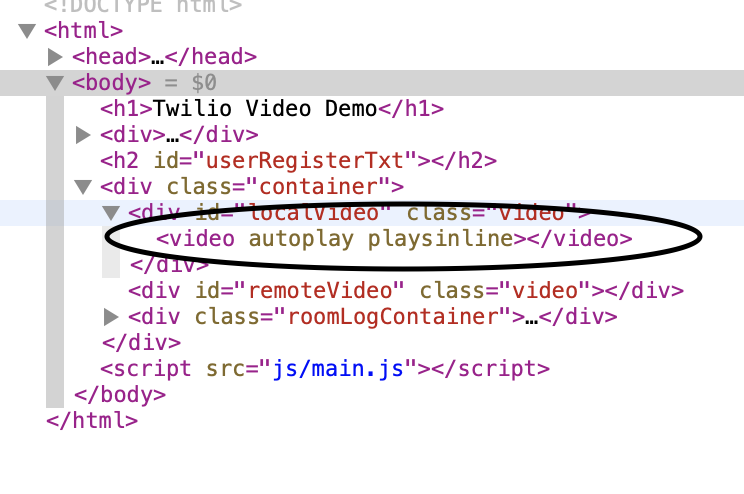
and here is what the DOM looks like once the track is attached:
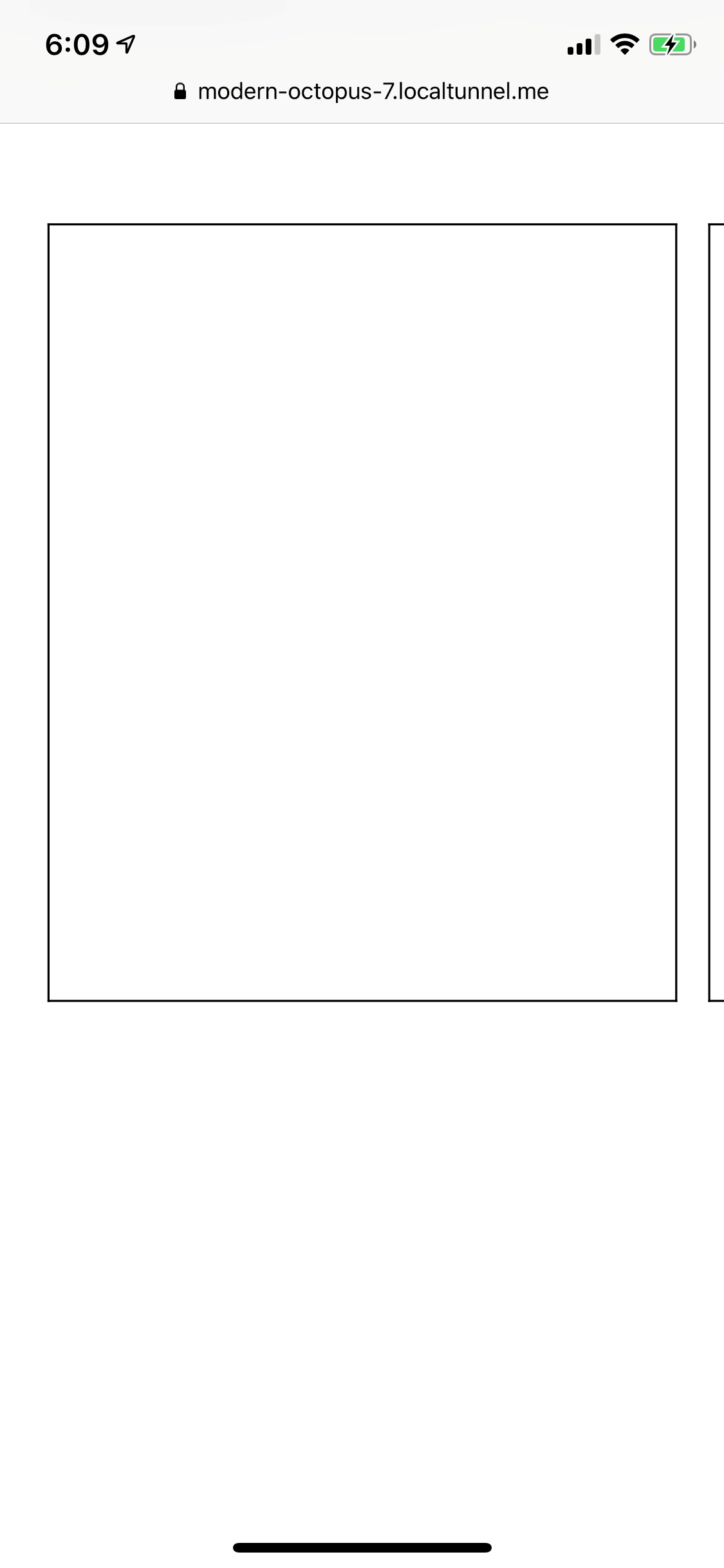
It looks like everything is fine, except there is no video actually showing on the screen:
Software versions:
- [x] Browser(s): Safari 12.3.1
- [x] Operating System: iOS 12.3.1
- [x] twilio-video.js: 2.0.0-beta11
- [] Third-party libraries (e.g., Angular, React, etc.): none
 antonlive
All 5 comments
Have been experiencing the same thing.
 FunDevMatt
on 29 Jun 2019
FunDevMatt
on 29 Jun 2019
Hi @antonlive , @FunDevMatt ,
Sorry for the delayed response. I think you might be hitting the browser's autoplay policy. Please see if you can get the video to render by muting the <video> element returned by localTrack.attach():
const video = localTrack.attach();
video.muted = true;
videoContainer.appendChild(video);
Please let me know if this works for you.
Thanks,
Manjesh Malavalli
JSDK Team
 manjeshbhargav
on 1 Jul 2019
manjeshbhargav
on 1 Jul 2019
@manjeshbhargav Thanks but I guess my issue a little different. The problem I am seeing is that everything is working completely fine with local tracks and remote tracks on laptops. However, if I make a video call from my phone to my laptop... my laptop will get a black screen instead of the phone video stream. From the phone, everything works correctly... I can see myself with the localtracks and I get the laptop stream. However from the laptop, I can only see myself.. and I get a black screen for the phone stream.
FunDevMatt
on 1 Jul 2019
Hi @FunDevMatt ,
I'm not sure how you are previewing your LocalVideoTrack, but my guess is you are creating a second LocalVideoTrack to preview your local video instead of reusing the LocalVideoTrack you already created when you joined a Room. On mobile browsers, only the most recently created LocalVideTrack will have access to the camera. So, I suggest that you preview the already created LocalVideoTrack like this:
const localVideoTrack = Array.from(room.localParticipant.videoTracks.values())[0].track;
videoContainer.appendChild(localVideoTrack.attach());
Let me know if this helps.
Thanks,
Manjesh Malavalli
JSDK Team
manjeshbhargav
on 1 Jul 2019
@manjeshbhargav that was it! Thank you so much
FunDevMatt
on 1 Jul 2019
Related issues
 andrewhl
·
5Comments
andrewhl
·
5Comments
 tapannathvani
·
5Comments
tapannathvani
·
5Comments
 anand-io
·
4Comments
anand-io
·
4Comments
 julien-l
·
4Comments
julien-l
·
4Comments
 kumail-raza
·
5Comments
kumail-raza
·
5Comments
Most helpful comment
Hi @FunDevMatt ,
I'm not sure how you are previewing your LocalVideoTrack, but my guess is you are creating a second LocalVideoTrack to preview your local video instead of reusing the LocalVideoTrack you already created when you joined a Room. On mobile browsers, only the most recently created LocalVideTrack will have access to the camera. So, I suggest that you preview the already created LocalVideoTrack like this:
Let me know if this helps.
Thanks,
Manjesh Malavalli
JSDK Team