Tutanota: Sending/receiving calendar invitations
 charlag
All 26 comments
Can these give options for both encrypted and non encrypted (i.e. to non Tutanota users) please?
 BJMabbett
on 22 Aug 2019
BJMabbett
on 22 Aug 2019
Just curious on the update for this feature. I'd also like to second the notion to have both encrypted (within Tutanota) and unencrypted (non-Tutanota users) calendar invites and acceptances, as BJMabbett suggested.
 gio-cefalu
on 23 Feb 2020
gio-cefalu
on 23 Feb 2020
It was mostly working but had some roughy edges, there were more pressuring issues so far so it's unfinished. Prototype version simply used email as transmission medium so you get both encrypted and unencrypted invites.
charlag
on 24 Feb 2020
Just checking for an update on this. Any chance we can see calendar invites sometime soon?
gio-cefalu
on 6 Aug 2020
Please don't ask here
We started testing it and we will release it this/next week
charlag
on 6 Aug 2020
- [x] We need to add EMAIL to attendees/organizer for interop
- [x] It is possible to add invite to rw shared calendar which should not be allowed, only personal calendars are allowed
charlag
on 7 Aug 2020
Calendar event popup does not use elevated_bg as background. It's not critical but not nice for the dark theme
charlag
on 10 Aug 2020
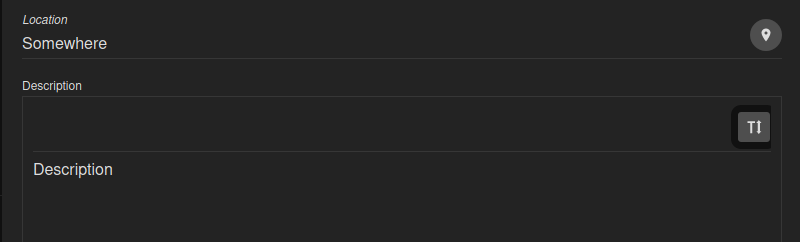
another issue with dark theme:
charlag
on 10 Aug 2020
I spradically get LockedErrors in an error dialog when the invited user receives the invitation:
error LockedErrorname: "LockedError"message: "423: MEMtcwt----0 | DELETE /rest/tutanota/calendareventupdate/MEMibmj----0/MEMtcjK--R-0"data: undefinedstack: "LockedError: 423: MEMtcwt----0 | DELETE /rest/tutanota/calendareventupdate/MEMibmj----0/MEMtcjK--R-0↵ at https://test.tutanota.com/common.js:1:250827↵ at XMLHttpRequest.xhr.onload (https://test.tutanota.com/worker.js:1:664744)"isOperational: true__proto__: TutanotaError
 armhub
on 10 Aug 2020
armhub
on 10 Aug 2020
If the organizer gets a reply while they have the event dialog open, is not updated. If organizer then saves, the old attendance status will be saved (and possibly sent out to invitees if organizer chooses to send updates).
 vitoreiji
on 10 Aug 2020
vitoreiji
on 10 Aug 2020
External invitees cannot change their minds about replies to confidential invitations.
vitoreiji
on 10 Aug 2020
Calendar event is not updated at recipient:
- Send invitation to one recipient for event 17:00-17:30.
- Change event time to 17:00-19:00 and send updates. Recipients gets another invitation.
- Accept initial invitation by recipient -> the event in the calendar shows 17:00-17:30
- Accept the second invitation by recipient -> the event in the calendar still shows 17:00-17:30
armhub
on 10 Aug 2020
I cannot reply to invitations from external users. I can save the event to my calendar but I cannot send my attendance status to the organizer.
EDIT: nevermind, domain name issues...
vitoreiji
on 10 Aug 2020
Empty password leads to an error when inviting
Also approval status check is not handled
charlag
on 10 Aug 2020
Auto-sizing does not work when there's not enough space
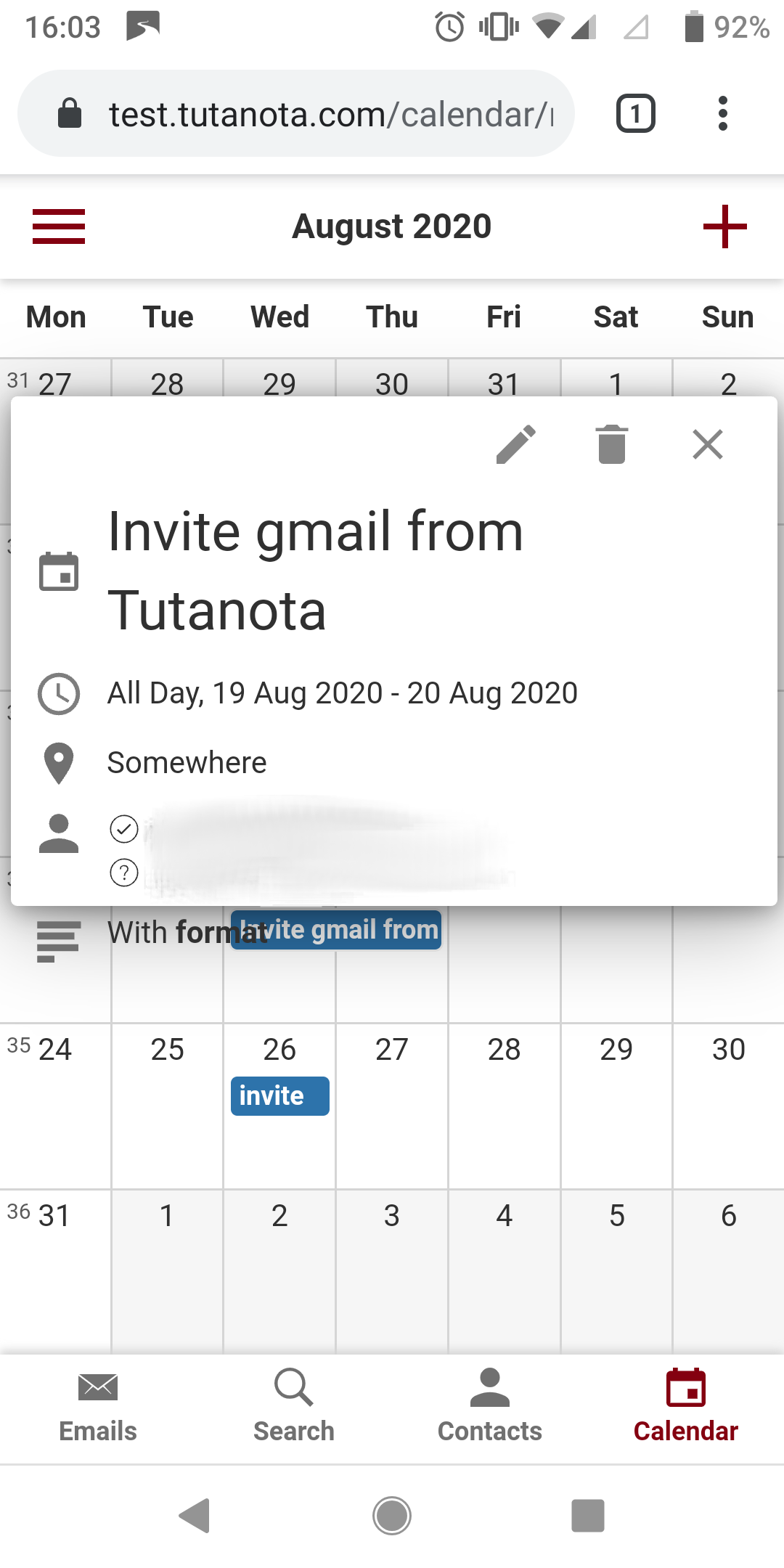
UPDATE: happens because we try to infer natural size of the element by rendering it invisibly and then animating to the correct size. When we do this initial render we don't take margin into account so then later when we apply our inferred size with margin, content overflows.
To reproduce: on screen with width < 400 px create event with multiline title, guests and description.
charlag
on 10 Aug 2020
see #2196
 mpfau
on 10 Aug 2020
mpfau
on 10 Aug 2020
I cannot remove the event from calendar, if I am the only guest
 vaf-hub
on 10 Aug 2020
vaf-hub
on 10 Aug 2020
Re-testing accepting invites with a changed event date:
- Send invitation to one recipient for event 17:00-17:30.
- Change event time to 17:00-19:00 and send updates. Recipient get another invitation.
- Accept initial invitation by recipient -> the event in the calendar shows 17:00-17:30
- Accept the second invitation by recipient -> BadRequestError
armhub
on 10 Aug 2020
Another bug:
- Create an event and invite a tutanota user as guest. Save.
- Edit event and add an external guest. Save.
- Either send out updates or not (it does not matter I think)
Upon saving (after handling the send-out-updates dialog) the encryption lock appears (red) and an error dialog opens: _Please provide an agreed password for each external recipient._
But we also have an uncaught error:
UserError
Error message: Please provide an agreed password for each external recipient.
Stacktrace:
UserError. Please provide an agreed password for each external recipient.
UserError@https://test.tutanota.com/main.js:1:1328369
value/</<@https://test.tutanota.com/main.js:1:917533
a@https://test.tutanota.com/libs.js:26:74251
vaf-hub
on 11 Aug 2020
@vaf-hub everything besides error dialog is intended, it's fixed in https://github.com/tutao/tutanota/commit/7c62f6e41e1b6714630770bc057f18eb1a2b4aa8 but we didn't merge it yet
charlag
on 11 Aug 2020
Another issue: Invitation replies from gmx do not update the calendar event in Tutanota.
armhub
on 11 Aug 2020
Tested out content overflow, there's a mistake for a few pixels, need to fix it again. Strange that it worked in one case but not in another.
charlag
on 11 Aug 2020
Re-testing accepting invites with a changed event date:
1. Send invitation to one recipient for event 17:00-17:30.

2. Change event time to 17:00-19:00 and send updates. Recipient get another invitation.

3. Accept initial invitation by recipient -> the event in the calendar shows 17:00-17:30

4. Accept the second invitation by recipient -> BadRequestError
This works now, both updating summary and updating time (different cases)
charlag
on 11 Aug 2020
Replies from gmx are not parsed correctly. This will be fixed with our next test release.
armhub
on 11 Aug 2020
Replies from gmx seem to work fine now.
armhub
on 11 Aug 2020
does this work for ios too?
 spiritloveroot
on 14 Aug 2020
spiritloveroot
on 14 Aug 2020
Related issues
 andy5995
·
6Comments
andy5995
·
6Comments
 leo-lb
·
6Comments
leo-lb
·
6Comments
 x80486
·
7Comments
x80486
·
7Comments
 geocfu
·
4Comments
geocfu
·
4Comments
 snaggen
·
9Comments
snaggen
·
9Comments
Most helpful comment
Can these give options for both encrypted and non encrypted (i.e. to non Tutanota users) please?