Tui.editor: Editor add `<br>` in code block when user press enter
Summary
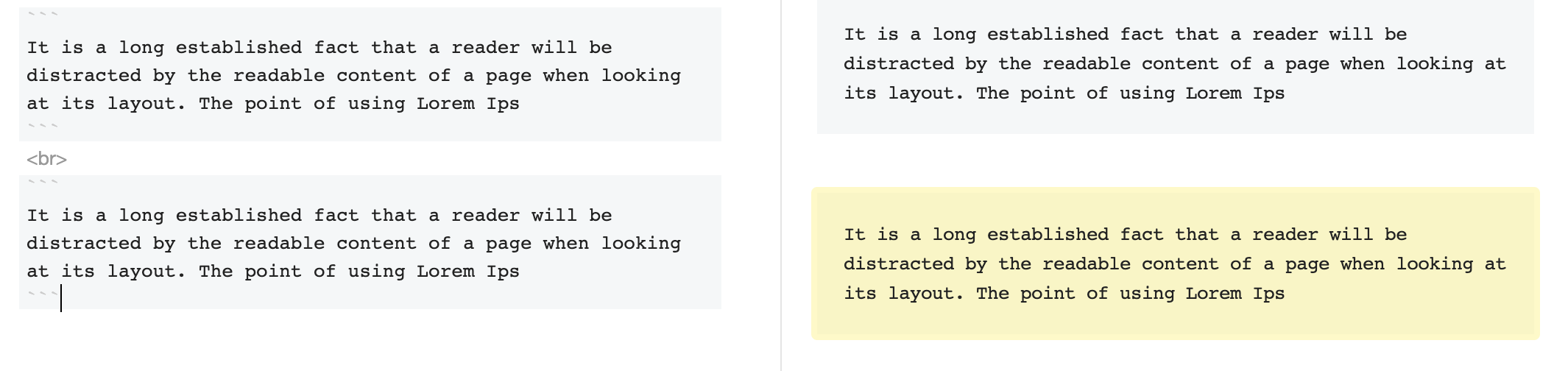
Why Editor add <br> when user enter with code block?
Screenshots
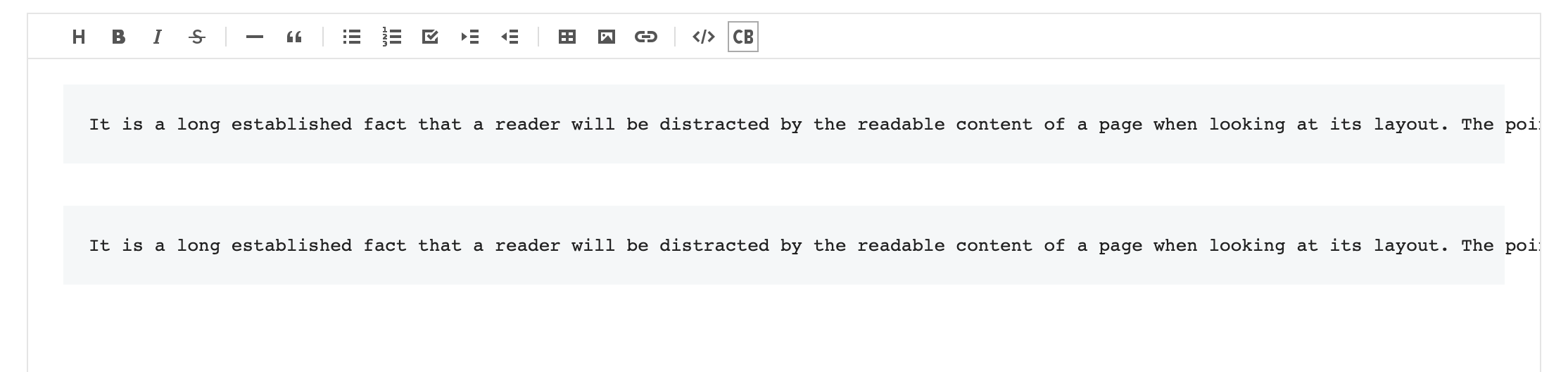
This is mode WTSIWYG:
This is mode Markdown:
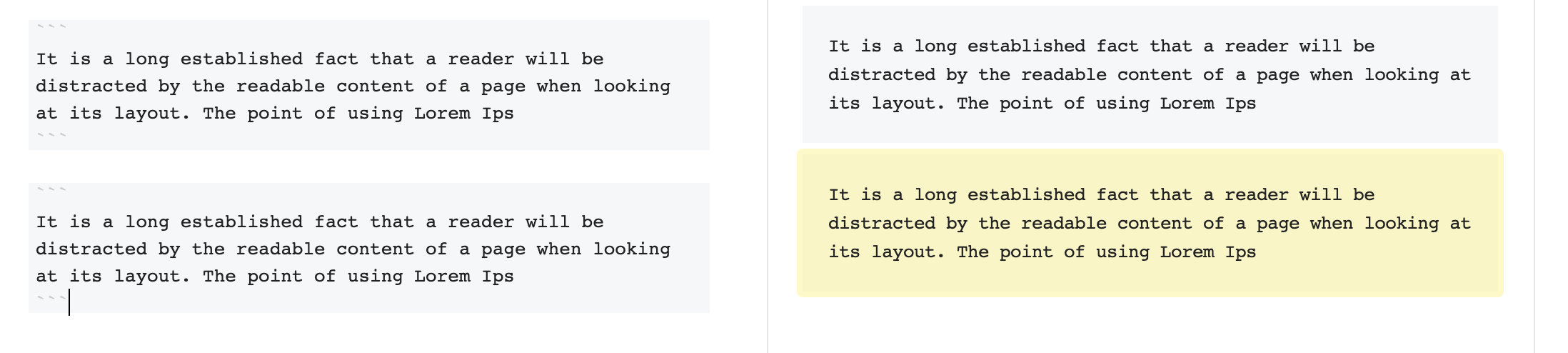
Actually: I wanna this ( no <br> in mode markdown ) :
Is that config for this?
Version
Lastest
Additional context
 ngthtung
All 6 comments
@ngthtung Added <br> to match different usability between WYSIWYG and Markdown. In WYSIWYG, an empty newline is added when you hit enter, and there is no way to keep the added newline when you convert it to WYSIWYG -> Markdown -> WYSIWYG.
Currently, the default specification is to add <br>, but we will discuss to add an option.
 seonim-ryu
on 28 Oct 2020
seonim-ryu
on 28 Oct 2020
@seonim-ryu Thank you. So this is a feature need to be discussed? I will close this issues?
ngthtung
on 28 Oct 2020
@seonim-ryu
These extra <br>s are problematic for things i'm using the editor for. For example when they get added before a markdown table you'll end up with output like
<br>
| Name |
| ---- |
which will render fine in your viewer, but if i take the output markdown and want to have it in a GitHub Readme, or run it through markedjs then the table won't be recognized.
 stephantabor
on 3 Nov 2020
stephantabor
on 3 Nov 2020
+1, I have same problem.
ngthtung
on 4 Nov 2020
This issue has been automatically marked as inactive because there hasn’t been much going on it lately. It is going to be closed after 7 days. Thanks!
![stale[bot] picture](https://avatars.githubusercontent.com/in/1724?v=4&s=40) stale[bot]
on 4 Dec 2020
stale[bot]
on 4 Dec 2020
This issue will be closed due to inactivity. Thanks for your contribution!
stale[bot]
on 12 Dec 2020
Related issues
 lovemine
·
4Comments
lovemine
·
4Comments
 Rorke76753
·
4Comments
Rorke76753
·
4Comments
 aarangara
·
3Comments
aarangara
·
3Comments
 igasparetto
·
4Comments
igasparetto
·
4Comments
 oguera
·
3Comments
oguera
·
3Comments
Most helpful comment
@seonim-ryu
These extra
<br>s are problematic for things i'm using the editor for. For example when they get added before a markdown table you'll end up with output likewhich will render fine in your viewer, but if i take the output markdown and want to have it in a GitHub Readme, or run it through
markedjsthen the table won't be recognized.