trilium version: 0.37.8
OS: Windows 10
I use the extension singlefile to download an all-in-one html, which can be rendered exactly as the original in the brower.
singlefile.zipI copy all the text to trilium as html note (which is quite slow for it's a large page containing more than 6M characters)
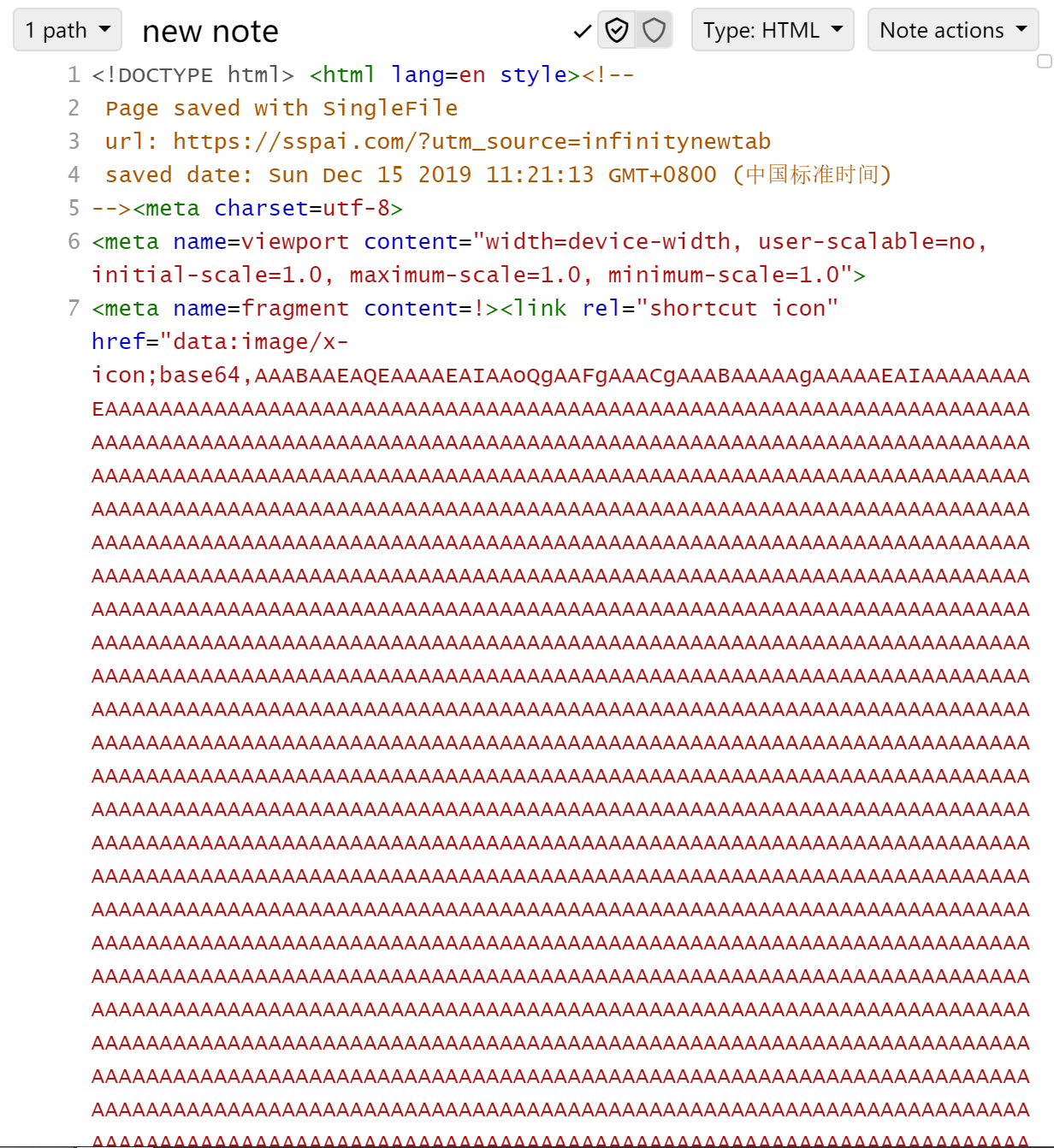
I create a render note to render the html , but the problem is that some elements are not in the scope of the note.

So is this a bug? Or am i wrong in which step?
_Plus: Is there any possibility that we can improve the performance of trilium? Every time I click on the large 'new note' I need to wait a few seconds so that the application can response to me._
 TTtrace
All 5 comments
Hi ! I have a similar usage for rendering note from singlefile.
Therefore, you will face issues if you try to embed singlefile html files directly, as they are made to be a standalone page. That's why i wrote singlefile2trilium, a hack composed of 2 scripts to automatically retrieve singlefile savings, embed them in an iframe suitable for trilium notes, and create render note and it's content on current day note.
Take a look here: https://github.com/nil0x42/singlefile2trilium
 nil0x42
on 15 Dec 2019
nil0x42
on 15 Dec 2019
Hi ! I have a similar usage for rendering note from singlefile.
Therefore, you will face issues if you try to embed singlefile html files directly, as they are made to be a standalone page. That's why i wrote singlefile2trilium, a hack composed of 2 scripts to automatically retrieve singlefile savings, embed them in an iframe suitable for trilium notes, and create render note and it's content on current day note.Tak a look at it: https://github.com/nil0x42/trilium-utils/blob/master/singlefile2trilium/README.md
Thank you a lot! But it doesn't work on my machine. I don't know why. Maybe it's a connection problem? Because I can't open trilium in 127.0.0.1:37840 yet.
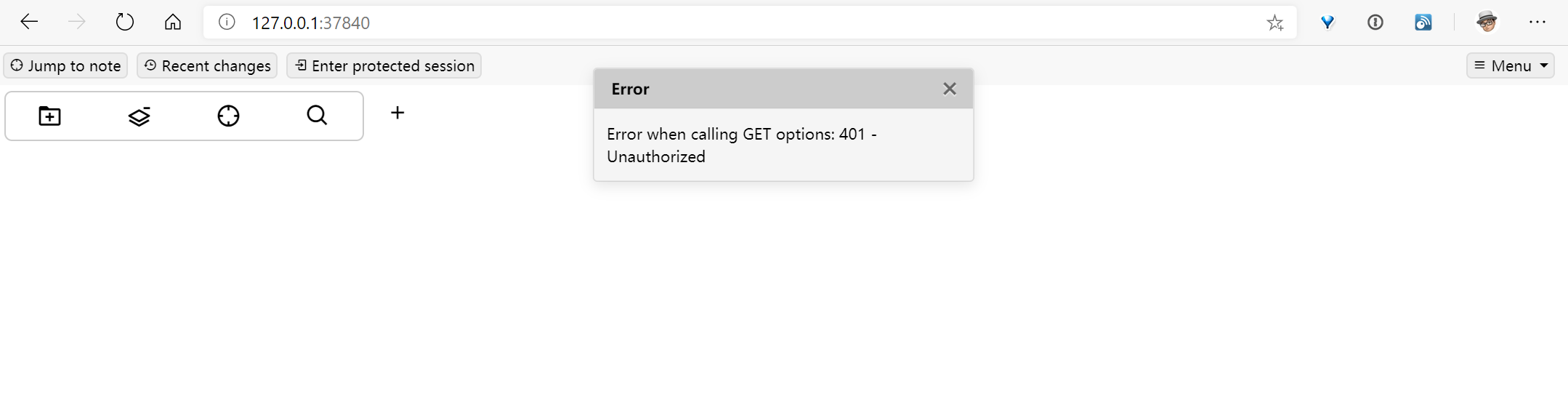
I should learn more about your scripts and the custom request handler so that I can debug this issue.
TTtrace
on 16 Dec 2019
I wonder if we should be putting these files in an iframe, that should keep the styling into the border.
 popey456963
on 2 Sep 2020
popey456963
on 2 Sep 2020
@popey456963 yeah, that's exactly what does singlefile2trilium:
 <script>
     var iframe = document.getElementById('r-iframe');

     function pageY(elem) {
         return elem.offsetParent ? (elem.offsetTop + pageY(elem.offsetParent)) : elem.offsetTop;
     }

     function resizeIframe() {
         var height = document.documentElement.clientHeight;
         height -= pageY(iframe) + 20 ;
         height = (height < 0) ? 0 : height;
         iframe.style.height = height + 'px';
     }

     iframe.onload = resizeIframe;
     window.onresize = resizeIframe;
 </script>

 <iframe id="r-iframe" style="width:100%" src="data:text/html;charset=utf-8,%%CONTENT%%" sandbox=""></iframe>
singlefile2trilium-handler.js#L5-L25
The extracted content is wrapped into an iframe.
But of course, implementing such thing directly into trilium could be useful (at least for me it would)
nil0x42
on 3 Sep 2020
@nil0x42 apologies, clearly didn't read your message closely enough.
popey456963
on 10 Sep 2020
Related issues
 apg-dev
·
5Comments
apg-dev
·
5Comments
 munavirch
·
5Comments
munavirch
·
5Comments
 wwalc
·
3Comments
apg-dev
·
5Comments
wwalc
·
3Comments
apg-dev
·
5Comments
 gerroon
·
5Comments
gerroon
·
5Comments